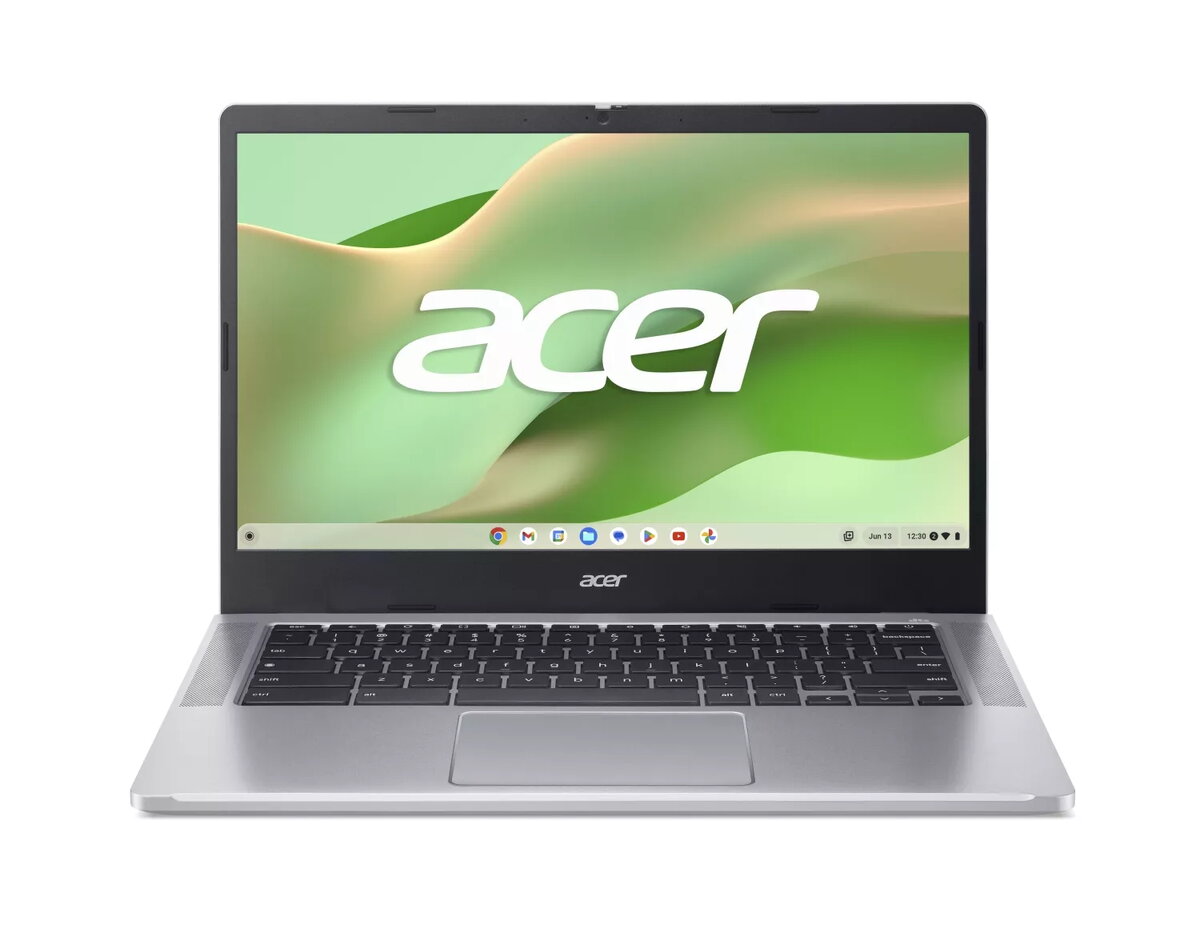
The Acer Chromebook 314 is a 14-inch laptop designed for everyday use, featuring an Intel N100 processor, 8GB of RAM and 128GB eMMC storage. Its Full HD screen and integrated UHD graphics deliver clear visuals for web browsing, video playback and office tasks, while Chrome OS provides a lightweight, secure environment with fast start-up and automatic updates. The chassis in silver offers a compact, portable profile suitable for commuting, study and light remote work.
Advantages
The combination of an Intel N100 processor with 8GB of memory provides responsive multitasking for typical productivity workflows such as document editing, web conferencing and multiple browser tabs. The 14" FHD display yields sharp text and usable screen area for spreadsheets and media. Solid-state eMMC storage ensures quiet operation and low power draw, while Chrome OS simplifies application management and security. The laptop’s lightweight construction and long battery life typical for Chromebooks support all-day mobile use.
Suitable for
- Students who need a portable device for lectures, research and homework.
- Office workers handling email, cloud documents and browser-based tools.
- Home users for streaming video, web browsing and light photo viewing.
- Users who prefer a simple, low-maintenance operating system with automatic updates and integrated Google services.
When it may not be suitable
This Chromebook is not intended for demanding professional applications such as high-end video editing, 3D rendering or modern PC gaming that require discrete graphics and high-performance CPUs. Storage is provided by 128GB eMMC, which is slower and offers less capacity than NVMe SSDs—users with large local media libraries or heavy local development environments may find the built-in storage limiting.
Key specifications
- Display: 14-inch Full HD (1920 x 1080) panel
- Processor: Intel N100
- Memory: 8GB RAM
- Storage: 128GB eMMC
- Graphics: Integrated UHD graphics
- Operating system: Chrome OS
- Color and build: Silver, lightweight chassis
How to use
Power on the Chromebook and sign in with a Google account to synchronise files, bookmarks and settings. Use the Chrome browser and install Android or web apps from the Google Play Store and Chrome Web Store as needed. For document work, rely on Google Docs, Sheets and Slides or web-based office suites; for media playback use the built-in player or streaming services. Manage storage by keeping files in Google Drive or using external storage devices if local space approaches capacity.
What to consider before purchase
- Assess whether 128GB eMMC storage meets your local file needs or if you will rely primarily on cloud storage.
- Consider whether the Intel N100 and integrated graphics are sufficient for your intended apps and multitasking level.
- Check for required ports and wireless connectivity to ensure compatibility with peripherals and networks.
- Confirm Chrome OS compatibility with any specialized software you need to run.
Usage recommendations
For best everyday performance keep the OS updated, store large files in cloud services, and close unused browser tabs or background apps. Use a microSD card or external drive if you need extra local storage, and enable power-saving settings when mobile to extend battery life.