

Filters you can trust. Pure water every day.
In cart {{totalProductsCount}} item(s)
Your cart is empty
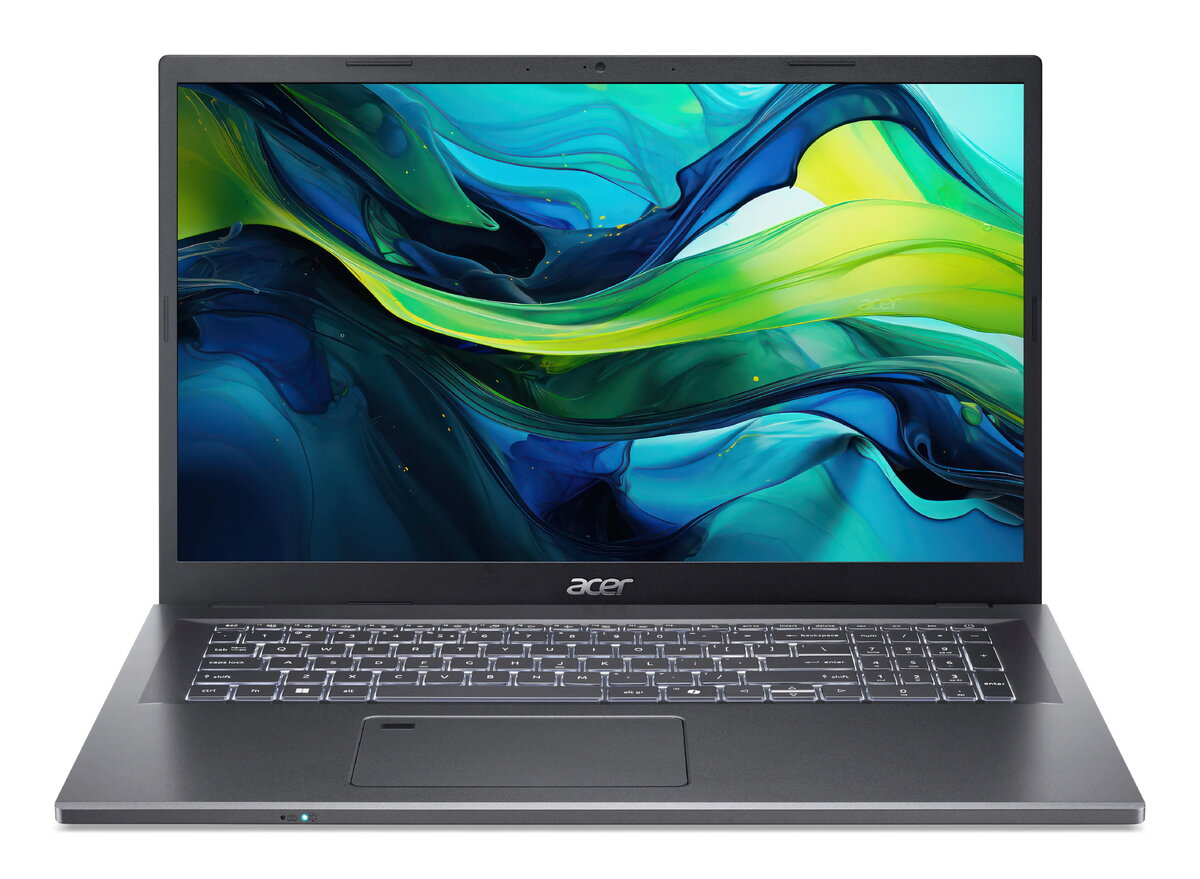
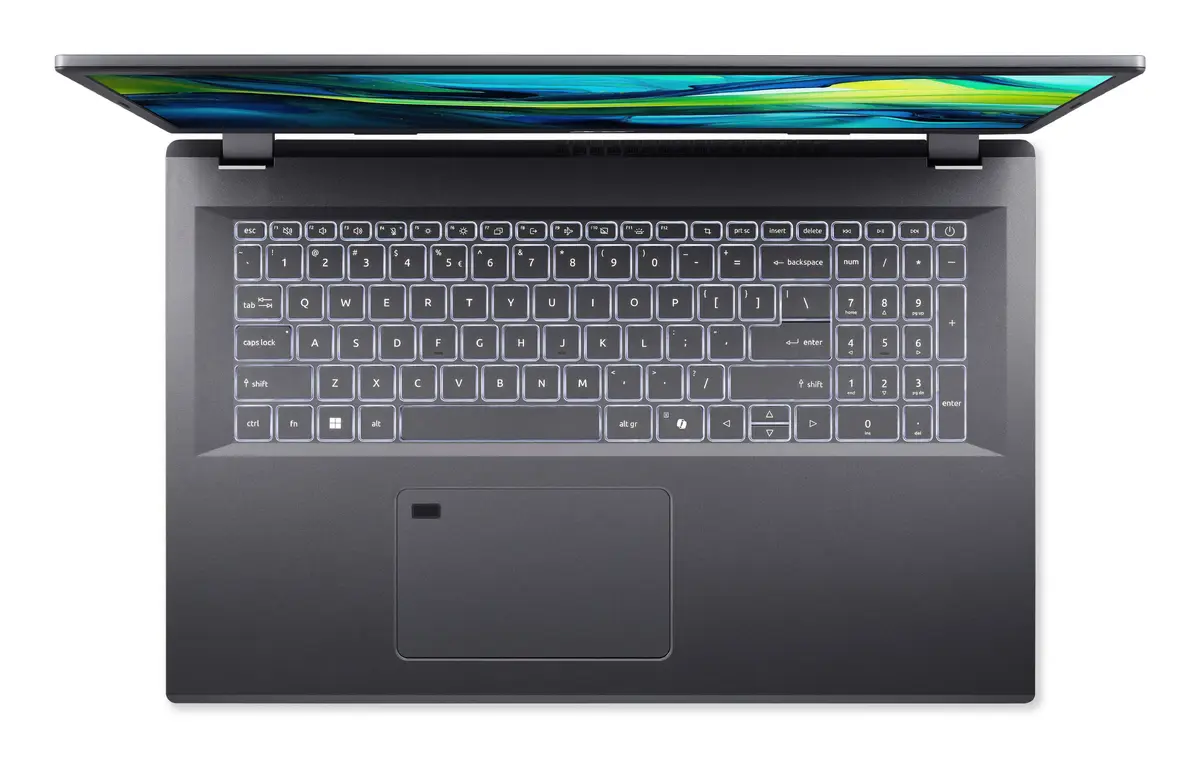
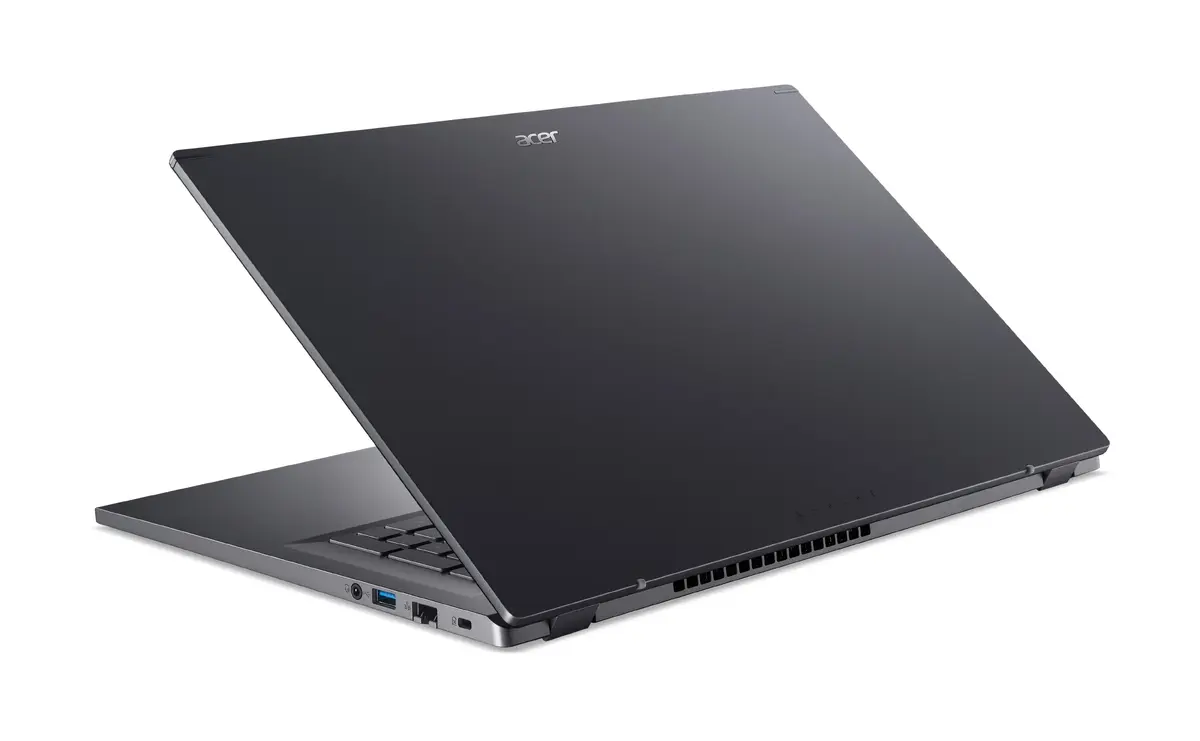
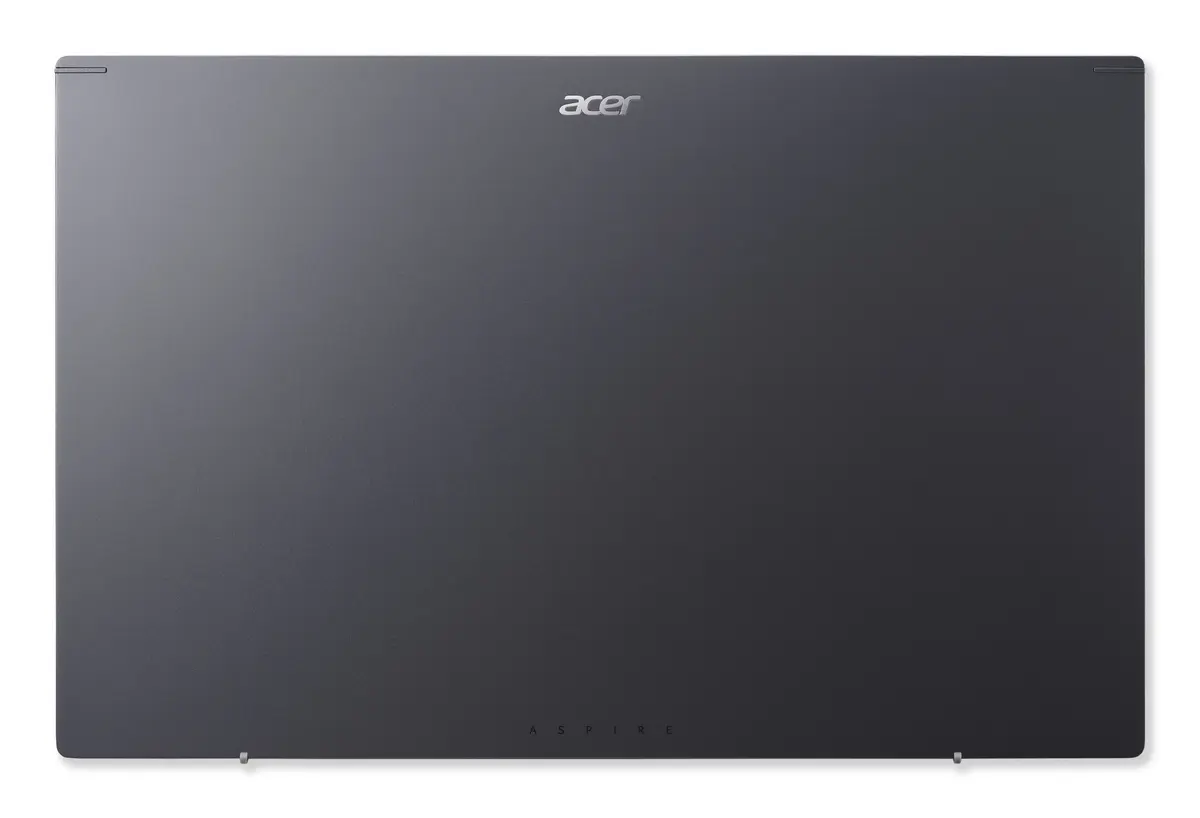
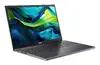
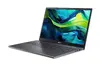
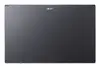
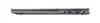
Laptop Acer Aspire 17 A17-51M-519P 17.3" French AZERTY layout
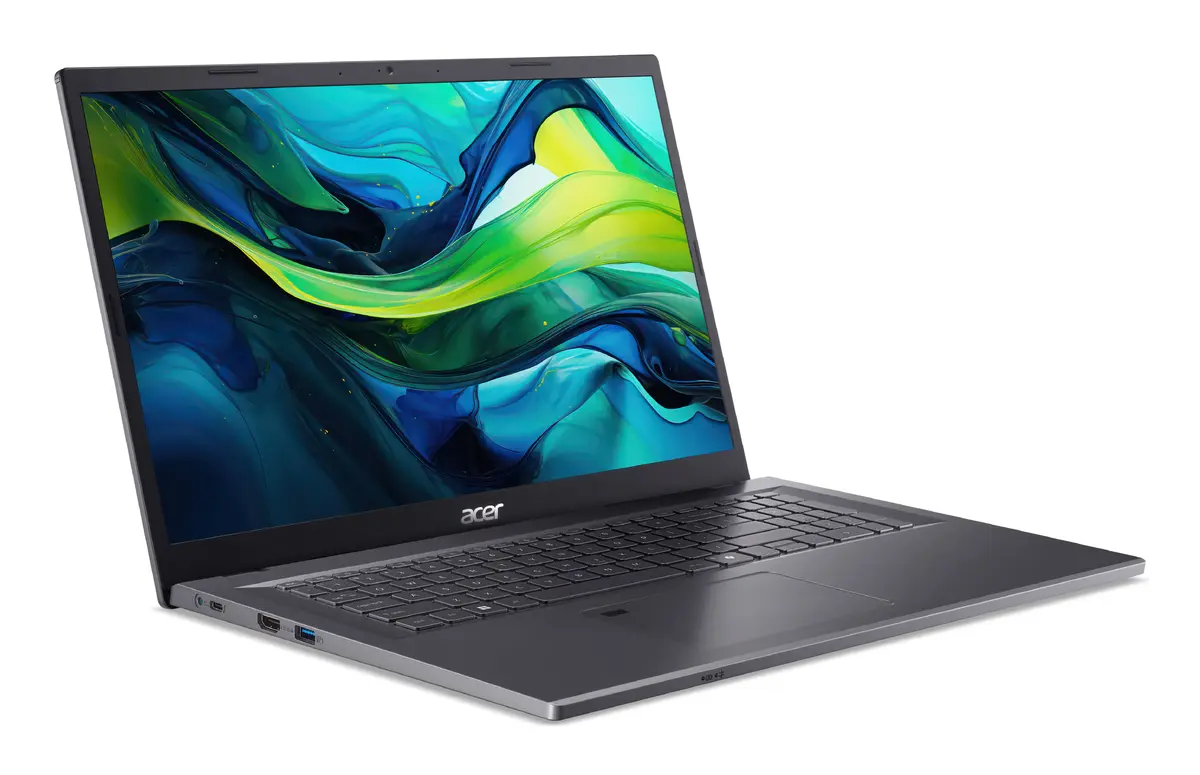
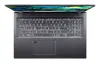
The Laptop Acer Aspire 17 A17-51M-519P 17.3" French AZERTY layout is a 17.3-inch clamshell laptop configured with a French AZERTY keyboard for native French input. Designed for users who prioritise a large display and regional keyboard, this Aspire model combines a spacious Full HD IPS screen with modern connectivity and system features. It includes Intel Core processing, integrated Intel graphics, LPDDR5 memory and a fast NVMe SSD, delivering balanced performance for everyday productivity, multimedia playback and document work.
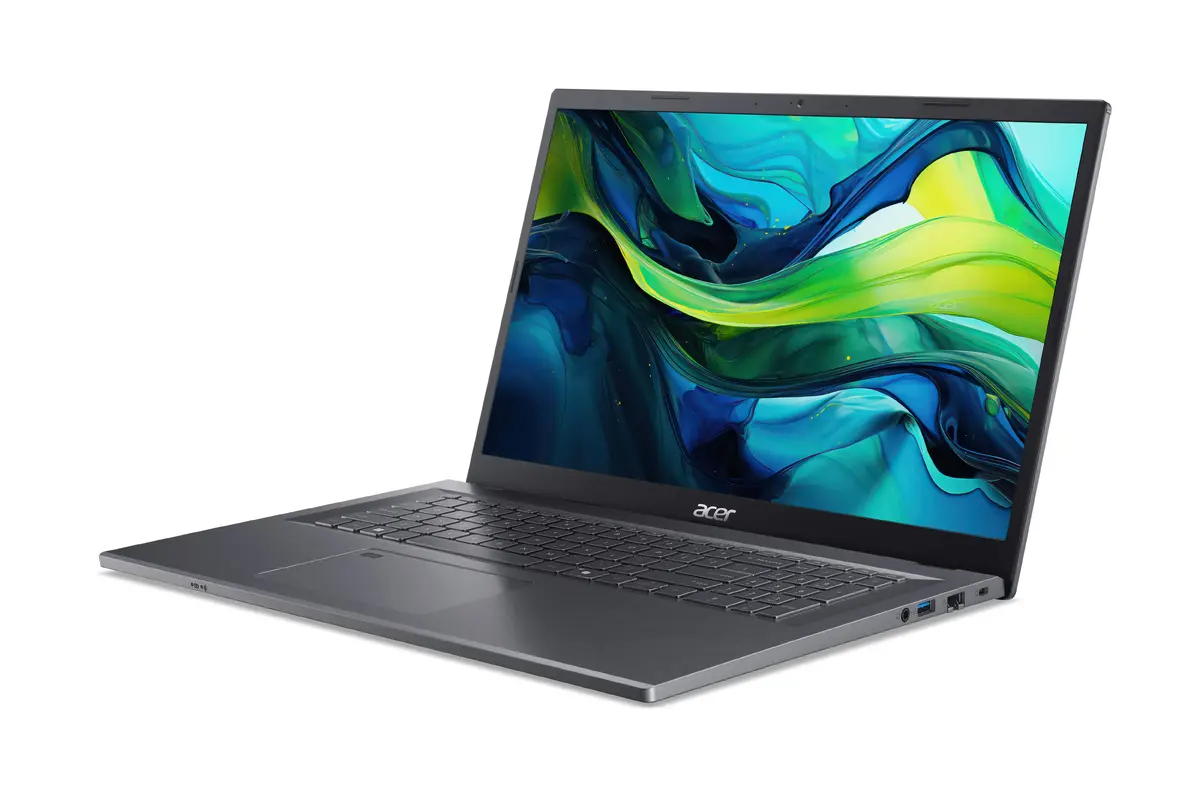
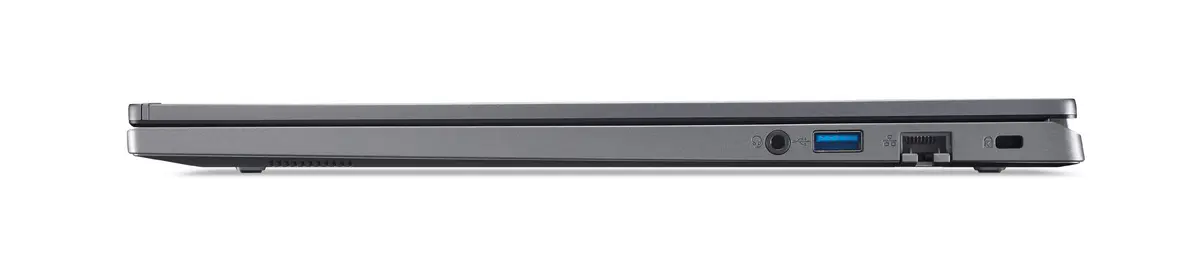
This laptop offers a large 17.3" Full HD IPS display that provides wide viewing angles and a matte finish to reduce glare during extended use. The French AZERTY keyboard layout ensures accurate and efficient typing for French-speaking users. Modern memory and storage technologies (LPDDR5 RAM and SSD) enable responsive system performance and fast application loading. Built-in wireless standards and a range of I/O ports support connectivity for peripherals and external displays. Battery capacity and energy-efficient components aim to provide practical runtime for typical office and study sessions.
Set up the laptop by connecting the power adapter and performing the initial Windows 11 configuration. Use the French AZERTY keyboard for regional input and configure language and keyboard settings in Windows if needed. Open system settings to check display, power and wireless configurations. For best performance, keep the operating system and drivers up to date via Windows Update and Acer utility software. Store important files on the onboard SSD or configure cloud backup for redundancy.
For balanced performance and longer battery life, select a power mode appropriate to your task: choose Performance when running demanding applications and Normal or Silent mode for routine office work. Use the matte IPS display in well-lit environments to reduce reflections, and connect to external displays or peripherals through available HDMI or USB‑C/Thunderbolt-compatible ports for extended workspace. Regularly update firmware and drivers and follow manufacturer guidance for battery charging cycles to maintain long-term reliability.
{{highlightedFeature.featureTitle}}:
{{getProductFeatureValueById(product, highlightedFeature.featureId)}}
{{ productComparisonGenerationError }}