
Leave your address - as soon as the price of the product goes down, you'll know about it right away
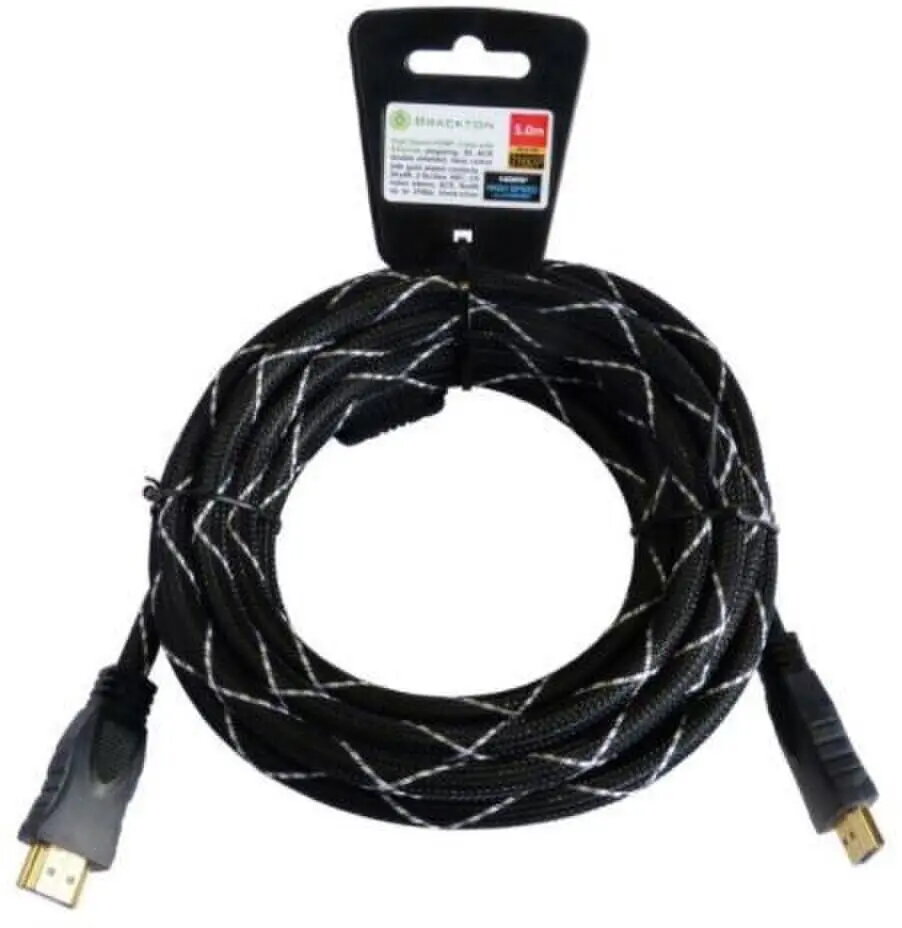
HDMI cable ADAPTEC HDE-BKR-0150.BS 1.5 m, HDMI–HDMI, supports 4K
In cart {{totalProductsCount}} item(s)
Your cart is empty
HDMI cable ADAPTEC HDE-BKR-0150.BS 1.5 m, HDMI–HDMI, supports 4K
Leave your address - as soon as the price of the product goes down, you'll know about it right away
HDMI cable ADAPTEC HDE-BKR-0150.BS 1.5 m, HDMI–HDMI, supports 4K
ADAPTEC HDE-BKR-0150.BS is a 1.5 m HDMI–HDMI cable designed to create a direct digital connection between HDMI-equipped devices. It supports 4K resolution, carrying both video and audio signals over a single lead. The cable is intended for short to mid-length installations where reliable transmission of high-definition content is required, such as connecting TVs, monitors, projectors and AV receivers.
The cable provides a single-cable solution for transmitting high-definition video and multichannel audio, reducing clutter and simplifying connections. Its 1.5 m length fits typical home entertainment and workplace setups that require a close-range connection without excess cable. The construction ensures consistent signal integrity for 4K content and maintains compatibility with standard HDMI ports on consumer electronics.
Connect one end of the HDMI cable to the HDMI output of the source device (for example, a Blu-ray player, laptop or streaming box) and plug the other end into the HDMI input on the display device (TV, monitor or projector) or AV receiver. Ensure both devices are powered on and set the display to the correct HDMI input. If necessary, adjust the source device video output settings to match the display's supported resolution (up to 4K).
For best results, avoid tightly bending the cable or routing it near strong electromagnetic sources. Use the 1.5 m length for close-range connections to minimize signal loss and maintain 4K performance. When connecting through AV receivers or switchers, verify their supported resolutions and HDMI specifications to ensure full compatibility.
{{highlightedFeature.featureTitle}}:
{{getProductFeatureValueById(product, highlightedFeature.featureId)}}
