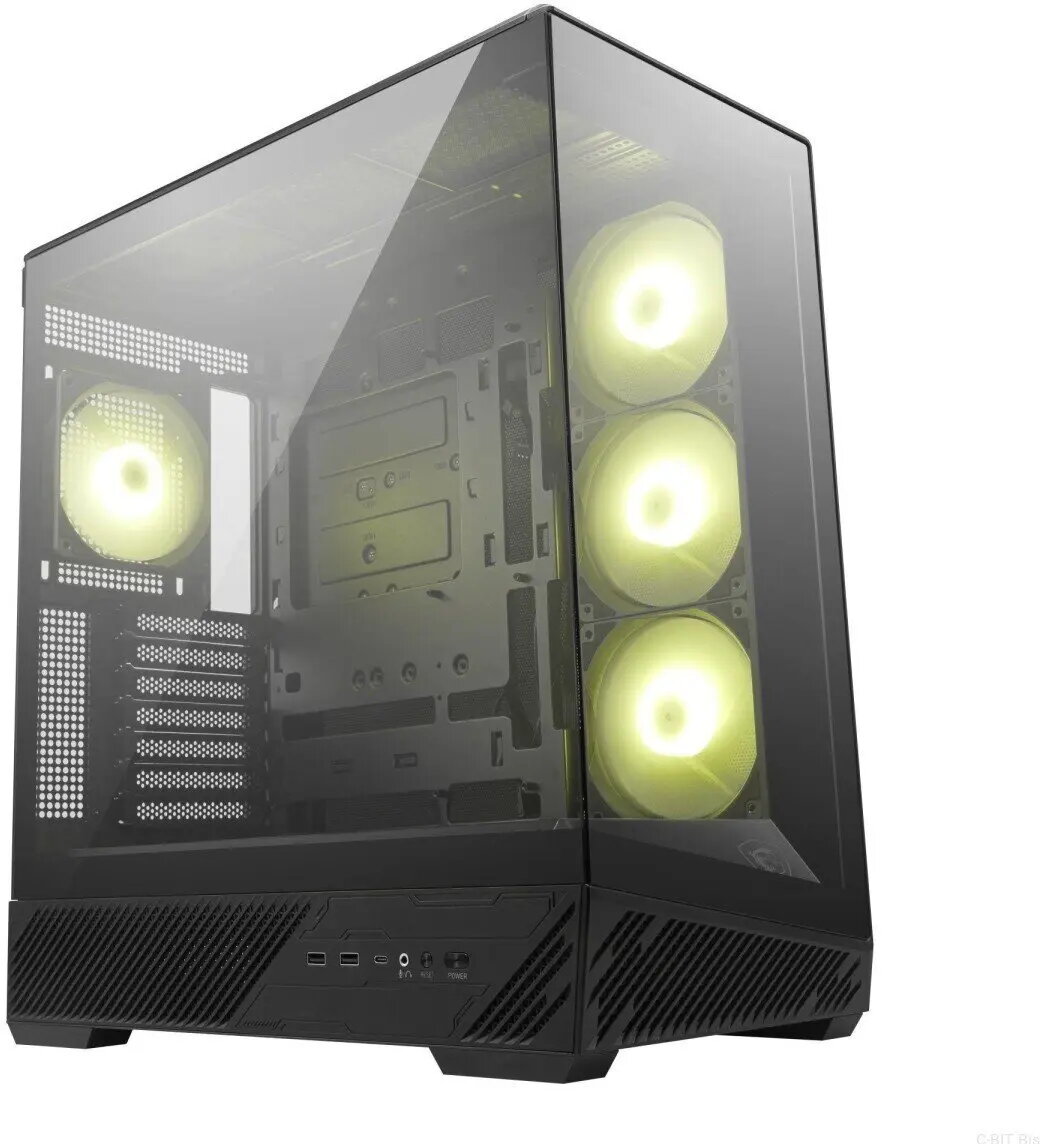
The Adax DRACO SUPREME WXIHC14700F is a high-performance desktop PC built around an Intel Core i7-14700F processor and Z790 chipset. This configuration pairs 64GB of DDR5 memory with a 1TB solid-state drive and an NVIDIA GeForce RTX 4090 graphics card with 24GB of VRAM. The system includes onboard Wi‑Fi and Bluetooth connectivity and ships with Windows 11 Pro, providing a ready-to-use workstation suitable for compute-intensive tasks such as 3D rendering, video editing and demanding gaming.
Advantages
The combination of a modern multi‑core Intel CPU, large-capacity DDR5 RAM and an RTX 4090 GPU delivers substantial processing power for parallel workloads, GPU-accelerated rendering and realtime graphics. A fast 1TB SSD offers quick system boot and reduced project load times, while onboard wireless connectivity and Windows 11 Pro ensure compatibility with common network environments and professional software. The build is focused on sustained performance and expandability for future upgrades.
Suitable for
- 3D modelling and GPU-accelerated rendering workflows
- Professional video editing and colour grading
- High-resolution gaming and VR applications
- Scientific computing and machine learning development
- Multitasking and software development with large datasets
When it may not be suitable
This desktop is designed for high-performance use and may be excessive for basic office tasks, general web browsing or light media consumption where lower-spec systems are more cost-effective. It is also a large-power system that may require an appropriate power supply, cooling and a compatible workspace; if you need a compact, ultra-low-power or fanless system, this configuration may not be the best fit.
Key specifications
- Processor: Intel Core i7-14700F (multi-core desktop CPU)
- Chipset: Intel Z790
- Memory: 64GB DDR5 RAM
- Storage: 1TB solid-state drive (NVMe SSD)
- Graphics: NVIDIA GeForce RTX 4090 with 24GB video memory
- Networking: onboard Wi‑Fi and Bluetooth
- Operating system: Windows 11 Pro preinstalled
How to use
Unpack the system and place it on a stable, well-ventilated surface. Connect the display, keyboard, mouse and network as required, then connect the power and perform the initial Windows 11 Pro setup following on-screen prompts. Install or update GPU drivers from the GPU vendor to ensure optimal performance for graphics and compute workloads. For professional applications, configure software to use the discrete GPU and adjust power or thermal profiles through the system or BIOS settings when necessary.
What to consider before purchase
- Confirm your monitor and peripherals are compatible with the output ports and desired resolutions.
- Ensure your workspace and power circuit can support a high-performance desktop and its cooling requirements.
- Consider storage expansion or backup strategy if you work with very large projects or datasets.
- Verify software licensing and compatibility with Windows 11 Pro and the installed hardware.
Usage recommendations
For sustained GPU workloads like long renders or machine learning training, ensure adequate case airflow and monitor GPU temperatures. Keep drivers and system firmware up to date and adopt a backup routine for important projects. When gaming or rendering, set application preferences to leverage the RTX 4090 and enable hardware acceleration where available.