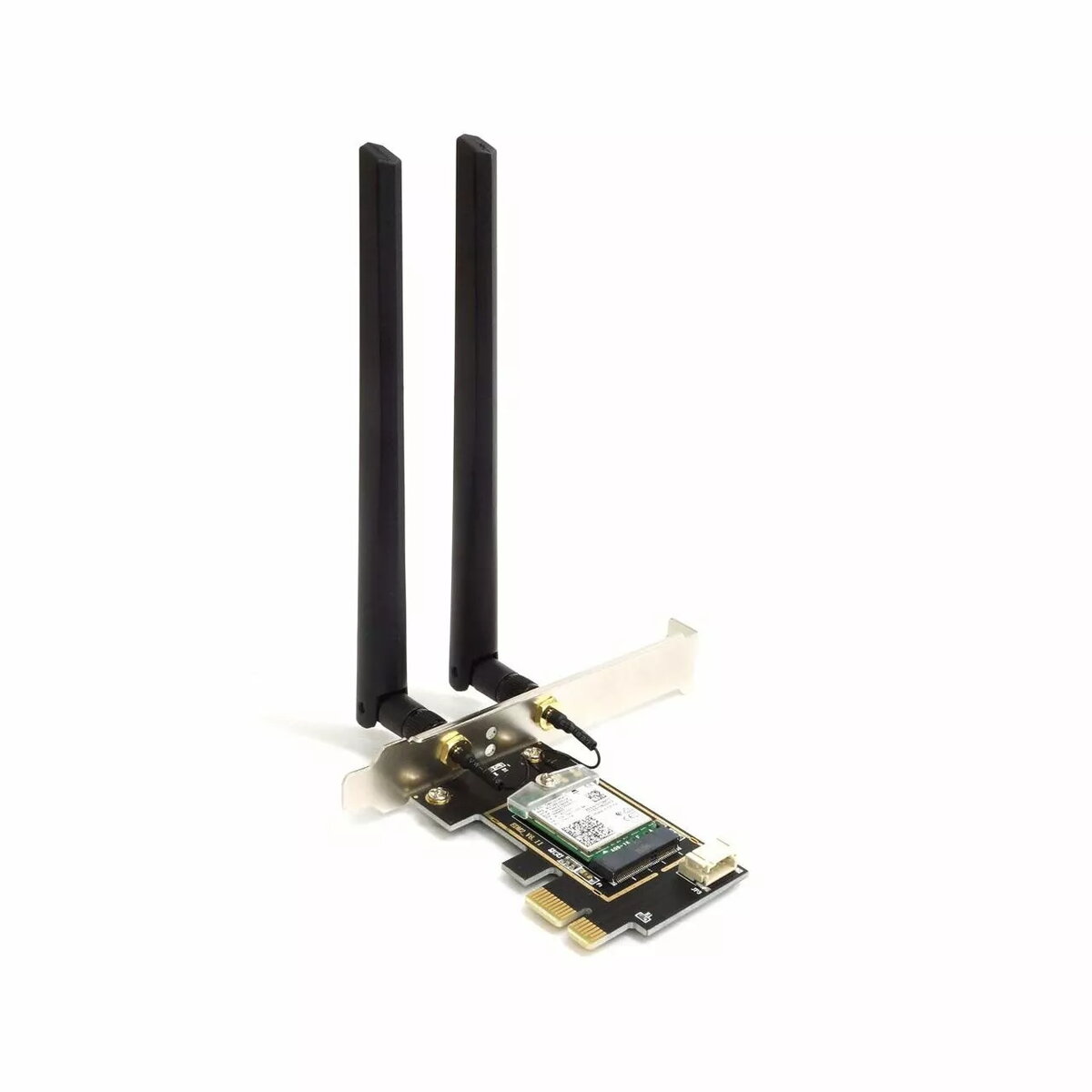
The alfa network AIT-AX210 PCIe Dual Band 6E card is a desktop Wi‑Fi adapter that brings Wi‑Fi 6E connectivity to systems with an available PCIe slot. It supports operation across the 6 GHz band in addition to the established 2.4 GHz and 5 GHz bands, and includes a detachable dipole antenna to improve signal reception and range. The card is intended for desktop users who need higher throughput, lower latency and reliable wireless links for typical home and office tasks.
Advantages
This PCIe Wi‑Fi adapter offers multi-band operation including the new 6 GHz band for increased capacity and less congestion compared with legacy bands. The included dipole antenna helps optimise signal reception and directional coverage in small to medium indoor environments. Designed for direct installation into a desktop PCIe slot, the card provides a fixed, low-latency wireless connection suitable for bandwidth‑demanding activities while avoiding the need for an external USB adapter.
Suitable for
- Desktop systems requiring Wi‑Fi 6E connectivity and higher throughput
- Low‑latency online gaming and real‑time communication
- Streaming high-definition video and large file transfers over Wi‑Fi
- Home or small office wireless networking where 6 GHz band is available
When it may not be suitable
The card requires an internal PCIe slot and a compatible desktop chassis; it is not suitable for laptops or devices without available PCIe interfaces. If the local regulatory environment or the router/access point in use does not support the 6 GHz band, the benefit of Wi‑Fi 6E will be limited and the adapter will operate on 2.4 GHz and 5 GHz only.
Key specifications
- Form factor: PCIe card for desktop installation
- Wireless standards: Wi‑Fi 6E (IEEE 802.11ax) compatible operation across 6 GHz, 5 GHz and 2.4 GHz bands
- Antennas: External dipole antenna included for improved reception
- Typical use: High throughput and low‑latency wireless networking
How to use
Install the card in an available PCIe slot inside the desktop, secure it to the chassis and attach the supplied dipole antenna. After powering on the system, install any required drivers or software provided by the operating system or manufacturer to enable the adapter. Use the operating system network manager to scan for available networks and connect to the desired SSID; select the appropriate Wi‑Fi band based on router capabilities and regulatory availability.
What to consider before purchase
- Ensure your desktop has an available PCIe slot and sufficient internal space for installation
- Check whether your router or access point and local regulations support the 6 GHz band
- Confirm driver support for your operating system to guarantee compatibility
Usage recommendations
For best performance, place the desktop and antenna clear of large metal objects and sources of interference, ensure your router supports Wi‑Fi 6E to utilise 6 GHz channels, and keep drivers up to date to maintain stability and security.