


ALOGIC DUTHD Universal Twin HD Laptop Docking Station USB-C

Short description


Cheapest delivery:
Unisend LV

Esto — pay in 6 equal parts
Product information
Description
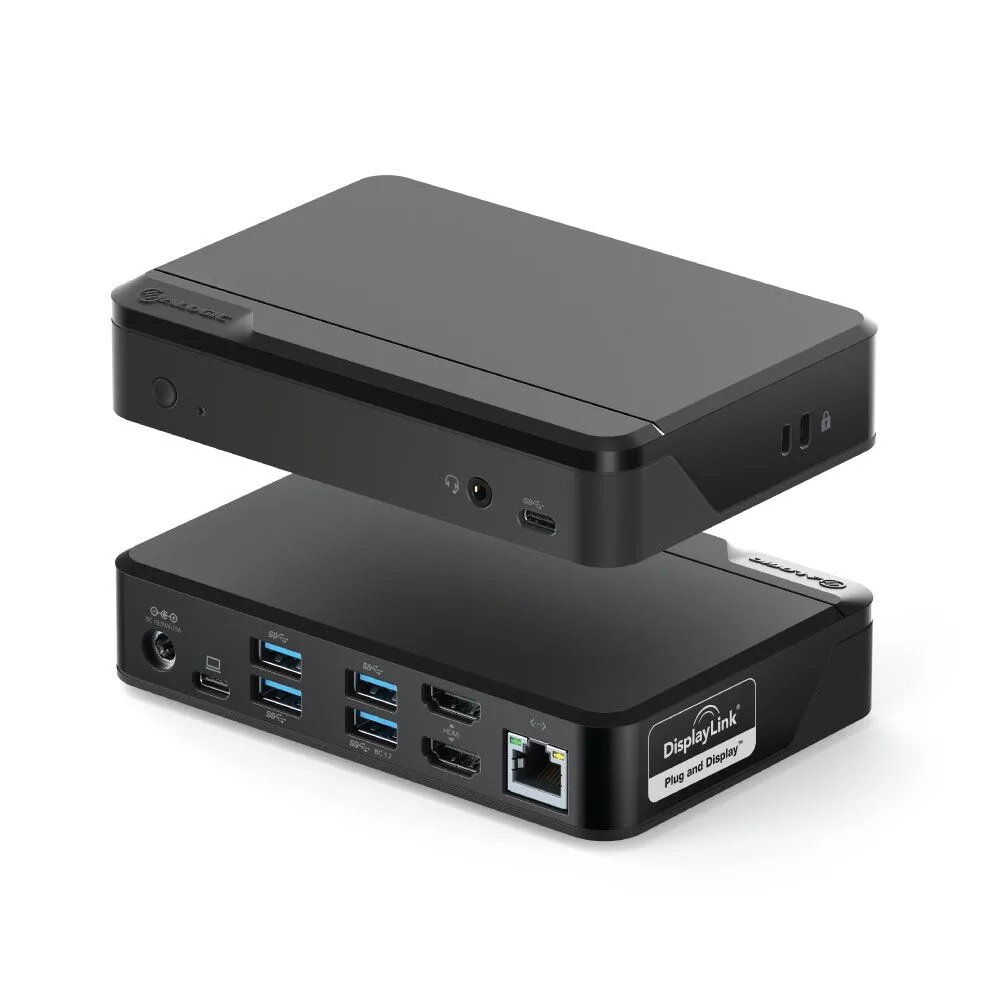
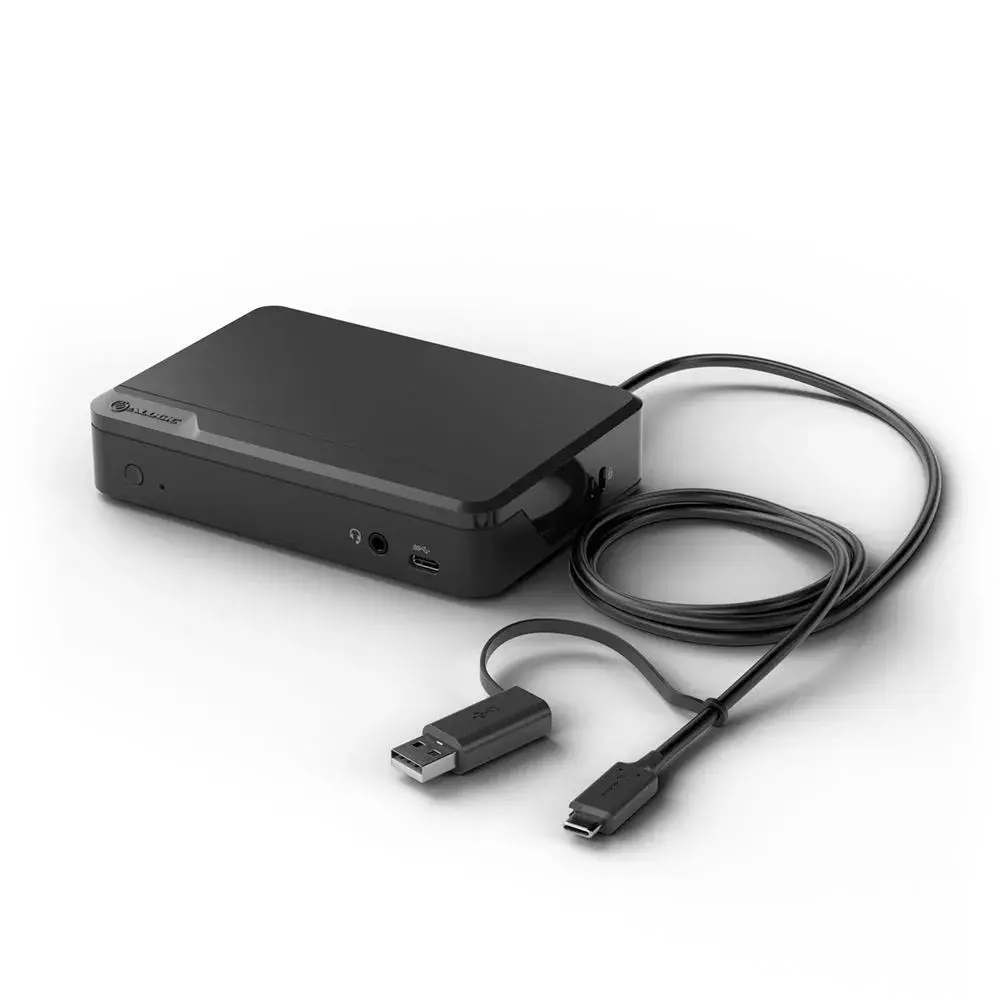
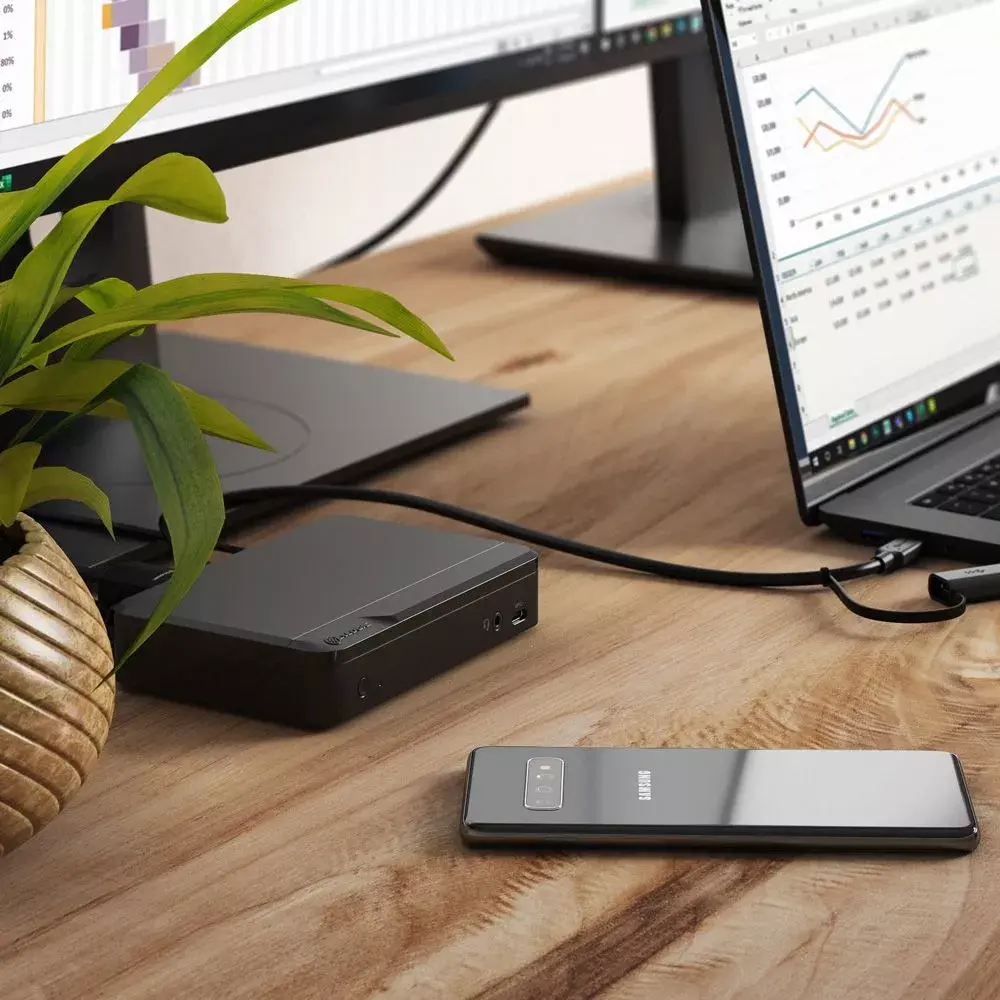
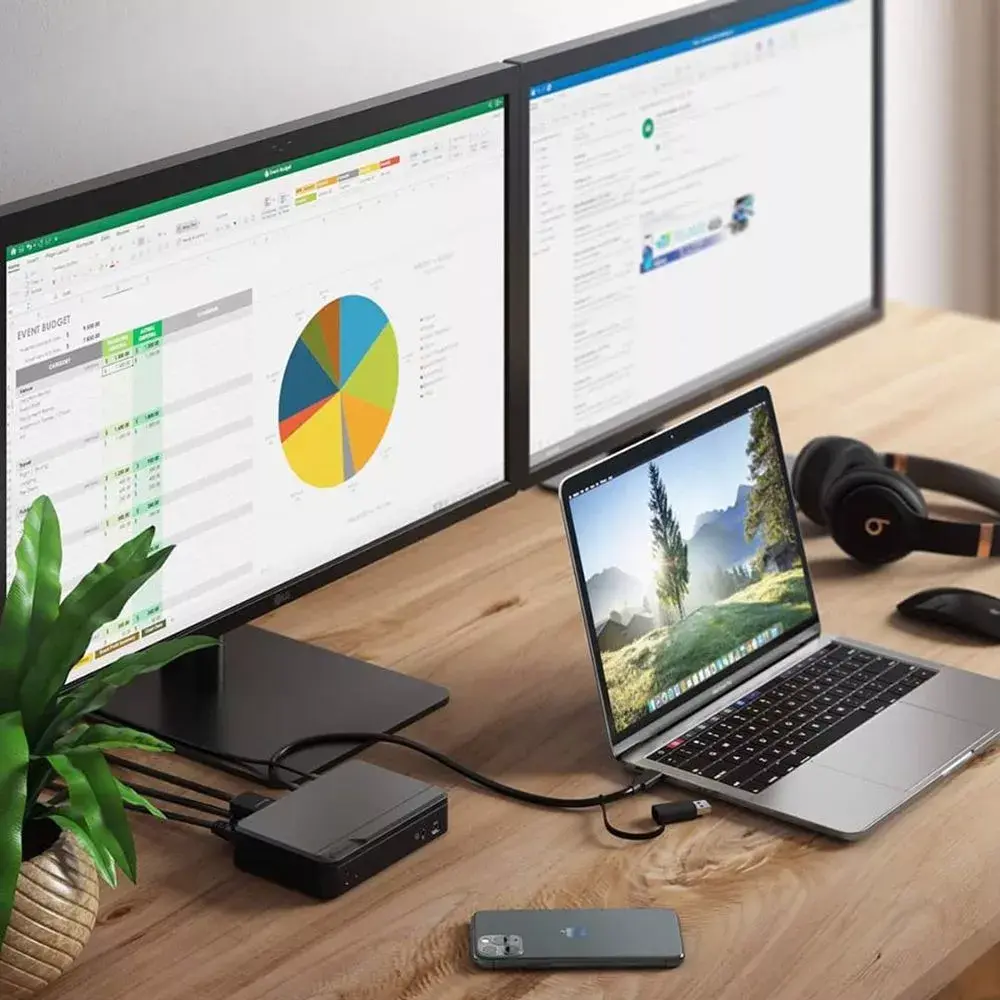
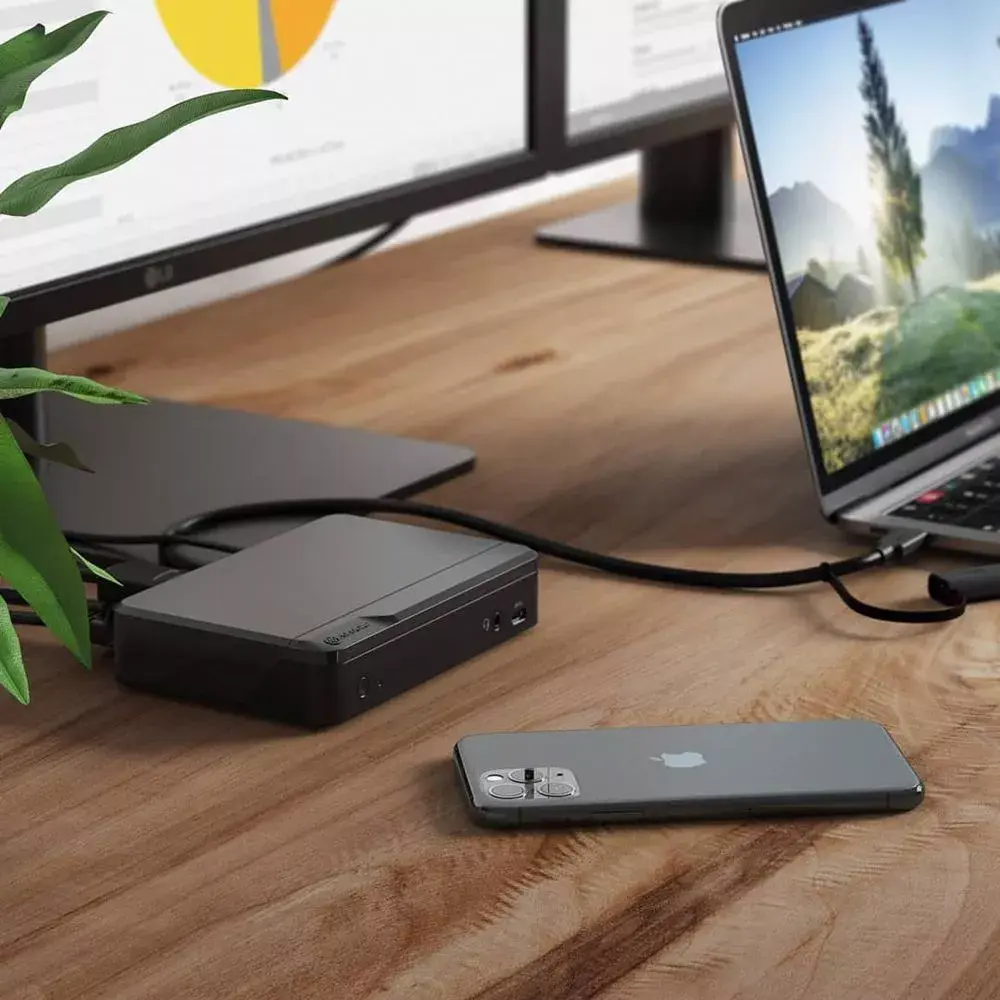
The ALOGIC DUTHD Universal Twin HD Laptop Docking Station is a comprehensive connectivity solution designed to enhance the functionality of both Windows and Mac laptops. Featuring a versatile USB-C host interface with an integrated USB-A adapter, this docking station allows users to connect a wide range of peripherals, including dual monitors, external storage, and network equipment, through a single connection point. Its durable ABS construction ensures reliable performance in professional and home office environments.
Advantages
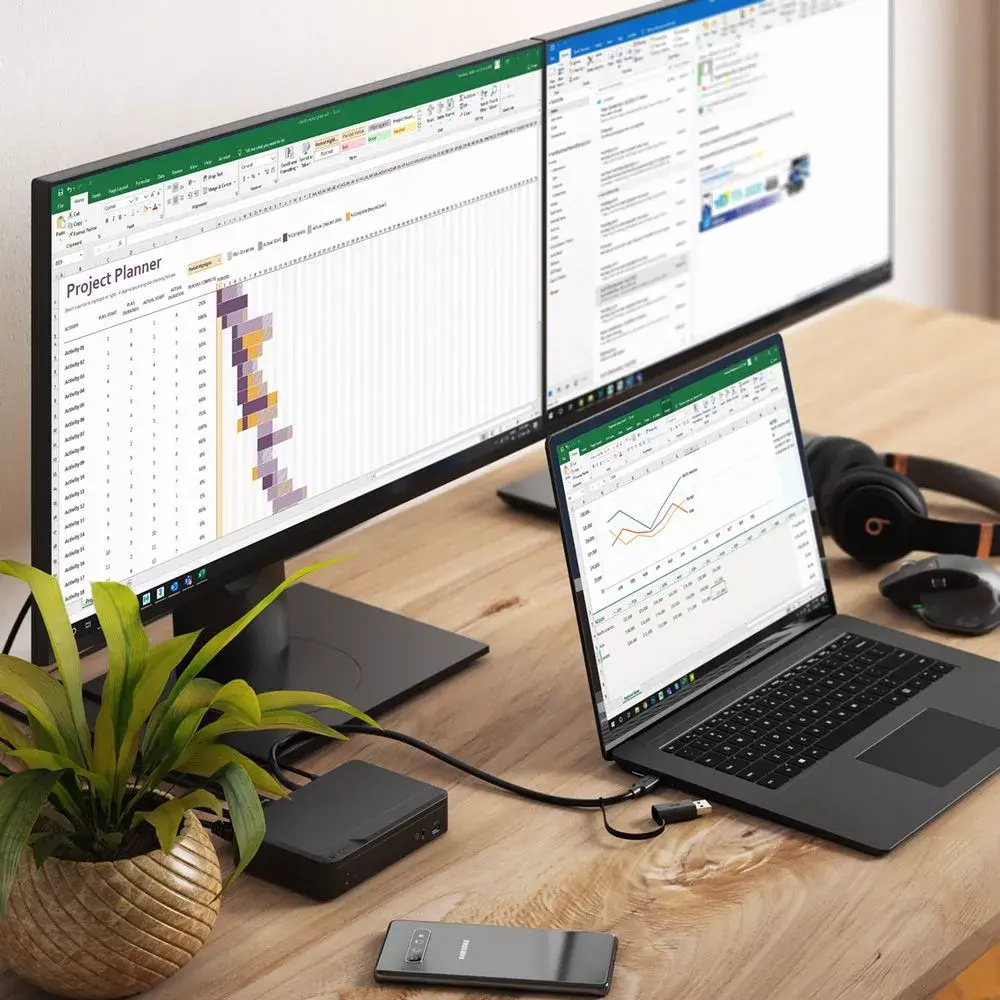
This docking station significantly improves productivity by enabling the connection of two Full HD monitors simultaneously, providing an expanded workspace for multitasking. The inclusion of multiple USB-A and USB-C ports ensures compatibility with a broad array of legacy and modern peripherals. Furthermore, the integrated Gigabit Ethernet port provides stable, high-speed wired internet access, while the dedicated audio jack supports clear communication. The inclusion of security lock slots makes it an ideal choice for shared workspaces where equipment protection is necessary.
Suitable for
- Expanding laptop connectivity in home and professional offices
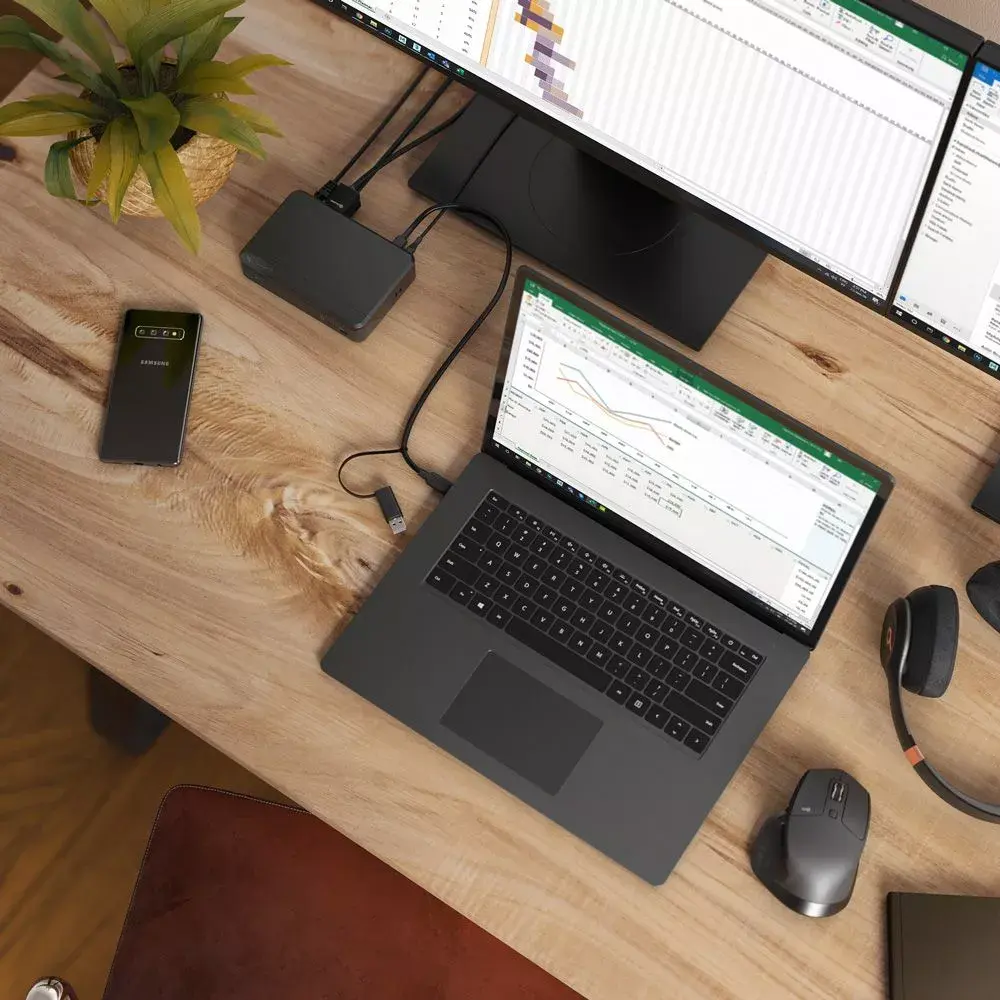
- Connecting dual monitors for enhanced multitasking
- Users requiring stable wired network connections
- Shared office environments needing hardware security
When it may not be suitable
This docking station is designed for Full HD output and may not be suitable for users requiring 4K or higher resolution display support. Additionally, it is optimized for standard office tasks and may not provide sufficient power delivery for high-performance laptops that require high-wattage charging.
Key specifications
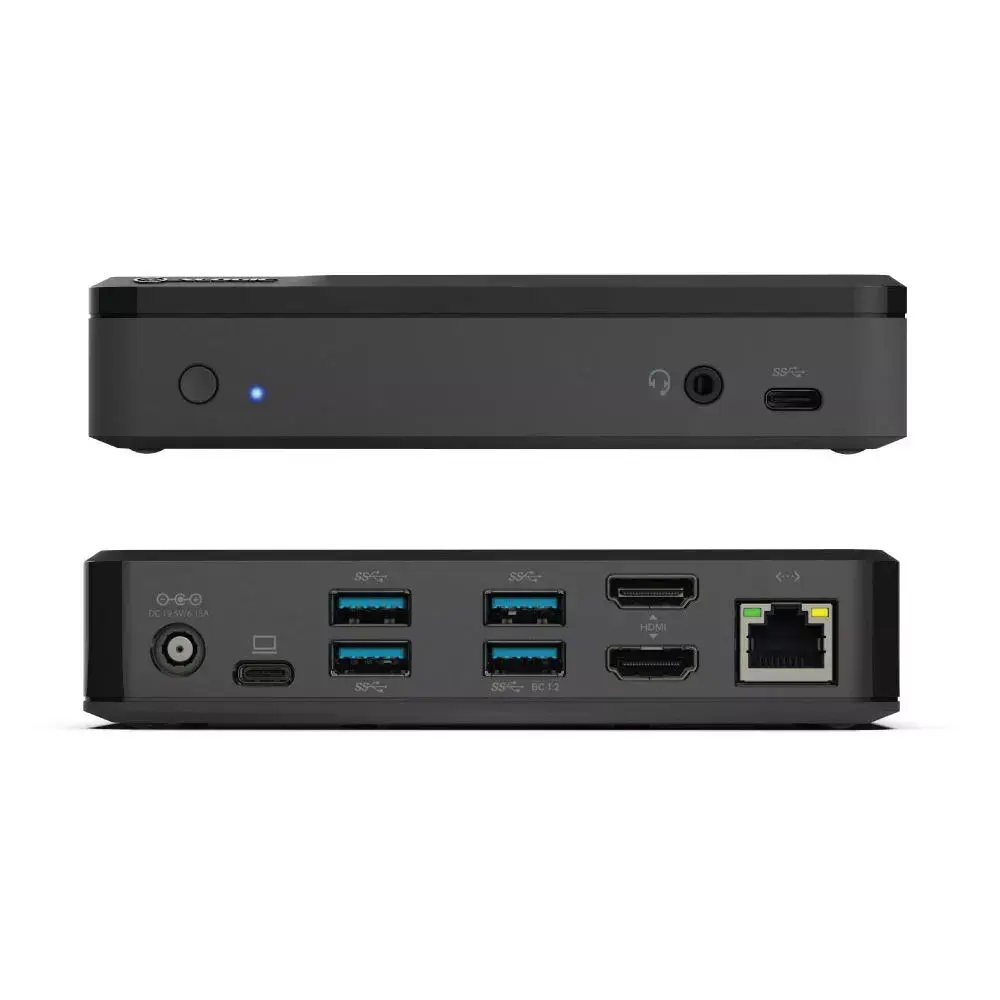
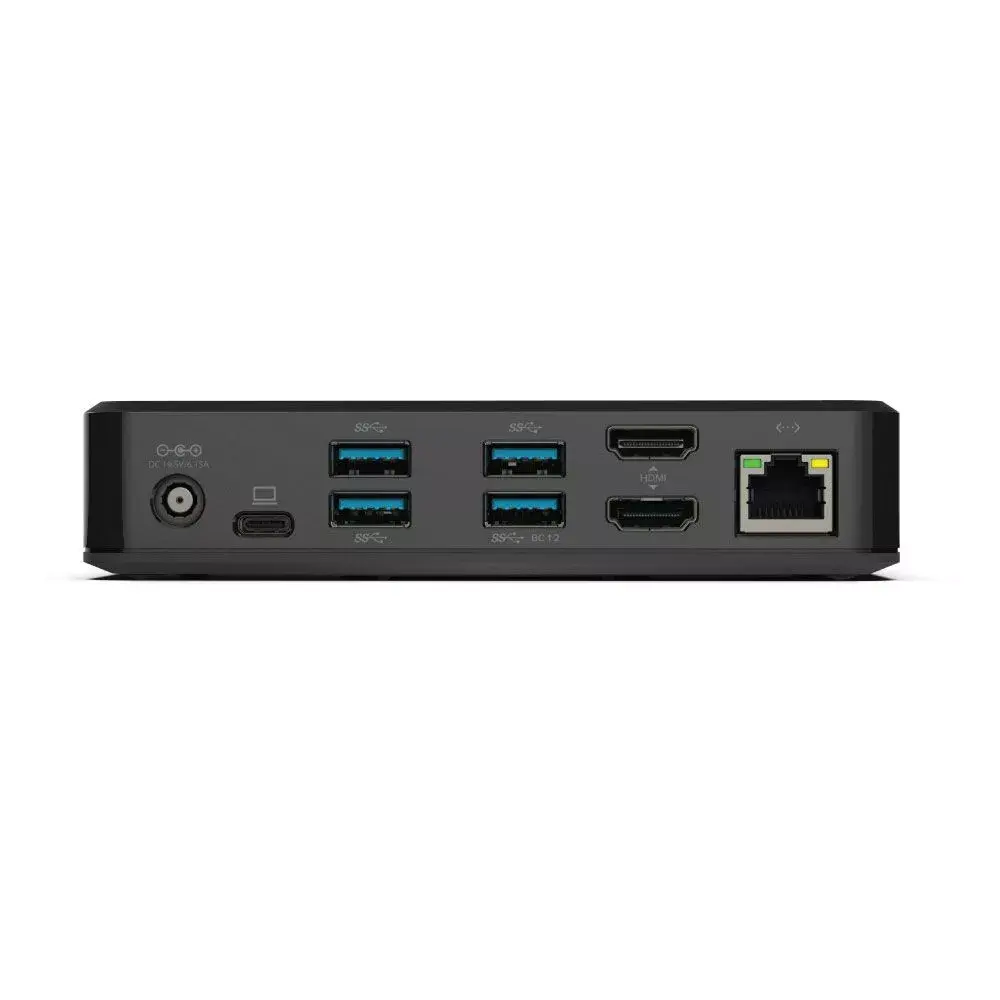
- Dual HDMI output supporting up to 1920 x 1080 at 60Hz
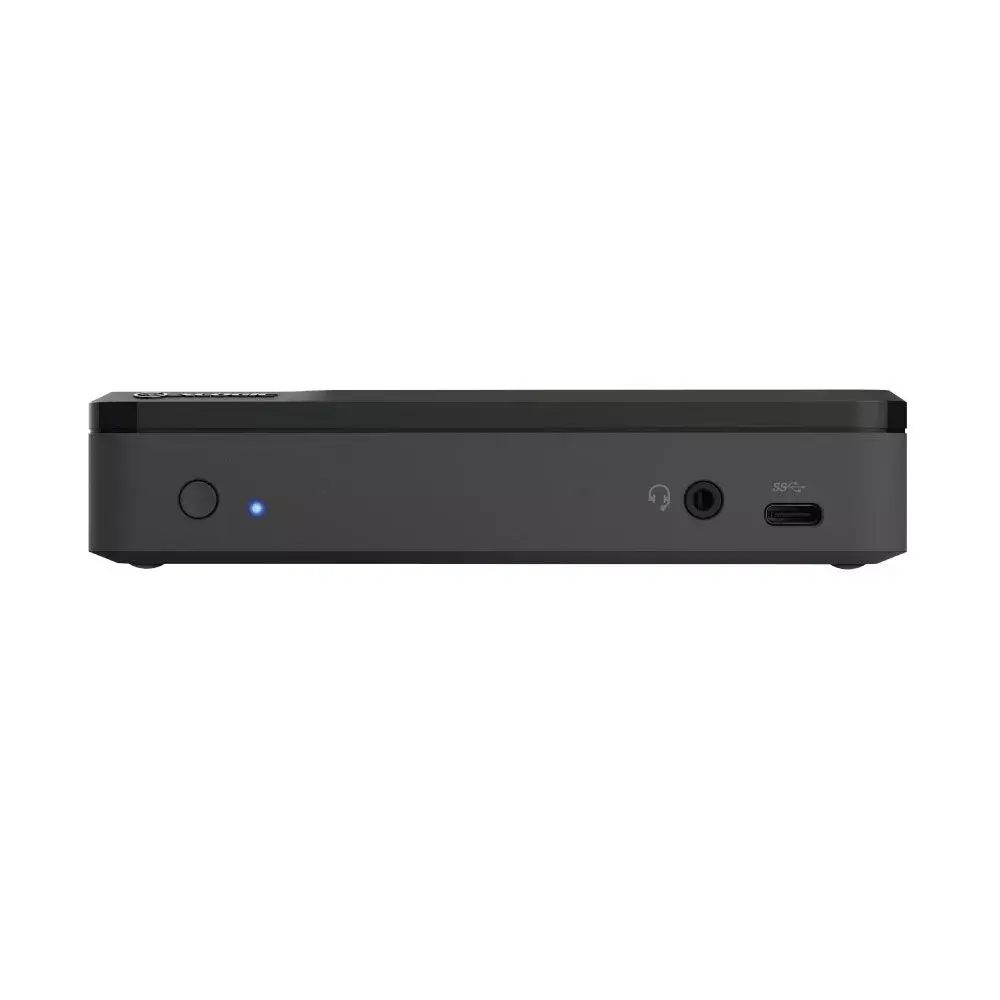
- 1 x USB-C 3.1 Gen 1 (5Gbps) port
- 4 x USB-A ports (including one with BC 1.2 fast charging)
- Gigabit Ethernet (10/100/1000Mbps) port
- 3.5mm audio/microphone jack
- Kensington and Nano lock slots for security
- Universal host cable with USB-C to USB-A adapter
How to use
To set up the docking station, connect the integrated host cable to your laptop's USB-C or USB-A port. Connect your HDMI monitors to the designated ports on the back of the dock. Plug in your peripherals such as keyboards, mice, and external drives into the available USB ports. For network connectivity, connect an Ethernet cable to the RJ-45 port. Ensure the device is placed on a stable surface and that all cables are securely seated for optimal data transfer and display performance.
What to consider before purchase
- Verify your laptop's port compatibility with the included USB-C/USB-A adapter
- Check if your specific monitor setup requires Full HD or higher resolution
- Confirm that your laptop supports external display output via its USB port
- Assess the number of peripherals you need to connect simultaneously
Usage recommendations
For the best performance, ensure that the docking station is connected directly to your laptop's primary data port. If you experience display issues, verify that the latest display drivers are installed on your computer. Always use the provided security slots if the device is used in a public or shared office space to prevent unauthorized removal.
Features
- USB 3.2 Gen 1 (3.1 Gen 1) Type-A ports quantity:
- 4
- Host interface:
- USB 3.2 Gen 1 (3.1 Gen 1) Type-C

Customer reviews
Customer questions
How much does the ALOGIC DUTHD Universal Twin HD Laptop Docking Station cost, and is it available for purchase?
If I order this product today, when will I receive my order?
What payment options are available?
Can ALOGIC DUTHD Universal Twin HD Laptop Docking Station be purchased with a lease?
- Select the product on the website and add it to your cart;
- When placing your order, choose the payment method “Installments”;
- Fill in the required details for the lending partner;
- Receive a decision within a few minutes.


