Dreame vacuums for fast and efficient cleaning!
In cart {{totalProductsCount}} item(s)
Your cart is empty
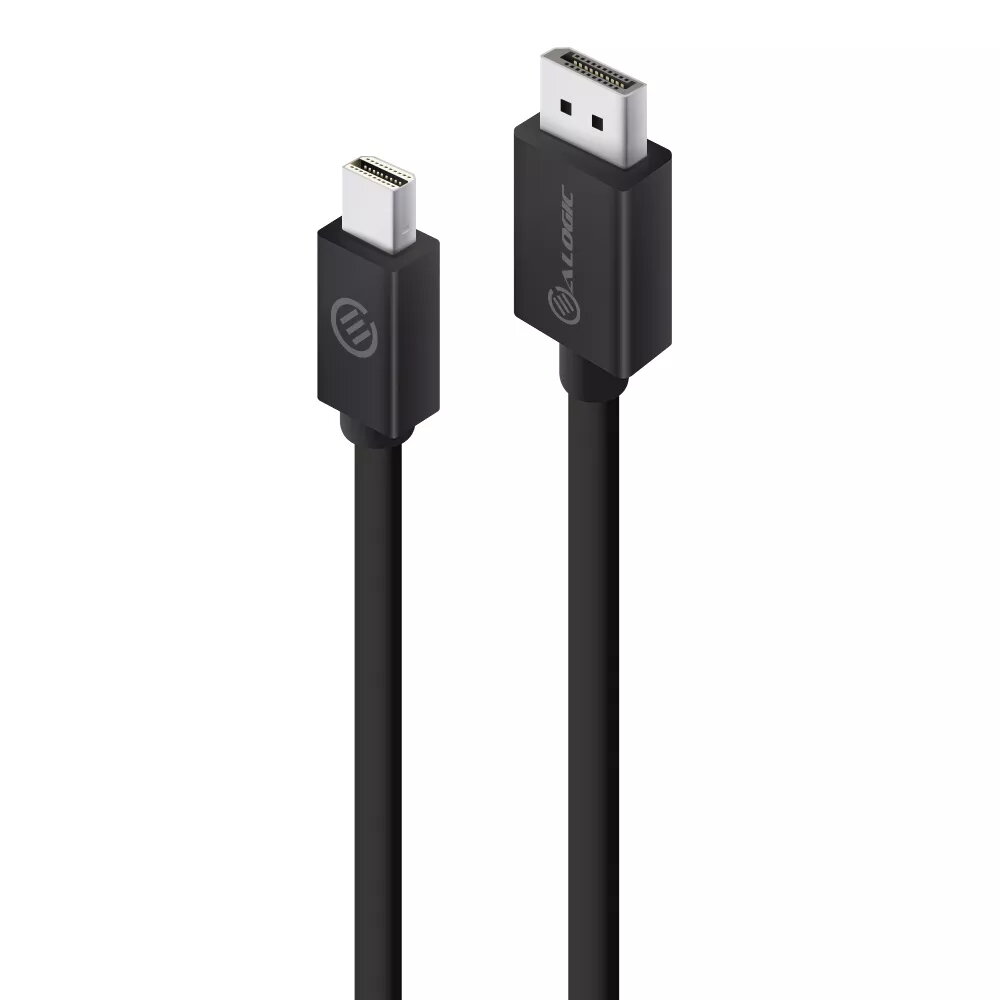
ALOGIC ELEMENTS Series Mini DisplayPort to DisplayPort Cable, 1m, Version 1.2, Male to Male
The ALOGIC ELEMENTS Series Mini DisplayPort to DisplayPort cable is a reliable connectivity solution designed to bridge the gap between Mini DisplayPort-enabled computers or docking stations and DisplayPort-equipped monitors or projectors. This 1-meter cable facilitates high-quality video and audio signal transmission, ensuring stable performance for both professional workstations and home office setups. Built with a focus on affordability and everyday utility, this cable supports the DisplayPort 1.2 standard to meet modern display requirements.
This cable offers a seamless plug-and-play experience, allowing for quick and efficient setup without the need for additional drivers or complex configurations. Its support for high-resolution output ensures that visual content remains sharp and clear, while the inclusion of Multi-Stream Transport technology provides the flexibility to daisy-chain multiple monitors for an expanded workspace. The robust construction ensures consistent signal integrity, making it a dependable choice for daily computing tasks.
This cable is not compatible with devices that do not feature Mini DisplayPort or standard DisplayPort interfaces, such as those relying solely on HDMI or USB-C ports without an adapter. It is also not intended for long-distance connections exceeding the 1-meter length provided.
To use the cable, insert the Mini DisplayPort connector into the output port of your computer or docking station. Connect the standard DisplayPort end into the input port of your monitor or projector. Ensure that both devices are powered on and select the correct input source on your display settings to establish the connection. The cable will automatically detect the signal and configure the resolution based on your device capabilities.
Usage recommendations: To maintain optimal signal quality, avoid bending the cable at sharp angles or placing heavy objects on it. Always disconnect the cable by gripping the connector housing rather than pulling on the wire itself.
{{highlightedFeature.featureTitle}}:
{{getProductFeatureValueById(product, highlightedFeature.featureId)}}
{{ productComparisonGenerationError }}