Powerful EcoFlow stations for energy anywhere!
In cart {{totalProductsCount}} item(s)
Your cart is empty
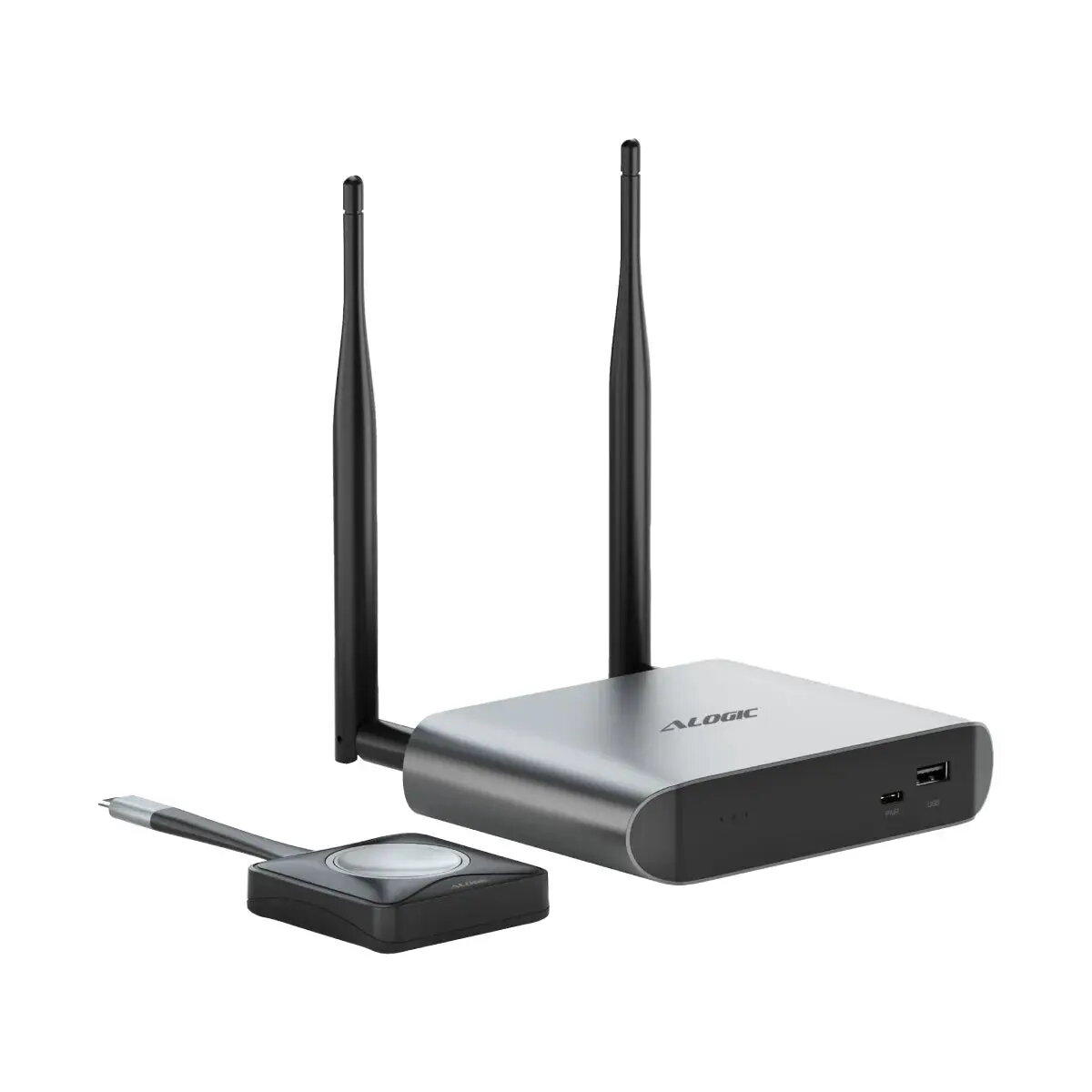
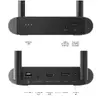
ALOGIC Unite 4K Wireless Presentation System Base Station with One Presenter Button
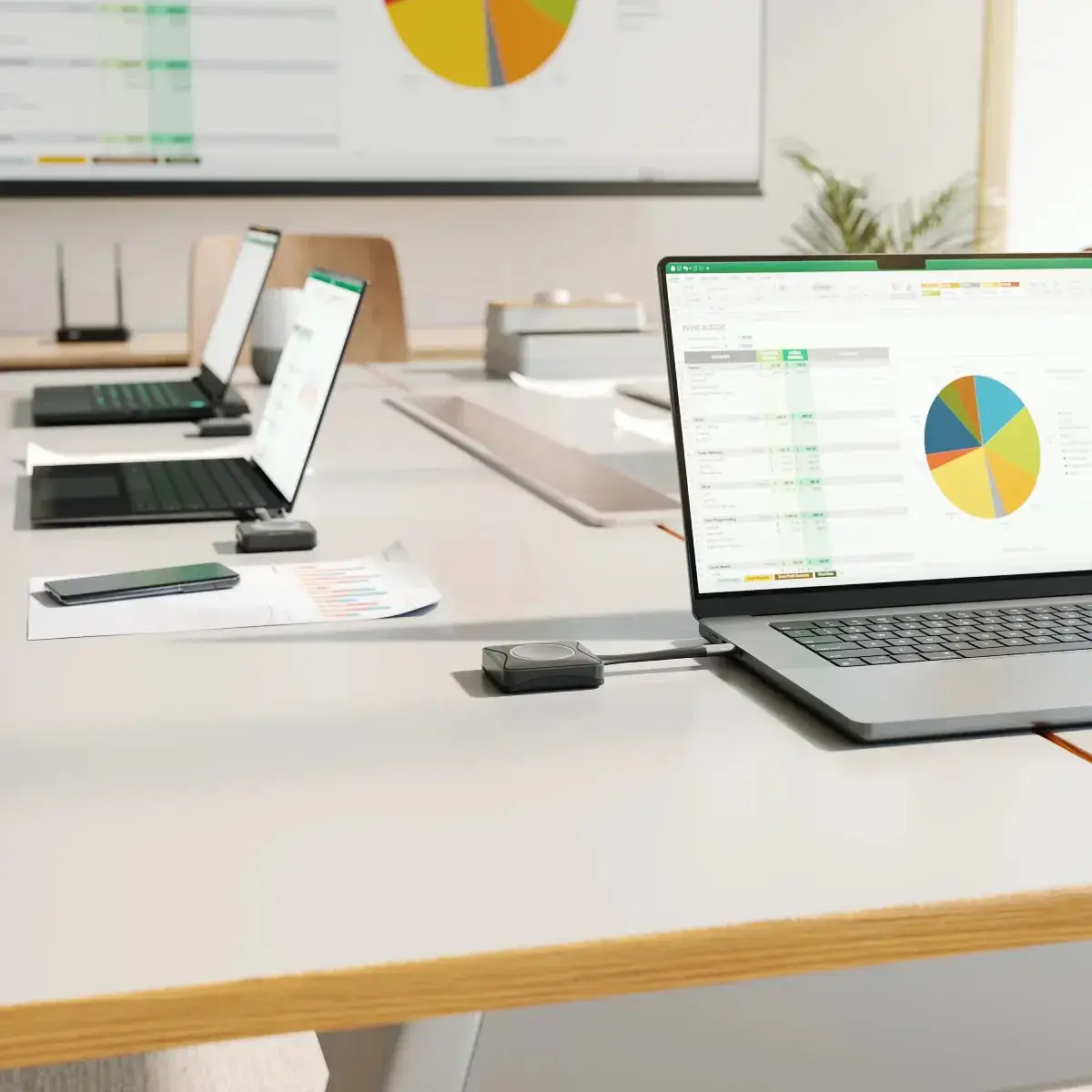
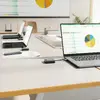
The ALOGIC Unite 4K Wireless Presentation System is a professional-grade solution designed to facilitate seamless content sharing in meeting rooms and collaborative workspaces. This desktop base station, paired with a presenter button, allows users to mirror their screens in high-definition 4K resolution without the need for complex cable management. By utilizing an external antenna for stable connectivity, the system ensures reliable performance during presentations, making it an essential tool for modern office environments.
The primary benefit of this system is the elimination of physical cable constraints, allowing presenters to share content from anywhere within the room. The plug-and-play functionality removes the need for installing drivers or additional software, significantly reducing setup time and technical barriers. Furthermore, the system supports touch-enabled displays, enabling interactive navigation and document markup directly through the connection button. Its scalability allows for up to 16 participants to be connected simultaneously with additional buttons, making it highly adaptable to various meeting sizes.
This system may not be ideal for environments requiring ultra-low latency for high-speed gaming or professional video editing, as wireless transmission may introduce slight delays compared to direct wired connections. Additionally, it is designed primarily for meeting room displays and may not be compatible with specialized industrial or medical imaging equipment.
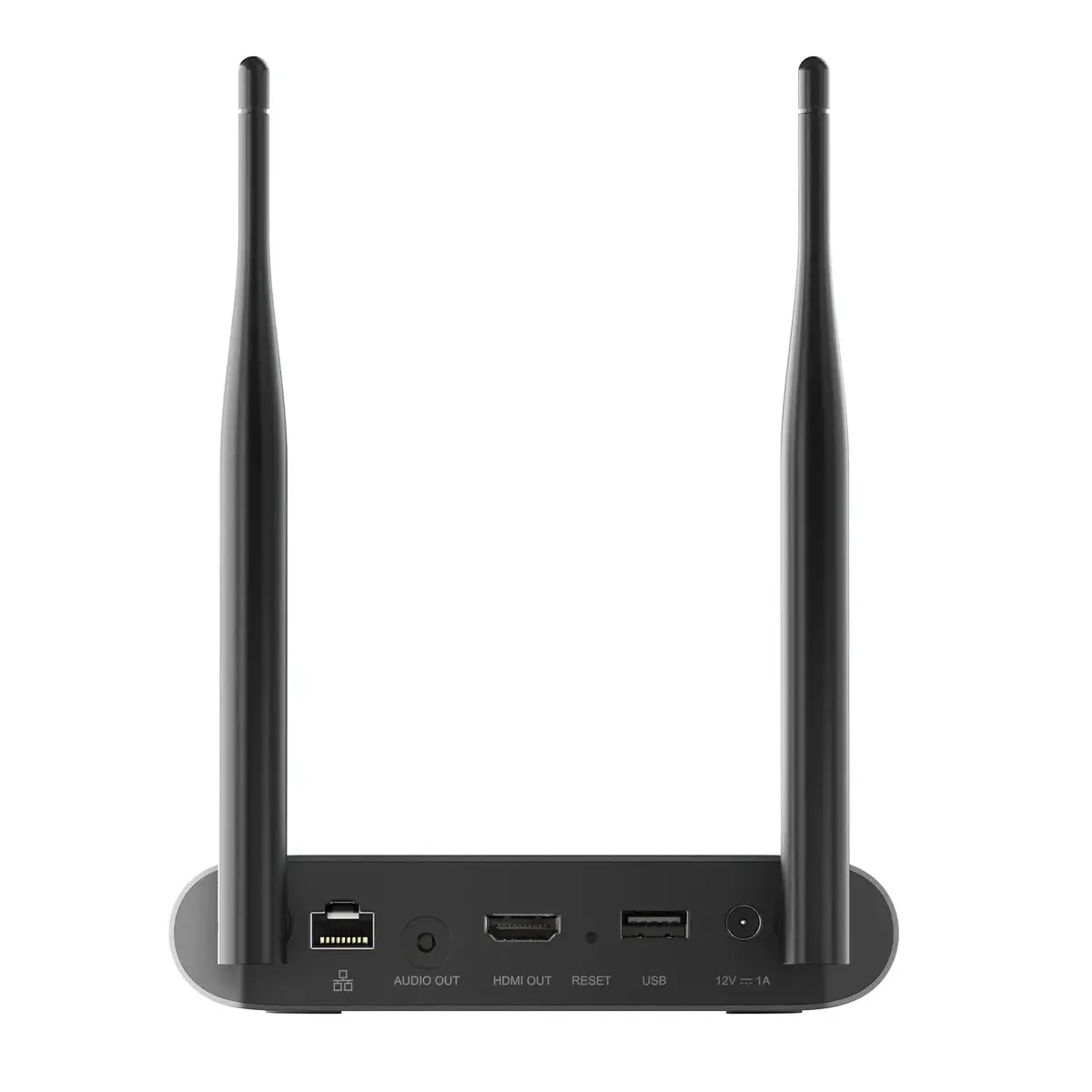
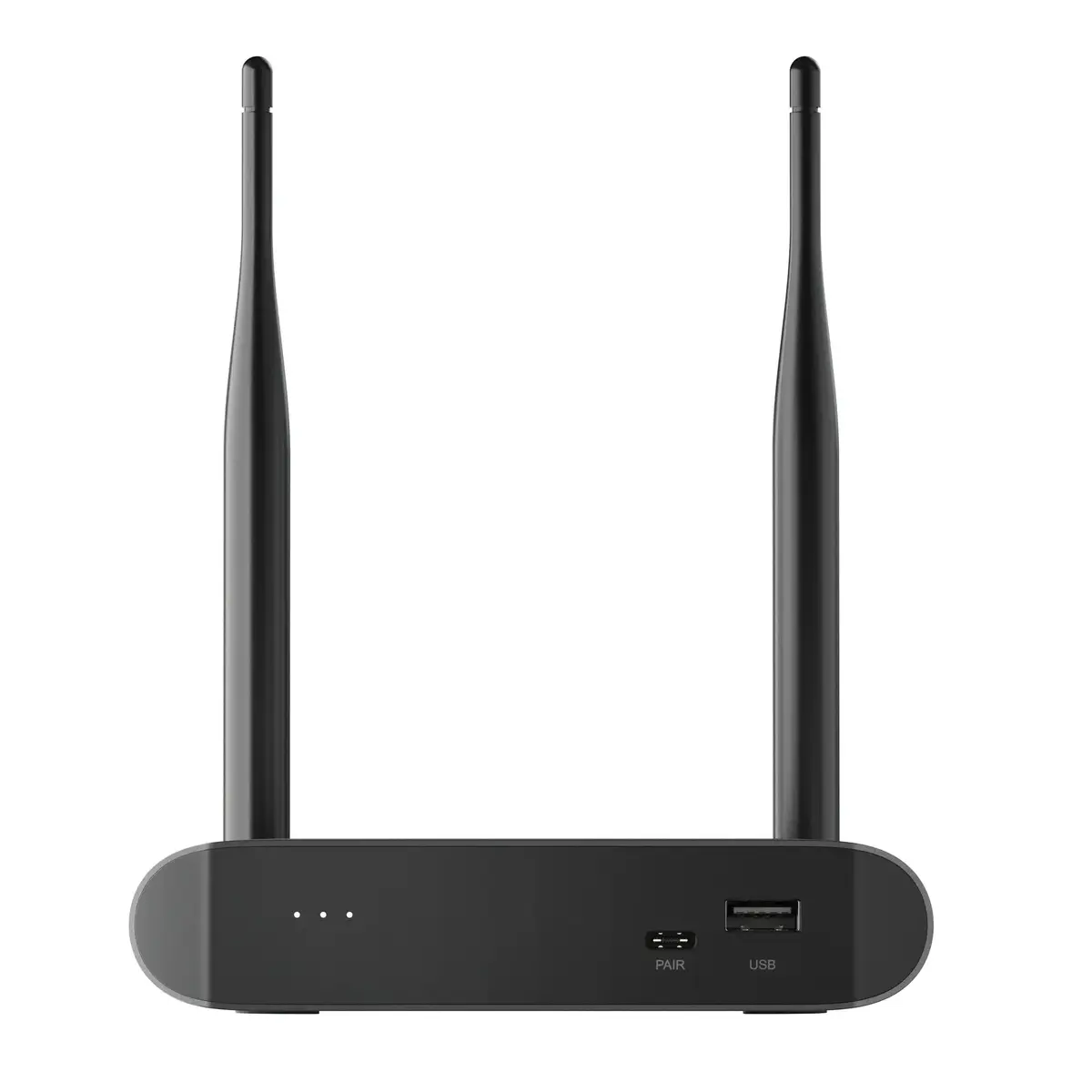
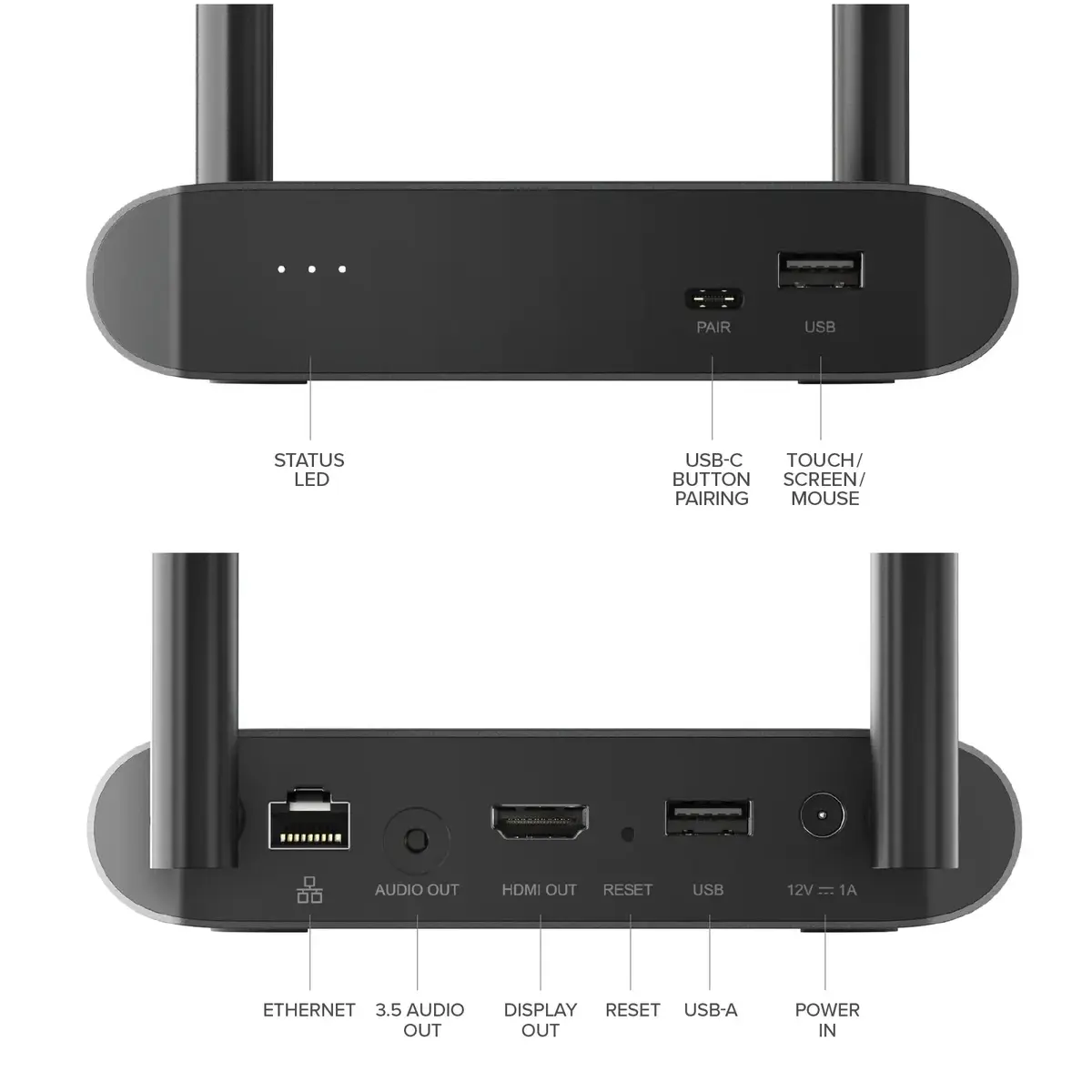
To begin, connect the base station to your display via the HDMI port and provide power using the included AC or USB adapter. Once the base station is active, plug the presenter button into the USB-C port of your laptop. The system will automatically recognize the connection without requiring driver installation. Simply press the button to initiate screen mirroring. If using a touch-enabled display, you can interact with your content directly on the screen.
For the best performance, ensure the base station is placed in an open area to maintain a strong wireless signal. If you are hosting meetings with more than one presenter, consider purchasing additional buttons to allow for quick and easy switching between users.
{{highlightedFeature.featureTitle}}:
{{getProductFeatureValueById(product, highlightedFeature.featureId)}}
{{ productComparisonGenerationError }}