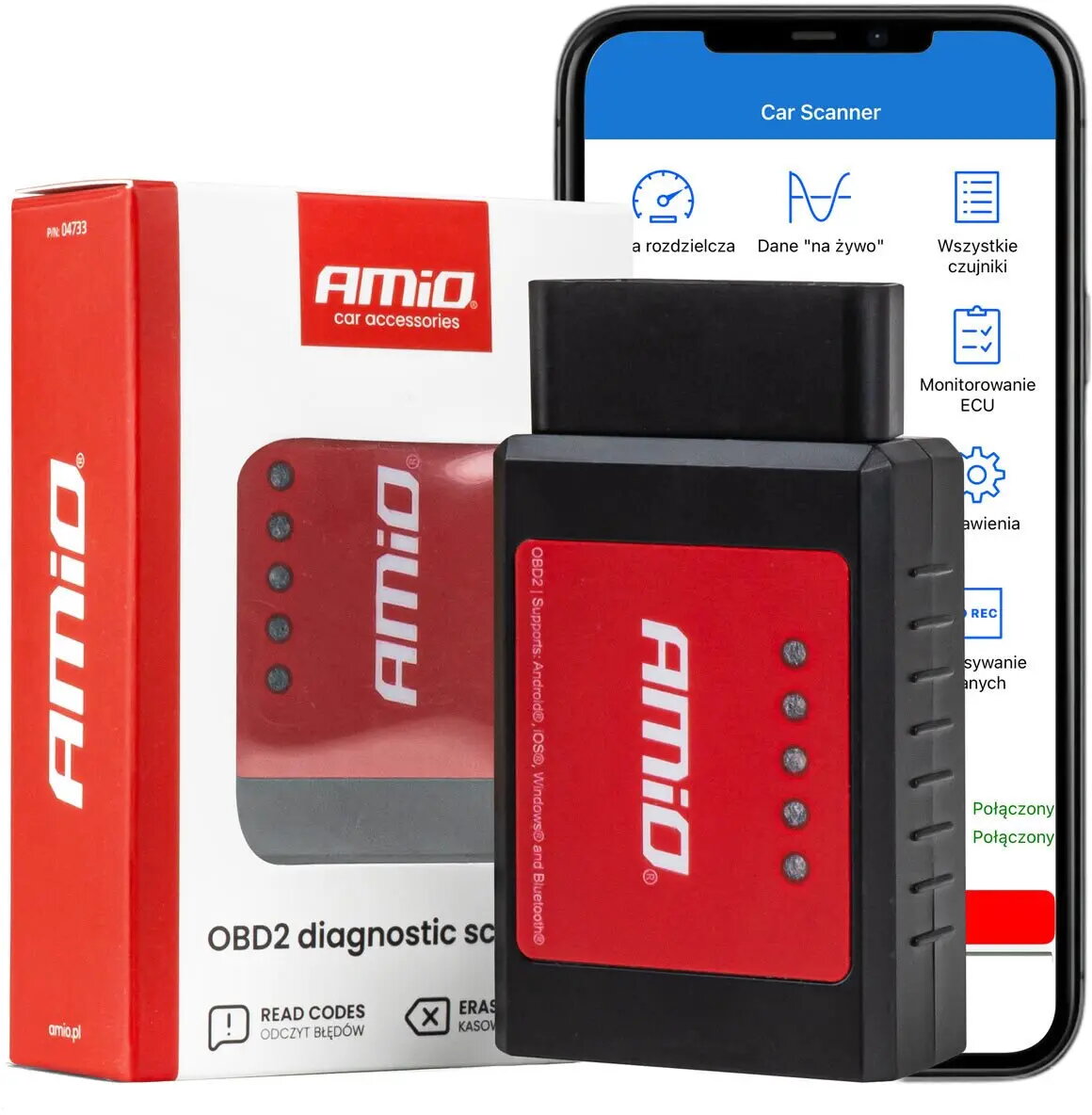
The Amio ELM327 OBD2 Bluetooth diagnostic interface is a versatile tool engineered for efficient vehicle health monitoring and troubleshooting. By plugging directly into the standard OBD2 port found in most modern vehicles, this compact device establishes a wireless connection with your smartphone, tablet, or laptop. It allows users to interface with the vehicle's onboard computer to retrieve diagnostic trouble codes, monitor live engine parameters, and gain insights into overall automotive performance without the need for expensive professional equipment.
Advantages
This diagnostic scanner offers significant convenience through its wireless Bluetooth connectivity, eliminating the need for cumbersome cables during vehicle inspections. Its compact design ensures it does not obstruct the driver or passenger area while plugged in. The device is compatible with a wide range of third-party diagnostic software, providing flexibility in how you view and interpret your car's data. By enabling users to read and clear engine fault codes independently, it helps in identifying potential issues early, potentially saving on unnecessary workshop visits and providing a better understanding of vehicle maintenance needs.
Suitable for
- Reading and clearing engine check light fault codes
- Monitoring real-time sensor data such as engine RPM, coolant temperature, and fuel pressure
- Performing basic vehicle health checks for DIY enthusiasts
- Analyzing automotive performance metrics during driving
When it may not be suitable
This device is primarily designed for engine-related diagnostics and may not support advanced manufacturer-specific functions such as ABS, airbag, or transmission module programming on all vehicle models. It is not a replacement for professional-grade workshop diagnostic systems that require deep-level access to proprietary vehicle electronic control units.
Key specifications
- Connectivity: Bluetooth wireless interface
- Compatibility: Standard OBD2 vehicle ports
- Supported data: Real-time sensor readings and diagnostic trouble codes
- Platform support: Compatible with Android and Windows devices
How to use
To use the Amio ELM327, locate the OBD2 port in your vehicle, which is typically found under the dashboard on the driver's side. Insert the device firmly into the port and turn the vehicle ignition to the 'on' position. Open the Bluetooth settings on your mobile device or computer to pair with the scanner. Once paired, launch your preferred OBD2 diagnostic application. The software will automatically detect the interface, allowing you to scan for error codes or view live data streams from the engine management system.
What to consider before purchase
- Verify that your vehicle is equipped with a standard OBD2 port
- Ensure your smartphone or tablet supports the required Bluetooth connectivity
- Check if your chosen diagnostic software is compatible with your specific vehicle make and model
Usage recommendations
Always ensure the vehicle engine is off before inserting or removing the diagnostic interface to prevent potential electrical surges. Use reputable diagnostic applications to ensure accurate data interpretation and avoid clearing codes without understanding the underlying mechanical or electrical cause.