
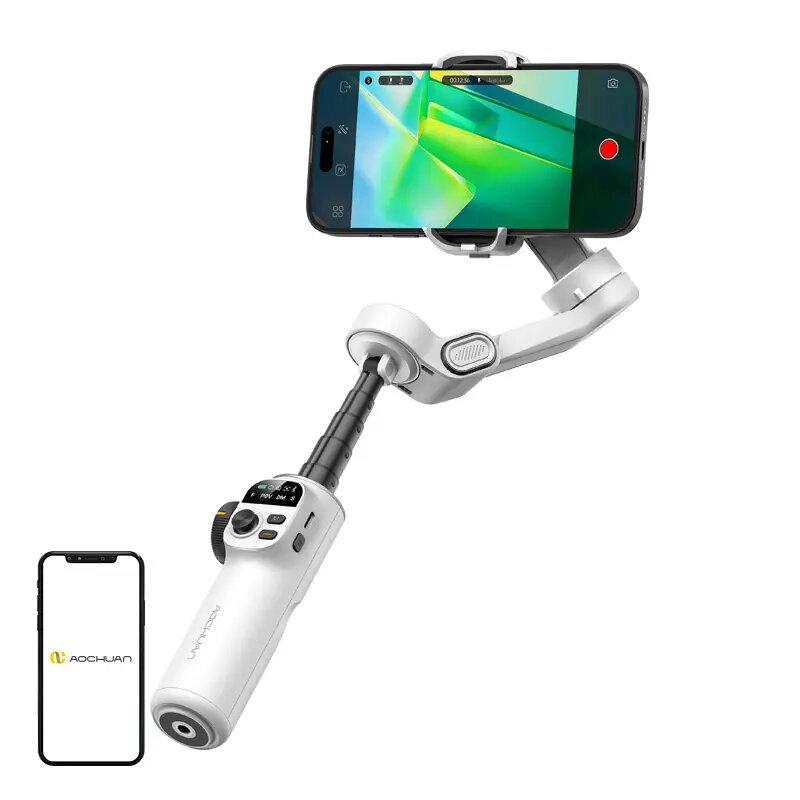
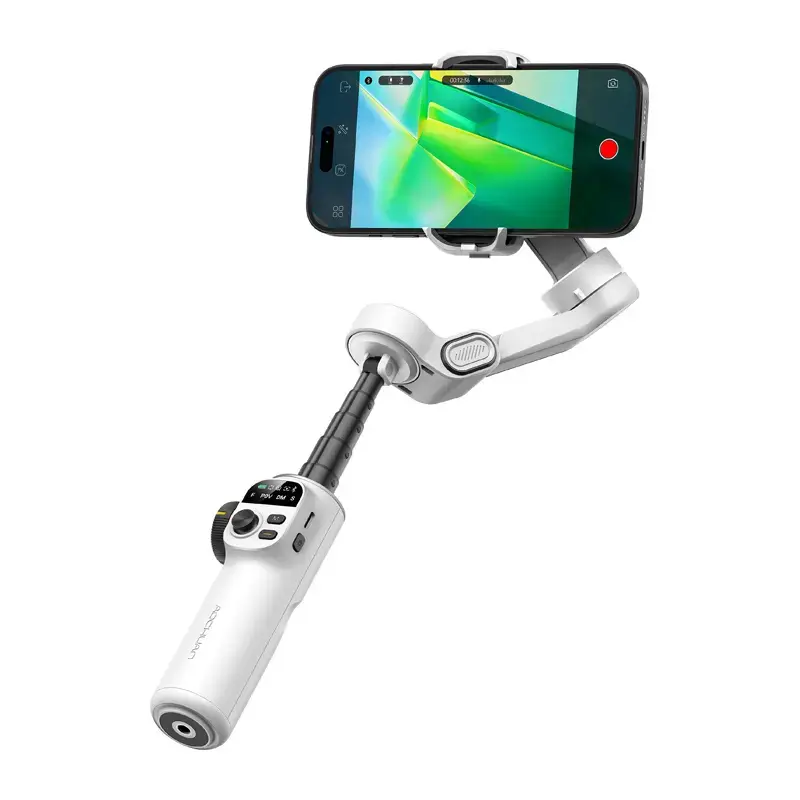
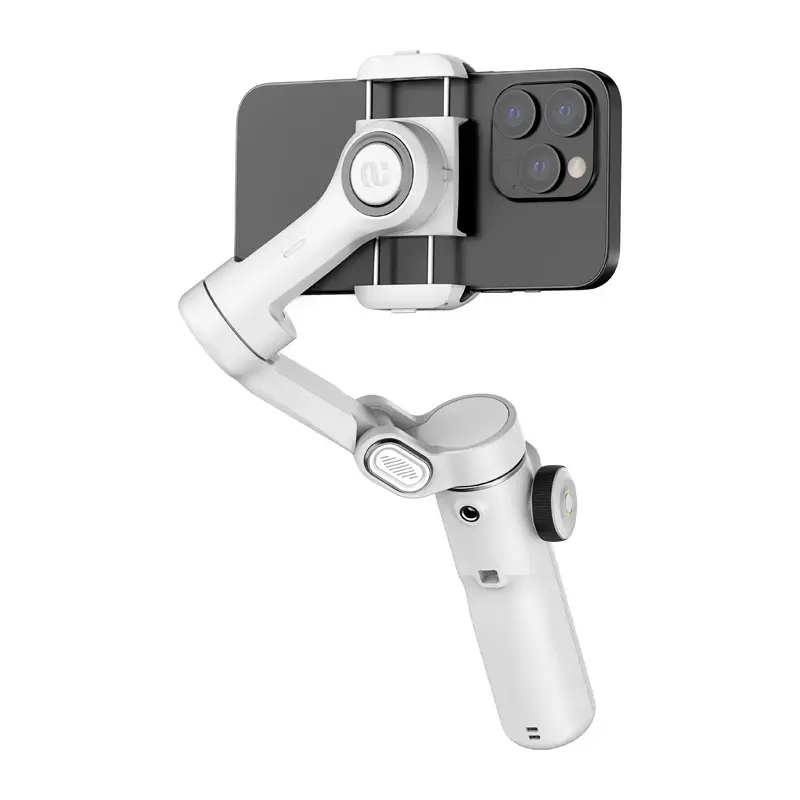
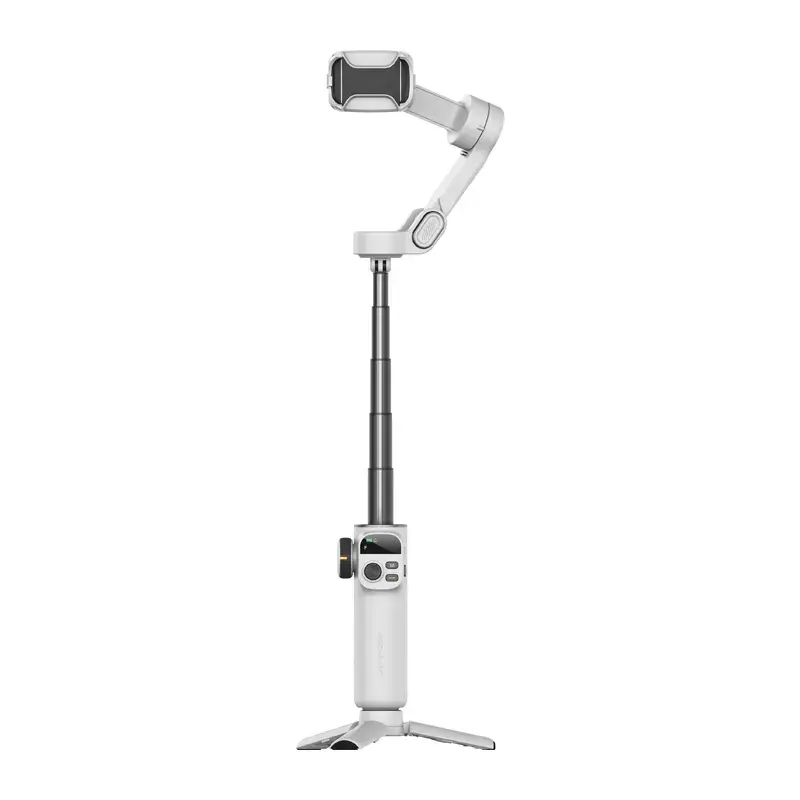
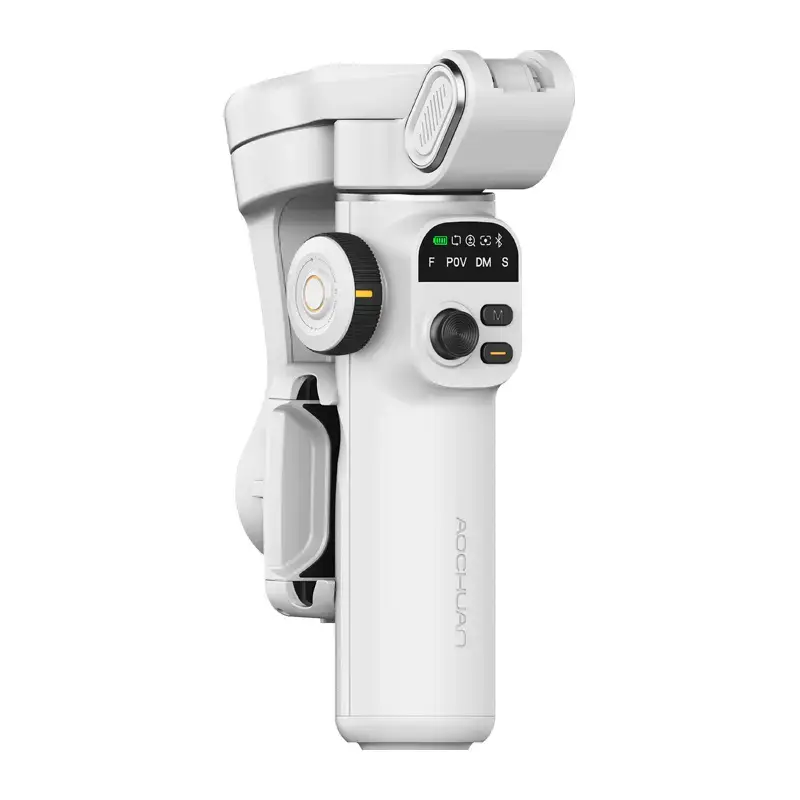
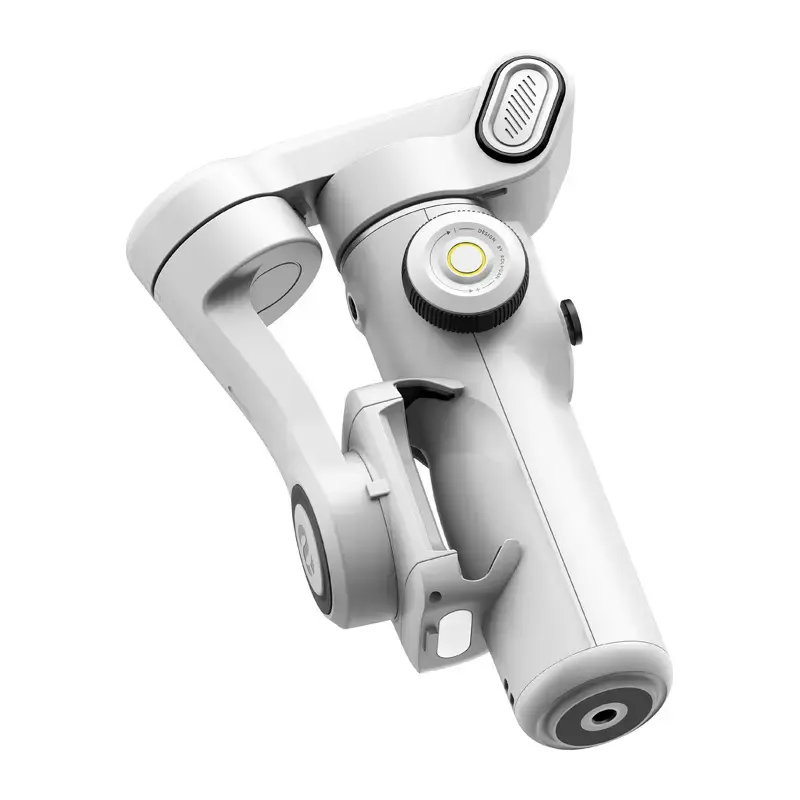
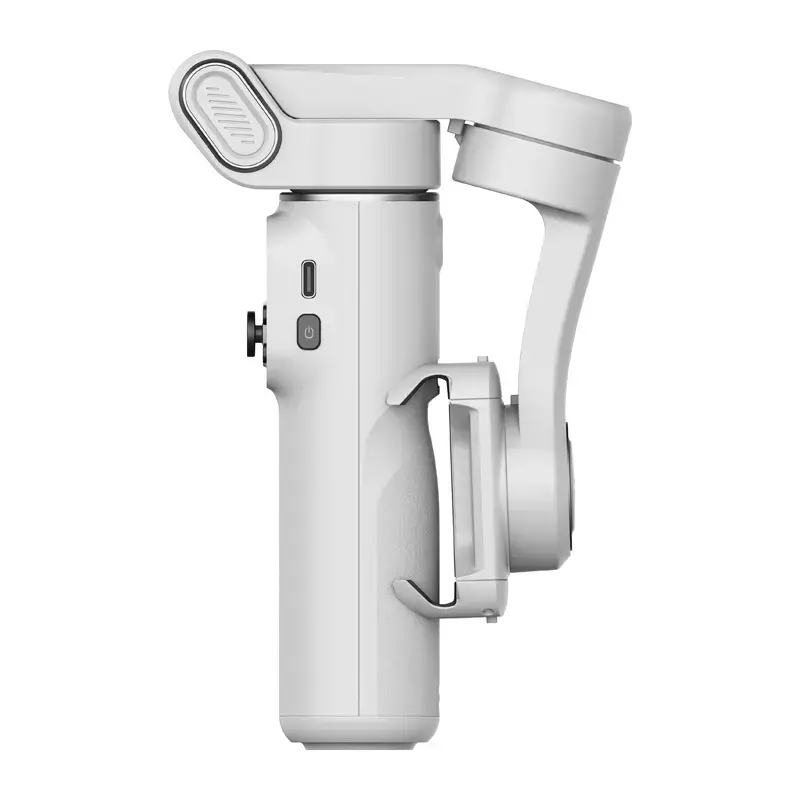
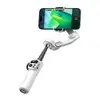
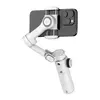
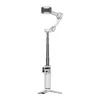
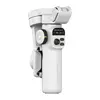
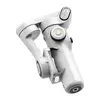
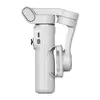
AOCHUAN X2 Standard Gimbal, White
{{selectedOffer && selectedOffer.price | formatAmount}}
{{selectedOffer && selectedOffer.price | formatAmount}}
Short description
The AOCHUAN X2 Standard is a handheld smartphone gimbal designed for smooth video recording and professional-grade stabilization. This white-colored device features an ergonomic design, intuitive controls, and advanced tracking capabilities to ensure steady footage for vlogging, content creation, and mobile cinematography. It is compatible with most modern smartphones, providing reliable performance for capturing cinematic shots on the go.
Cheapest delivery:
Unisend LV
Pick-up points
Unisend LV
Cost
1.99 €
Deliver
{{selectedOffer.parcelStationDeliveryString}}
Customer service center
2b. Kengaraga str., Riga, Latvia, LV-1063
26.10.2026
{{selectedOffer.officeDeliveryString}}
free
Courier Delivery
Please note that in case of a large parcel additional delivery costs may apply!
From 4.99 €
Parcel couriers
Unisend LV / Venipak Pickup LV / Venipak Locker LV / DPD Paku skapis / Omniva LV / Latvijas Pasts pakomāts / Latvijas Pasts nodaļa
29.10.2026
{{selectedOffer.parcelStationDeliveryString}}
From 1.99 €

Payment Methods:
Bank transfer, Bank cards on-line, Apple Pay, Google Pay


