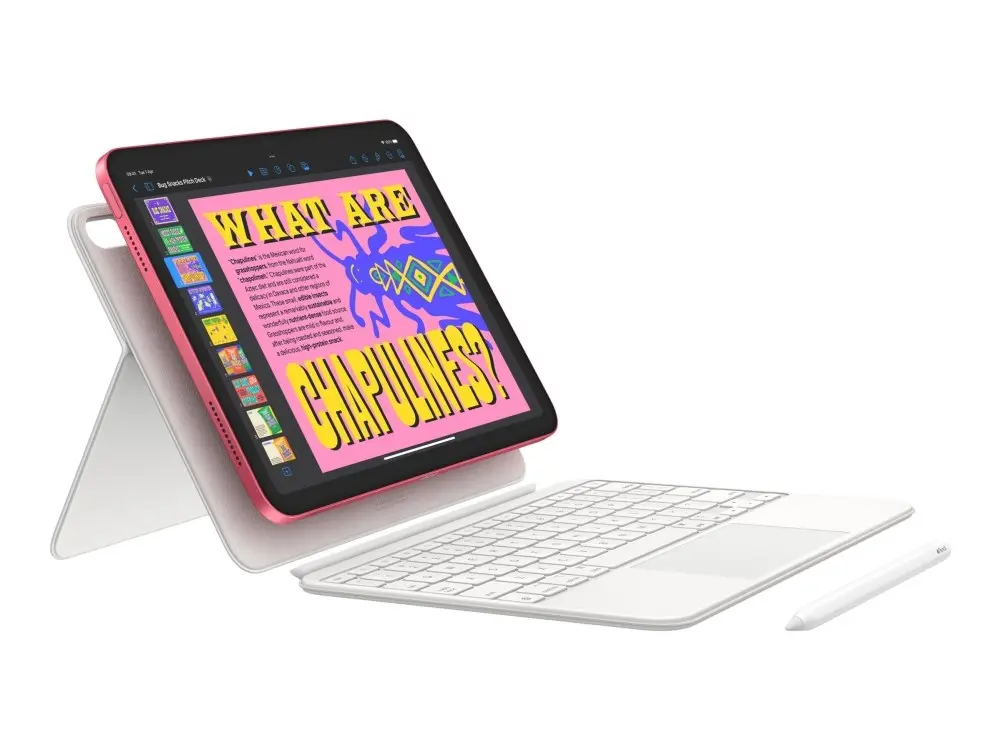
The Apple iPad 10.9-inch 11th Generation 256 GB Blue Wi-Fi iPadOS is a modern and versatile tablet designed to handle everyday productivity, media streaming, creative workflows, and web browsing with ease. Featuring a vibrant 10.9-inch display and a stylish blue finish, this device combines reliable processing power with the intuitive iPadOS platform to deliver a seamless user experience for both work and entertainment.
Advantages
This Apple iPad provides ample internal storage with 256 GB, allowing users to keep large media libraries, important documents, and numerous applications directly on the device without constantly worrying about space constraints. The high-resolution 10.9-inch screen offers sharp visuals and rich colors, making it well-suited for watching videos, reading digital content, and editing photos. Powered by advanced Wi-Fi connectivity, the tablet ensures fast and stable internet access for online collaboration and streaming. The integration with the robust iPadOS ecosystem grants access to a vast selection of optimized applications tailored for both casual users and professionals.
Suitable for
- Daily web browsing and social media
- Streaming movies, TV shows, and online videos
- Document editing, emails, and remote work tasks
- Digital sketching, note-taking, and creative projects
- Educational use and e-learning
When it may not be suitable
This device may not be the ideal choice for users who require cellular data connectivity while away from wireless networks, as this specific model relies exclusively on Wi-Fi. Additionally, professionals needing specialized desktop operating systems for heavy-duty software engineering or advanced 3D rendering may find the mobile constraints of iPadOS limiting compared to traditional computers.
Key specifications
- 10.9-inch display
- 256 GB internal storage
- Wi-Fi 6 wireless connectivity
- iPadOS operating system
- Blue color finish
How to use
To begin using the Apple iPad, power on the device and follow the on-screen setup assistant to connect to your local Wi-Fi network and sign in with your Apple ID. Navigate the interface using touch gestures to open applications, browse the web, or manage your files. You can download additional tools and media from the App Store according to your personal or professional requirements. Charge the internal battery using a compatible USB-C charging cable and power adapter when necessary.
What to consider before purchase
- Verify whether Wi-Fi-only connectivity meets your daily mobility requirements
- Assess if 256 GB of storage is sufficient for your long-term media and application needs
- Check compatibility with existing accessories such as keyboards or styluses
- Consider the software capabilities of iPadOS relative to your specific workflow tasks
Usage recommendations: To maintain optimal performance and battery health, keep the iPadOS software updated to the latest version and avoid exposing the device to extreme temperatures. Utilize a protective case and screen film to prevent accidental physical damage during daily transport and use.