Apple Intellegence. AI-opening possibilities.
iPhone 16 is built for Apple Intelligence, the personal intelligence system that helps you write, express yourself, and get things done effortlessly. With groundbreaking privacy protections, it gives you peace of mind that no one else can access your data — not even Apple.
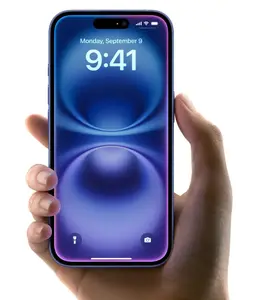
Explore new tools that help you write, focus, and communicate.
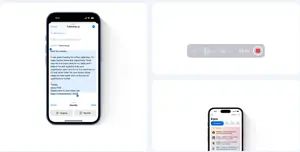
Writing Tools can proofread your text and rewrite different versions until the tone and wording are just right, and summarize selected text with a tap. They’re available nearly everywhere you write, including third-party apps.
Just hit record in the Notes or Phone app to capture audio recordings and transcripts. Apple Intelligence generates summaries of your transcripts, so you can get the most important info at a glance.
Priority messages in Mail elevate time-sensitive messages to the top of your inbox — like an invitation that has a deadline today or a check-in reminder for your flight this afternoon.
Express yourself visually
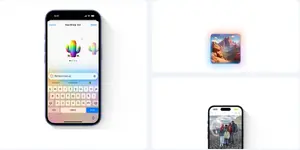
Make a Genmoji right in the keyboard to match any conversation. Want to create a rainbow cactus? You got it. Just provide a description.
The Image Playground app lets you create unique images in seconds based on a description, a concept, or even a person from your Photos library. Experiment with image styles like animation, illustration, and sketch.
With Clean Up, you can remove distracting background objects from your photos with just a tap — so you can perfect a shot while staying true to the original image.
A new era for Siri
Awareness of your personal context enables Siri to help you in ways that are unique to you. Need your passport number while booking a flight? Siri can help find what you’re looking for, without compromising your privacy.
Richer language understanding and an enhanced voice make communicating with Siri even more natural. For example, if you stumble over your words, Siri still knows what you’re getting at.
Not sure how to do something on iPhone, like schedule a text message to send later? With expansive product knowledge, Siri can give you step-by-step instructions in a snap.
Great powers come with great privacy.
Apple Intelligence is designed to protect your privacy at every step. It’s integrated into the core of iPhone through on-device processing. So it’s aware of your personal information without collecting your personal information.
And with groundbreaking Private Cloud Compute, Apple Intelligence can draw on larger Apple-designed server-based models, running on Apple silicon, to handle more complex requests for you while protecting your privacy.

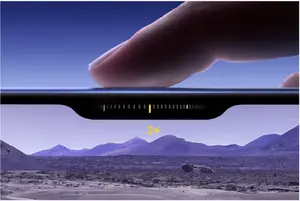
Take total Camera Control. Touch. Zoom. Click. Quick.
Now you can take the perfect photo or video in record time. Camera Control gives you an easier way to quickly access camera tools. Simply slide your finger to adjust camera functions like exposure or depth of field, and toggle through each lens or use digital zoom to frame your shot — just how you like it.
New camera system. Go to great lengths to get the perfect shot.
The versatile new iPhone 16 camera system captures beautiful photos — from up close or far away. The two-in-one 48MP Fusion camera lets you take stunning super-high-resolution images, or zoom in with the 2x optical-quality Telephoto. The Ultra Wide camera shoots extreme close-up macro photos or wider, more expansive pictures. Altogether, it’s like having four lenses in your pocket. And with spatial capture, you can even take photos and videos in 3D, which you can watch with Apple Vision Pro.
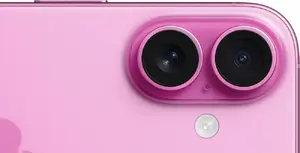
Ultra Wide camera. Focus on the little things. And the bigger picture.
The new Ultra Wide camera with autofocus takes incredibly sharp, detailed macro photos and videos. You can also frame more expansive scenes without taking a step back. And because it has a larger aperture and bigger pixels, it can capture up to 2.6x more light for higher image quality — even in low light.

Spatial Capture. Bring a whole new dimension to your photos and videos.
With its realigned cameras, iPhone 16 lets you take magical photos and videos in a whole new way using spatial capture. So you can relive those moments in immersive 3D with Apple Vision Pro.
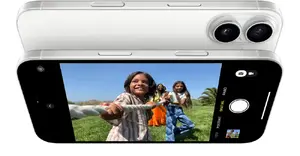
Audio Mix. Make your voice heard.
Powered by advanced intelligence and Spatial Audio capture, Audio Mix lets you adjust the way voices sound in your videos using three different voice options. Want to decrease background sound? Or just focus on the voices that are in frame? Simply select the mix and adjust intensity to get the sound you want after video capture.

Choose your Photographic Style. Change it up. Change it back.
Our latest generation of Photographic Styles gives you greater creative flexibility than ever before, so you can make every photo even more you. And you can add, change, or remove a style anytime you want.

Lock in your look.
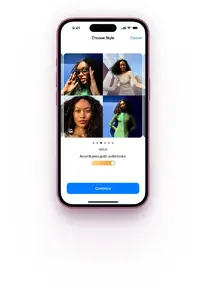
We’ve created new styles that let you dial in your exact desired look with more advanced skin-tone rendering and set it across your photos. And thanks to the powerful A18 chip, you can see the change in a live preview before you apply it.
Align with your aesthetic.
Our improved image pipeline also enables more creative styles, which allow you to customize the different moods of a photo through color.
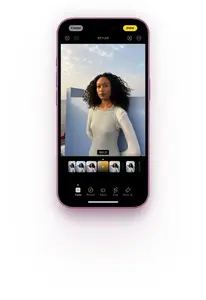
Make the most of your megapixels.
Personalize every style even more with the new control pad, which makes it easy to adjust tone and color simultaneously. You can also use the slider to adjust the intensity of the specific colors, instead of applying a one-size-fits-all approach.
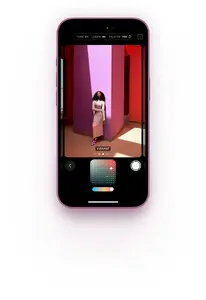
A18 chip. Hi. IQ.
Meet A18, custom-built for Apple Intelligence — and so much more. It jumps two generations ahead of the A16 Bionic chip in iPhone 15. And it powers next-level camera features like Photographic Styles and Camera Control. All with exceptional power efficiency to extend battery life.
Even longer battery life. You’ll need to recharge before it will.
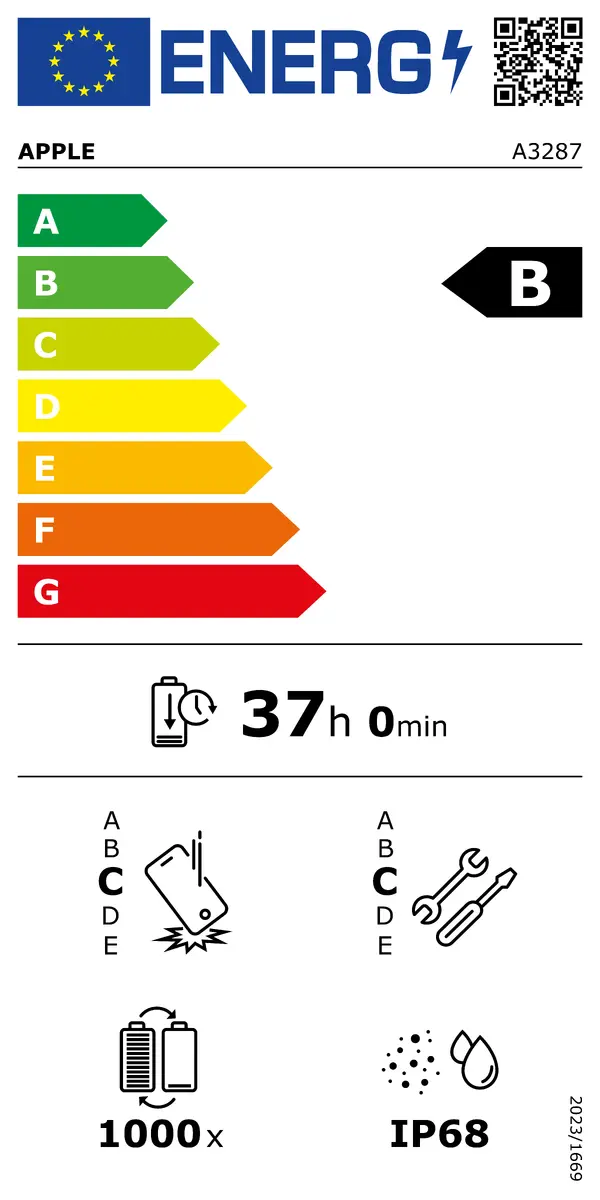
iPhone 16 has been designed to make room for a larger battery, which works together with A18 to deliver a big boost in battery life, even with so many new features. So you can game, binge, and rock on — and on.
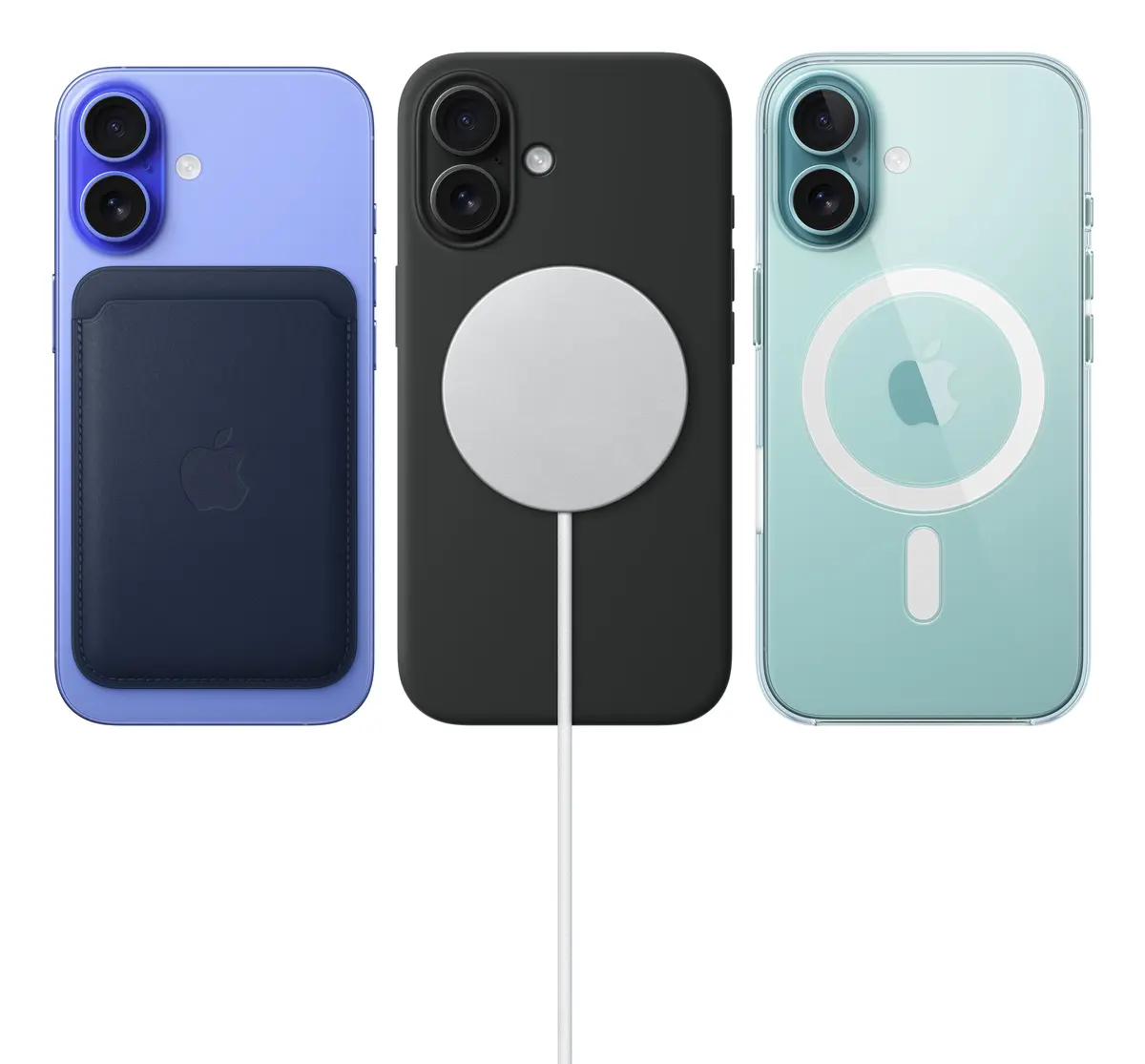
Snap on a new MagSafe charger for even faster wireless charging4 — up to 25W with a 30W power adapter or higher, enabling up to 50% charge in around 30 minutes.

Durable design. Who says beauty isn’t meant to last.
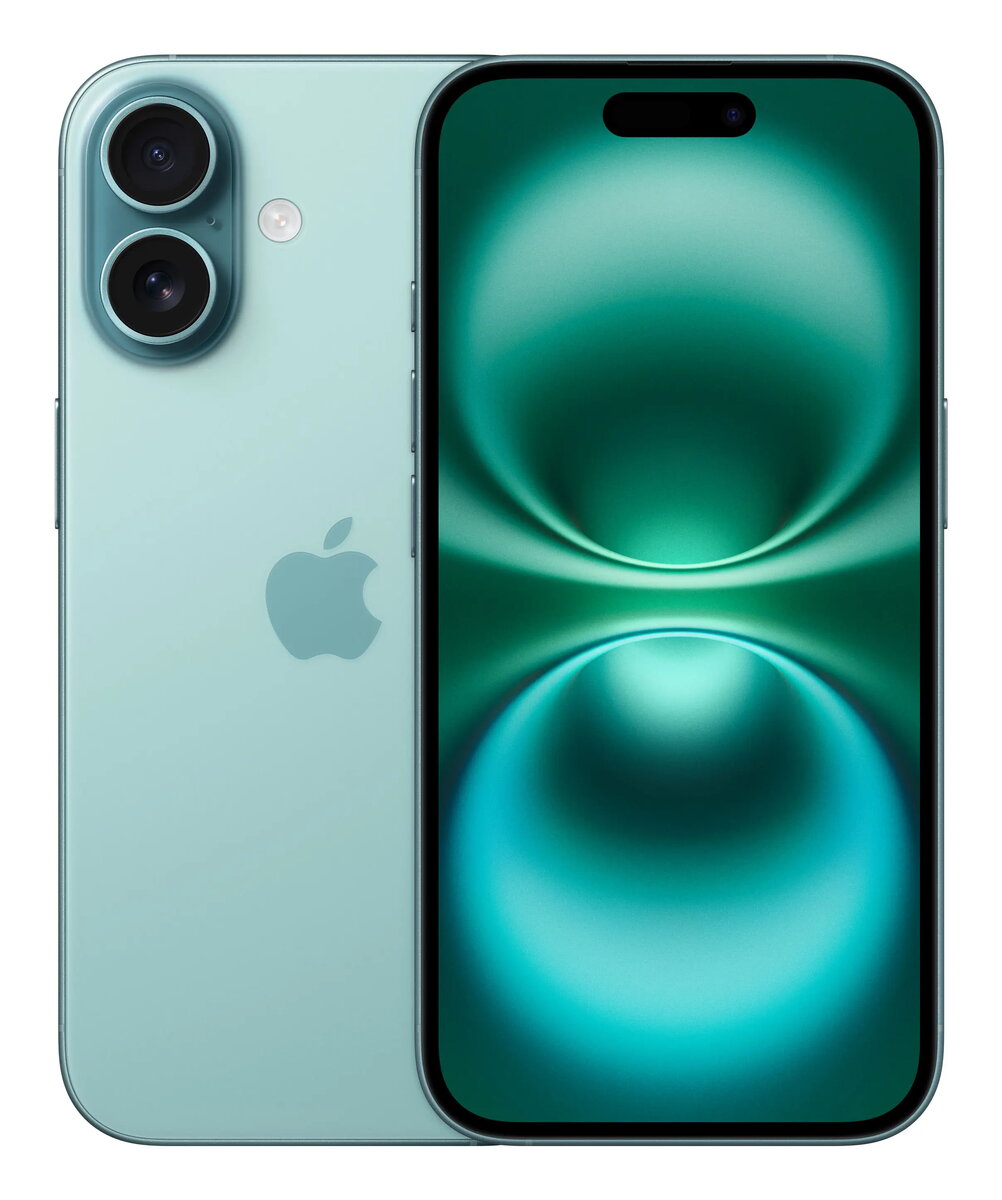
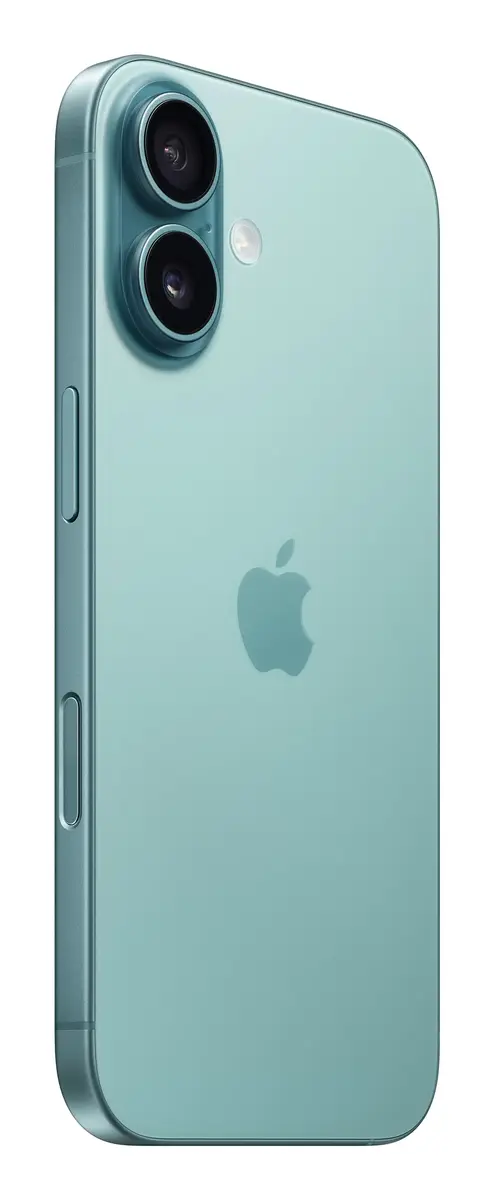
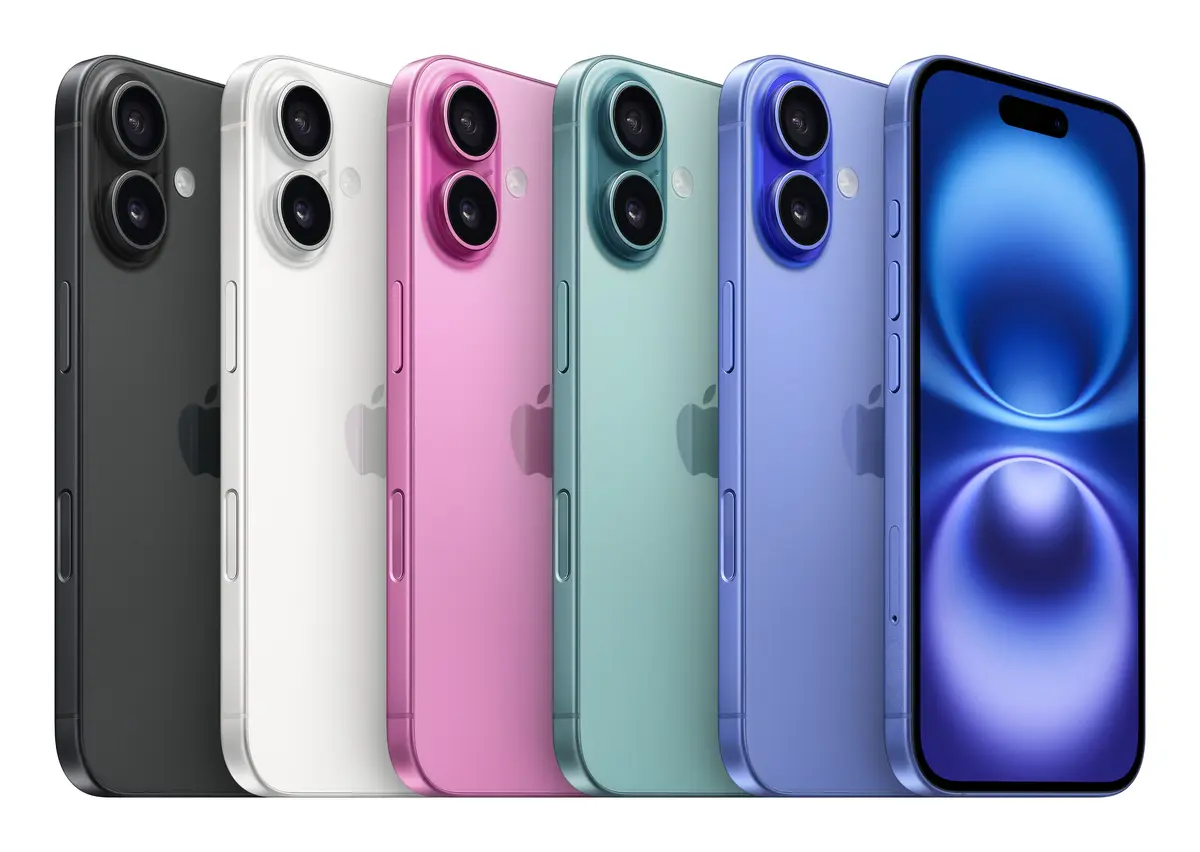
iPhone 16 has a sturdy, aerospace-grade aluminum enclosure and strong — and beautiful — color-infused glass on the back. The latest-generation Ceramic Shield material is two times tougher than any smartphone glass. And a new internal design dissipates heat more effectively, so you’ll get better performance overall, especially when it comes to gaming.
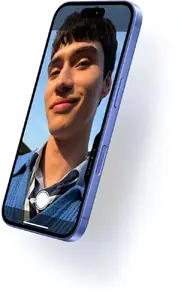
Action button. Do more. Wait less.
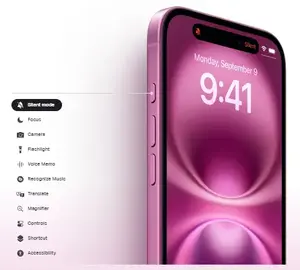
The Action button on iPhone 16 is a fast track to your favorite feature. Just press and hold to launch the action you want — the flashlight, a voice memo, Silent mode, and more. You can also set up Shortcuts to open an app, run a series of tasks, or change actions depending on the time of day or your location. Or use it to take actions in an app, like setting an alarm or even ordering your favorite coffee drink.
iOS 18. Customize. Stylize. Mesmerize.
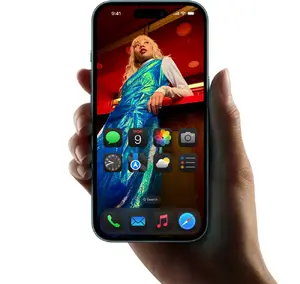
Personalize your Home Screen. Tint your icons with any color. Rearrange and resize apps and widgets. You can even lock or hide apps to protect sensitive information — it’s your call.
Choose your controls. Swap out your Lock Screen controls for ones you love to use more often. Or you can assign a control to the Action button.
Find your favorite shots faster. ln the redesigned Photos app, your Collections are automatically organized by topic, like People & Pets.
Get expressive with text. Add playful, animated effects to any word, phrase, or emoji in iMessage — many of which are automatically suggested as you type.
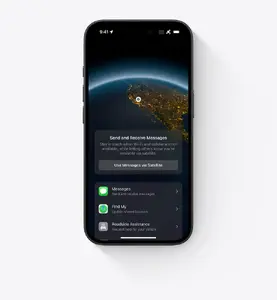
No signal? There’s a satellite for that.
Messages via satellite lets you send and receive messages and Tapbacks when you’re off the grid, right from the Messages app. Your iPhone will help you connect to a satellite, so you can text over iMessage or SMS.
Roadside Assistance via satellite can get you help for things like a flat tire or a dead car battery. iPhone will connect you with a roadside assistance provider, who can dispatch help to your exact location — even if you’re off the grid.