
Dreame vacuums for fast and efficient cleaning!
In cart {{totalProductsCount}} item(s)
Your cart is empty
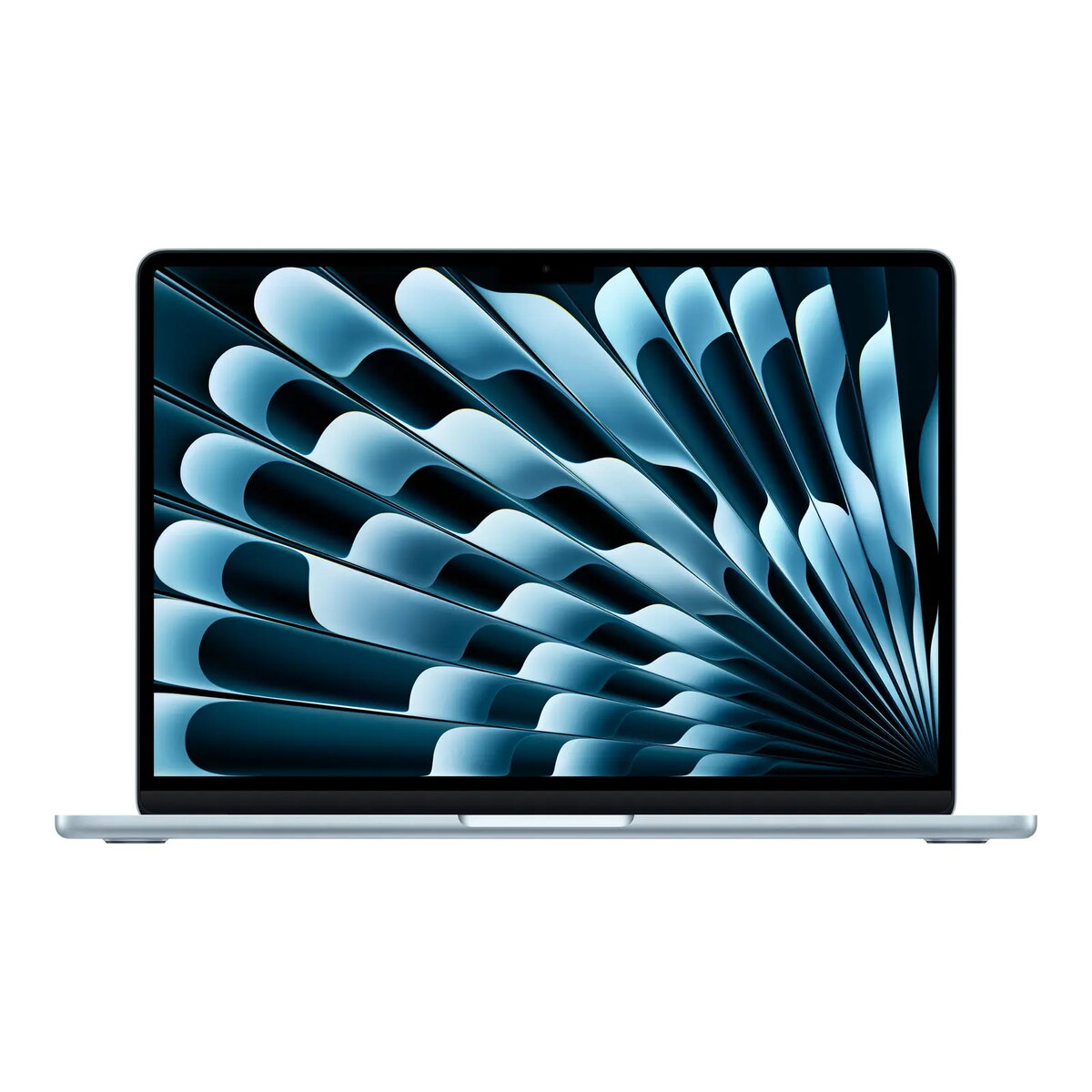
Laptop Apple MacBook Air 13” with Apple M4 10‑core CPU/10‑core GPU, 16GB RAM, 512GB SSD, Sky Blue
The Apple MacBook Air 13” with Apple M4 10‑core CPU/10‑core GPU, 16GB RAM and 512GB SSD is a compact laptop designed for everyday productivity, multitasking and on-the-go use. Running macOS, the system combines the M4 chip's processing and graphics capabilities with a fast solid‑state drive and ample memory to deliver responsive performance for office applications, web browsing, multimedia playback and light creative tasks. The Sky Blue finish provides a distinct appearance while the lightweight chassis supports portability for students, professionals and frequent travelers.
The integrated Apple M4 10‑core CPU and 10‑core GPU provide efficient performance and responsive graphics in a power‑efficient design. 16GB of unified memory enables smoother multitasking and reduces swapping under typical workloads. A 512GB SSD offers fast boot times, quick application launches and sufficient space for documents, media and projects. macOS integration ensures compatibility with Apple services, continuity features and regular system updates. The 13‑inch form factor balances display area with portability for daily mobile use.
Power on the MacBook Air and follow the macOS setup assistant to configure your Apple ID, iCloud, network and privacy settings. Install essential applications from the App Store or other trusted sources and enable system updates to keep software secure and current. Use Finder to organize files on the internal SSD and set up iCloud Drive or external backups for data protection. Configure energy saver settings and display brightness to balance battery life and performance for your usage patterns.
For optimal performance, keep macOS and applications up to date, maintain at least 10–15% free storage on the SSD to avoid reduced performance, and use Time Machine or another backup solution to protect important data. When performing sustained high‑performance tasks, place the laptop on a hard, flat surface to maintain airflow and consider using low‑power or balanced energy settings to extend battery runtime.
{{highlightedFeature.featureTitle}}:
{{getProductFeatureValueById(product, highlightedFeature.featureId)}}
{{ productComparisonGenerationError }}
