Why iPad
iPad is incredibly versatile and ready for any task. Whether you’re working on a project, expressing your creativity, or playing an immersive game, iPad is a powerful and enjoyable way to get things done. Here are just a few of the many things you can do with iPad.
Get the tough things done easily.
Run powerful apps effortlessly.
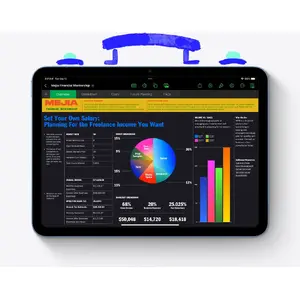
iPad works with powerful apps you know, like Adobe Photoshop and Microsoft Office, with the added ease of touch input.
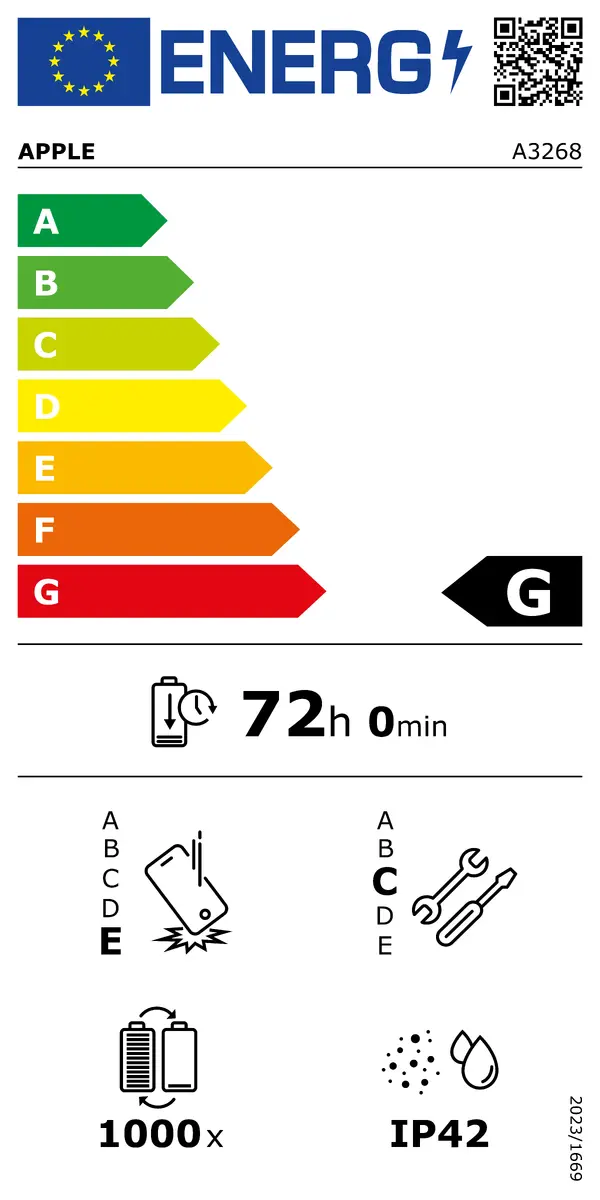
All‑day battery life.
Stay productive and on the go all day.
Use multiple apps at once and work between them.
Multitasking on iPad is more intuitive and capable than ever. Work seamlessly across apps. Use Slide Over or Split View to run multiple apps at the same time, and drag and drop content between apps with touch or a trackpad. On iPad Pro and iPad Air, you can also use Stage Manager to overlap, stack, and resize app windows.
Wi‑Fi when you have it.
Cellular when you don’t.
With cellular capability, iPad keeps you connected from almost anywhere, so you don’t miss a beat when away from Wi‑Fi.
Store and share all your stuff with Files.
Organize, share, and access everything with the Files app. Manage items on your iPad, in iCloud, or on cloud services like Box. You can also access files stored on a thumb drive or other external devices.
Write it down. Mark it up. And make it unforgettable.
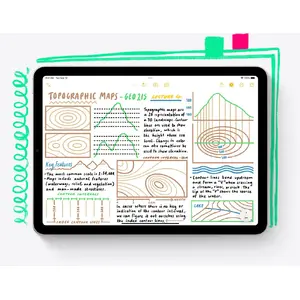
Take amazing notes with Apple Pencil.
Whether you’re taking class notes, keeping a journal, or brainstorming, iPad is always ready to capture your ideas. You can then share them, build on them, and bring them to life.
Convert your handwritten notes to typed text.
With iPad, handwriting can be as useful as typed text. Start with a handwritten note, then with a few taps copy and paste it as typed text.
Draw perfect shapes by hand.
Draw shapes freehand with Apple Pencil and watch shape recognition snap them into ideal form.
Sign documents. Mark up anything.
Fill out a form or sign a document on iPad with your fingertip or Apple Pencil, then send it with a tap. Or take a screenshot and mark it up, add retouching notes to a photo, or revise a document.
Handwrite in any text field with Scribble.
Use Apple Pencil to write a quick message or search in Safari. Your handwriting automatically converts to typed text so you don’t interrupt your flow.
Take a Quick Note anywhere.
Quick Note is a fast way to create or access a note no matter what you’re doing. Start a Quick Note with a swipe of a finger or Apple Pencil, then jot information over any app or screen. Add links, highlights, tags, and mentions for context.
Create on the ultimate canvas for any project.
Draw a masterpiece with Apple Pencil.
With tilt and pressure sensitivity, low latency, and pixel‑perfect precision, Apple Pencil helps turn a blank page into inspiring art.
3D design at your fingertips.
Even intensive creative projects come to life on iPad. Use touch to move and manipulate objects and Apple Pencil to draw and fine‑tune sketches. You can even view them in AR, all on one device.
Produce music or record a podcast.
Audio apps for iPad help you learn, practice, record, and create with ease. With Logic Pro for iPad you have the tools to create finished songs — like having a professional recording studio in your hands.
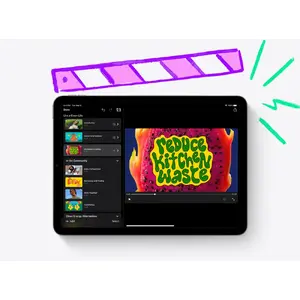
Bring your own animated characters to life.
Use Apple Pencil to draw characters and create new worlds with intuitive animation apps for all types of artists.
iPad and Mac make a serious creative team.
With Sidecar, extend or mirror your Mac display wirelessly and use iPad for precision tasks or as an incredible second display. With Universal Control, a single keyboard and mouse or trackpad work seamlessly between Mac and iPad.

Catch a movie. Blast tunes. Read a classic.
Comes with 3 months of Apple TV+.
Every iPad includes a 3‑month subscription to Apple TV+, featuring critically acclaimed Apple Original series and films.
Watch and stream all your favorite content.
Enjoy the newest films and TV releases or rewatch favorites on an immersive display that travels with you.
Amazing speakers for music, video, and TV.
Listen to a podcast while you cook, play your favorite playlist, or take a movie on the go.
Catch up on the latest news or read a best seller.
iPad makes reading a pleasure. Explore favorite authors, books, and publications with the Books and News apps.
Snap a photo. Scan a doc. Shoot a film. All on the same device.
Edit your photos and videos right away.
iPad makes editing, enjoying, and sharing photos and videos easy. Capture the perfect shot and refine it with built‑in or third‑party editing apps. Use Final Cut Pro for iPad to shoot, edit, finish, and deliver professional videos wherever you are.
Stay connected.
Use FaceTime and other video conferencing apps to stay in touch with family, friends, and colleagues. You can take selfies, too.
Did you know a document scanner is built right in?
Use the back camera to scan a document, then mark it up and send it — all from the same device.
The best platform for AR.
Advanced cameras, motion tracking, and a large display make iPad an excellent device for augmented reality, so you can learn, watch, and play in immersive environments.
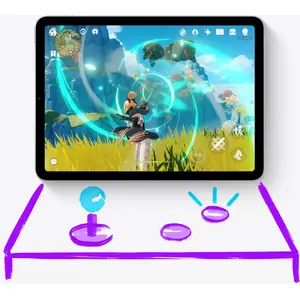
Play it like you mean it.
App Store games that look and play amazing.
Browse and enjoy thousands of games designed for iPad. From high‑speed racing to jigsaw puzzles, there’s a game for everyone.
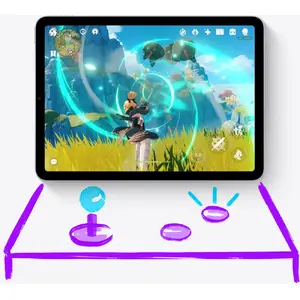
Connect a game controller.
Pair a PlayStation or Xbox controller with your iPad to create an impressive portable game console. Play solo or squad up with friends in multiplayer.
Explore a world of games with a free trial of Apple Arcade.
Play through hundreds of worlds and enjoy endless fun with Apple Arcade. One subscription, no ads, all you can play.
Games are more engaging with motion.
Built‑in motion sensors add a new dimension to games. Dodge, drive, and take aim with iPad as an excellent handheld gaming device.
Lifelong learning made magical.
Your classroom can be anywhere.
Take your learning on the go and join from wherever you are. Attend lectures, tackle group projects, or stay connected with classmates and colleagues around the world.
Learn something new, from cooking to Cantonese.
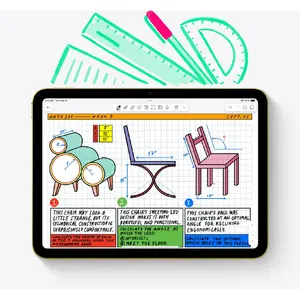
iPad is a great companion for learning. Follow an instructor step by step or move through a self‑guided course in your free time. Whatever your learning style, there’s an app for it.
A great start for all types of learning.
The App Store offers many educational apps for children to explore outside the classroom. Screen Time lets you view and set limits on how much time you and your kids spend on apps, websites, and more.
Build your coding skills.
Swift Playgrounds makes learning and experimenting with Swift fun — a powerful language created by Apple. Learn to code, build real apps with SwiftUI, and see your ideas come to life on the App Store.
Unlock the world around you with AR.
Expand your horizons with augmented reality learning apps. Explore layers of the human body or point your iPad at the stars to see constellations above you.
Play as if you have nothing to lose.
App Store games that look great and play wonderfully.
Discover and play thousands of games developed for iPad. From fast racing to puzzles, there’s something for everyone.
Connect a game controller.
Pair a PlayStation or Xbox controller and your iPad becomes a fantastic portable console. Play solo or with friends in multiplayer mode.
Move and make your games more exciting.
Motion sensors in iPad give games a new dimension, making diving, racing, and shooting feel natural on a handheld device.