Why iPad
iPad is so versatile, it’s more than up to any task. Whether you’re working on a project, expressing your creativity, or playing an immersive game, iPad is a fun and powerful way to get it done. Here are just a few of the countless things you can do with iPad.
Get the tough things done easily.
Run powerful apps effortlessly.
iPad works with the powerful apps you’re familiar with, like Adobe Photoshop or Microsoft Office, with the added ease of using them with touch.
All‑day battery life.
Stay productive and on the go all day.
Use multiple apps at once and work between them.
Multitasking with iPad is more intuitive and powerful than ever. Work seamlessly across apps. Use Slide Over or Split View to work with multiple apps at the same time, and even drag and drop content between apps with touch or a trackpad. And on iPad Pro and iPad Air, you can use Stage Manager to overlap, stack, and resize app windows.
Wi‑Fi when you have it.
Cellular when you don’t.
Cellular capability means iPad keeps you connected from just about anywhere. So you don’t miss a beat even if you’re away from Wi‑Fi.
Store and share all your stuff with Files.
You can organize, share, and get to all your stuff with the Files app. Manage what’s on your iPad, in iCloud, or on cloud services like Box. Easily access files stored on a thumb drive or other external devices, too.
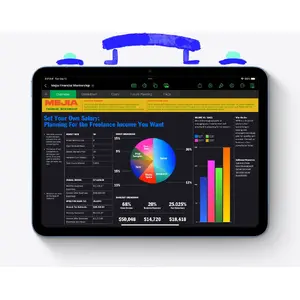
Write it down. Mark it up. And make it unforgettable.
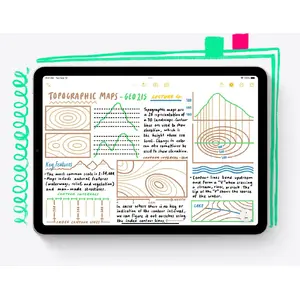
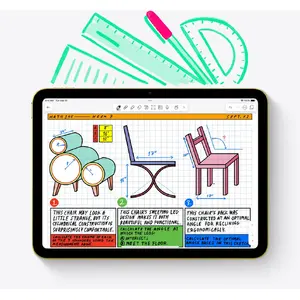
Take amazing notes with Apple Pencil.
Whether you’re taking class notes, keeping a journal, or brainstorming a solution, iPad is always ready to capture your brightest ideas. Then you can easily share them, build on them, and bring them to life.
Convert your handwritten notes to typed text.
With iPad, your handwriting can be just as powerful as typed text. Start with your handwritten note, then with a few taps, copy and paste it as typed text.
Draw perfect shapes by hand.
Draw familiar shapes freehand with Apple Pencil and watch as shape recognition snaps them into their ideal form.
Sign documents. Mark up anything.
Fill out a form or sign a document right on iPad with your fingertip or Apple Pencil, then send it with just a tap. Or take a screenshot and mark it up, give some retouching notes on a photo, or make revisions to a document.
Handwrite in any text field with Scribble.
Use Apple Pencil to write a quick message or search for something in Safari. Your handwriting will automatically convert to typed text, so you don’t have to interrupt your flow.
Take a Quick Note anywhere.
Quick Note is a fast and easy way to make or get to a note no matter what you’re doing. Start a Quick Note with a swipe of a finger or Apple Pencil, then jot down information over any app or screen. Add links, highlights, tags, and mentions for context.
Create on the ultimate canvas for any project.
Draw a masterpiece with Apple Pencil.
With tilt and pressure sensitivity, low latency, and pixel‑perfect precision, Apple Pencil is the ultimate tool to help turn a blank page into an inspiring work of art.
3D design at your fingertips.
Even the most intensive creative projects are brought to life on iPad. Use touch to move and manipulate objects. Apple Pencil to draw and fine‑tune sketches. You can even view them in AR, all on one device.
Produce music or record a podcast.
Audio apps for iPad help you learn, practice, record, and create with ease. And with Logic Pro for iPad, you have everything you need to create a finished song and more — it’s like having a professional recording studio in your hands.
Bring your own animated characters to life.
Use Apple Pencil to draw characters and create new worlds with intuitive animation apps designed for all types of artists.
iPad and Mac make a serious creative team.
With Sidecar, you can extend or mirror your Mac display wirelessly. Then use iPad for precision tasks or as an incredible second display. And with Universal Control, a single keyboard and mouse or trackpad work seamlessly between your Mac and iPad.

Catch a movie. Blast tunes. Read a classic.
Comes with 3 months of Apple TV+.
Every iPad includes a 3‑month subscription to Apple TV+, featuring critically acclaimed Apple Original series and films.
Watch and stream all your favorite content.
Catch the newest film and TV releases or rewatch your favorites on an immersive display that goes with you anywhere.
Amazing speakers for music, video, and TV.
Listen to a podcast as you cook, blast your favorite playlist, or take a movie to go.
Catch up on the latest news or read a best seller.
iPad makes reading a joy. Check out all your favorite authors, books, and publications with the Books and News apps.

Snap a photo. Scan a doc. Shoot a film. All on the same device.
Edit your photos and videos right away.
iPad makes editing, enjoying, and sharing your photos and videos easy. Capture the perfect shot and make it your own with a suite of powerful built‑in or third‑party editing apps. And use Final Cut Pro for iPad to shoot, edit, finish, and deliver professional videos anywhere you are.
Stay connected.
Use FaceTime and other video conferencing apps to stay connected with family, friends, and the office. You can take selfies, too.
Did you know a document scanner is built right in?
Use the back camera to scan a document, then mark it up and send it. All from the same device.
The best platform for AR.
Advanced cameras, motion tracking, and a large display make iPad the ultimate device for augmented reality. So you can learn, watch, and play in immersive environments.
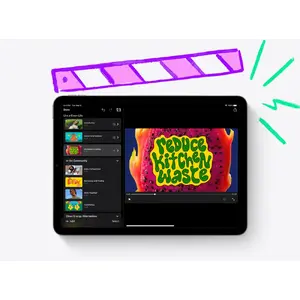
Play it like you mean it.
App Store games that look and play amazing.
Browse and enjoy thousands of games designed just for iPad. From high‑speed racing to jigsaw puzzles, there’s a game for everyone.
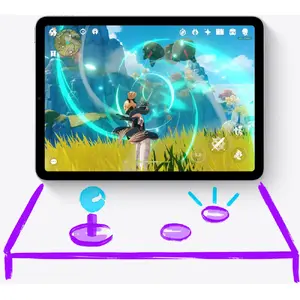
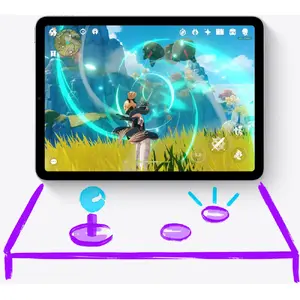
Connect a game controller.
Pair your PlayStation or Xbox controller with your iPad to create an incredible portable game console. Play solo or squad up with friends in multiplayer.
Explore a world of games with a free trial of Apple Arcade.
Play your way through hundreds of worlds and experience endless fun with Apple Arcade. One subscription, zero ads, all you can play.
Games are more engaging with motion.
Games take on a new dimension with motion sensors built into iPad. Dodge, drive, and take aim with iPad as an amazing handheld gaming device.
Lifelong learning made magical.
Your classroom can be anywhere.
Take your learning to go and sign in from wherever you are. Attend a lecture, tackle a group project, or simply stay connected with colleagues and classmates from all over.
Learn something new, be it cooking or Cantonese.
iPad makes a perfect companion for learning. Go step by step with an instructor or zip through a self‑guided course in your free time. However you like to learn, there’s an app for that.
A great start for all types of learning.
The App Store has a huge range of educational apps for children to explore outside the classroom. And Screen Time lets you view and set limits on how much time you and your kids spend on apps, websites, and more.
Build your coding skills.
Swift Playgrounds makes it fun to learn and experiment with Swift — a powerful programming language created by Apple. Learn code, build real apps with SwiftUI, and see your ideas come to life on the App Store.
Unlock the world around you with AR.
Expand your mind with augmented reality learning apps. Dive into layers of the human body or point your iPad to the stars and see the constellations above you.
Play like you mean it.
App Store games that look and play amazing.
Discover and enjoy thousands of games developed specifically for iPad. From fast racing to puzzles, there’s something for everyone.
Connect a game controller.
Pair a PlayStation or Xbox controller with your iPad to turn it into a great portable console. Play solo or team up with friends in multiplayer.
Make games more exciting with motion.
With iPad’s motion sensors, games gain a new dimension. Dodge, race, and aim using iPad as a fantastic handheld device.

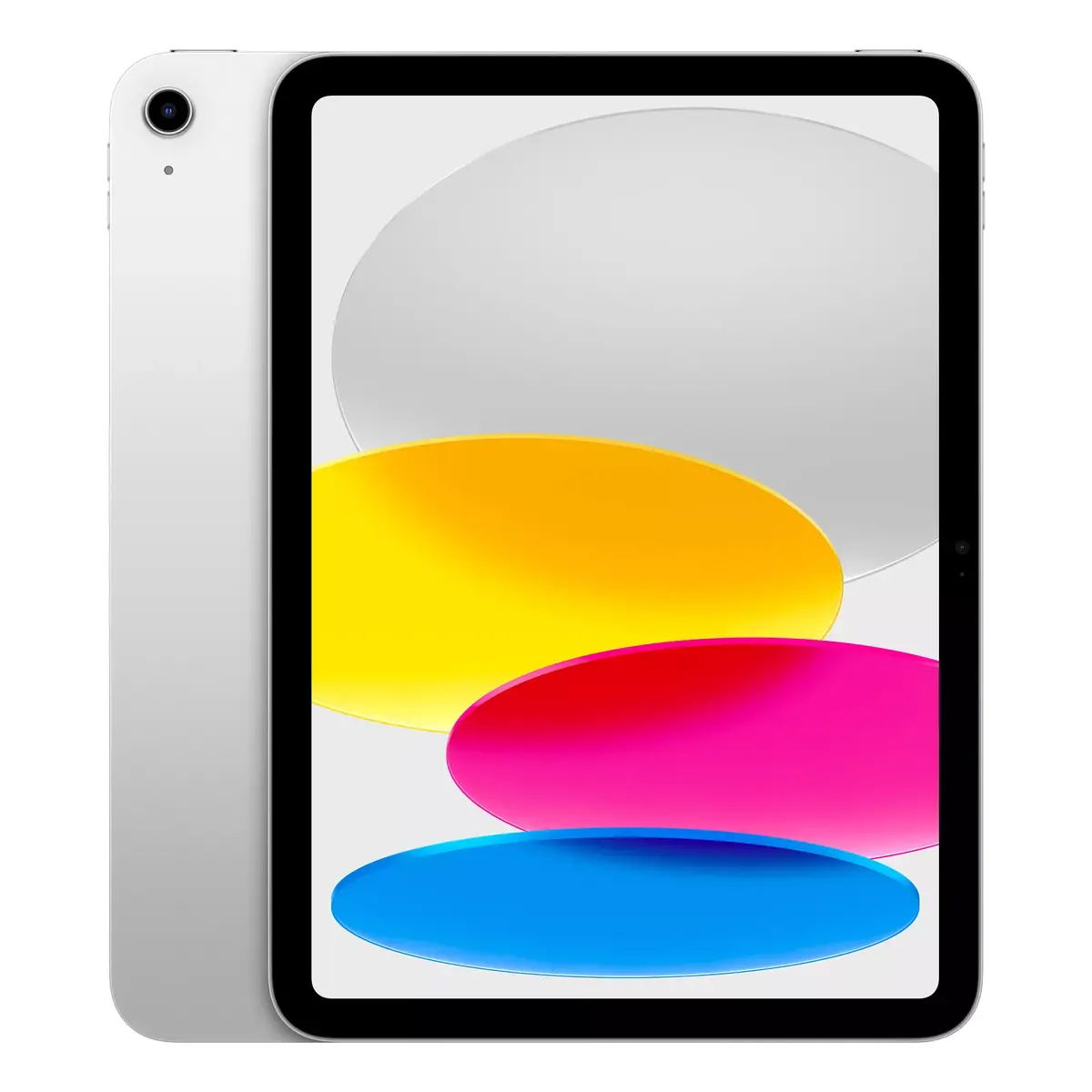

 Charging device not included
 Required charger power: 15–45 W, USB PD


