
Leave your address - as soon as the price of the product goes down, you'll know about it right away
Camera Adapter Apple Lightning to USB MD821ZM/A
In cart {{totalProductsCount}} item(s)
Your cart is empty
Camera Adapter Apple Lightning to USB MD821ZM/A
Leave your address - as soon as the price of the product goes down, you'll know about it right away
Camera Adapter Apple Lightning to USB MD821ZM/A
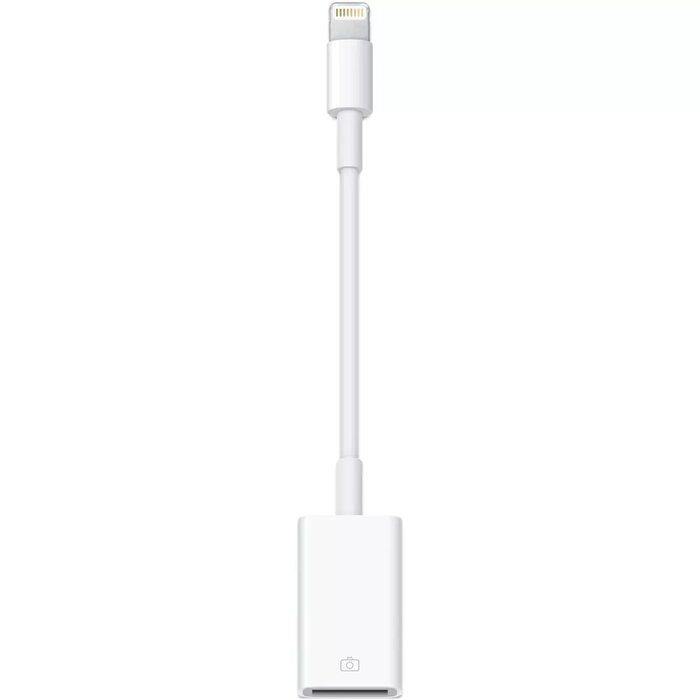
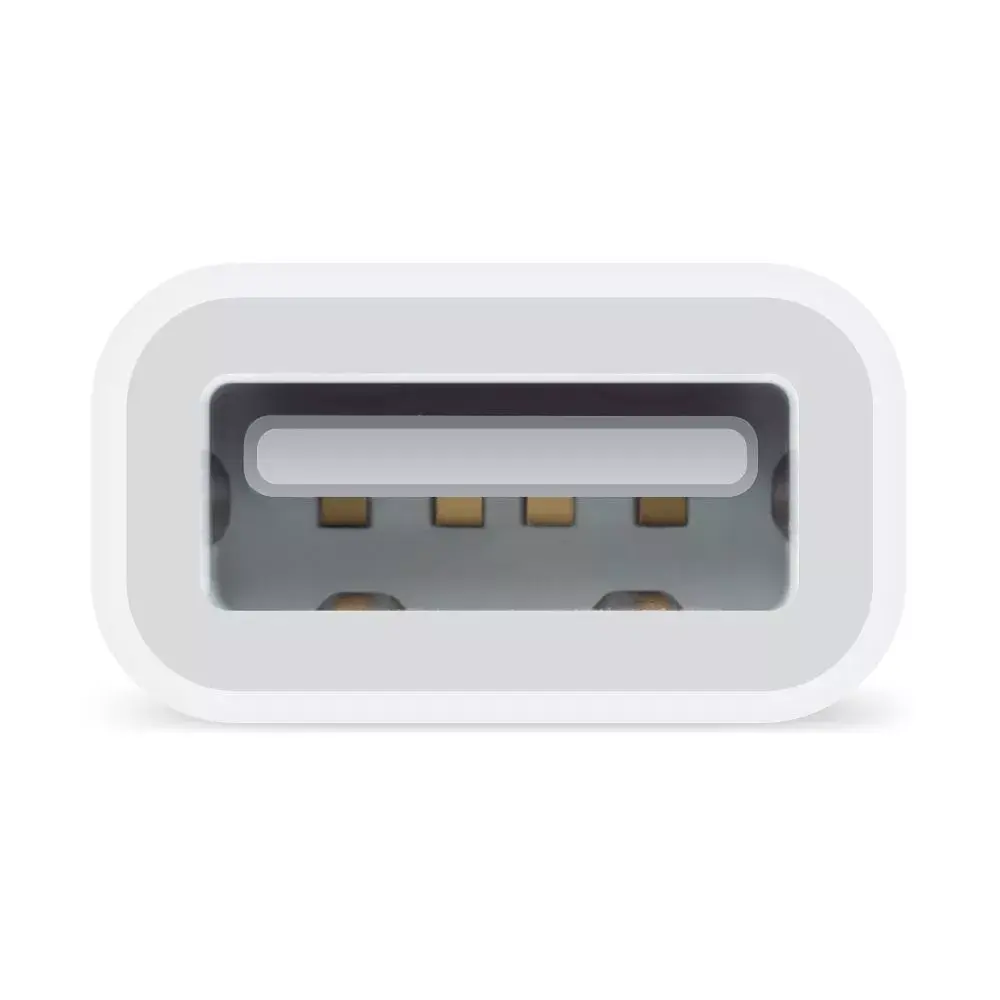
The Apple Lightning to USB Camera Adapter (MD821ZM/A) lets you connect a USB camera or compatible USB device to an iPad with a Lightning connector so you can download photos and videos directly to the iPad. After connection the iPad opens the Photos app to let you select and import images and clips, which are then organized into albums. Imported media syncs to your Mac or PC when you next connect your iPad to your computer. The adapter supports common photo formats such as JPEG and RAW, as well as SD and HD video formats including H.264 and MPEG‑4. The compact white design is intended for portability and simple use with iPad models using a Lightning port.
The adapter enables straightforward transfer of photos and videos without additional software and works with the built‑in Photos app to import and organize media. It supports standard image and video formats and integrates with desktop photo libraries when the iPad is synced to a Mac or PC. Its small, lightweight form factor and Lightning connector provide a direct, portable connection to compatible USB cameras and devices.
Connect the Lightning end of the adapter to the iPad and plug your USB camera or card reader into the USB port. The iPad will automatically launch the Photos app, where you can choose which photos and videos to import. After import the media is organised into albums on the iPad; when you sync the iPad with a Mac or PC, the imported files are added to the computer's photo library.
Use a camera or card reader that provides standard photo and video formats (JPEG, RAW, H.264, MPEG‑4). For large RAW files or high‑resolution video, ensure your iPad has sufficient free storage before importing. If the connected device requires additional power, use a powered USB hub or import media via a powered card reader.
{{highlightedFeature.featureTitle}}:
{{getProductFeatureValueById(product, highlightedFeature.featureId)}}
