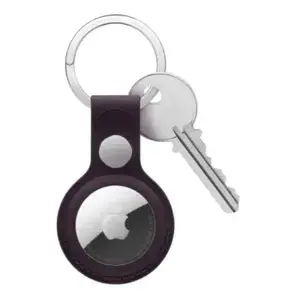
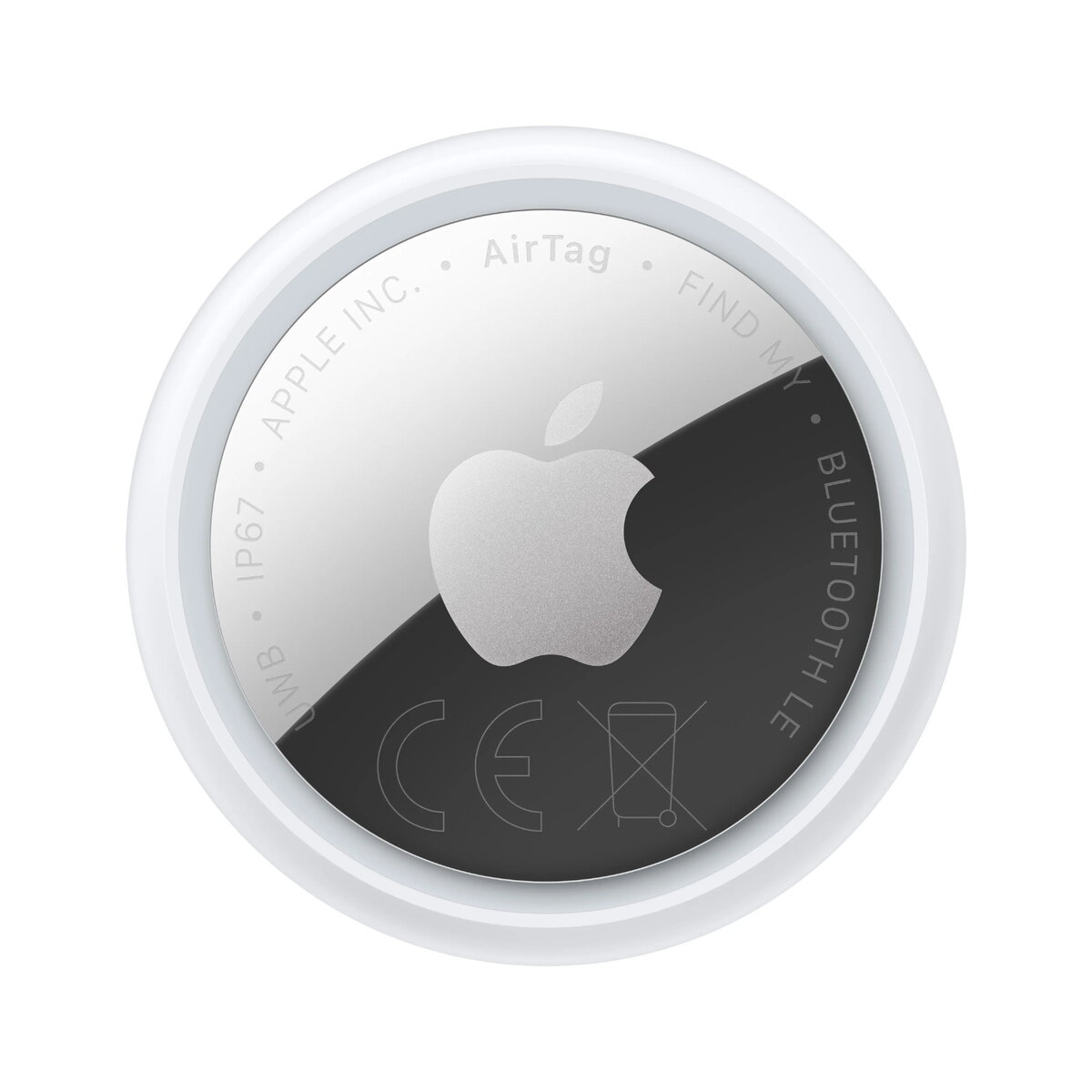
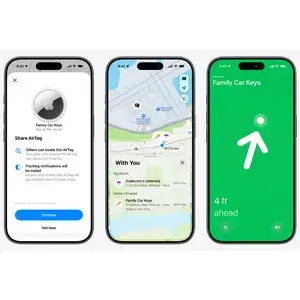
Make finding a family affair.
Share AirTag with up to five people. So items that everyone uses — like an umbrella, a bike, or the family car keys — can be tracked by friends and family.
Ping it. Find it.
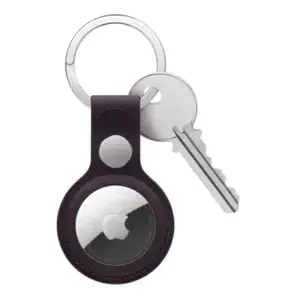
Misplacing something like your keys doesn’t have to be a big deal when it has AirTag attached. Open the Items tab in the Find My app or ask Siri for help if whatever’s missing is hiding nearby. And with a 50% louder speaker, you can now hear AirTag from up to twice as far away.
Cold. Warm. Warmer. Hot.
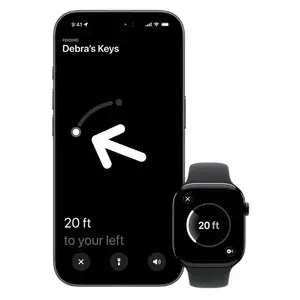
If your AirTag is nearby, your iPhone or Apple Watch can lead you straight to it. Thanks to its expanded Precision Finding range and built-in Ultra Wideband technology, you’ll see the exact distance and direction to head in — whether you left it on the counter or in the car.
How does it work?
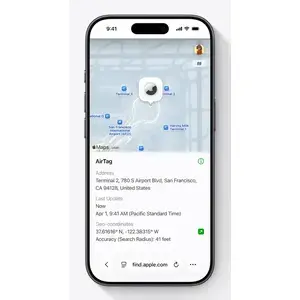
Your AirTag sends out a secure Bluetooth signal that can be detected by nearby devices in the Find My network. These devices send the location of your AirTag to iCloud — then you can go to the Find My app and see it on a map. The whole process is anonymous and encrypted to protect your privacy. And it’s efficient, so there’s no need to worry about battery life or data usage.

Lost Mode makes finding things even easier.
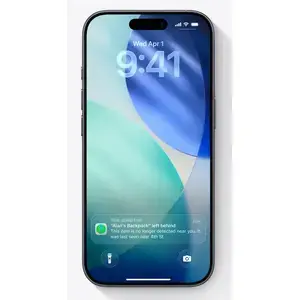
Just like your other Apple devices, AirTag can be put into Lost Mode. Then, when it’s detected by a device in the network, you’ll automatically get a notification. You can also set it so someone can get your contact info by tapping your AirTag with their NFC-capable smartphone — that’s the same technology that lets people pay for things with their phones.
Share your lost item’s location.
If you lose an item, you can temporarily share the location of your AirTag or Find My network accessory with others to help you find it — including more than 50 airlines, like Delta, Lufthansa, Singapore, and United. It’s easy, private, and secure. Simply share an item’s location in the Find My app. Sharing automatically stops when you are reunited with your item or expires after seven days.
Privacy is built in.
Only you can see where your AirTag is. Your location data and history are never stored on the AirTag itself. Devices that relay the location of your AirTag also stay anonymous, and that location data is encrypted every step of the way. So not even Apple knows the location of your AirTag or the identity of the device that helps find it.
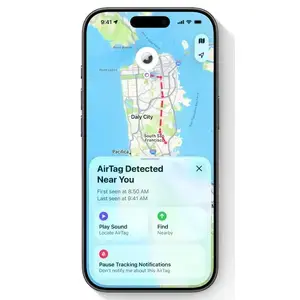
AirTag is designed to discourage unwanted tracking. If someone else’s AirTag finds its way into your stuff, your iPhone or Android phone will notice it’s traveling with you and send you an alert. If you still havenʼt found it after a while, the AirTag will start playing a sound letting you know it’s there.
Of course, if you happen to be with a friend who has an AirTag, or on a train with a whole bunch of people with AirTag, don’t worry. These alerts only get triggered when an AirTag is separated from its owner.
Beautifully simple.
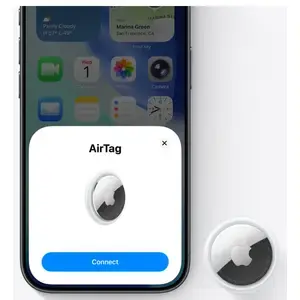
A one‑tap setup instantly connects your AirTag with your iPhone or iPad. Enter a name for your AirTag, attach it to the item you want to track, and youʼre good to go. Want AirTag notifications on your Apple Watch, too? No problem.
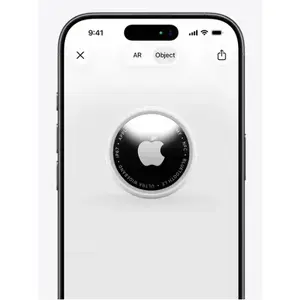
Use AR to see it from every angle.
Open this page using Safari on your iPhone or iPad.
Ping. Got it.
Forgot where you left your keys? No problem if an AirTag is attached. Open the Items tab in the Find My app or ask Siri for help if the item you’re looking for is nearby. With a 50% louder speaker, you can now hear AirTag from up to twice as far away.