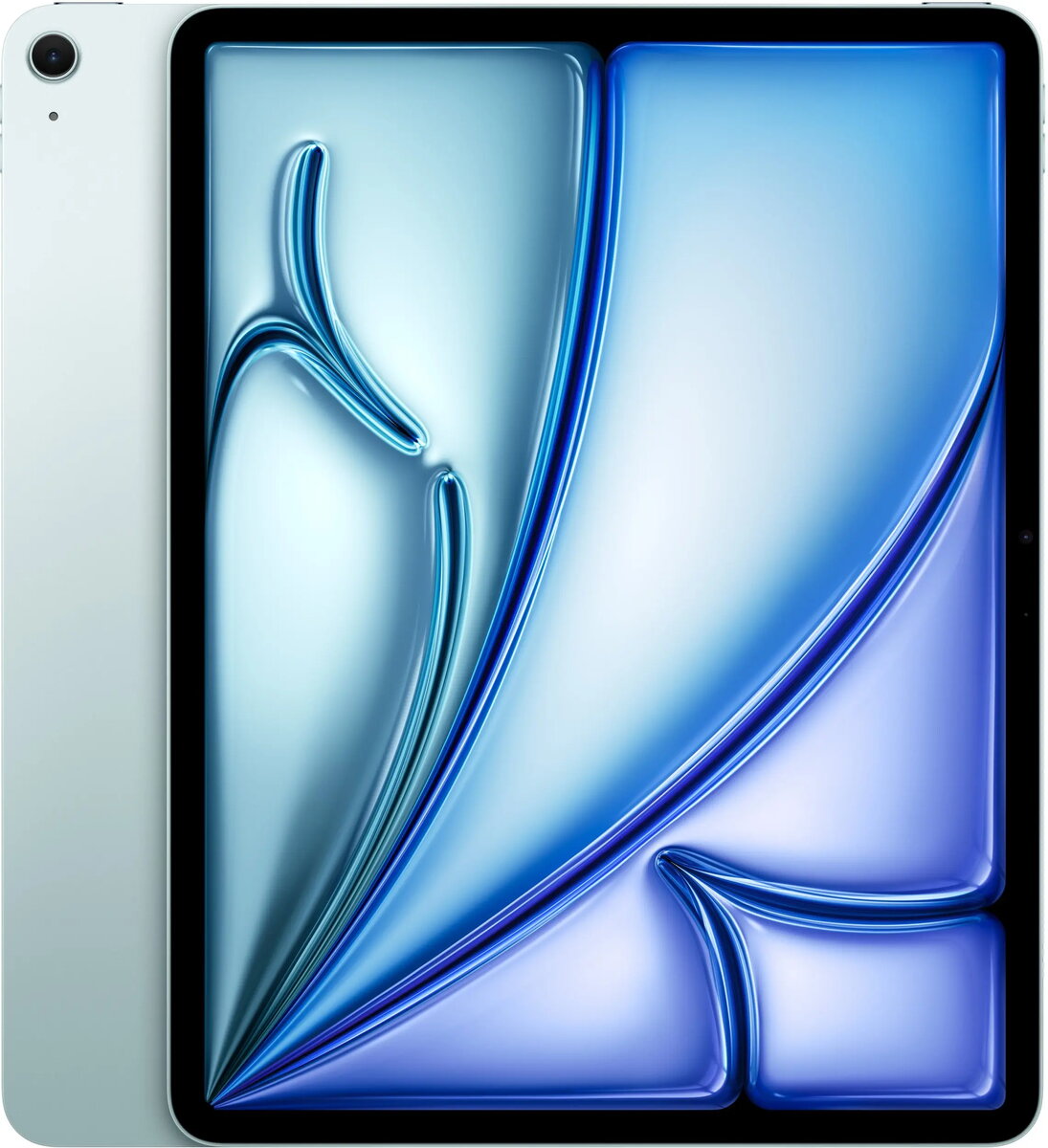
Apple iPad Air 13" M4 Wi‑Fi 1TB Blue is a slim tablet featuring a 13-inch IPS display with 2732 x 2048 resolution and Apple silicon M4 processor. With 12 GB of RAM and 1 TB of internal SSD storage, this iPad Air is designed to handle demanding apps, large libraries of photos and video, and intensive multitasking. Built-in Wi‑Fi and Bluetooth 6.0 provide fast wireless connectivity while front and rear 12 MP cameras support video calls, content capture and scanning. The device runs iPadOS, offering access to optimized apps and system features for productivity and creative workflows.
Advantages
The combination of the M4 chip and 12 GB RAM delivers responsive performance for editing, drawing, and running multiple apps simultaneously. A large 1 TB internal drive gives ample space for media libraries, projects, and offline files without relying on cloud storage. The high-resolution 13-inch IPS display provides clear visuals suitable for design, reading and video playback. Wi‑Fi connectivity and Bluetooth 6.0 ensure reliable network access and peripheral pairing. The slim, lightweight design and iPadOS ecosystem allow for mobile productivity with support for accessories and optimized applications.
Suitable for
- Graphic design, digital illustration and photo editing with stylus support
- Multitasking and productivity workflows: spreadsheets, documents, and presentations
- Consuming high-resolution video and reading extended content
- Storing and working with large media libraries and project files offline
- Video calls, conferencing and content capture using front and rear cameras
When it may not be suitable
This iPad Air is focused on mobile productivity and creative use; users who require legacy desktop applications or specific Windows-only software may find desktop PCs or laptops more appropriate. The device lacks cellular connectivity in the Wi‑Fi model, so users who need constant mobile data without a separate hotspot should consider a cellular variant or alternative device.
Key specifications
- Display: 13-inch IPS, 2732 x 2048 pixels
- Processor: Apple M4
- Memory: 12 GB RAM
- Storage: 1 TB internal SSD
- Connectivity: Wi‑Fi, Bluetooth 6.0
- Cameras: Front 12 MP, Rear 12 MP
- Operating system: iPadOS
- Color: Blue
How to use
Power on the iPad Air and complete the initial setup by connecting to a Wi‑Fi network and signing in with an Apple ID to access the App Store and cloud services. Install required apps for productivity, creative work or media consumption from the App Store. Use the touchscreen or compatible accessories to navigate, edit and annotate content. Transfer files via cloud services or Wi‑Fi file sharing and manage storage in iPadOS settings to optimize available space. For video calls, select the front or rear camera in the chosen app and adjust microphone and camera permissions as needed.
What to consider before purchase
- Confirm that the Wi‑Fi only model meets your connectivity needs; no mobile data included
- Check compatibility of essential apps with iPadOS and the M4 architecture
- Consider required accessories (keyboard, stylus, protective case) for your workflow
- Plan storage needs—1 TB is large but consider cloud backup strategies for critical data
Usage recommendations
For stable performance, keep iPadOS updated and close unused background apps when running multiple creative tools. Use Wi‑Fi for large downloads and backups, and pair with Bluetooth 6.0 accessories for improved workflow. Store important projects on the internal SSD and maintain a regular backup routine to cloud or external services.