Versatility for Every Task
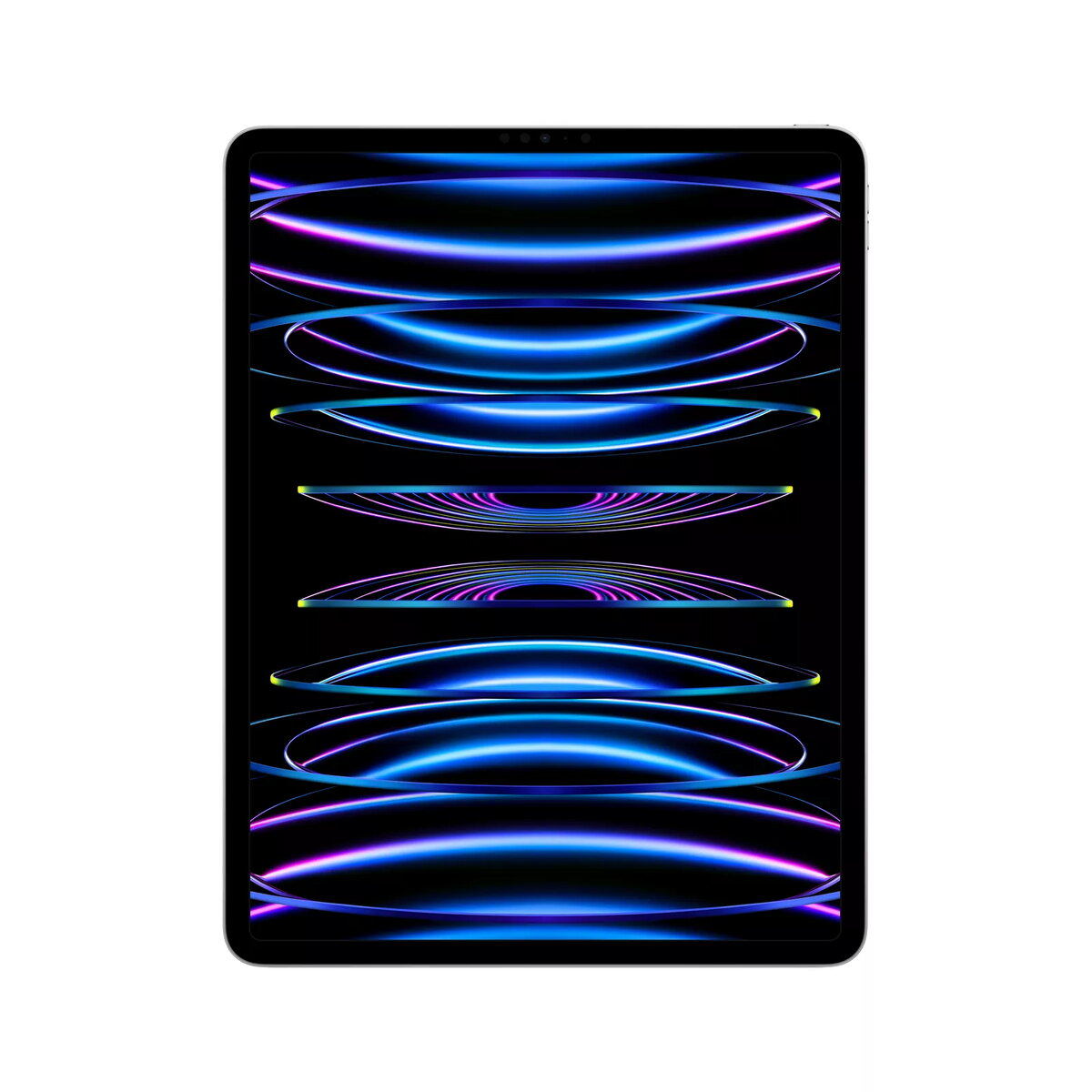
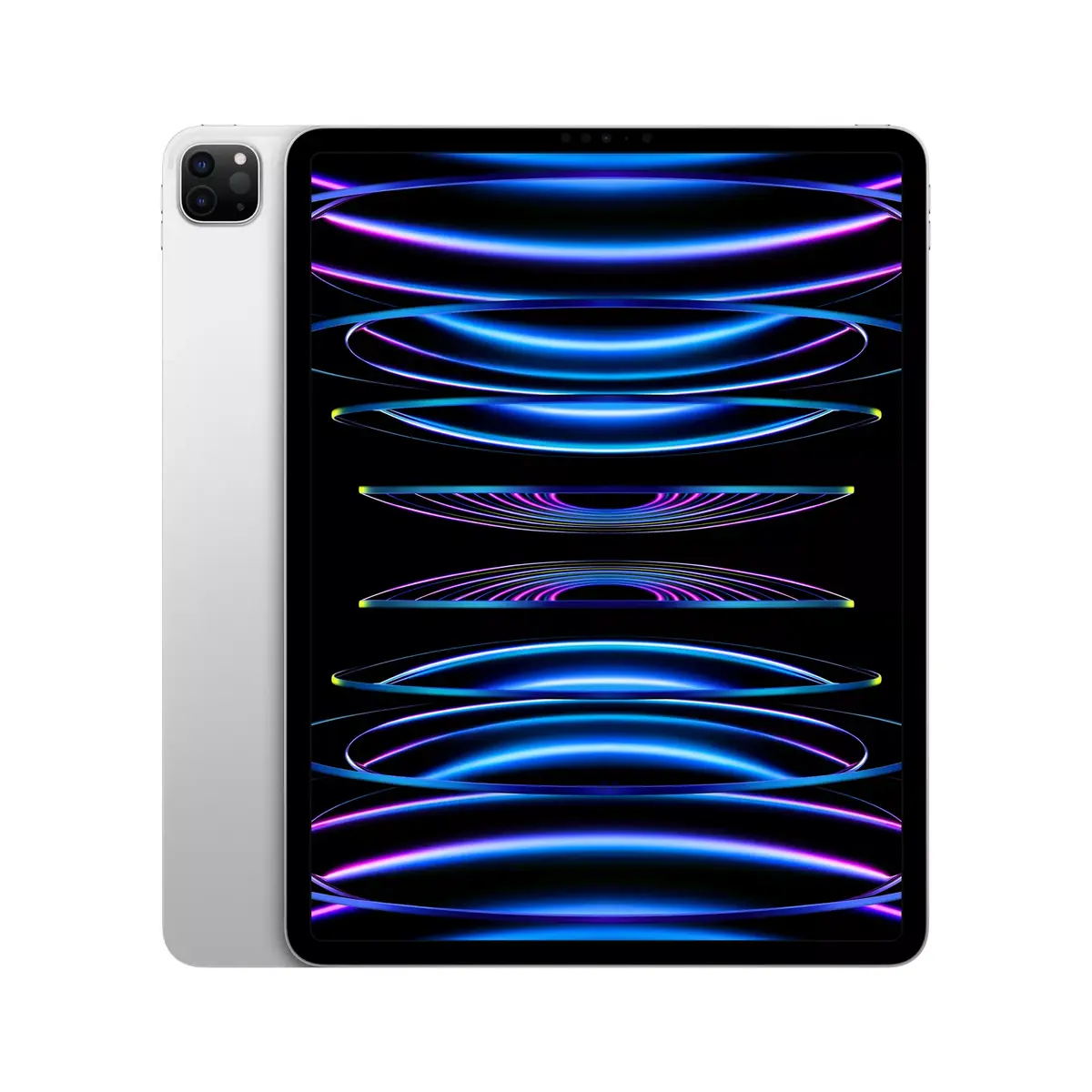
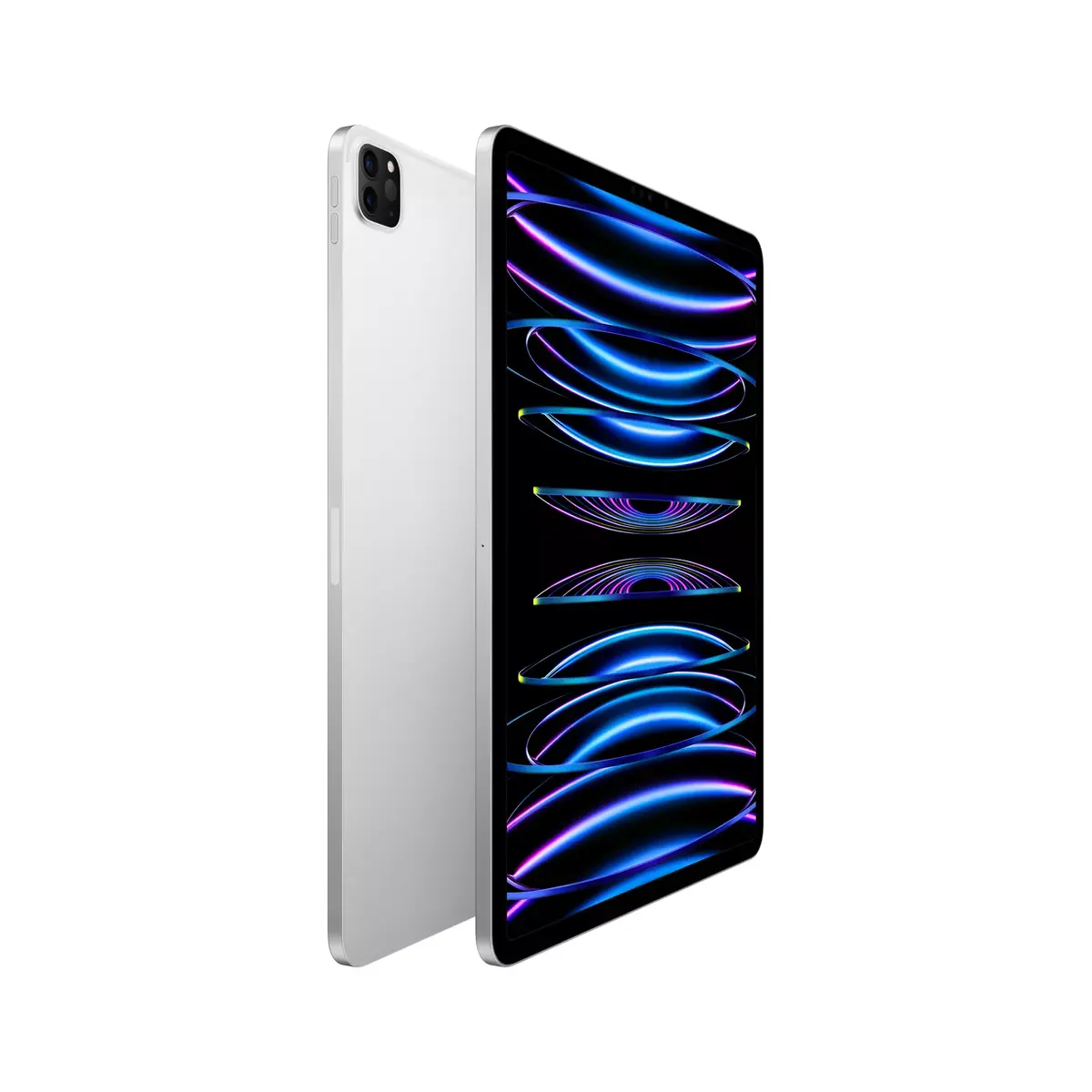
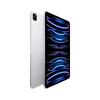
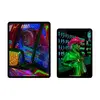
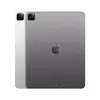
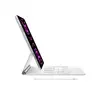
The iPad is designed to be incredibly versatile, handling any challenge you throw at it. Whether you are managing professional projects, unleashing your creativity, or diving into immersive gaming, the iPad provides a powerful and intuitive platform to get things done.
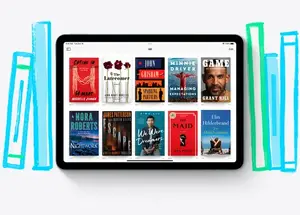
Run Powerful Apps Effortlessly
Experience your favorite professional software, such as Adobe Photoshop or Microsoft Office, with the added precision and ease of touch-based interaction.
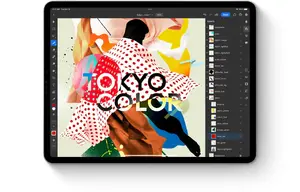
Intuitive Multitasking
Multitasking is more seamless than ever. Use Slide Over or Split View to manage multiple apps simultaneously, and drag and drop content between them with ease. On supported models, Stage Manager allows you to overlap, stack, and resize windows for a desktop-like experience.
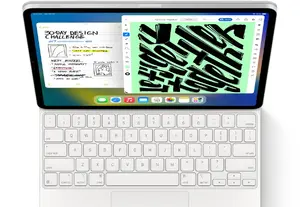
Stay Connected Anywhere
With advanced Wi-Fi capabilities, you can stay connected to your work and entertainment wherever you have a network signal, ensuring you never miss a beat.

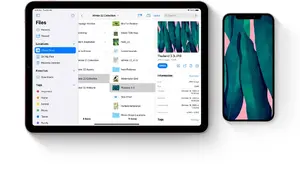
Organize with the Files App
The Files app provides a centralized hub to manage your documents. Access files stored locally on your iPad, in iCloud, or on cloud services like Box, and easily connect external storage devices.
Take Notes with Apple Pencil
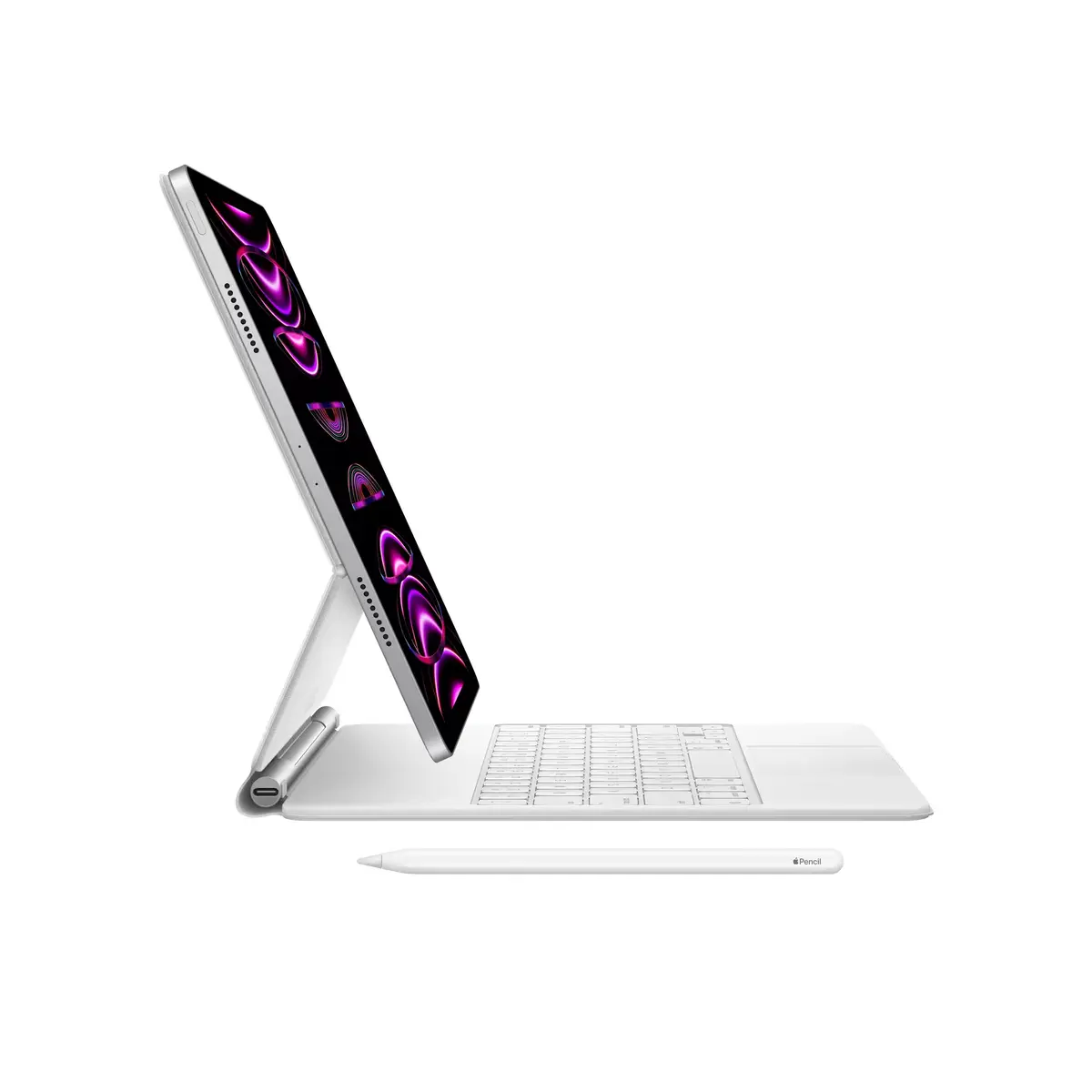
Whether you are in a lecture, journaling, or brainstorming, the iPad and Apple Pencil are the perfect tools to capture your ideas instantly and bring them to life.
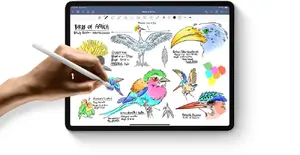
Handwriting to Typed Text
Transform your handwritten notes into typed text with just a few taps, combining the natural feel of handwriting with the convenience of digital editing.
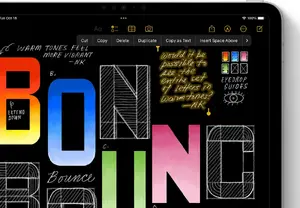
Precision Shape Recognition
Draw shapes freehand with Apple Pencil and watch as intelligent software snaps them into perfect, professional forms.
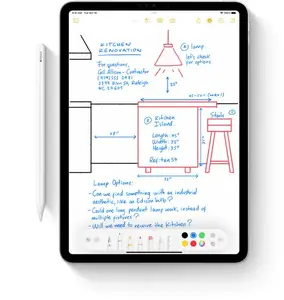
Sign and Markup Documents
Fill out forms, sign documents, or annotate screenshots and photos directly on your screen with your fingertip or Apple Pencil, then share them instantly.
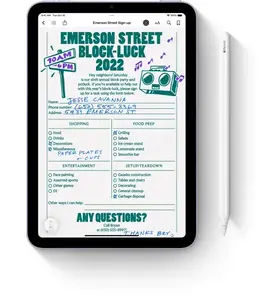
Scribble in Text Fields
Use Scribble to handwrite in any text field across the system. Your handwriting is automatically converted to typed text, keeping your workflow smooth and uninterrupted.
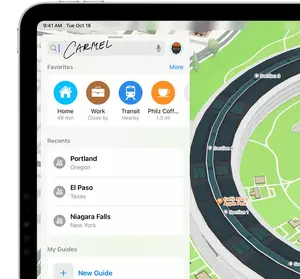
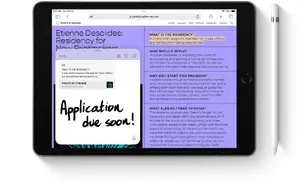
Quick Note Anywhere
Capture thoughts instantly with Quick Note. Swipe to start a note over any app or screen, and add links, tags, or highlights for context.
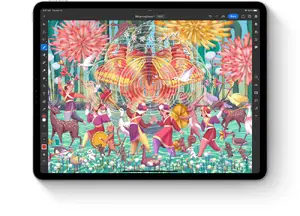
Professional Artistic Tools
With tilt and pressure sensitivity, Apple Pencil offers pixel-perfect precision, making it the ultimate tool for turning a blank screen into a masterpiece.
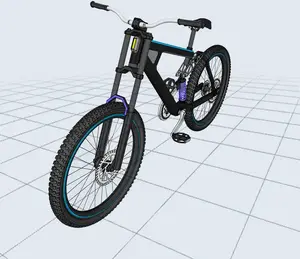
3D Design Capabilities
Manipulate 3D objects with touch and refine sketches with Apple Pencil. You can even visualize your designs in Augmented Reality directly on your device.
Music Production and Podcasting
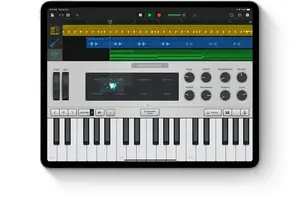
Turn your iPad into a portable studio. Use dedicated audio apps to record, edit, and produce music or podcasts with ease.
Bring Characters to Life
Use intuitive animation apps and Apple Pencil to draw characters and build entire worlds with professional-grade animation tools.

Seamless Mac Integration
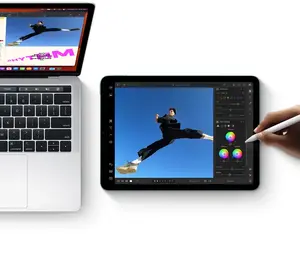
Use Sidecar to extend your Mac display wirelessly or use Universal Control to share a single keyboard and mouse between your Mac and iPad for a unified creative experience.
Enjoy Apple TV+
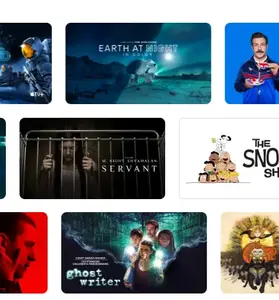
Every iPad comes with a 3-month subscription to Apple TV+, giving you access to critically acclaimed Apple Original series and films.
Immersive Streaming
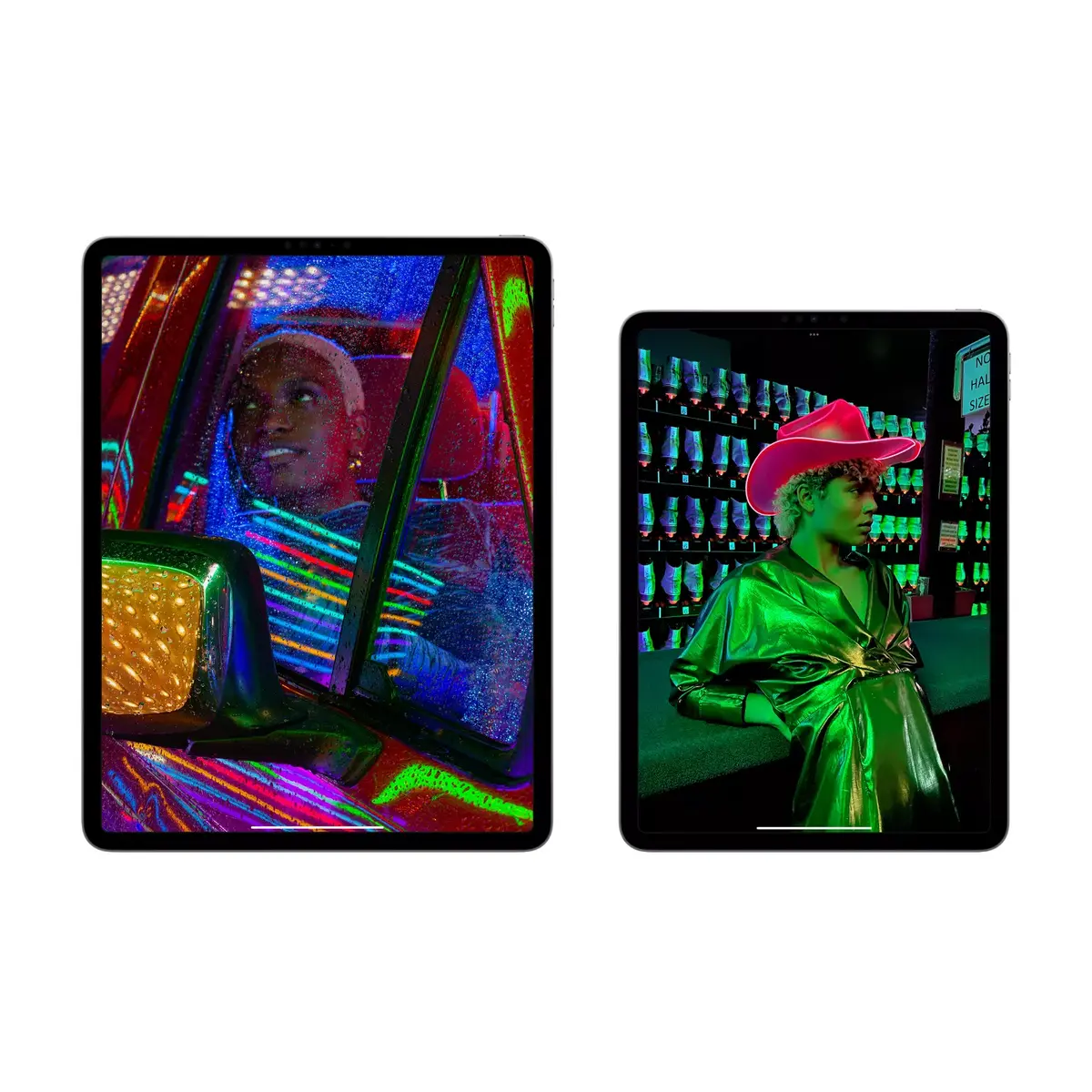
Watch the latest films and TV shows on a stunning, high-resolution display that makes your content look better than ever, wherever you are.
High-Quality Audio
Enjoy your favorite playlists, podcasts, and movies with powerful, integrated speakers that provide a rich audio experience.
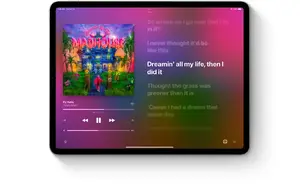
Reading and News
The iPad is a perfect e-reader. Access your favorite books and publications through the Books and News apps for a comfortable and engaging reading experience.
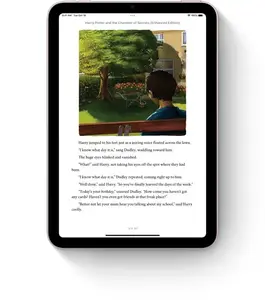
Photo and Video Editing
Capture high-quality photos and videos, then edit them instantly with a wide range of powerful built-in and third-party applications.
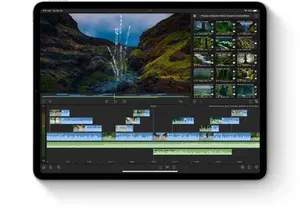
Stay Connected
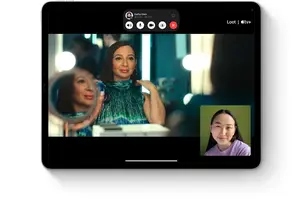
Use FaceTime and other video conferencing apps to stay in touch with friends, family, and colleagues through high-quality video calls.
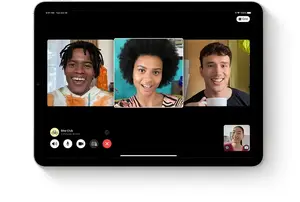
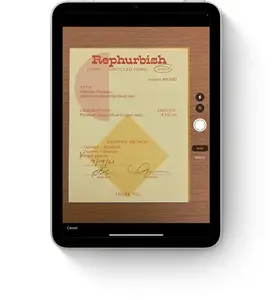
Built-in Document Scanner
Use the rear camera to scan documents quickly, annotate them, and send them off—all without needing a separate scanner.
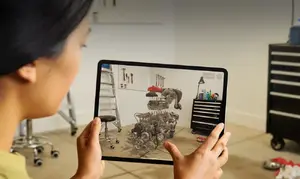
Advanced Augmented Reality
With high-performance cameras and motion tracking, the iPad is the ultimate platform for AR, allowing you to learn and play in immersive environments.
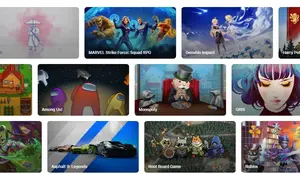
Immersive Gaming
Explore thousands of games on the App Store, ranging from high-speed racing to complex puzzles, all optimized for the iPad display.
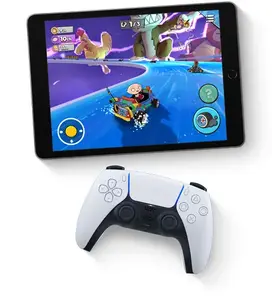
Game Controller Support
Pair your PlayStation or Xbox controller with your iPad to transform it into a portable gaming console for solo or multiplayer action.
Apple Arcade Access
Experience hundreds of ad-free games with a trial of Apple Arcade, offering endless entertainment with a single subscription.

Motion-Controlled Gaming
Utilize built-in motion sensors to interact with games in new ways, making your iPad a truly dynamic handheld gaming device.

Learning on the Go
Take your classroom anywhere. Attend lectures, collaborate on projects, and stay connected with classmates from any location.
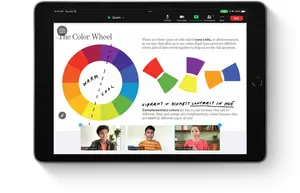
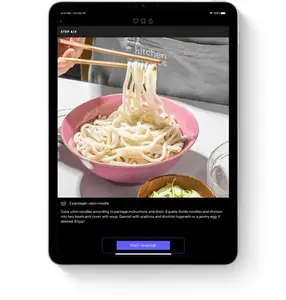
Educational Apps
Whether you are learning a new language or mastering a culinary skill, there is an app to guide you through every step of your learning journey.
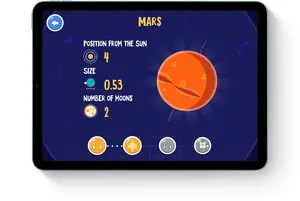
Tools for Young Learners
The App Store offers a wealth of educational content for children, while Screen Time features help you manage and monitor usage effectively.
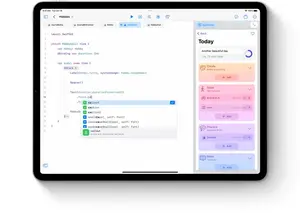
Learn to Code
Swift Playgrounds makes learning to code fun and accessible. Build real apps with SwiftUI and see your ideas come to life.
AR Learning Experiences
Unlock the world around you with AR. Explore complex subjects like human anatomy or astronomy through interactive, immersive learning apps.