Versatile performance for work, creativity, and play
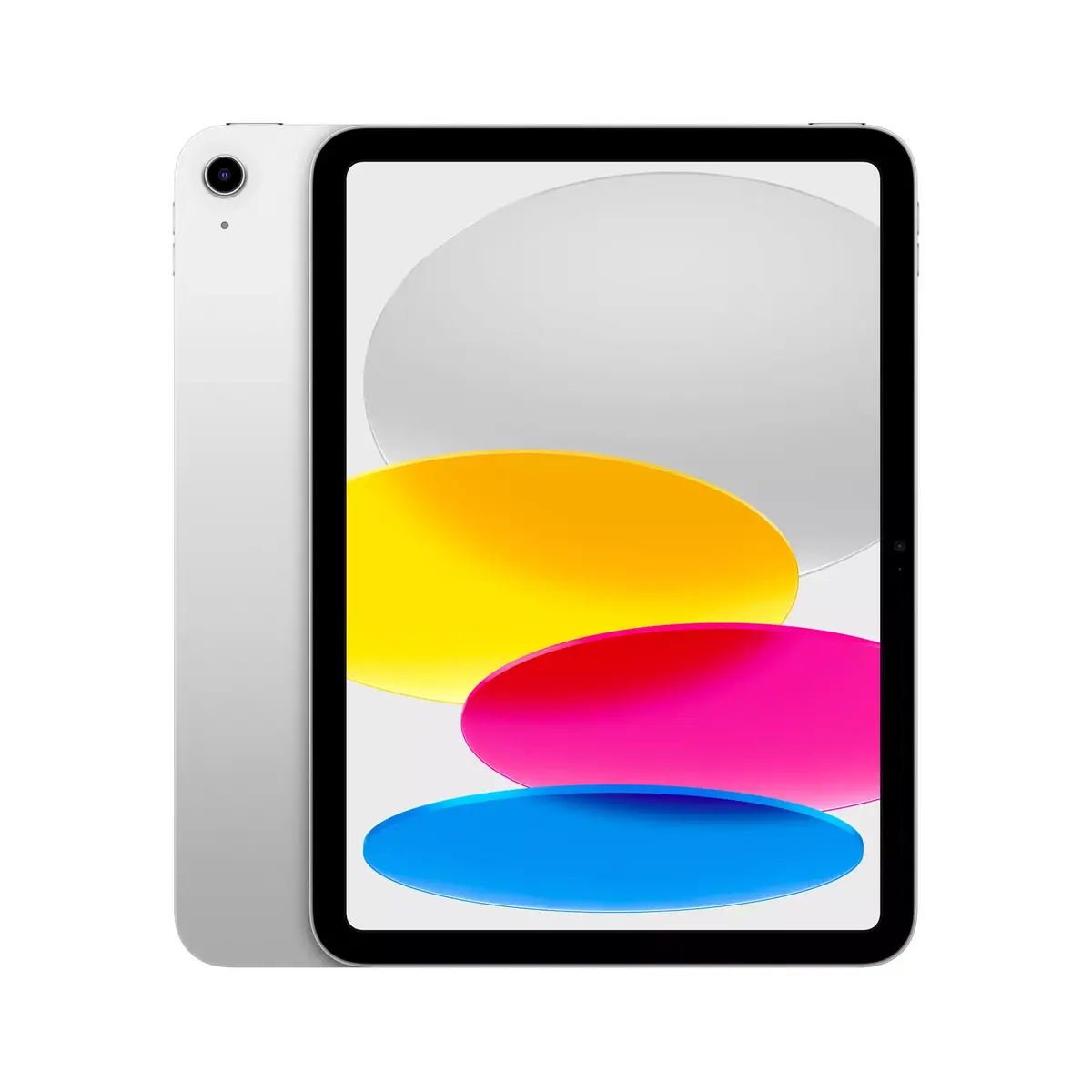
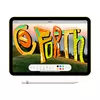
The Apple iPad with a 10.9" Liquid Retina display and A14 chip delivers smooth, responsive performance for projects, multimedia, and gaming. Lightweight and portable at just 477 g, it’s built to go wherever your day takes you.
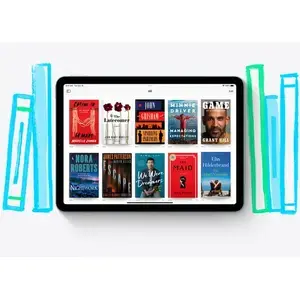
Powerful apps made easier with touch
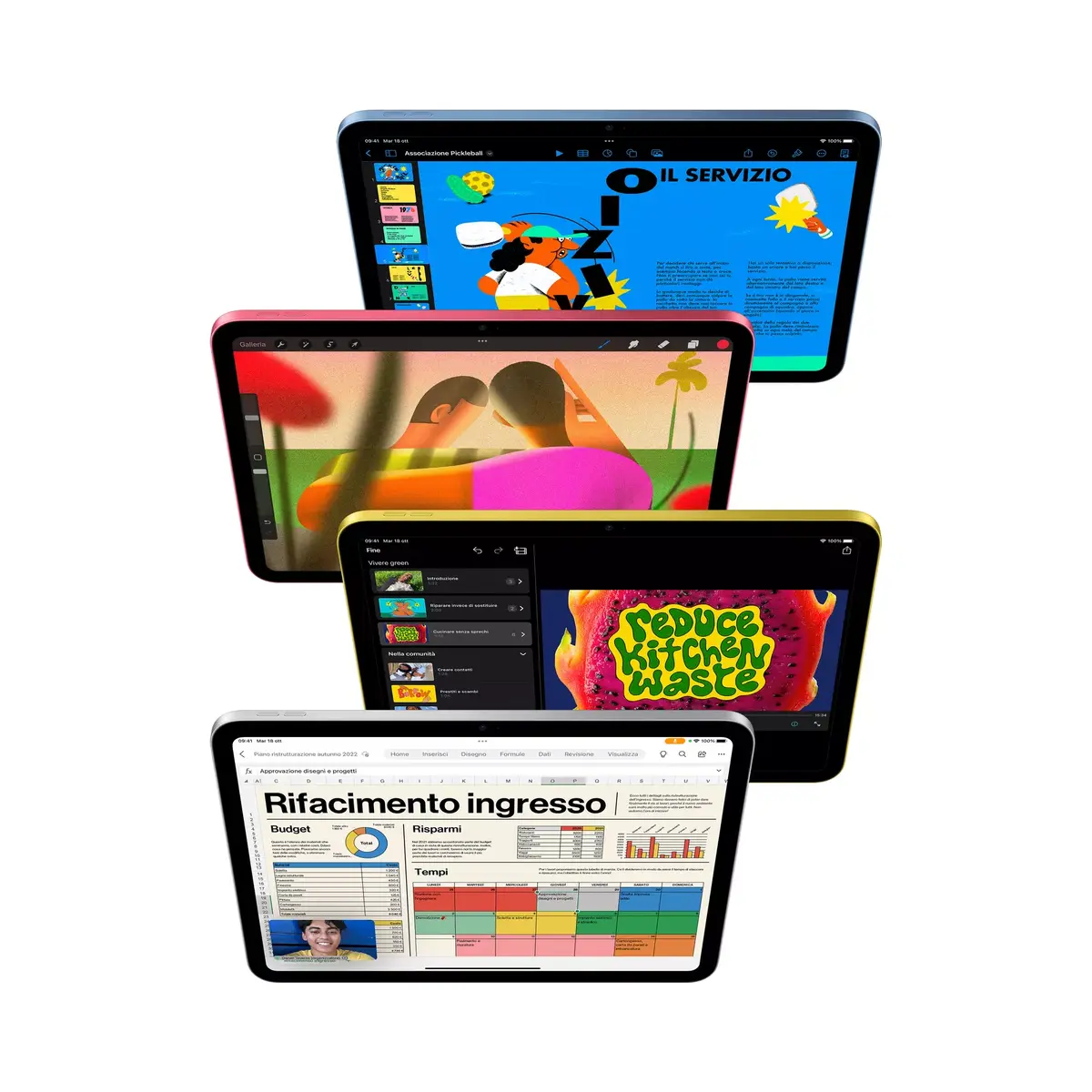
Run familiar productivity and creative apps like Adobe Photoshop and Microsoft Office with the convenience of touch input and fast A14 processing — perfect for editing, designing, and finishing work on the go.
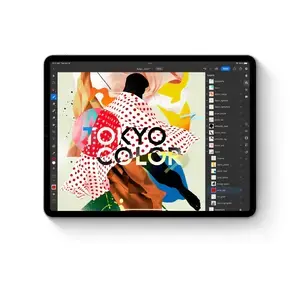
Efficient multitasking and window management
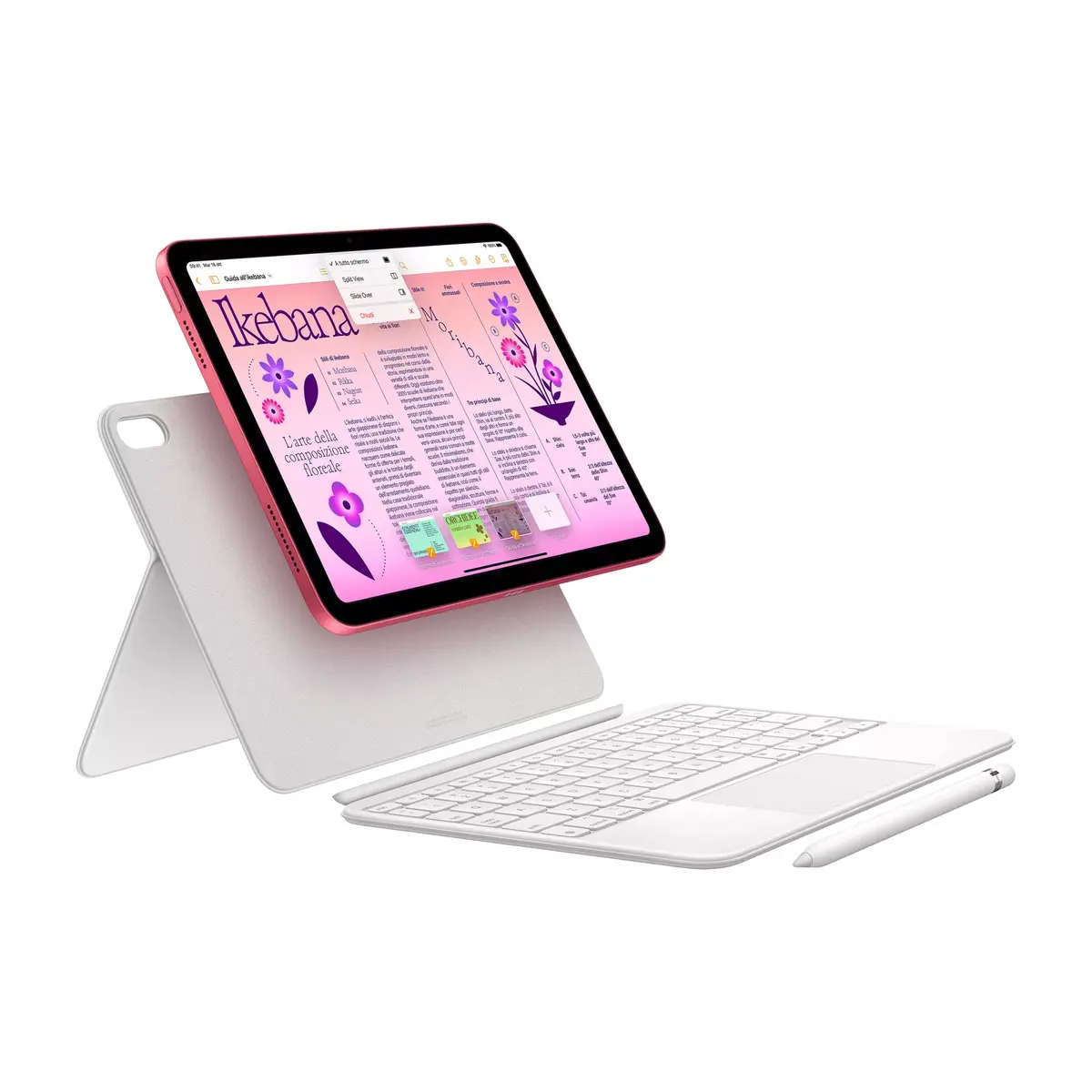
Work across multiple apps with Slide Over, Split View, drag-and-drop, and on supported models Stage Manager for overlapping and resizing windows — enabling a fluid, desktop-like workflow.
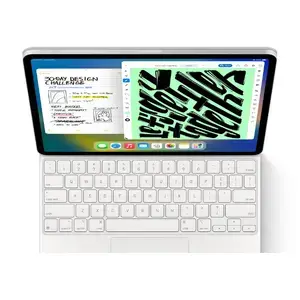
Stay connected with Wi‑Fi and optional cellular
Enjoy fast Wi‑Fi 6 speeds for browsing and streaming, and choose cellular models to stay online when Wi‑Fi isn’t available so you can keep working or streaming anywhere.

Organize and access files anywhere
The Files app centralizes documents across iPad storage, iCloud, and other cloud services, and supports external drives for easy file management and sharing.
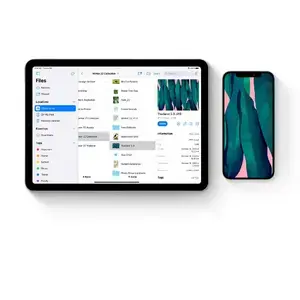
Take and enhance notes with Apple Pencil
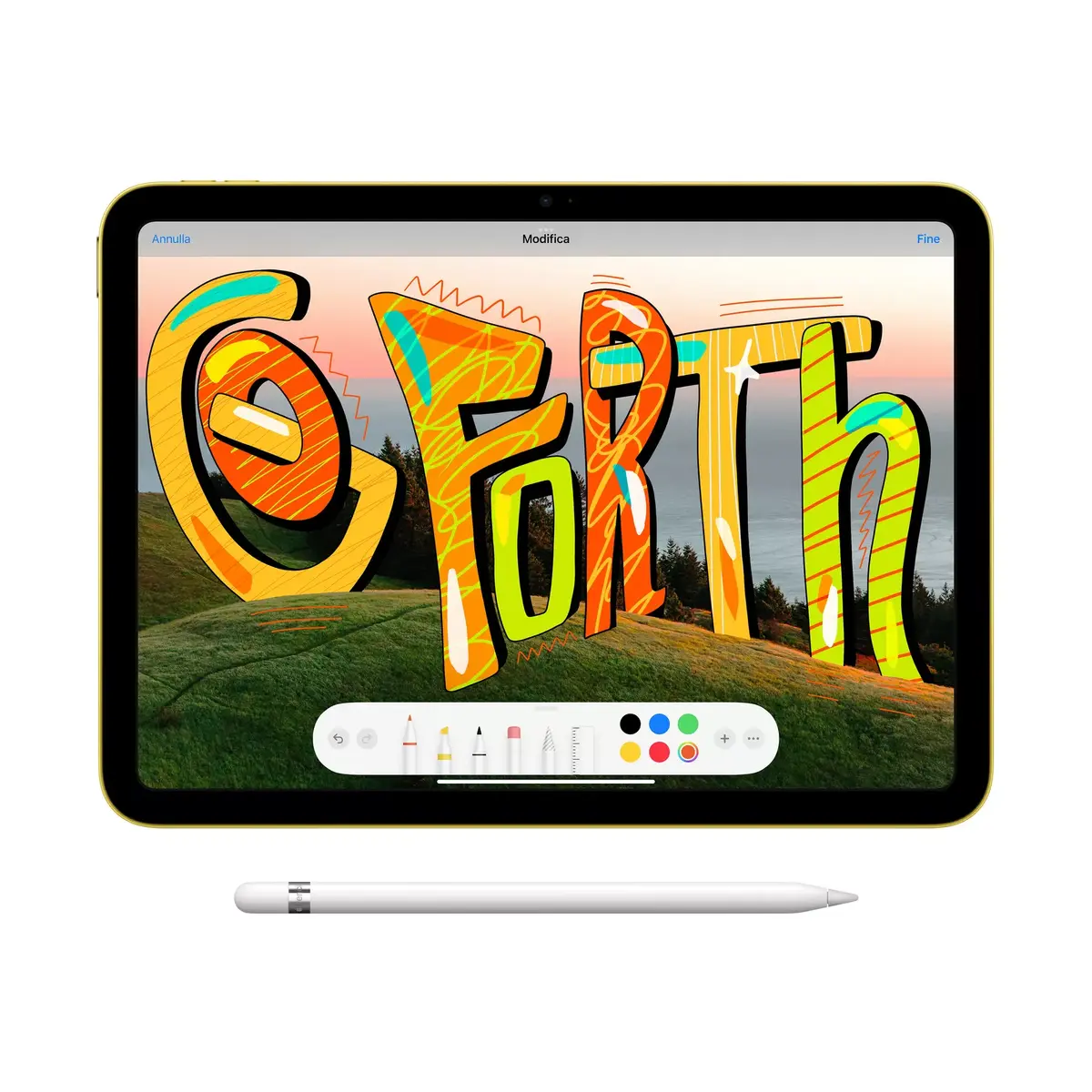
Use Apple Pencil to capture class notes, sketches, or ideas instantly. Notes are easy to share, expand, and refine — ideal for students and creative workflows.
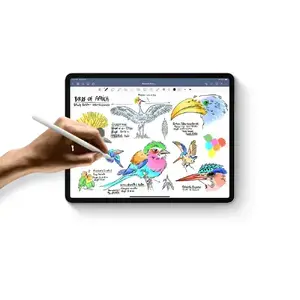
Convert handwriting to editable text
Turn handwritten notes into typed text with a few taps for easy copying, editing, and sharing — combining the speed of handwriting with the convenience of typed content.
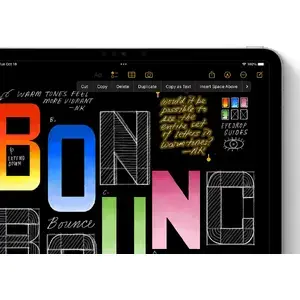
Draw precise shapes by hand
Shape recognition with Apple Pencil snaps freehand sketches into clean, professional shapes — speeding up diagramming and design tasks.
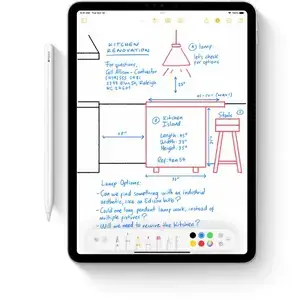
Sign and mark up documents instantly
Fill forms, sign contracts, and annotate screenshots or PDFs directly on the iPad using fingertip or Apple Pencil, then send them in seconds.
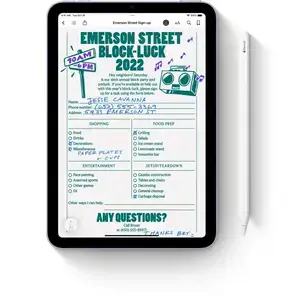
Write directly in any text field with Scribble
Use Apple Pencil to write into search bars or message fields; Scribble converts handwriting to typed text so you don’t lose your flow.
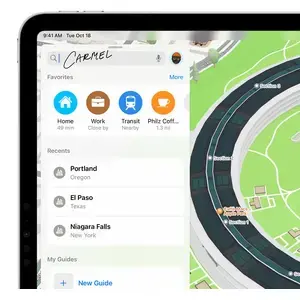
Quick Note for fast capture
Start a Quick Note with a swipe of Apple Pencil or a finger to capture ideas, links, and context without leaving the app you’re in — complete with highlights, tags, and mentions.
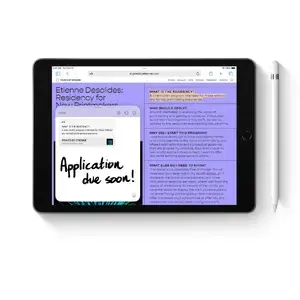
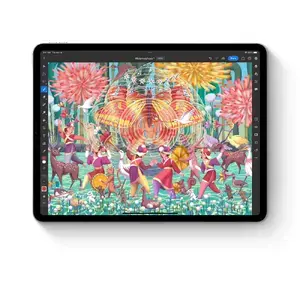
Professional drawing experience with Apple Pencil
Apple Pencil delivers tilt and pressure sensitivity, low latency, and pixel accuracy — ideal for illustrators and designers crafting detailed artwork.
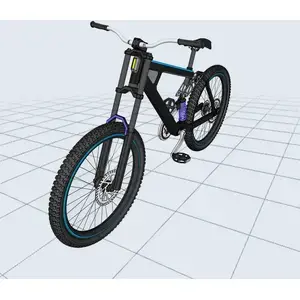
3D design and AR workflows
Use touch and Apple Pencil to model and refine 3D objects, then view creations in augmented reality — all on the same powerful device.
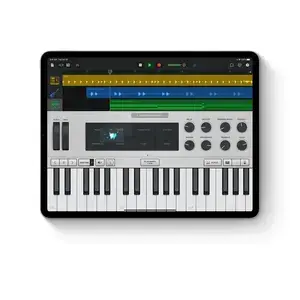
Create and record audio projects
Produce music, record podcasts, and connect instruments with audio apps that make learning, practicing, and producing easy and portable.
Animate characters with intuitive tools
Draw and animate characters using Apple Pencil and animation apps designed for creators of all levels to bring stories and worlds to life.

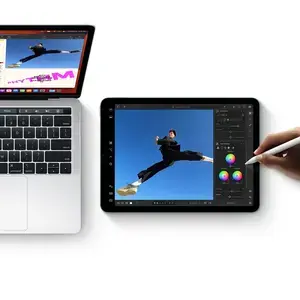
Seamless integration with Mac
Extend or mirror your Mac display with Sidecar and use Universal Control to move between Mac and iPad with a single keyboard and mouse — perfect for precision tasks and multi-device workflows.
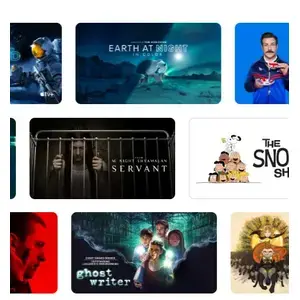
Enjoy Apple TV+ included
Every iPad includes a 3‑month subscription to Apple TV+ so you can stream Apple Originals on the go.
Immersive streaming and great speakers
Watch movies and shows on the vivid display and enjoy rich audio from the iPad’s speakers for entertainment anywhere.

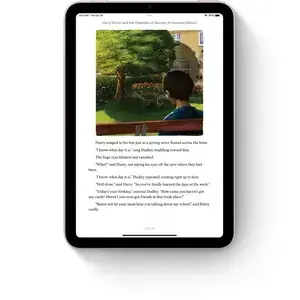
Read news and books with ease
Use the Books and News apps to catch up on articles or dive into best sellers, making reading comfortable and portable.
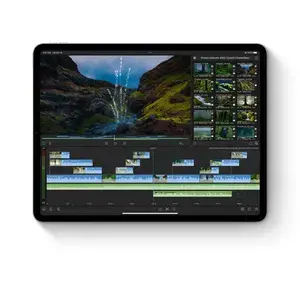
Capture and edit photos and videos
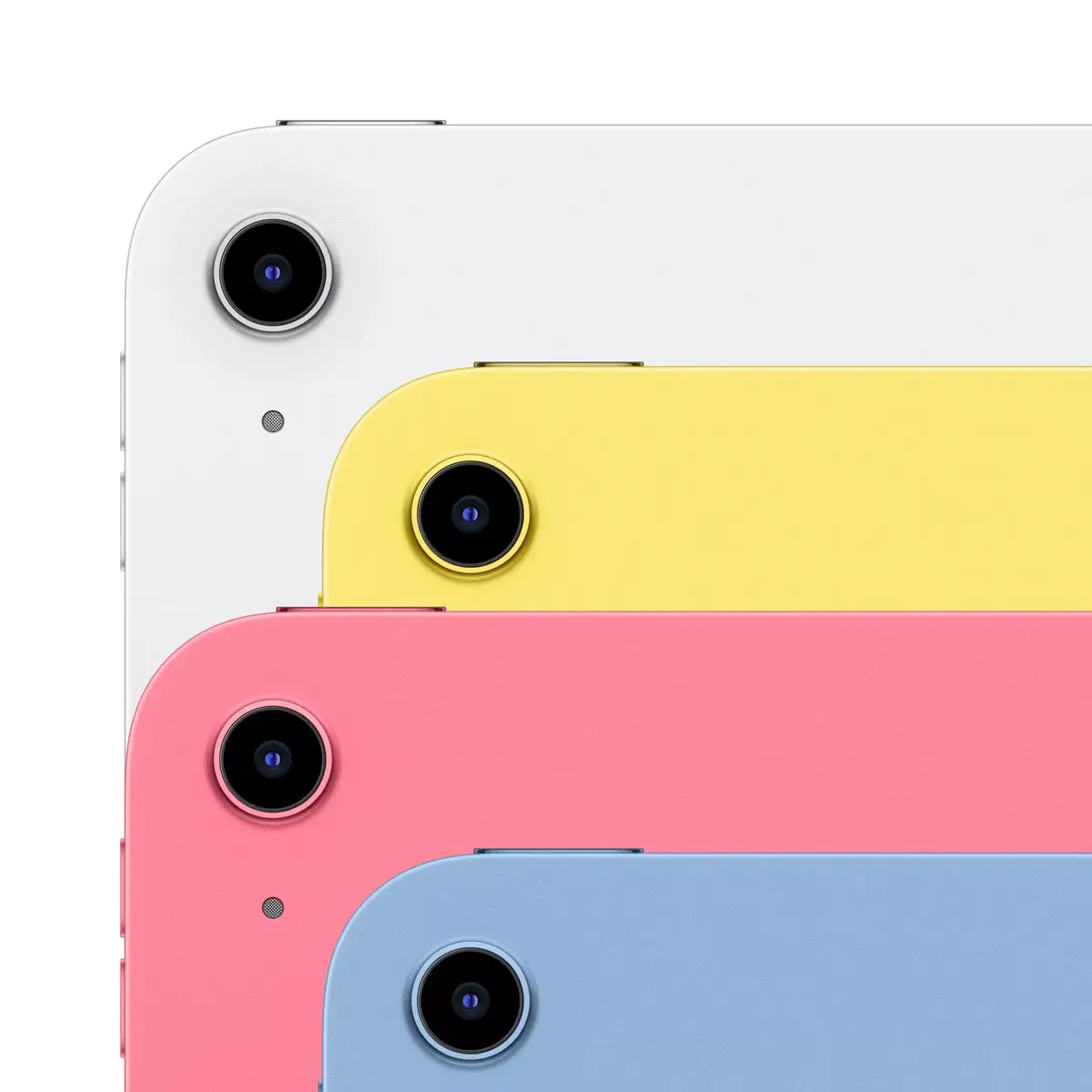
Shoot with the 12 MP rear and front cameras and edit right on the iPad using built-in or third-party apps for quick sharing and professional results.
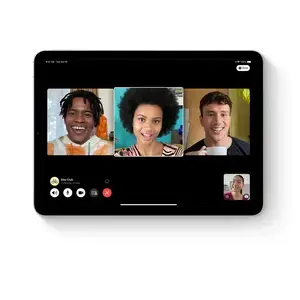
Stay connected with FaceTime and video apps
Use FaceTime and conferencing apps for calls, meetings, and selfies — the 12 MP front camera ensures clear video calls.
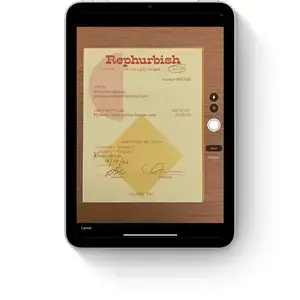
Built‑in document scanning
Scan documents with the rear camera, mark them up, and share — all directly from your iPad for fast, paperless workflows.
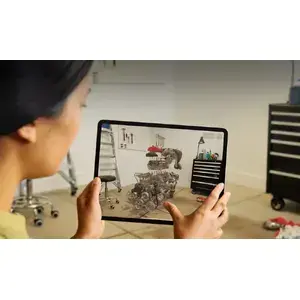
The leading AR platform
Advanced cameras, motion tracking, and the large display make this iPad an ideal device for immersive augmented reality experiences and learning apps.
Games optimized for iPad
Discover thousands of App Store games designed for the iPad’s display and controls, from intense racers to relaxing puzzles.
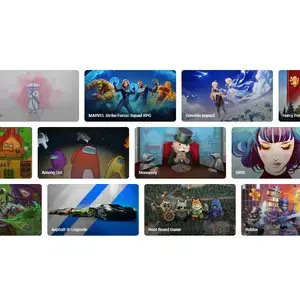
Controller support for console-style play
Pair PlayStation or Xbox controllers to turn your iPad into a powerful handheld gaming device for solo play or multiplayer sessions.

Try Apple Arcade with a free trial
Explore hundreds of curated games ad‑free with an Apple Arcade trial and enjoy unlimited play across titles built for the iPad.

Motion-enabled immersive gameplay
Built-in motion sensors add an extra layer of control to compatible games, creating more immersive and interactive experiences.

Learning anywhere, anytime
Use the iPad for remote classes, group projects, or self-study — a flexible tool for students and lifelong learners.
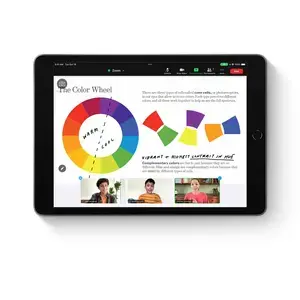
Learn new skills with interactive apps
From cooking to languages, use step‑by‑step lessons or self‑paced courses on apps tailored for interactive learning.

Kid-friendly educational content and parental tools
The App Store offers a wide range of educational apps for children, and Screen Time helps you monitor and set healthy usage limits.
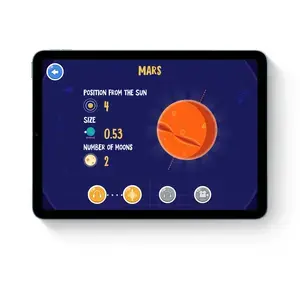
Learn to code with Swift Playgrounds
Build coding skills using Swift Playgrounds to experiment with Swift, create apps with SwiftUI, and bring ideas to life on the App Store.
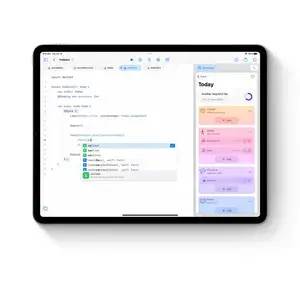
Explore augmented reality learning
Dive into AR experiences to study anatomy, astronomy, and more by pointing your iPad at the world and unlocking interactive layers of information.





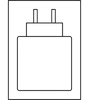 Charging device included
 Required charger power: 15–45 W, USB PD


