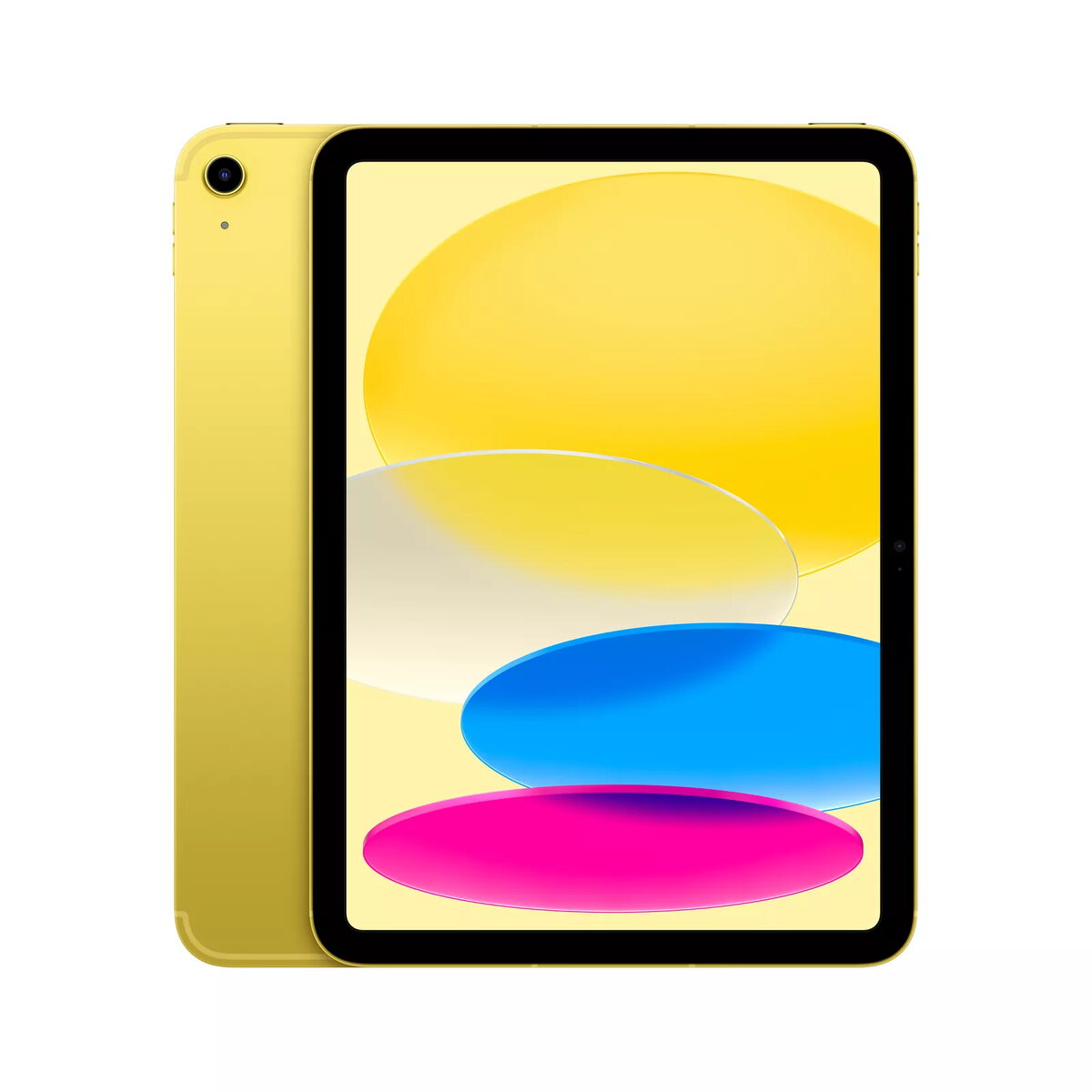
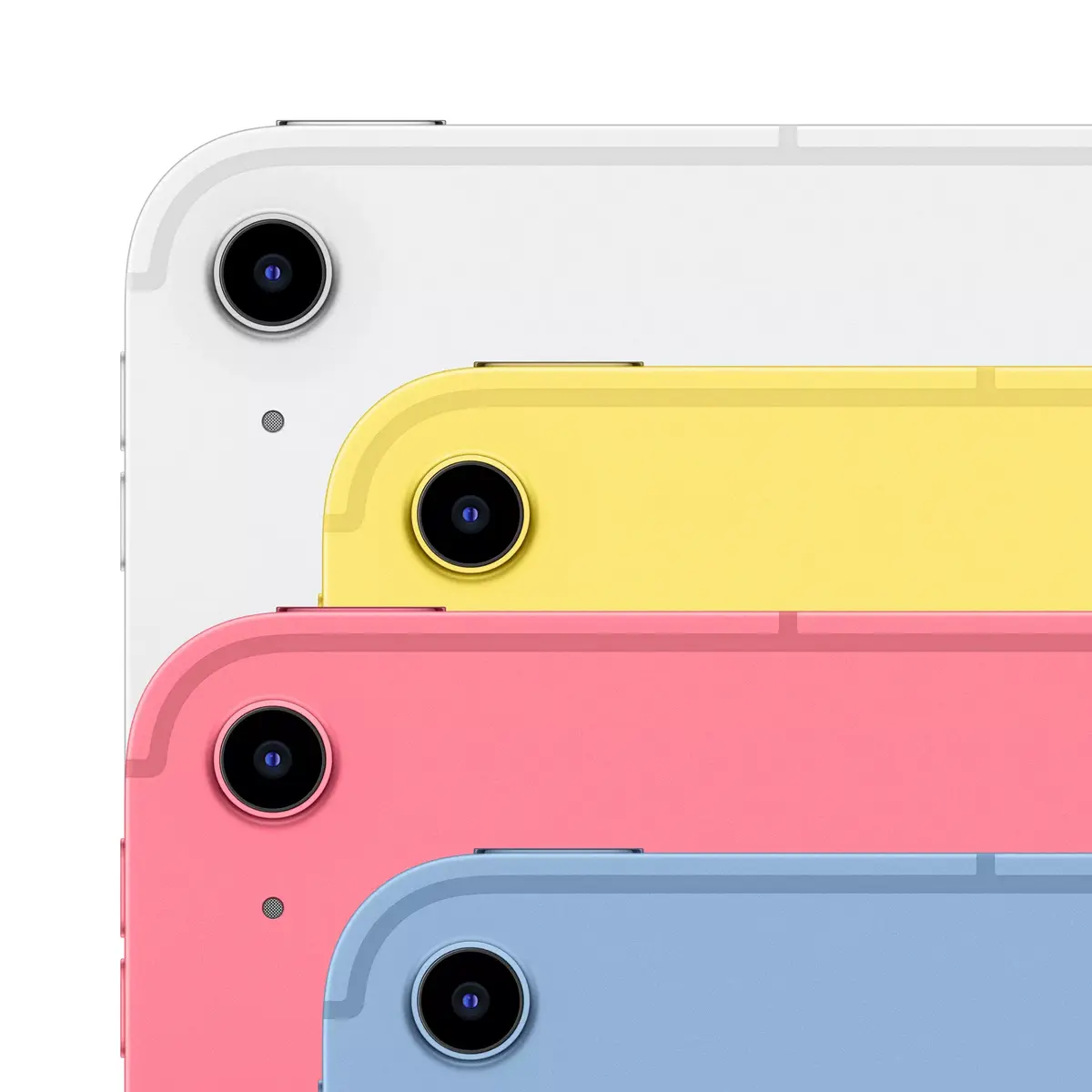
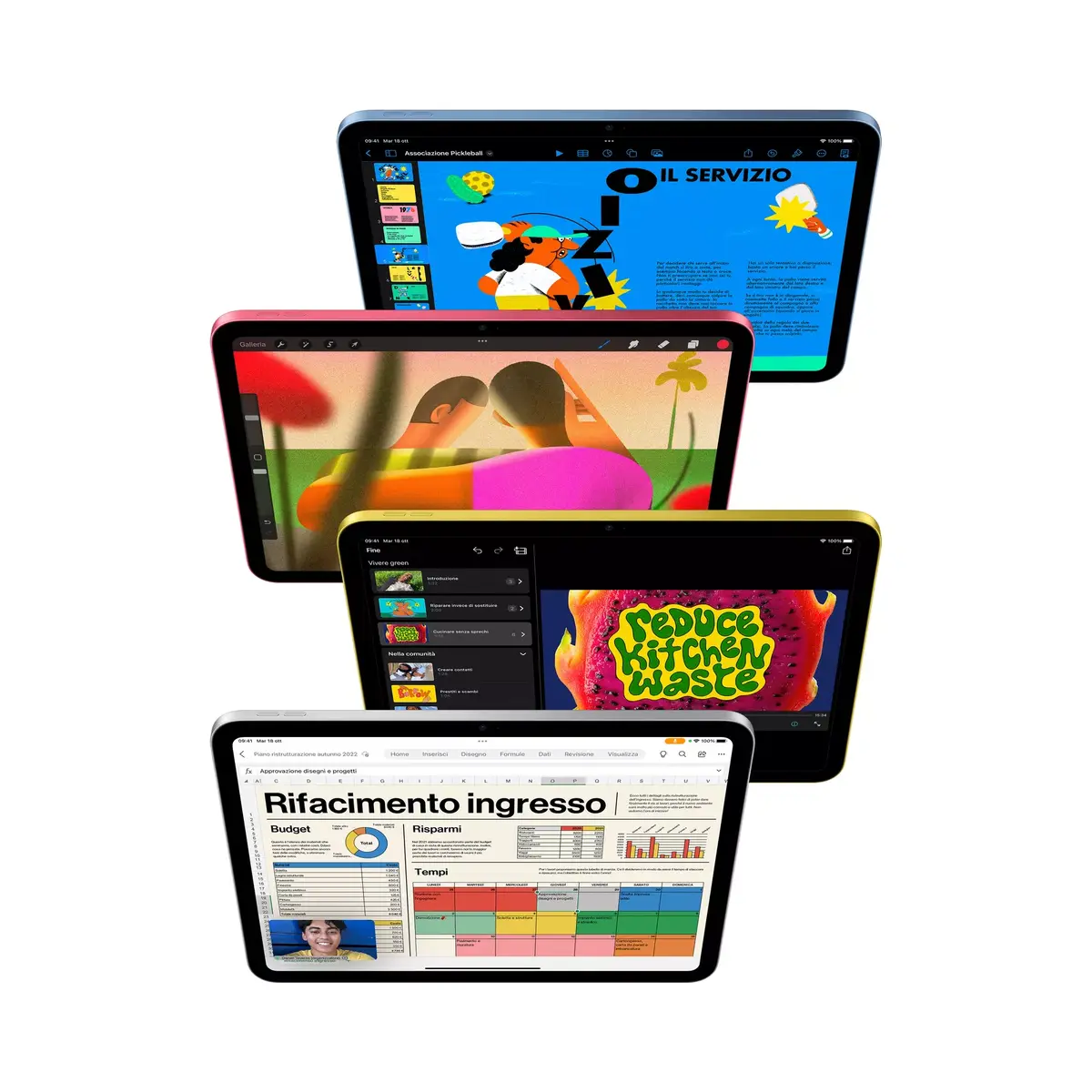
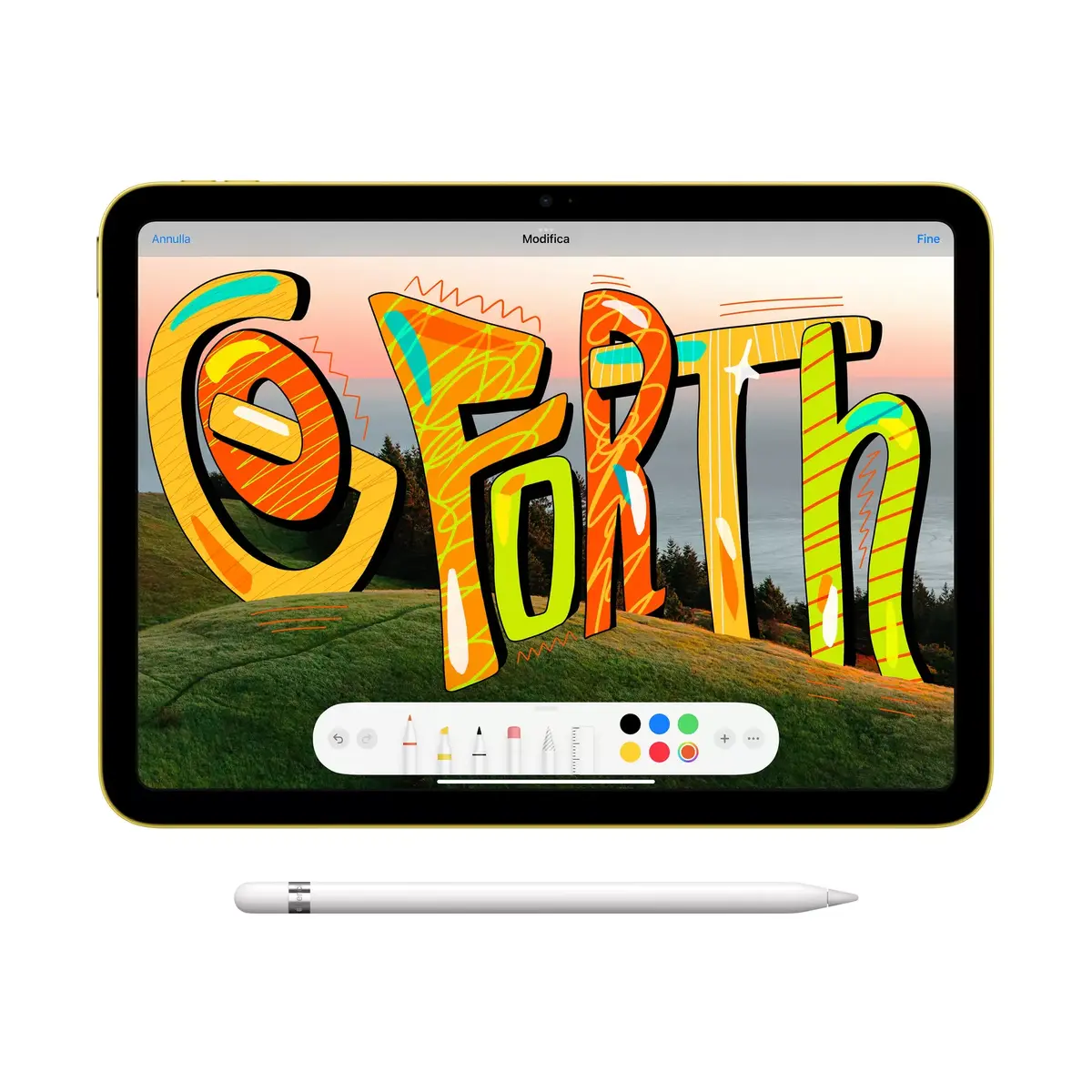

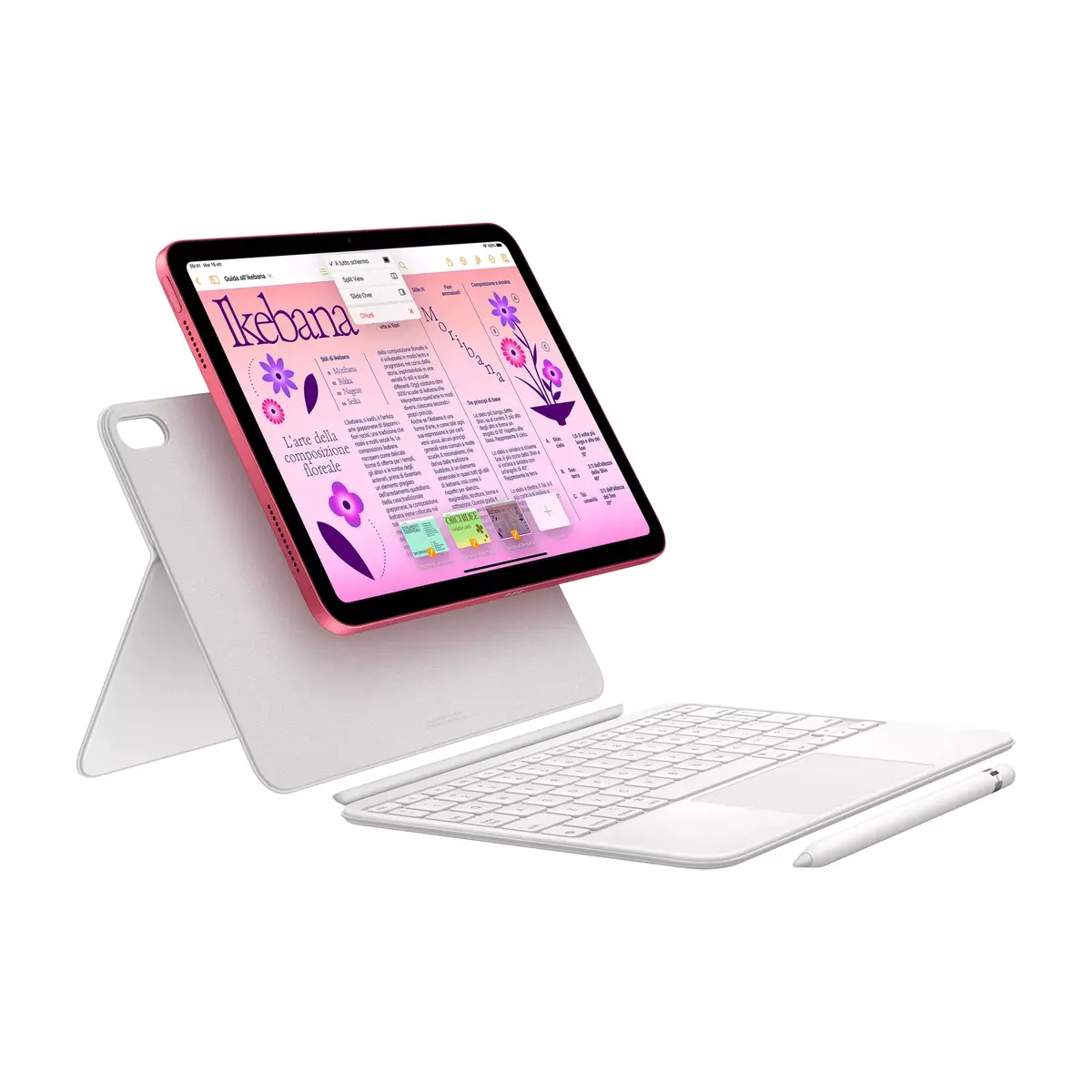
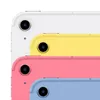
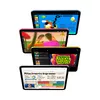


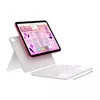
Tablet Apple iPad 10th Gen 10.9" Wi‑Fi + Cellular 256GB, A14, 12MP, Yellow
982.49 €
Keep track of price changes
You keep track of price changes
Watch the price drop
Leave your address - as soon as the price of the product goes down, you'll know about it right away
You keep track of price changes
Tablet Apple iPad 10th Gen 10.9" Wi‑Fi + Cellular 256GB, A14, 12MP, Yellow
{{email}}
You keep track of price changes
Tablet Apple iPad 10th Gen 10.9" Wi‑Fi + Cellular 256GB, A14, 12MP, Yellow
{{email}}
{{selectedOffer && selectedOffer.price | formatAmount}}
Price for companies: 811.98€
Price is valid only for legal clients
Short description
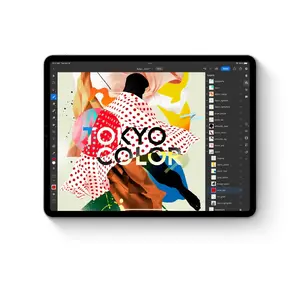
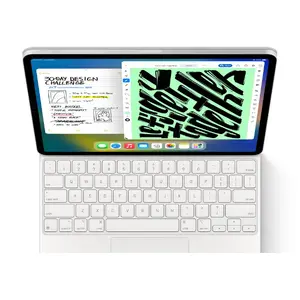
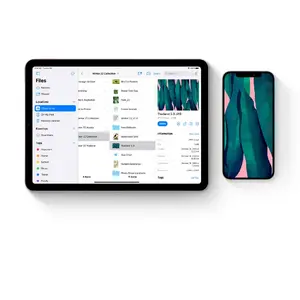
10.9" Apple iPad 10th Gen with Wi‑Fi + Cellular and 256 GB storage, powered by the A14 processor. LED display 2360×1640, 12 MP rear and 12 MP front cameras, Wi‑Fi 6 and 5G mobile connectivity, A‑GPS support, running iPadOS 16. Lightweight (481 g) full‑size tablet for web, media, productivity and mobile use.
Available for order:
1 pcs.
Warranty:
2 Years
SKU:
5099092


Deliver the order:
to the Customer Service Center at Kengaraga 2b, Riga
08.07.2026
{{selectedOffer.officeDeliveryString}}
free
Customer service center
2b. Kengaraga str., Riga, Latvia, LV-1063
08.07.2026
{{selectedOffer.officeDeliveryString}}
free
Courier Delivery
Please note that in case of a large parcel additional delivery costs may apply!
From 4.99 € (Weight: 0.90 kg)
Parcel couriers
Latvijas Pasts pakomāts / Unisend LV / DPD Paku skapis / Omniva LV / Venipak Pickup LV / Venipak Locker LV / Latvijas Pasts nodaļa
13.07.2026
{{selectedOffer.parcelStationDeliveryString}}
From 1.99 €

pay in 3 equal parts
All payment Methods:
Bank transfer, Bank cards on-line, Apple Pay, Google Pay, Installment, Leasing for legal entities
36 months installment:
from 27.29 euros per month
Price for companies: 811.98€
Price is valid only for legal clients
Leasing for legal entities:
from 34.19 euros per month