
Dreame vacuums for fast and efficient cleaning!
In cart {{totalProductsCount}} item(s)
Your cart is empty
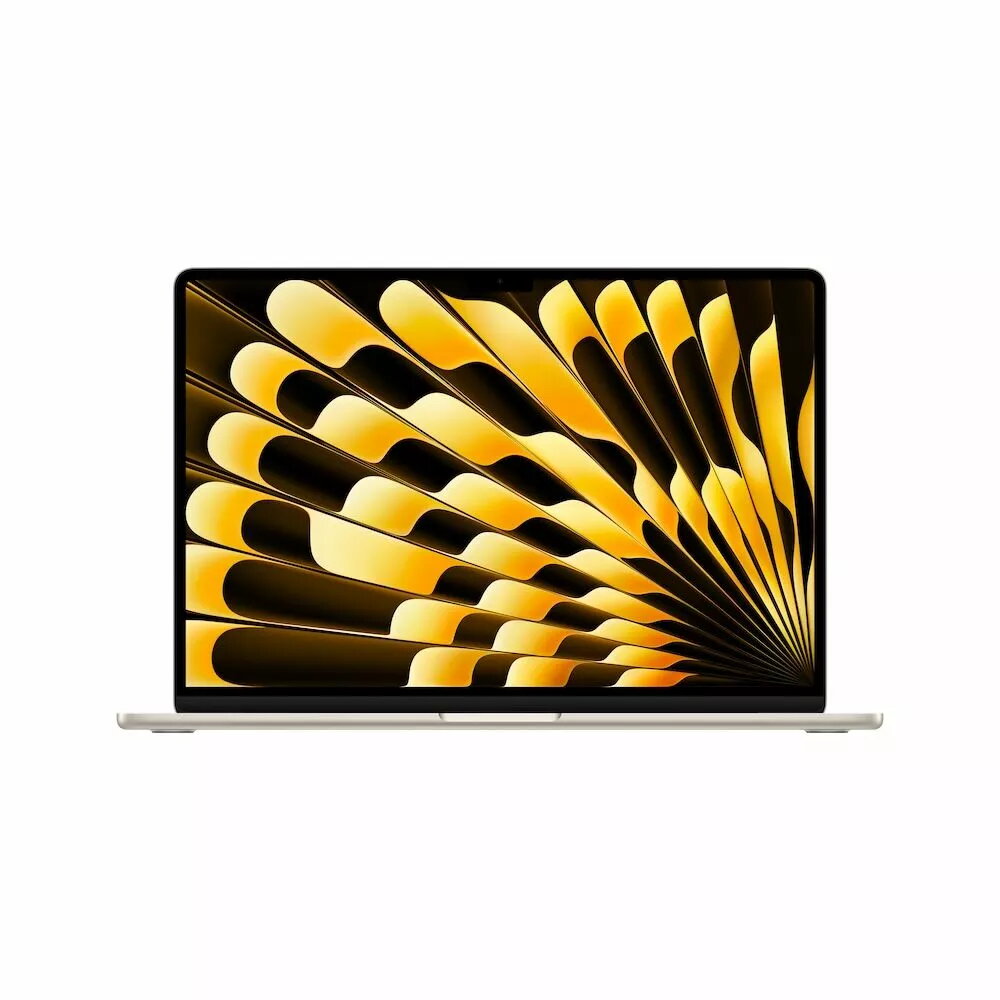
Laptop Apple MacBook Air 15" M4 chip 10-core CPU 16GB 256GB SSD 10-core GPU
The Apple MacBook Air 15" M4 chip 10-core CPU 16GB 256GB SSD 10-core GPU is a thin and lightweight laptop designed for a balance of performance and portability. Equipped with Apple's M4 system-on-chip featuring a 10-core CPU and 10-core GPU, this MacBook Air delivers responsive performance for everyday computing, multitasking, and graphics work. The 16GB of unified memory supports smooth app switching and handling of larger files, while the 256GB solid-state drive provides fast boot times and quick application loading. The 15-inch display and Starlight finish combine a larger viewing area with a refined aesthetic, and macOS ensures seamless integration with other Apple services and devices.
The M4 chip brings improved CPU and GPU performance compared with previous generations, enabling efficient multitasking, faster app launches, and reliable handling of creative workflows. Unified 16GB memory reduces latency between processor and graphics tasks, and the 256GB SSD offers high read/write speeds for everyday tasks. The 15-inch screen increases workspace for documents, spreadsheets, and media consumption while the ultraportable chassis keeps weight and thickness low for easier transport. macOS provides optimized power management and a consistent user experience across Apple ecosystems.
Power on the MacBook Air and complete the initial macOS setup, sign in with an Apple ID to enable iCloud, Continuity, and other integration features. Install required productivity, creative, or development applications from the Mac App Store or trusted sources. Use the built-in display and keyboard for regular tasks; connect external displays, storage, or peripherals via compatible adapters or wireless connections when additional connectivity is needed. Regularly update macOS and installed apps to maintain performance and security.
For consistent performance, avoid filling the internal SSD to near capacity; keep at least 10–20% free space for system tasks. Use energy-saving settings and the built-in battery health management when relying on battery power. For heavier video or rendering workloads, consider offloading large files to external fast storage and close unnecessary background apps to allocate memory and GPU resources to the active tasks.
{{highlightedFeature.featureTitle}}:
{{getProductFeatureValueById(product, highlightedFeature.featureId)}}
