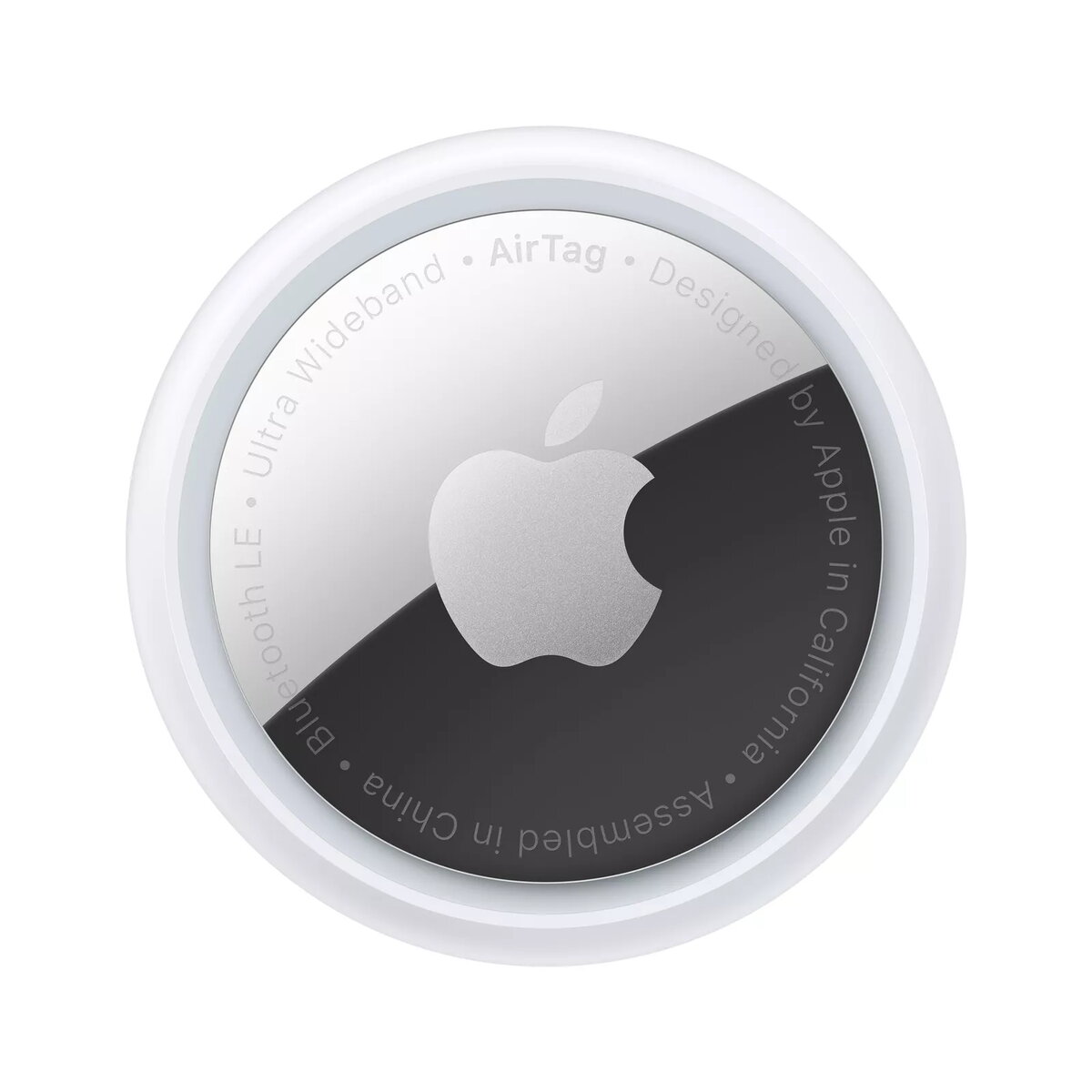
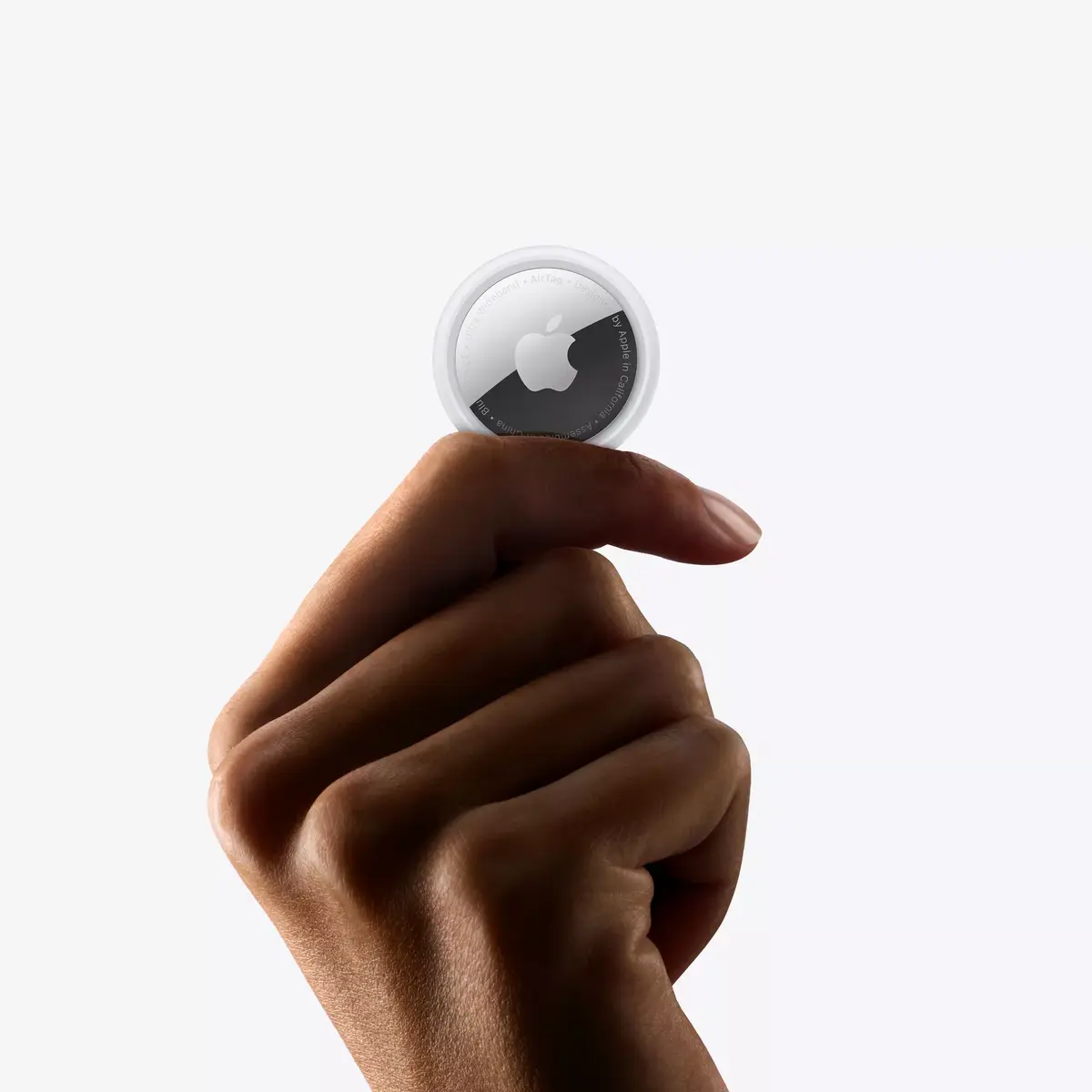
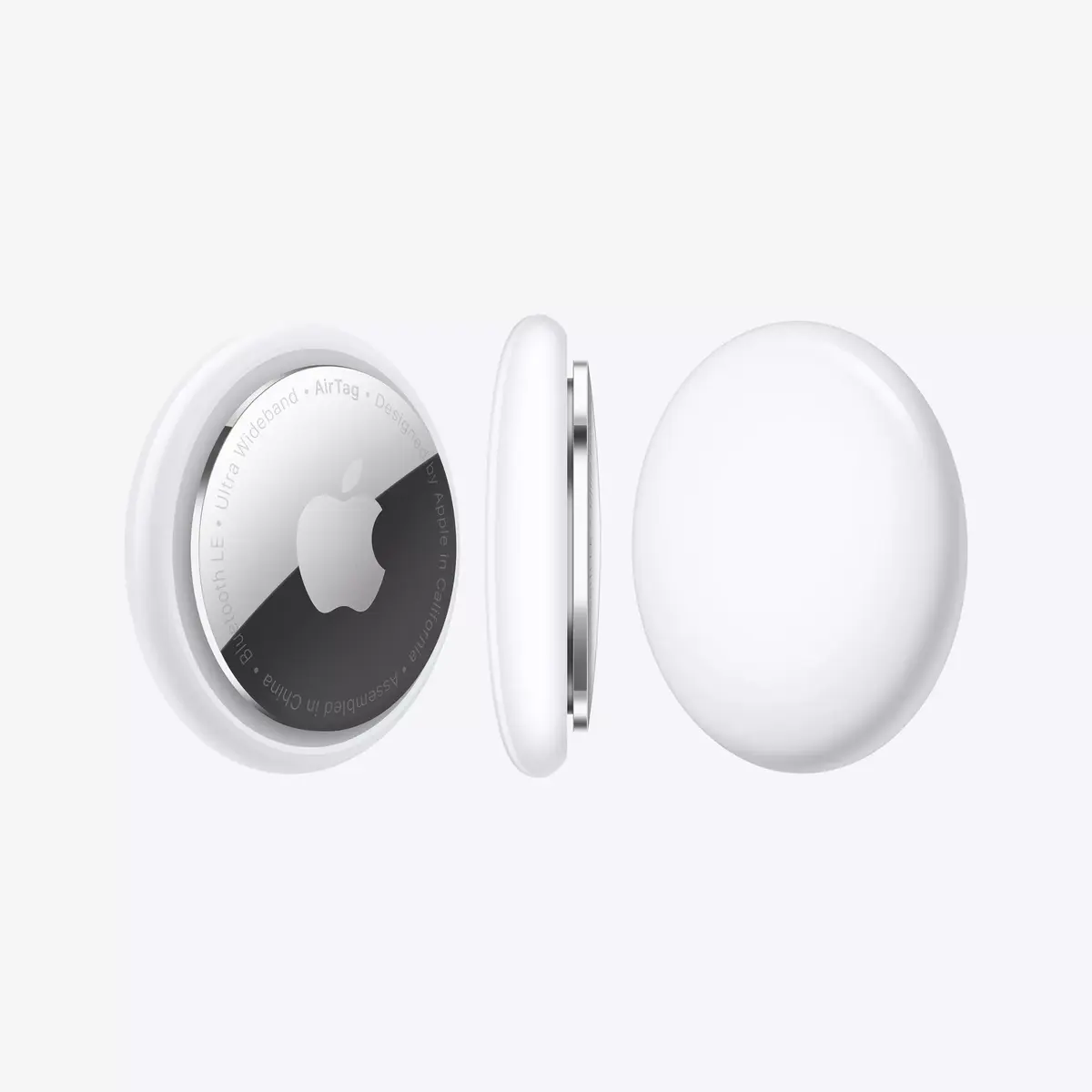
Ping it. Find it.
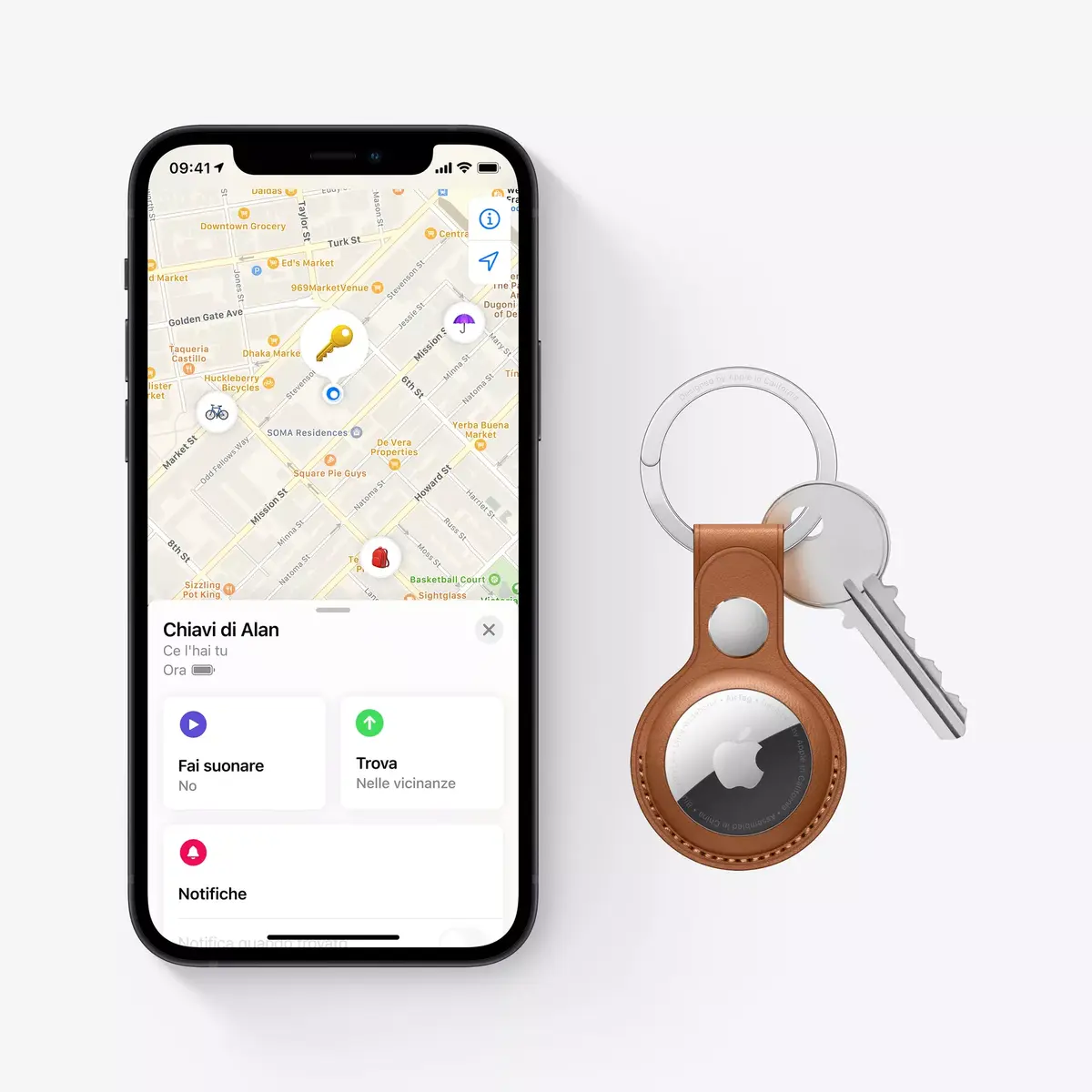
Misplacing something like your wallet doesn’t have to be a big deal when it has an AirTag attached. You can play a sound on the built‑in speaker by going to the new Items tab in the Find My app, or say “Hey Siri, find my wallet.” If it’s hiding nearby — like under the couch or in the next room — just follow the sound and your search is over.

Cold. Warm. Warmer. Hot.
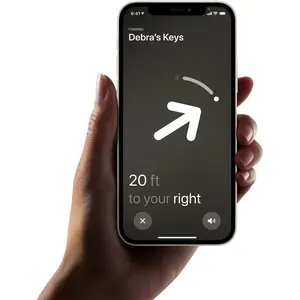
If your AirTag is nearby, your iPhone can lead you straight to it with Precision Finding. You’ll see the distance to your AirTag and the direction to head in — all thanks to Ultra Wideband technology.
Precision Finding compatible with:
iPhone 11
iPhone 11 Pro and iPhone 11 Pro Max
iPhone 12 and iPhone 12 mini
iPhone 12 Pro and iPhone 12 Pro Max
How does it work?
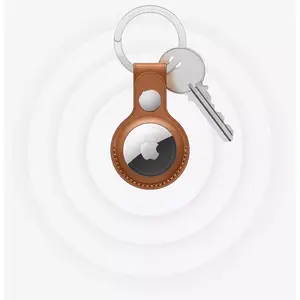
Your AirTag sends out a secure Bluetooth signal that can be detected by nearby devices in the Find My network. These devices send the location of your AirTag to iCloud — then you can open the Find My app and see it on a map. The whole process is anonymous and encrypted to protect your privacy. And it’s efficient, so there’s no need to worry about battery life or data usage.
Lost Mode makes finding things even easier.
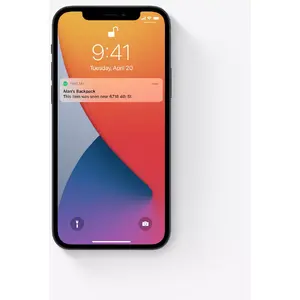
Just like your other Apple devices, an AirTag can be put into Lost Mode. Then, when it’s detected by a device in the network, you’ll automatically get a notification. You can also allow someone to get your contact info by tapping your AirTag with an NFC‑capable smartphone — the same technology used for mobile payments.
Privacy is built in.
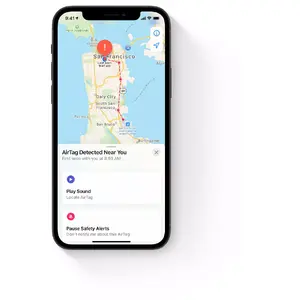
Only you can see where your AirTag is. Your location data and history are never stored on the AirTag itself. Devices that relay your AirTag’s location remain anonymous, and that location data is encrypted at every step. So not even Apple knows the location of your AirTag or the identity of the device that helps find it.
Beautifully simple.
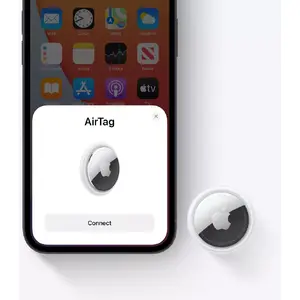
A one‑tap setup instantly connects your AirTag with your iPhone or iPad. Enter a name for your AirTag, attach it to the item you want to track, and you’re good to go. Want AirTag notifications on your Apple Watch, too? No problem.
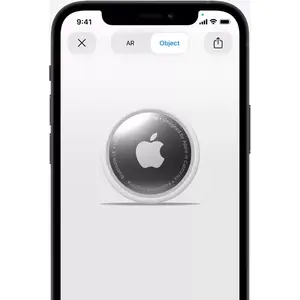
Use AR to see it from every angle.
Open this page using Safari on your iPhone or iPad.