
Hurry and order now – up to 50% off!
In cart {{totalProductsCount}} item(s)
Your cart is empty
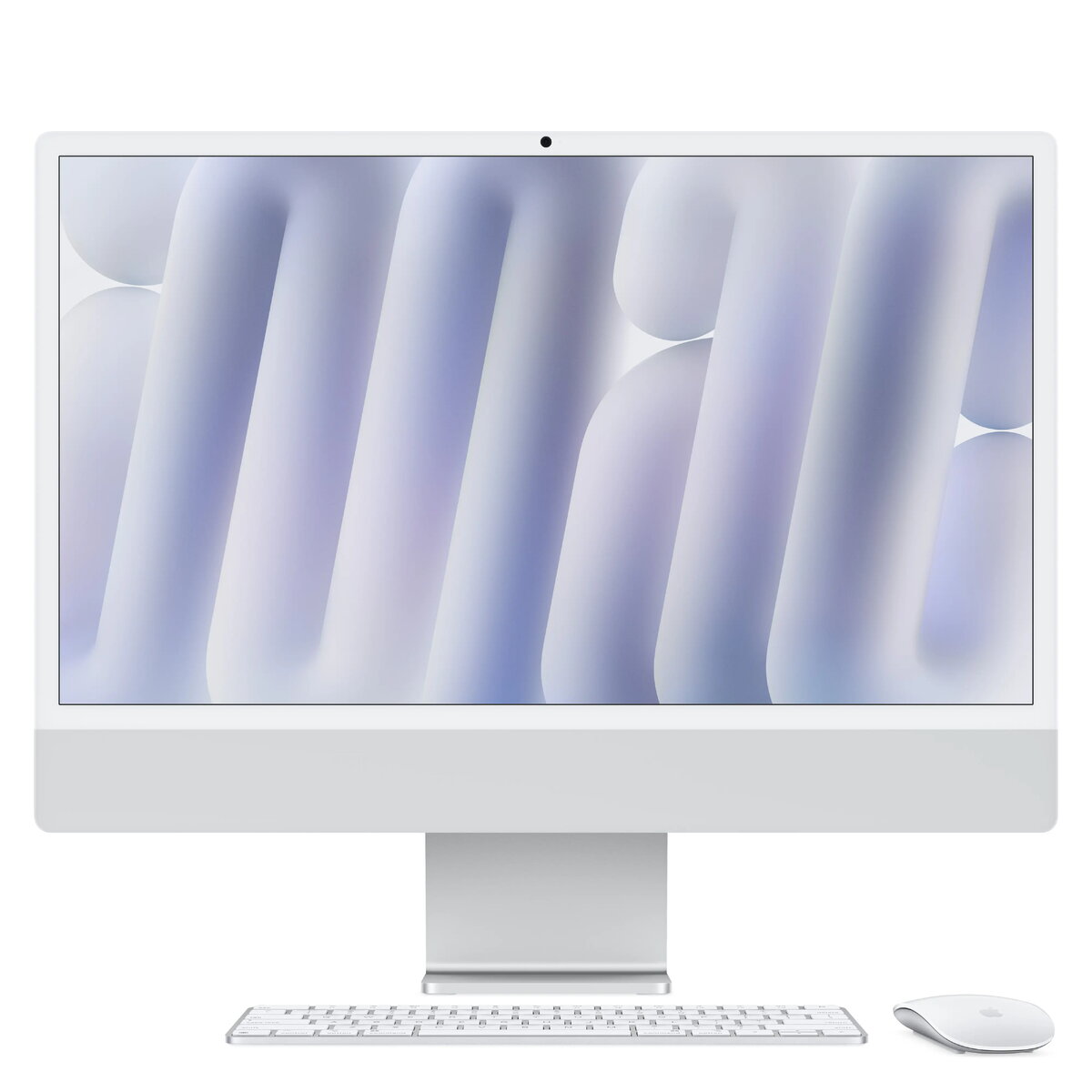
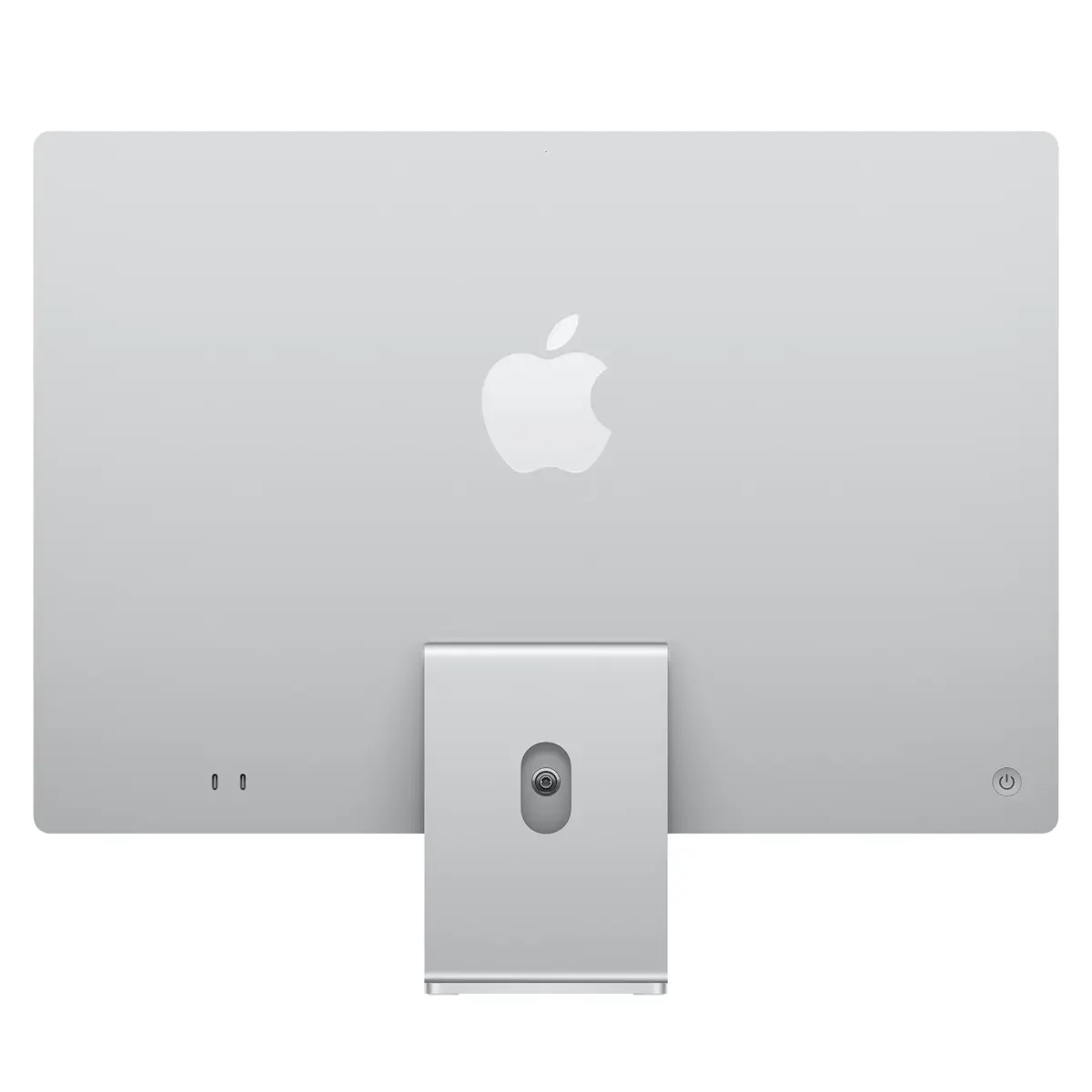
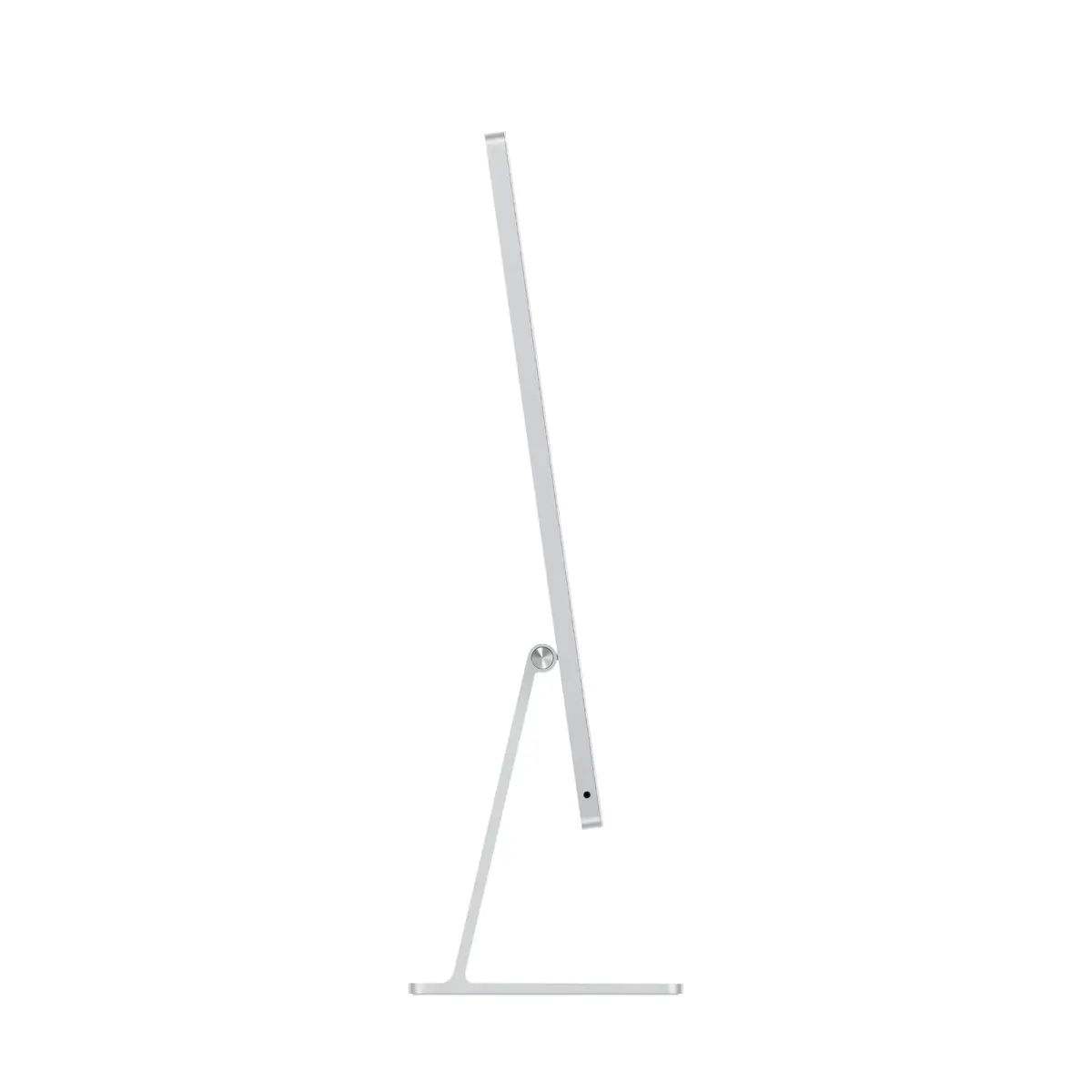
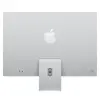
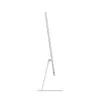
All-in-One PC Apple iMac M4 23.5" 4.5K 4480×2520 16GB RAM 256GB SSD macOS Sequoia Silver
The Apple iMac M4 is an all‑in‑one desktop combining a 23.5" 4.5K (4480×2520) display, Apple M4 system on chip and integrated Apple GPU in a compact silver enclosure. Configured with 16 GB of RAM and a 256 GB SSD, it runs macOS Sequoia and includes a 12 MP FaceTime camera, Wi‑Fi 6E and Bluetooth 5.3. The iMac is designed for everyday productivity, creative work and multimedia playback while keeping a slim, uncluttered desktop footprint.
The M4 chip and 8‑core GPU provide fast application responsiveness and smooth graphics for photo, video and light 3D tasks. The 4.5K Retina display delivers high pixel density and accurate detail for editing and media consumption. Built‑in macOS Sequoia integration and features such as iPhone mirroring and Center Stage camera simplify everyday workflows. Wi‑Fi 6E and modern wireless connectivity ensure stable network performance.
This configuration has limited local storage (256 GB SSD), so large media libraries or extensive project files may require external or cloud storage. It uses integrated graphics with 8 GPU cores, which is adequate for typical creative tasks but may not meet the demands of high‑end 3D rendering or professional visual effects workflows that require a discrete high‑performance GPU.
Set the iMac on a stable desk surface and connect the power cable. Complete the macOS setup assistant to configure your Apple ID, network and privacy settings. Use the built‑in apps and System Settings to add printers, external drives or cloud storage as needed. For larger media projects, attach external SSDs or NAS storage and enable Time Machine or other backup tools to protect your data. Use iPhone Mirroring to display and control your iPhone content on the iMac screen when required.
For best performance, keep macOS and apps updated, use an external SSD for large media projects, and enable regular backups. Place the iMac at eye level to reduce neck strain during extended use and rely on wired connections for large file transfers when possible.
{{highlightedFeature.featureTitle}}:
{{getProductFeatureValueById(product, highlightedFeature.featureId)}}
{{ productComparisonGenerationError }}
