


Save time and money with our discounts!
In cart {{totalProductsCount}} item(s)
Your cart is empty
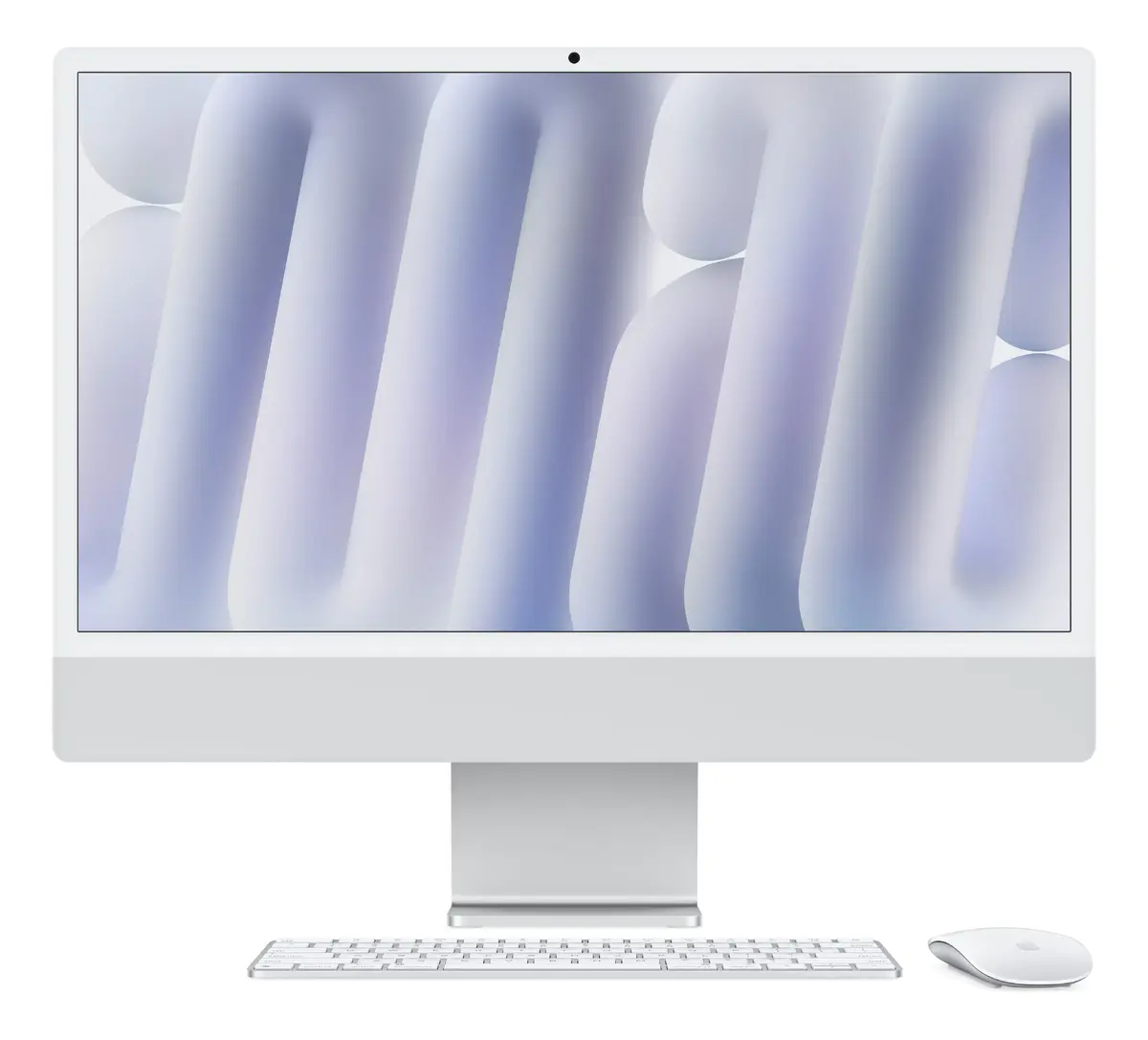
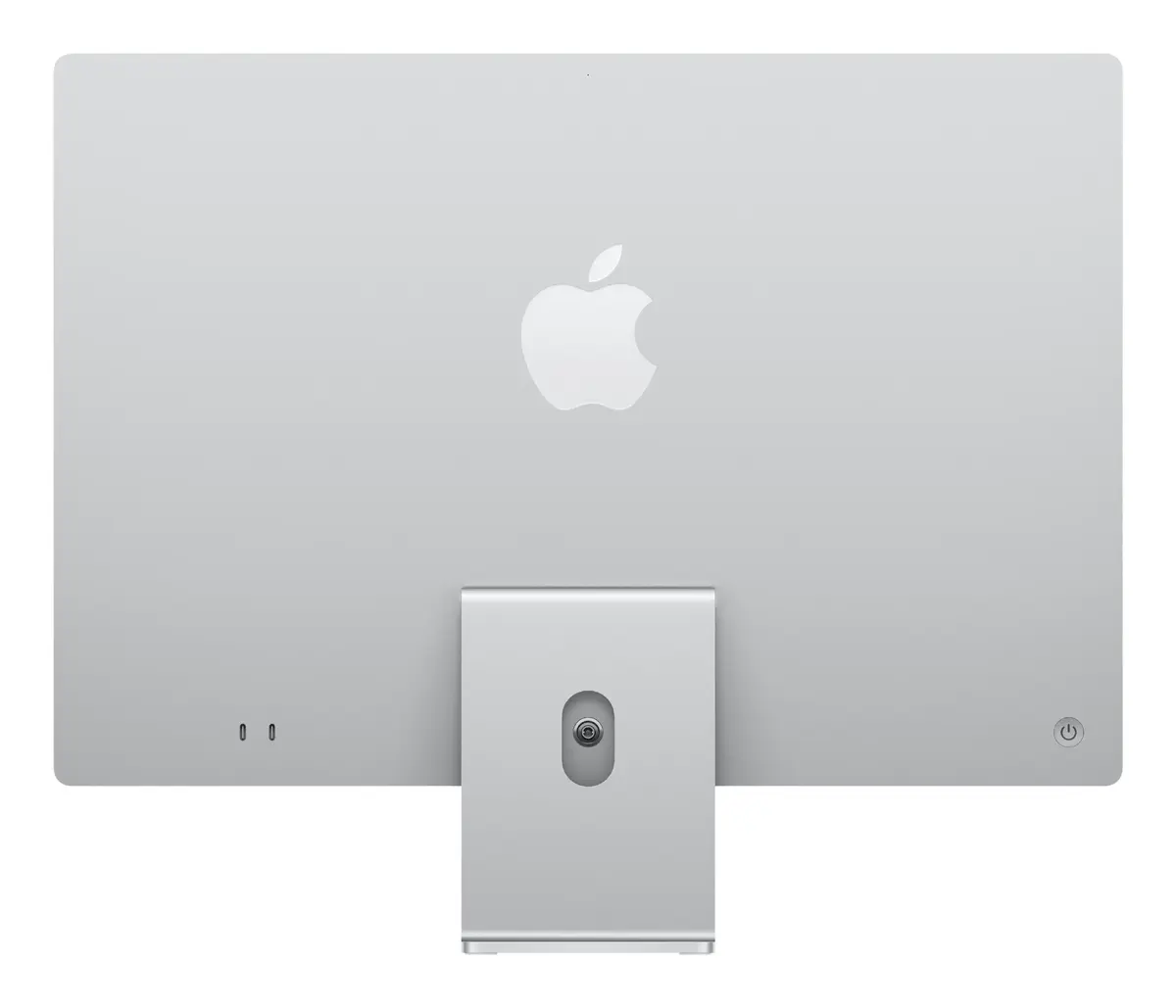
All-in-One PC Apple iMac M4 23.5 inch 4480 x 2520 pixels 16 GB RAM 256 GB SSD macOS Sequoia Silver
The Apple iMac M4 is an advanced All-in-One PC designed to integrate high performance, sleek aesthetics, and advanced technology into a single unified desktop system. Featuring a stunning 23.5-inch 4.5K Ultra HD display with a resolution of 4480 x 2520 pixels, this silver desktop offers crystal-clear visuals for work and entertainment. Powered by the efficient Apple M processor with 16 GB of internal memory and a fast 256 GB SSD, it delivers responsive multitasking and reliable storage. Operating on macOS Sequoia, the device provides a smooth, secure, and intuitive user experience supported by modern connectivity options including Wi-Fi 6E and USB4 ports.
The Apple iMac stands out with its strikingly thin profile and iconic silver housing that complements any modern interior or workspace. Its 4.5K Retina display produces exceptional color accuracy, high brightness, and sharp details, making it ideal for visual content viewing and daily productivity. The inclusion of the Apple M processor ensures rapid data processing and energy efficiency, while the integrated 12MP Center Stage camera and built-in speakers provide a complete multimedia solution out of the box. With unified memory architecture and swift SSD storage, applications launch instantly and system responsiveness remains consistently high.
This All-in-One PC may not be suitable for users who require extensive internal storage expansion or heavy hardware modifications, as components are integrated into the slim chassis. Additionally, advanced gamers or professionals running specialized high-end 3D rendering software that demands discrete graphics cards and massive local storage arrays might find the 256 GB capacity and integrated graphics limiting.
Setting up the Apple iMac is straightforward thanks to its all-in-one design that minimizes cable clutter. Simply place the unit on a stable desk, connect the power cord, and turn it on. Follow the on-screen prompts in macOS Sequoia to configure your network, user profile, and system preferences. Use the included or compatible wireless peripherals to navigate the interface, and leverage the USB4 ports or wireless connectivity options to attach external accessories and displays as needed.
To maintain optimal performance and longevity of your Apple iMac, keep the operating system updated through macOS settings and ensure the ventilation areas around the slim chassis remain unobstructed. Clean the 4.5K display gently with a dry, microfiber cloth designed for electronics.
{{highlightedFeature.featureTitle}}:
{{getProductFeatureValueById(product, highlightedFeature.featureId)}}
{{ productComparisonGenerationError }}
