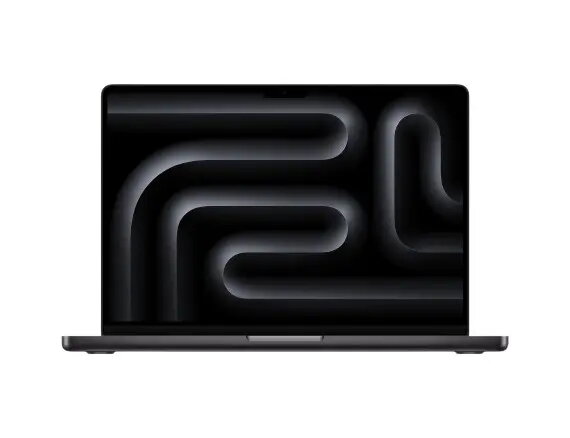
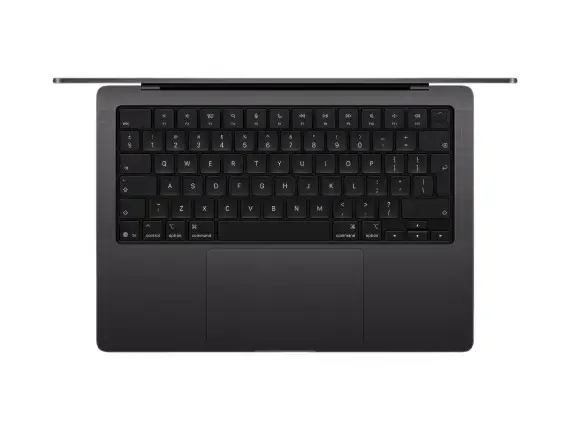
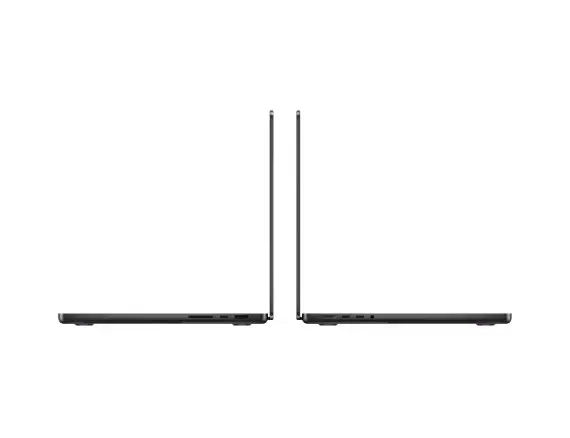
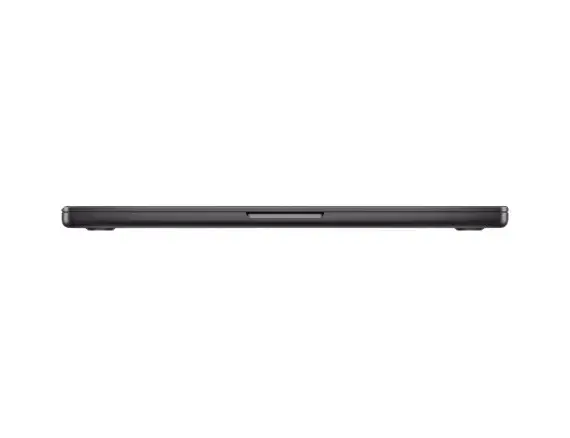
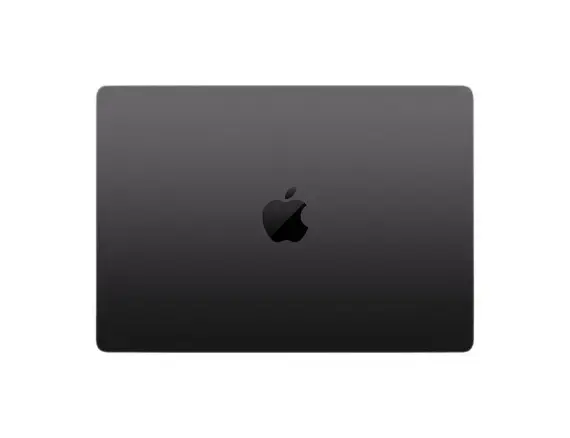
Apple MacBook Pro 14.2" M5 (10‑core CPU/10‑core GPU), 16GB RAM, 512GB SSD, 70W charger, Space Black is a compact professional laptop built around Apple’s M5 system-on-chip and a bright Liquid Retina display. With a 10‑core CPU and 10‑core GPU, 16GB of unified memory and a 512GB NVMe SSD, the notebook is aimed at users who need sustained performance for creative, development and multitasking workloads while retaining portable battery efficiency and a premium space-black finish.
Advantages
The M5 chip combines multiple high-performance and efficiency cores to deliver strong CPU and GPU capabilities while maintaining power efficiency for longer battery life. Unified memory architecture reduces latency between processor and graphics tasks, improving responsiveness in demanding applications. The fast 512GB NVMe SSD provides quick system boot, application launch and file transfers. The included 70W charger supports efficient charging on the go and matches the system power profile for balanced performance and battery preservation.
Suitable for
- Software development and compiling large projects
- Video editing, color grading and motion graphics work
- Photo editing and high-resolution image processing
- 3D modelling and GPU-accelerated creative applications
- Multitasking with multiple professional applications and browser tabs
When it may not be suitable
This configuration with 16GB unified memory and a 512GB SSD is balanced for most professional tasks but may be limiting for extremely large datasets, very high-resolution video projects with many simultaneous streams, or users who need extensive local archival storage. Users requiring legacy Windows-only desktop applications without virtualization should verify compatibility or consider alternative platforms.
Key specifications
- Display size: 14.2 inches
- Processor: Apple M5 with 10‑core CPU and 10‑core GPU
- Memory: 16GB unified RAM
- Storage: 512GB NVMe SSD
- Included power adapter: 70W charger
- Colour: Space Black
How to use
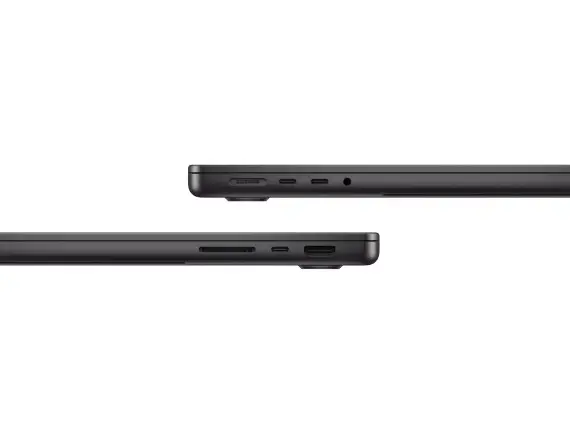
Power on the laptop using the integrated power button and complete the initial macOS setup, including signing in with your Apple ID to enable iCloud and continuity features. Install required professional applications from the App Store or directly from vendor websites; many macOS and Apple‑silicon‑optimized apps will automatically use the M5 performance and unified memory. Connect external displays, storage or input devices via available ports or USB‑C adapters as needed. Use built‑in system settings to configure power, display and battery preferences for your typical workflow.
What to consider before purchase
- Assess whether 16GB unified memory is sufficient for your largest workloads or if a higher-memory configuration is needed
- Confirm 512GB SSD capacity meets your file storage needs or plan for external/Cloud storage
- Check software compatibility with Apple silicon (M5) for any specialized or legacy applications
- Consider required ports and adapters for legacy peripherals
Usage recommendations
For sustained high-performance tasks, use balanced power settings and connect the 70W charger to maintain peak CPU/GPU throughput. Keep macOS and applications updated to benefit from Apple silicon optimizations. For large media projects, pair the internal SSD with high-speed external NVMe storage or cloud workspace to manage capacity and backups efficiently.