

Dreame vacuums for fast and efficient cleaning!
In cart {{totalProductsCount}} item(s)
Your cart is empty
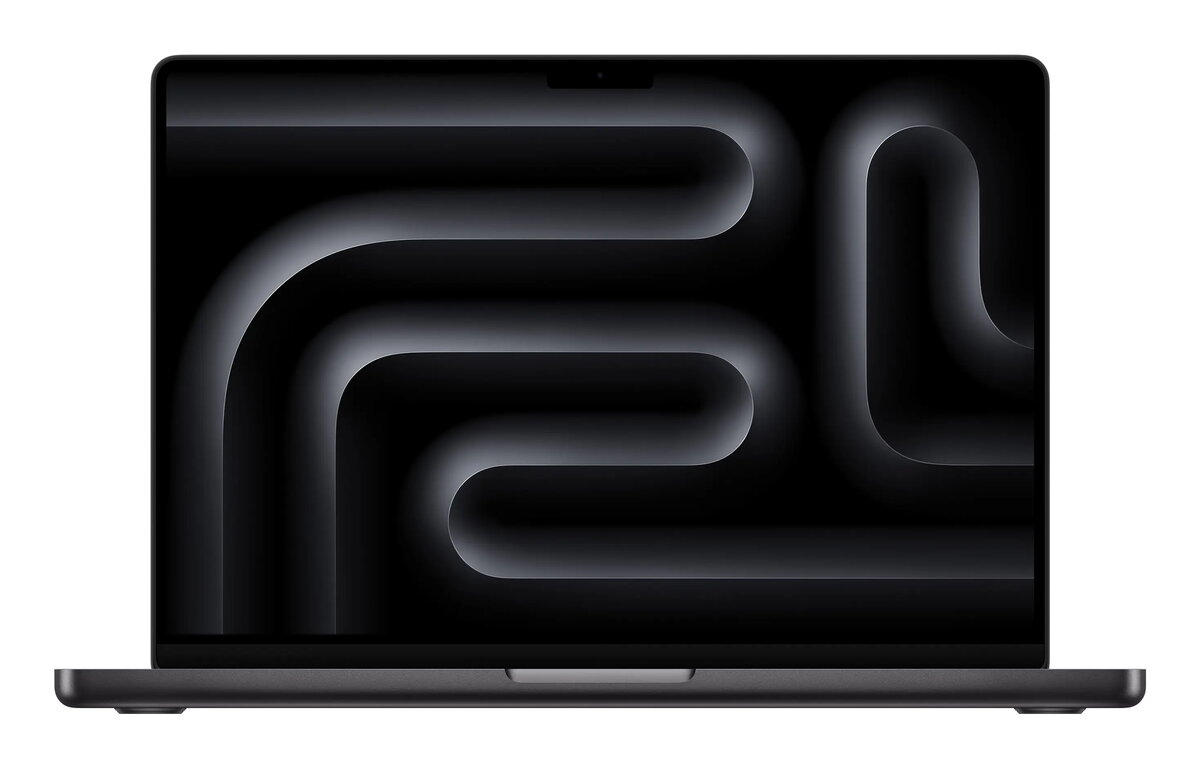
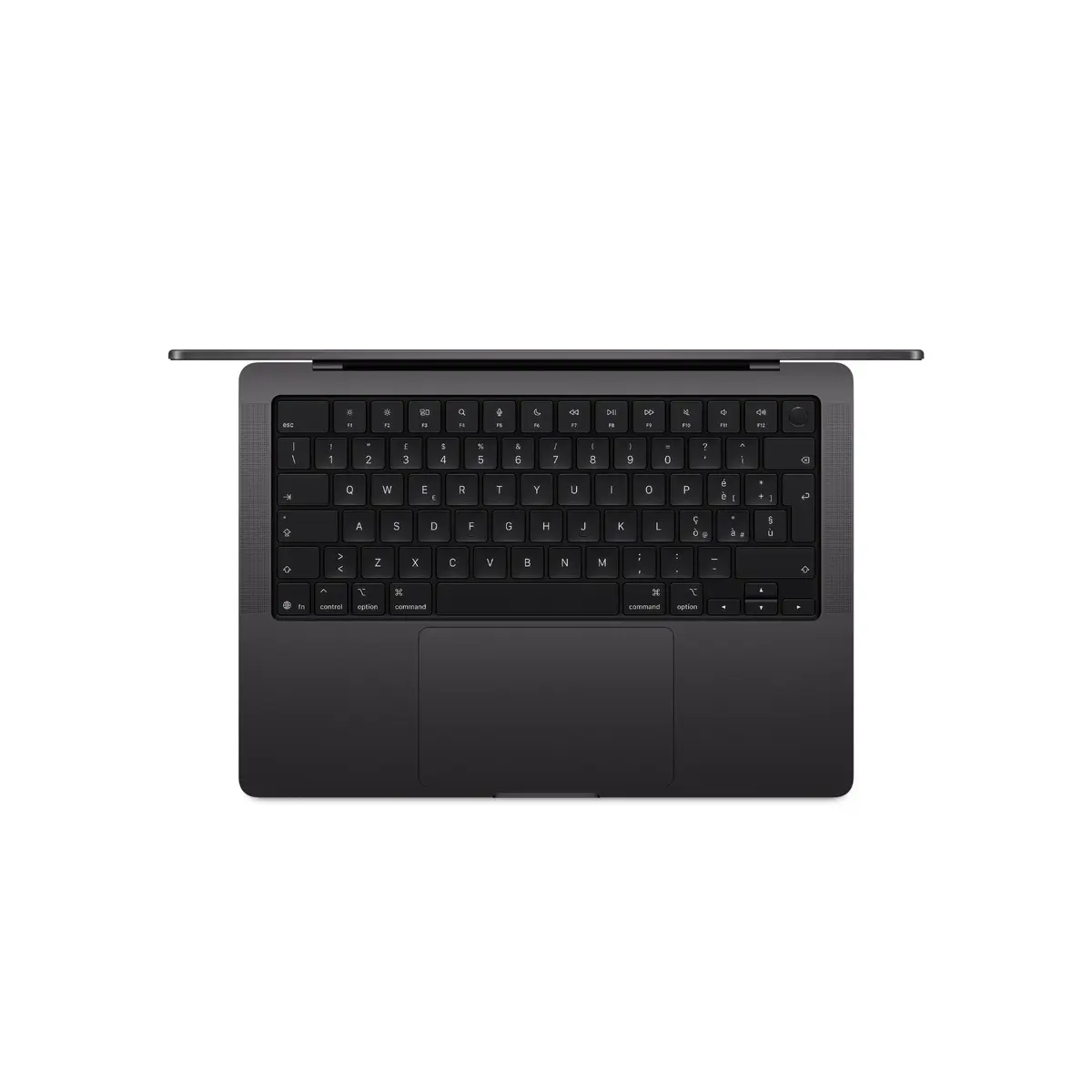
Laptop Apple MacBook Pro M5 14.2" (36.1 cm) 32 GB RAM 1 TB SSD Wi‑Fi 6E macOS Tahoe Black
The Apple MacBook Pro M5 14.2" (36.1 cm) in black is a compact professional laptop equipped with the Apple M5 system-on-chip, 32 GB of unified memory and a 1 TB SSD. The 14.2-inch Mini LED display offers a 3024 × 1964 resolution that combines high detail with accurate color rendering. macOS Tahoe is preinstalled and the device supports Wi‑Fi 6E for faster wireless connectivity. The laptop uses a clamshell design, weighs 1.55 kg and is intended for demanding workflows such as software development, creative content work and everyday productivity tasks.
The Apple M5 processor provides a balance of CPU performance and energy efficiency with a 10‑core configuration suitable for multitasking and processor-heavy applications. The 32 GB of unified memory enables smooth operation of multiple professional applications and large datasets, while the 1 TB SSD delivers fast system responsiveness and ample storage for project files. The high-resolution Mini LED display supports precise color reproduction and high contrast, useful for editing and design work. Built‑in Wi‑Fi 6E and Bluetooth 5.3 offer modern wireless connectivity, and the macOS Tahoe operating system includes productivity features and system-level optimizations for Apple silicon.
Unbox the MacBook Pro, connect the included power adapter for initial charging and complete the macOS setup assistant to configure Apple ID, iCloud and system preferences. Install developer tools, creative applications or productivity software as required. Use the System Settings app to configure Wi‑Fi 6E networks and Bluetooth accessories. For optimal performance in demanding tasks, keep macOS and installed apps up to date and use the built‑in Activity Monitor to check CPU, GPU and memory usage.
For extended performance during heavy workloads, place the MacBook Pro on a flat, ventilated surface and avoid long-term blocking of ventilation areas. Use the updated macOS power and battery settings to balance energy use and performance. Regularly back up important data using Time Machine or cloud services to secure project files.
{{highlightedFeature.featureTitle}}:
{{getProductFeatureValueById(product, highlightedFeature.featureId)}}
{{ productComparisonGenerationError }}
