
Save time and money with our discounts!
In cart {{totalProductsCount}} item(s)
Your cart is empty
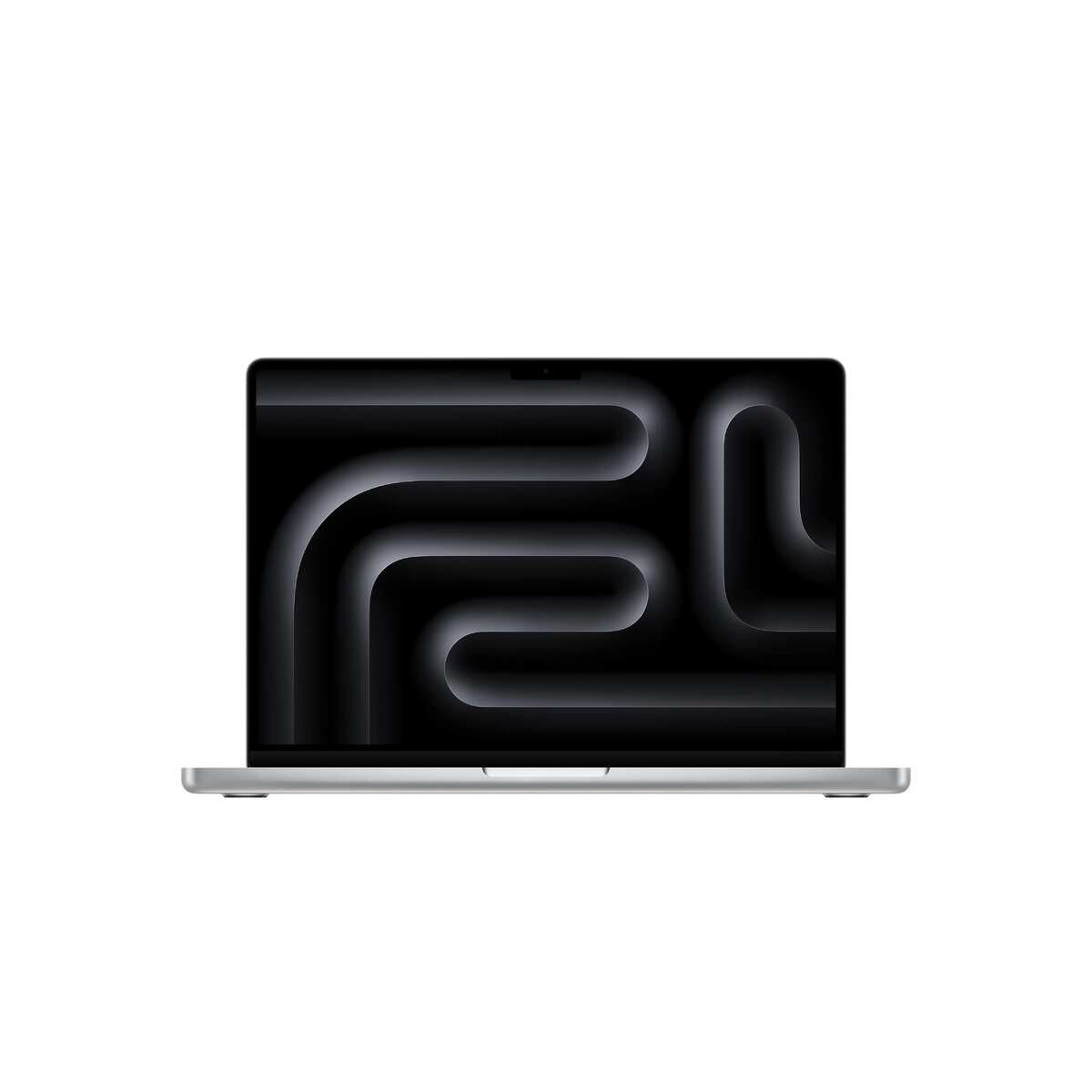
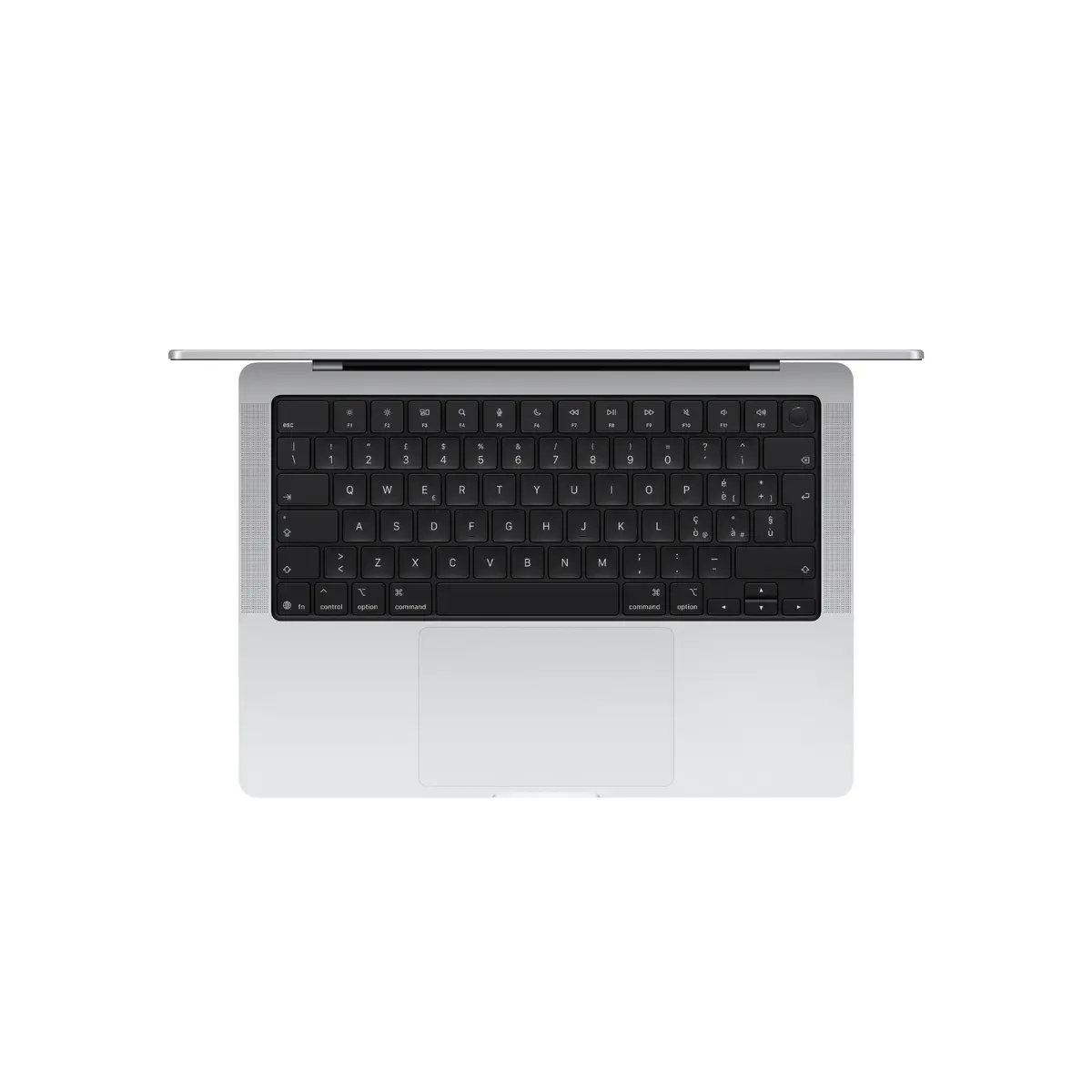
Apple MacBook Pro 14.2-inch Laptop, Apple M5 Processor, 32GB RAM, 1TB SSD, macOS Tahoe, Silver
The Apple MacBook Pro 14.2-inch laptop is a high-performance computing device designed for professionals who require power, efficiency, and portability. Featuring the advanced Apple M5 processor and 32GB of RAM, this laptop handles complex workflows, multitasking, and resource-intensive applications with ease. The sleek silver clamshell design houses a stunning 14.2-inch display with a high resolution of 3024 x 1964 pixels, providing sharp visuals for creative work. With a 1TB SSD, users benefit from fast data access and ample storage for large files, all while operating on the intuitive macOS Tahoe system.
The primary strength of this MacBook Pro lies in its integration of the Apple M5 processor, which delivers exceptional speed and energy efficiency for demanding tasks. The inclusion of 32GB of unified memory ensures smooth performance across multiple professional applications, while the 1TB SSD provides rapid boot times and quick file transfers. Its compact 14.2-inch form factor makes it an ideal choice for professionals on the move, offering a balance between screen real estate and portability. Furthermore, the high-resolution display provides accurate color reproduction and clarity, essential for photo editing, video production, and graphic design.
This device may not be the optimal choice for users primarily interested in gaming, as it is optimized for professional productivity rather than high-end gaming hardware. Additionally, users who require a larger screen for extensive multi-window workflows might find the 14.2-inch display limiting compared to larger desktop alternatives.
To begin using your MacBook Pro, simply open the lid to power on the device. Follow the on-screen setup assistant to configure your language, network settings, and Apple ID. Once the initial setup is complete, you can navigate the macOS Tahoe interface using the trackpad and keyboard. You can install professional software via the App Store or by downloading applications directly from trusted developers. Keep the device updated through the System Settings menu to ensure optimal performance and security.
Usage recommendations: To maintain the longevity of your MacBook Pro, ensure the ventilation areas remain unobstructed during heavy tasks. Regularly back up your data using Time Machine to an external drive or cloud service, and keep the display clean using a soft, lint-free microfiber cloth.
{{highlightedFeature.featureTitle}}:
{{getProductFeatureValueById(product, highlightedFeature.featureId)}}
{{ productComparisonGenerationError }}
