
Filters you can trust. Pure water every day.
In cart {{totalProductsCount}} item(s)
Your cart is empty
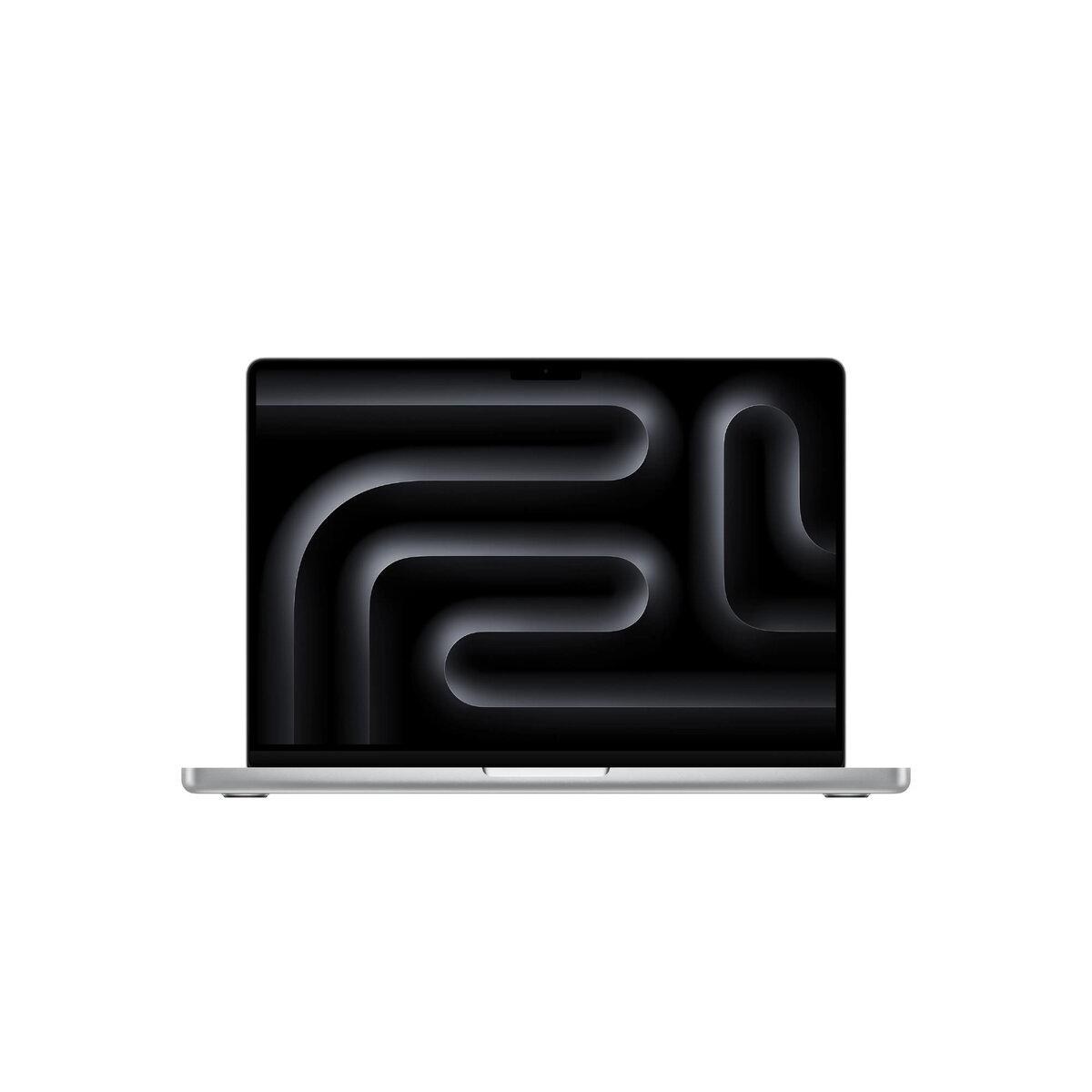
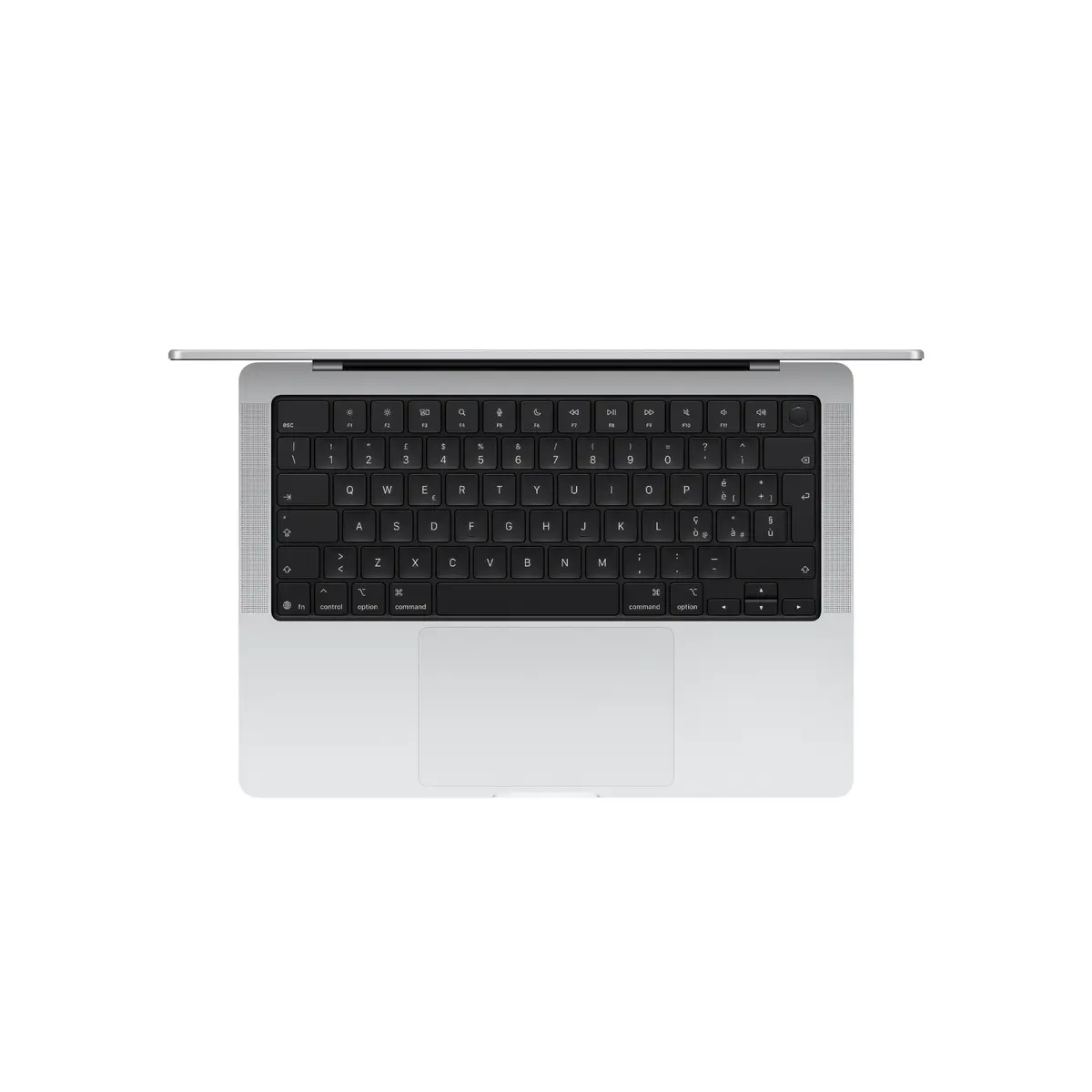
Laptop Apple MacBook Pro M5 14.2" (36.1 cm) 3024×1964, 32 GB RAM, 1 TB SSD, macOS Tahoe, Silver
The Apple MacBook Pro M5 14.2" (36.1 cm) is a clamshell laptop designed for professional workflows and mobile productivity. It features a 3024×1964 Retina-class Mini LED display, the Apple M5 system on a chip with a 10-core CPU and integrated Apple GPU, 32 GB of unified memory and a 1 TB solid-state drive. The machine runs macOS Tahoe, supports Wi‑Fi 6E and Bluetooth 5.3, and comes in a silver finish while weighing approximately 1.55 kg.
The MacBook Pro M5 combines a high-resolution Mini LED display with a unified memory architecture that delivers fast application response and efficient multitasking. The integrated Apple GPU and M5 CPU provide performance suitable for content creation, software development and data processing while maintaining long battery runtime. macOS Tahoe brings updated productivity tools and system-level features that integrate with iPhone and Apple services.
This MacBook Pro does not include a discrete graphics card, so workflows that demand high-end dedicated GPU acceleration for real-time ray tracing or very large-scale GPU compute may be better served by systems with discrete GPUs. The package described does not include a power adapter in some configurations, so a compatible charger may need to be obtained separately if not provided.
Power on the MacBook Pro and complete the initial macOS setup to sign in with an Apple ID and configure system preferences. Use Spotlight, Finder and the Dock to access applications and files. For graphics and content tasks, run your preferred professional applications which will take advantage of the unified memory and integrated GPU. Connect to Wi‑Fi 6E networks for faster wireless throughput when available, and pair Bluetooth devices via System Settings. For travel, use sleep mode to preserve battery and power on when needed; ensure the battery is charged with a compatible USB‑C power adapter if one is not included.
For reliable performance, keep macOS Tahoe and installed applications up to date, use an Apple‑recommended USB‑C charger for best charging behaviour, and enable regular Time Machine backups to an external drive or network location to protect data. When performing heavy workloads, ensure good ventilation and avoid blocking the vents to maintain sustained performance.
{{highlightedFeature.featureTitle}}:
{{getProductFeatureValueById(product, highlightedFeature.featureId)}}
{{ productComparisonGenerationError }}
