
Filters you can trust. Pure water every day.
In cart {{totalProductsCount}} item(s)
Your cart is empty
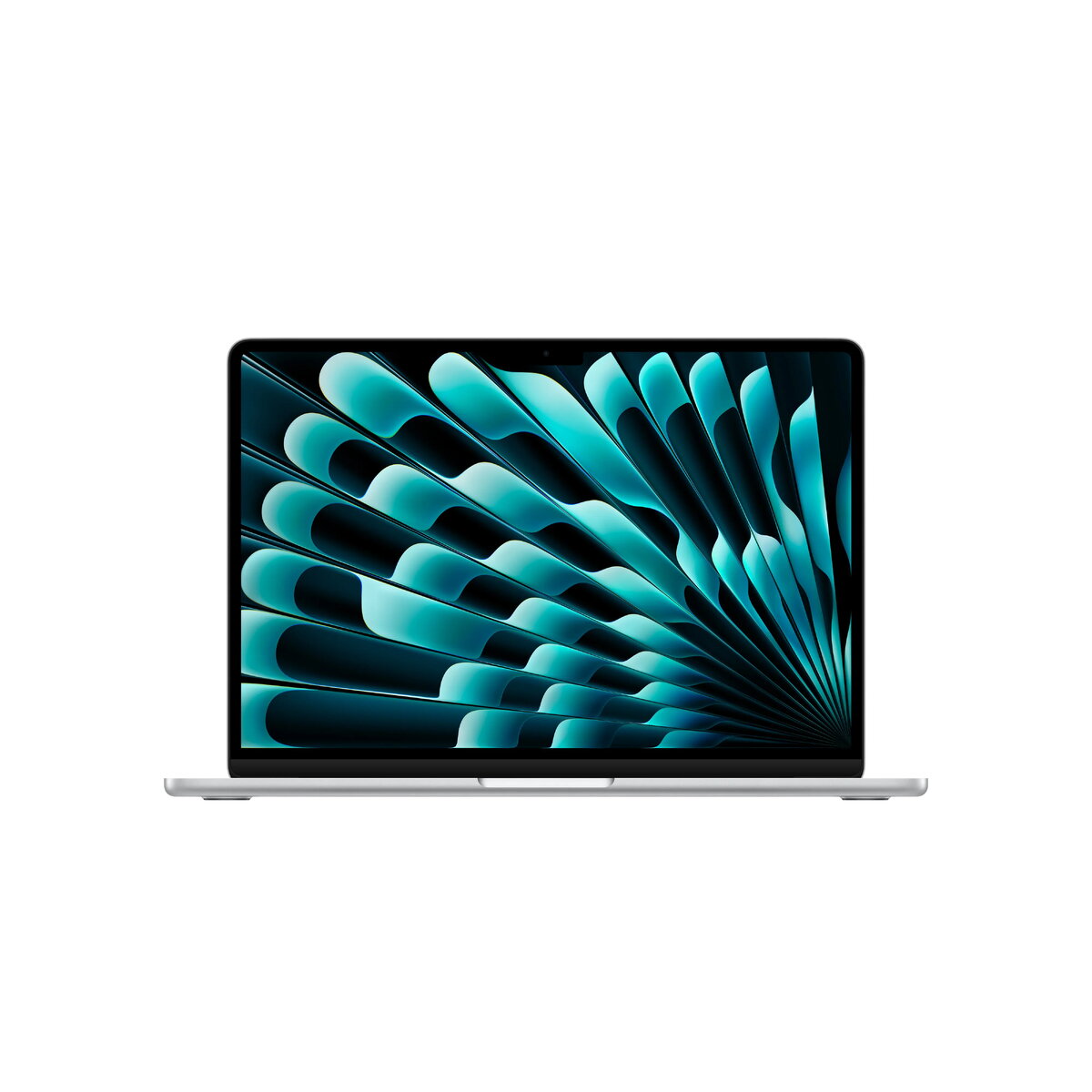
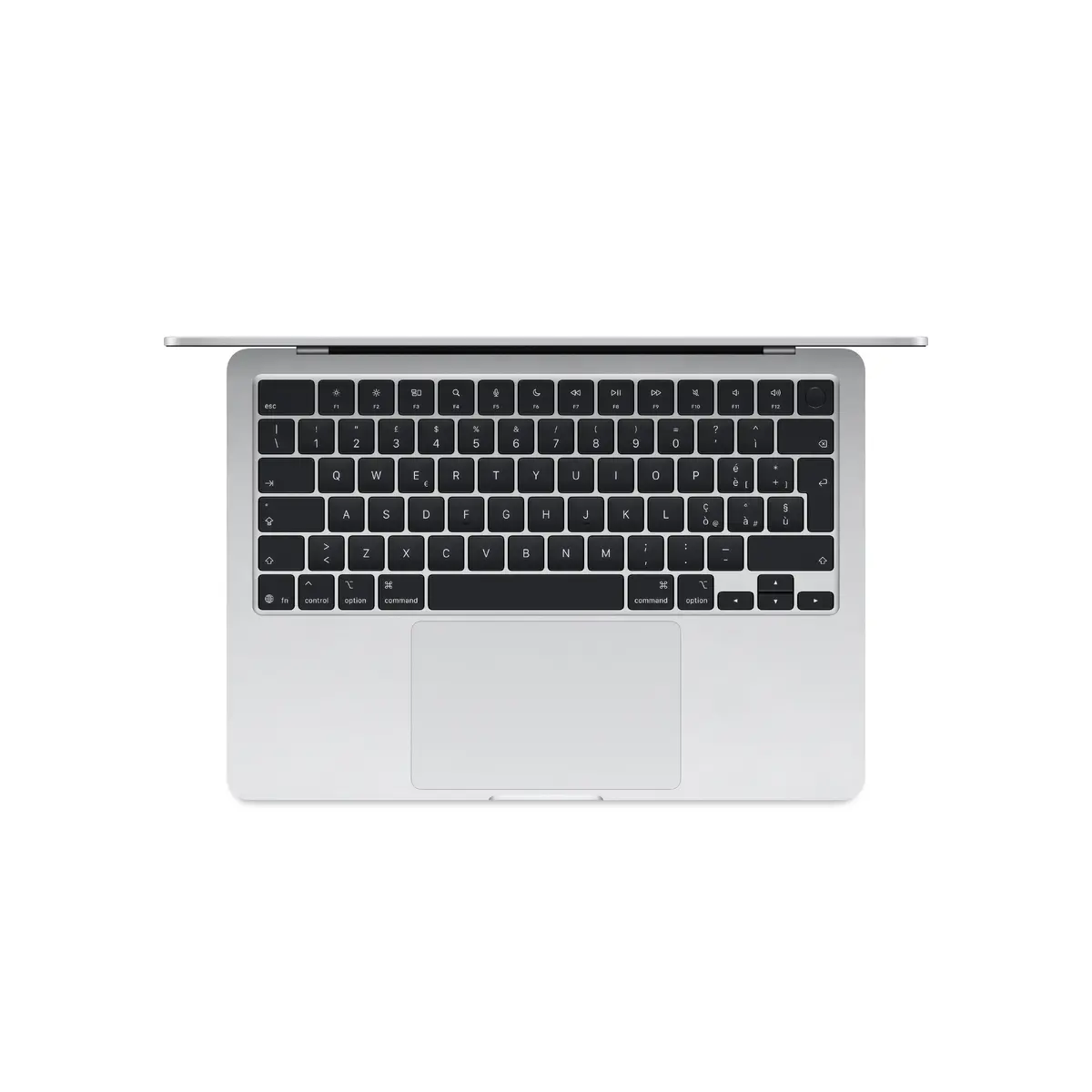
Apple MacBook Air 13-inch Laptop, M5 Chip, 16GB RAM, 512GB SSD, Silver
The Apple MacBook Air 13-inch with the M5 chip represents a significant leap in portable computing, combining high-end performance with a lightweight, iconic silver design. Powered by a 10-core CPU and 8-core GPU, this laptop is engineered to handle demanding professional workflows, creative projects, and everyday multitasking with ease. The integration of a 16-core Neural Engine ensures that AI-driven tasks are processed efficiently, while the 16GB of unified memory and 512GB SSD provide the speed and capacity required for modern digital environments.
This device excels through its exceptional balance of power and portability. The M5 architecture provides a substantial performance boost, allowing for smooth operation even when running complex software applications. Its 13.6-inch high-resolution display offers crisp visuals, making it an excellent choice for content creation and media consumption. Furthermore, the inclusion of macOS Tahoe introduces refined productivity tools and a seamless user experience that integrates perfectly with the broader Apple ecosystem, ensuring that your workflow remains uninterrupted across multiple devices.
This laptop may not be the ideal choice for users who require specialized hardware for high-end 3D rendering or intensive professional video production that demands dedicated discrete graphics cards. Additionally, users who prefer a larger screen real estate for complex multi-window setups might find the 13.6-inch display limiting compared to larger workstation models.
To begin using your MacBook Air, simply lift the lid to power on the device. Follow the on-screen setup assistant to configure your language, network settings, and Apple ID. Once initialized, you can utilize the intuitive macOS Tahoe interface to manage your applications and files. The unified memory architecture automatically allocates resources based on your active tasks, so no manual optimization is required for standard operations.
To maintain optimal battery health and performance, it is recommended to keep the macOS updated to the latest version and avoid exposing the device to extreme temperatures. Utilize the built-in power management settings to extend battery life during travel.
{{highlightedFeature.featureTitle}}:
{{getProductFeatureValueById(product, highlightedFeature.featureId)}}
{{ productComparisonGenerationError }}
