
Dreame vacuums for fast and efficient cleaning!
In cart {{totalProductsCount}} item(s)
Your cart is empty
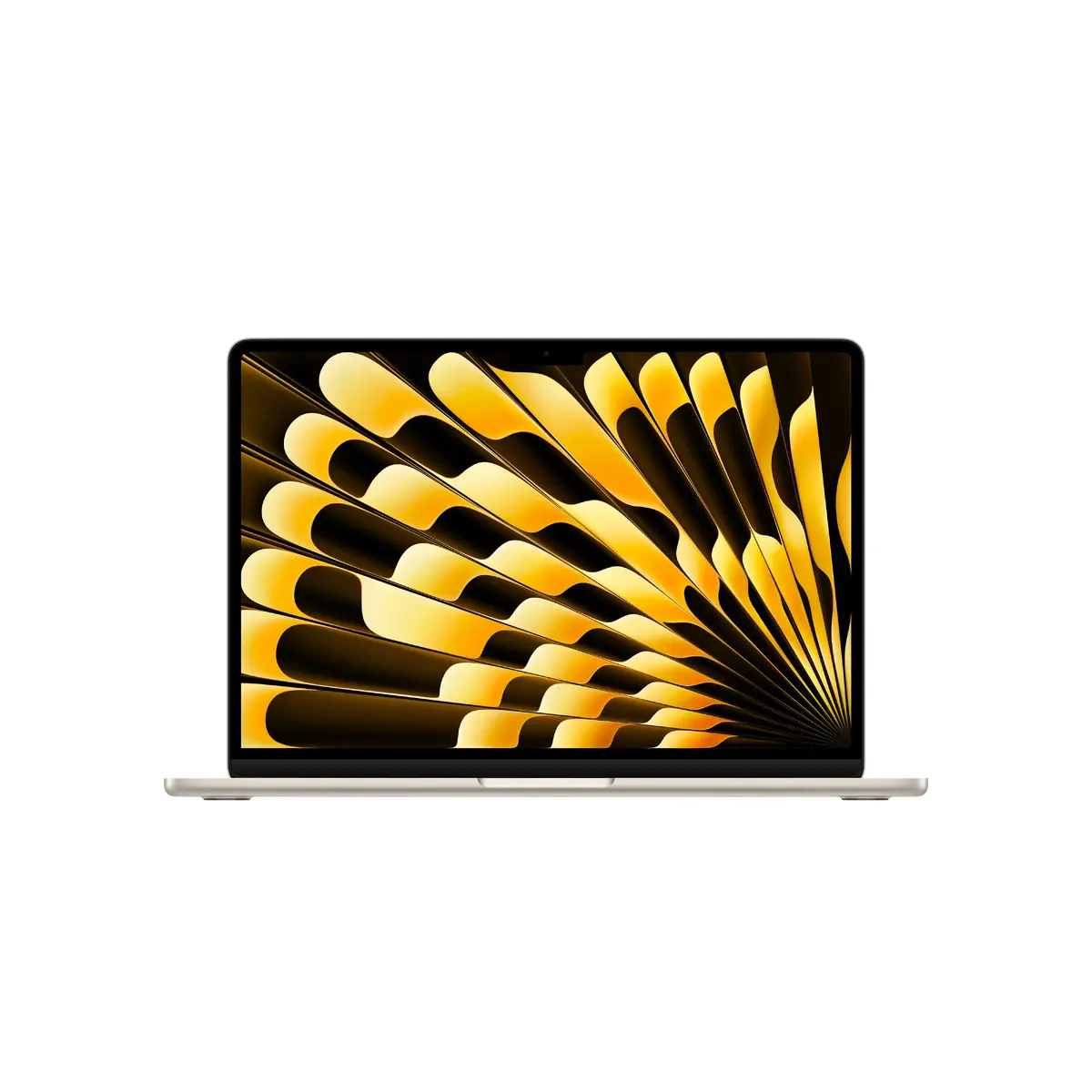
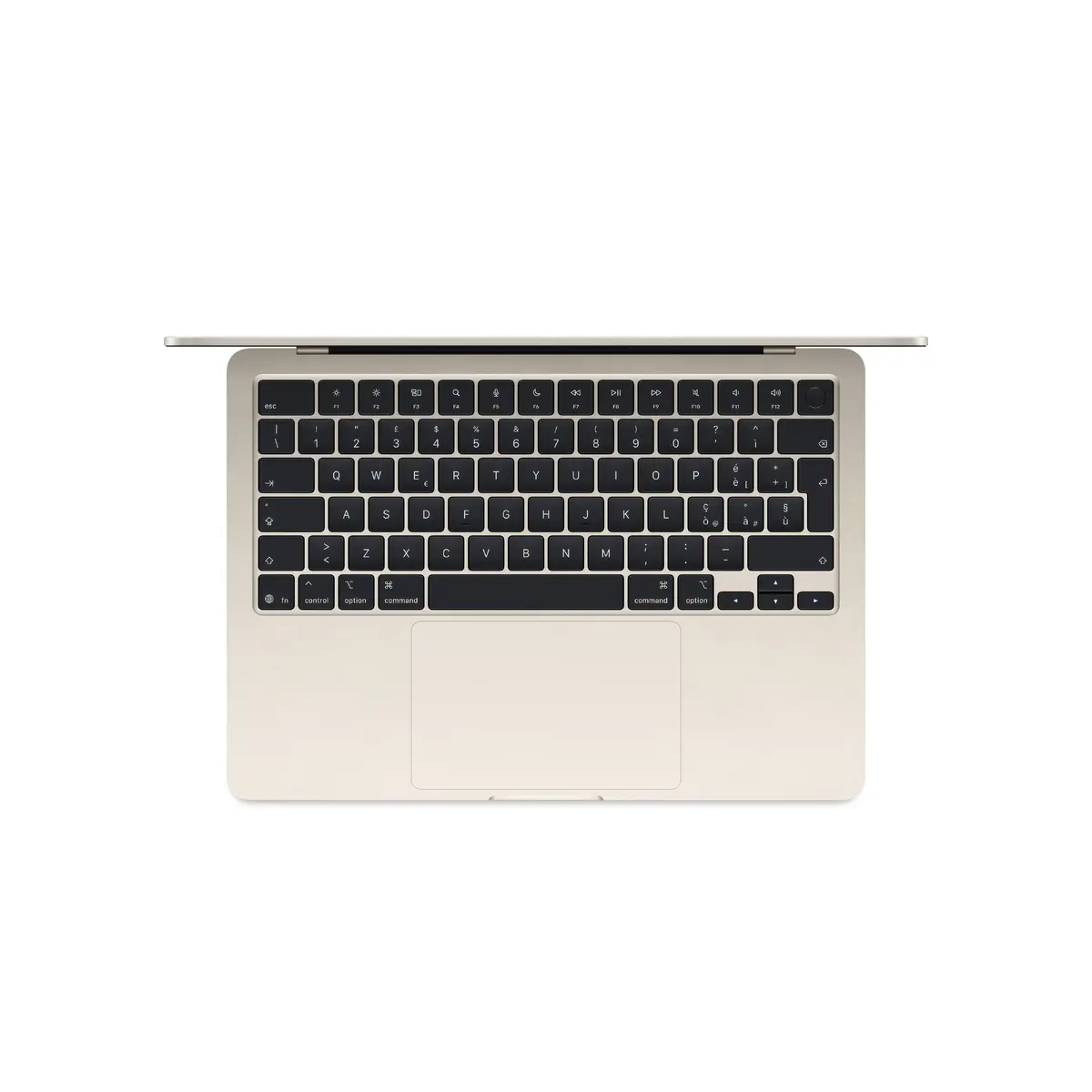
Apple MacBook Air 13.6-inch Laptop, Apple M5, 32GB RAM, 1TB SSD, macOS Tahoe, Beige
The Apple MacBook Air 13.6-inch laptop combines high-end performance with a portable, lightweight design. Featuring the advanced Apple M5 processor and 32GB of unified memory, this device is engineered to handle demanding professional workflows and daily multitasking with ease. The 1TB SSD provides ample, high-speed storage for all your files, while the stunning 13.6-inch display with a resolution of 2560 x 1664 pixels ensures crisp visuals for creative work and media consumption. Running on macOS Tahoe, this beige-finished laptop offers a seamless and intuitive user experience in a durable clamshell form factor.
This MacBook Air stands out due to its exceptional balance of power and efficiency. The integration of the M5 chip allows for rapid processing speeds and superior energy management, enabling extended productivity without frequent charging. With 32GB of RAM, users can run multiple resource-intensive applications simultaneously without performance degradation. The lightweight construction, weighing only 1.23 kg, makes it an ideal companion for professionals on the move who require a reliable, high-performance machine that does not compromise on build quality or aesthetic appeal.
This device may not be the optimal choice for users who require specialized hardware for high-end 3D rendering or intensive gaming that demands dedicated discrete graphics cards. Additionally, those who rely on legacy software exclusively compatible with non-macOS operating systems may find the platform restrictive.
To begin using your MacBook Air, simply lift the lid to power on the device. Follow the on-screen setup assistant to configure your language, network settings, and Apple ID. Once initialized, you can navigate the macOS Tahoe interface using the trackpad and keyboard. To maintain optimal performance, ensure that your software is regularly updated through the System Settings menu. Connect your peripherals via the available ports and utilize the iCloud ecosystem to sync your data across other Apple devices seamlessly.
For the best battery longevity, avoid exposing the device to extreme temperatures and keep the macOS software updated to the latest version to benefit from power management optimizations.
{{highlightedFeature.featureTitle}}:
{{getProductFeatureValueById(product, highlightedFeature.featureId)}}
{{ productComparisonGenerationError }}
