
Powerful EcoFlow stations for energy anywhere!
In cart {{totalProductsCount}} item(s)
Your cart is empty
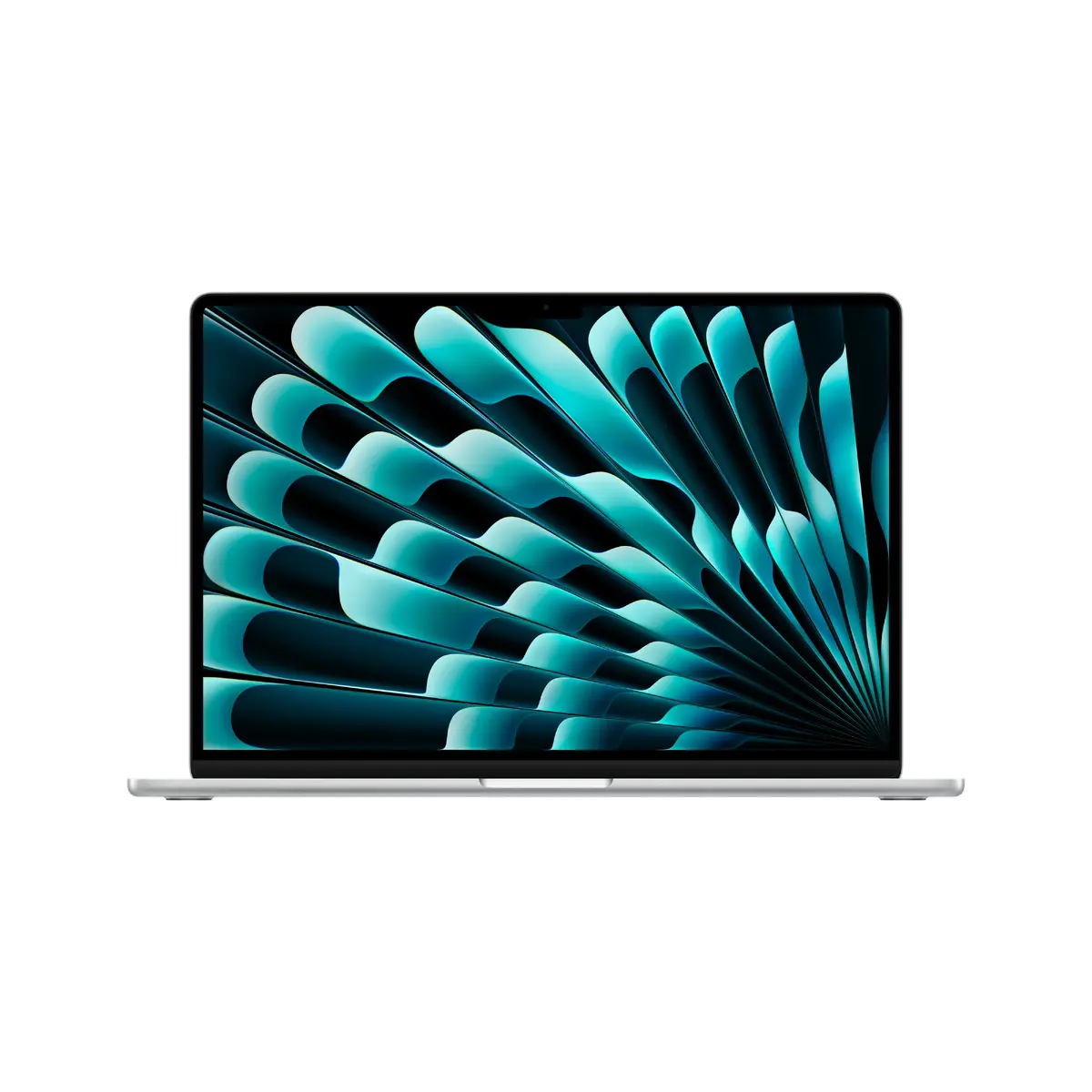
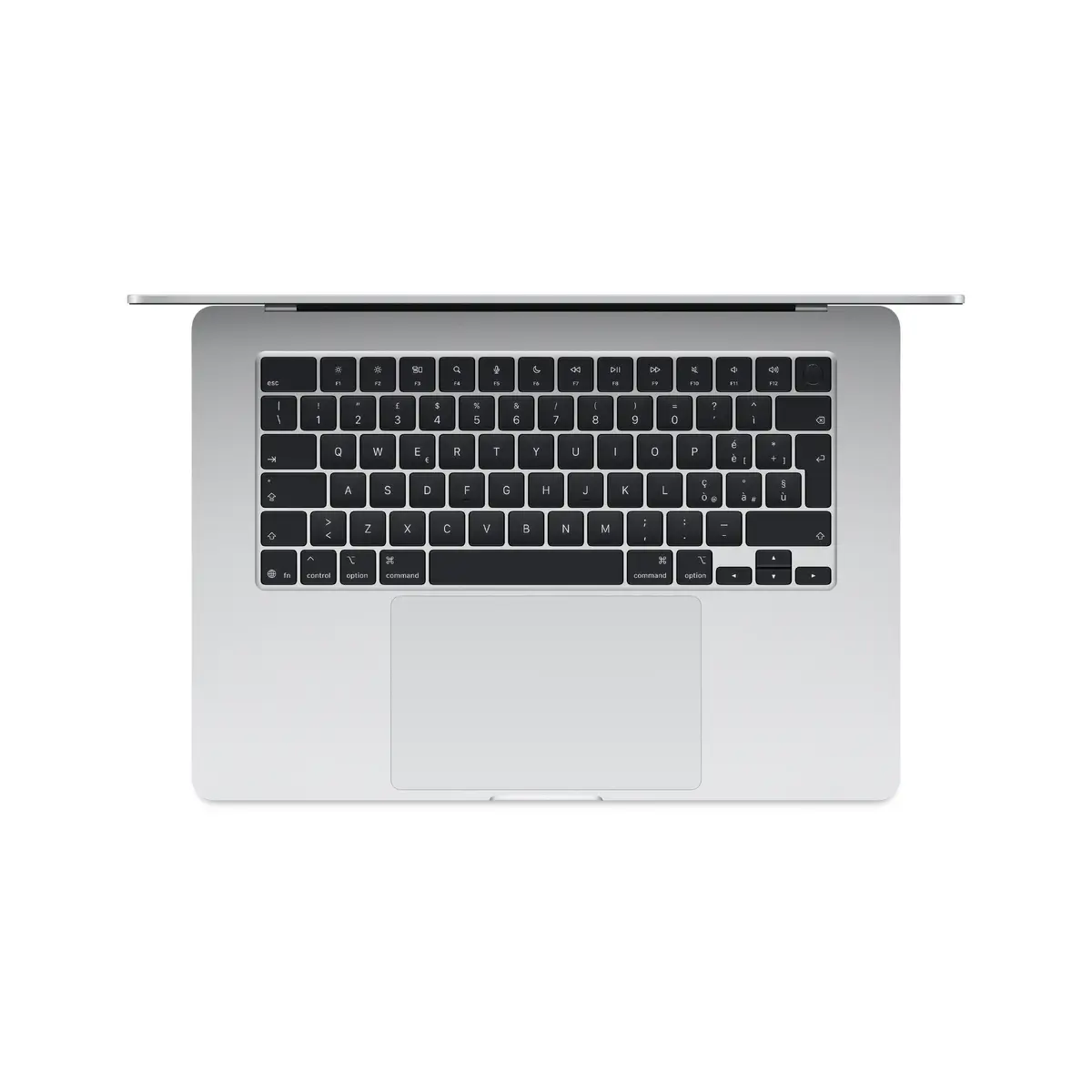
Apple MacBook Air 15.3-inch Laptop, Apple M5, 24GB RAM, 1TB SSD, macOS Tahoe, Silver
The Apple MacBook Air 15.3-inch laptop combines high-end performance with a portable design, making it an ideal choice for users who require power on the go. Equipped with the advanced Apple M5 processor and 24GB of RAM, this device handles demanding applications and multitasking with ease. The 1TB SSD provides ample storage space for large files, while the stunning 15.3-inch display with a resolution of 2880 x 1864 pixels ensures crisp visuals for creative work and media consumption. Running on macOS Tahoe, this silver clamshell laptop offers a seamless and intuitive user experience.
The primary strength of this MacBook Air lies in its efficient M5 architecture, which balances high-speed processing with energy efficiency. The inclusion of 24GB of unified memory allows for smooth operation across complex software suites, while the 1TB solid-state drive ensures rapid boot times and quick access to data. Its lightweight construction at just 1.51 kg makes it highly portable without sacrificing screen real estate. Furthermore, the integrated Apple GPU delivers reliable graphical performance for photo editing and general design tasks, all housed within a durable and aesthetically pleasing silver chassis.
This laptop may not be the optimal choice for users who require dedicated hardware for high-end 3D rendering or intensive professional gaming, as it lacks a discrete graphics card. Additionally, users who strictly require a touchscreen interface or a convertible 2-in-1 form factor may find the traditional clamshell design limiting.
To begin using your MacBook Air, simply lift the lid to power on the device. Follow the on-screen setup assistant to configure your language, network settings, and Apple ID. Once the desktop appears, you can navigate using the trackpad and keyboard. To manage your files, use the Finder application, and install new software through the App Store or by downloading compatible packages. Keep the device updated through the System Settings menu to ensure optimal performance and security.
To maintain the longevity of your MacBook Air, keep the device in a well-ventilated area during heavy use and avoid exposing the display to direct pressure. Regularly clean the screen with a soft, lint-free cloth and keep the software updated to benefit from the latest security patches and features.
{{highlightedFeature.featureTitle}}:
{{getProductFeatureValueById(product, highlightedFeature.featureId)}}
{{ productComparisonGenerationError }}
