
JBL speakers and headphones for pure and deep sound!
In cart {{totalProductsCount}} item(s)
Your cart is empty
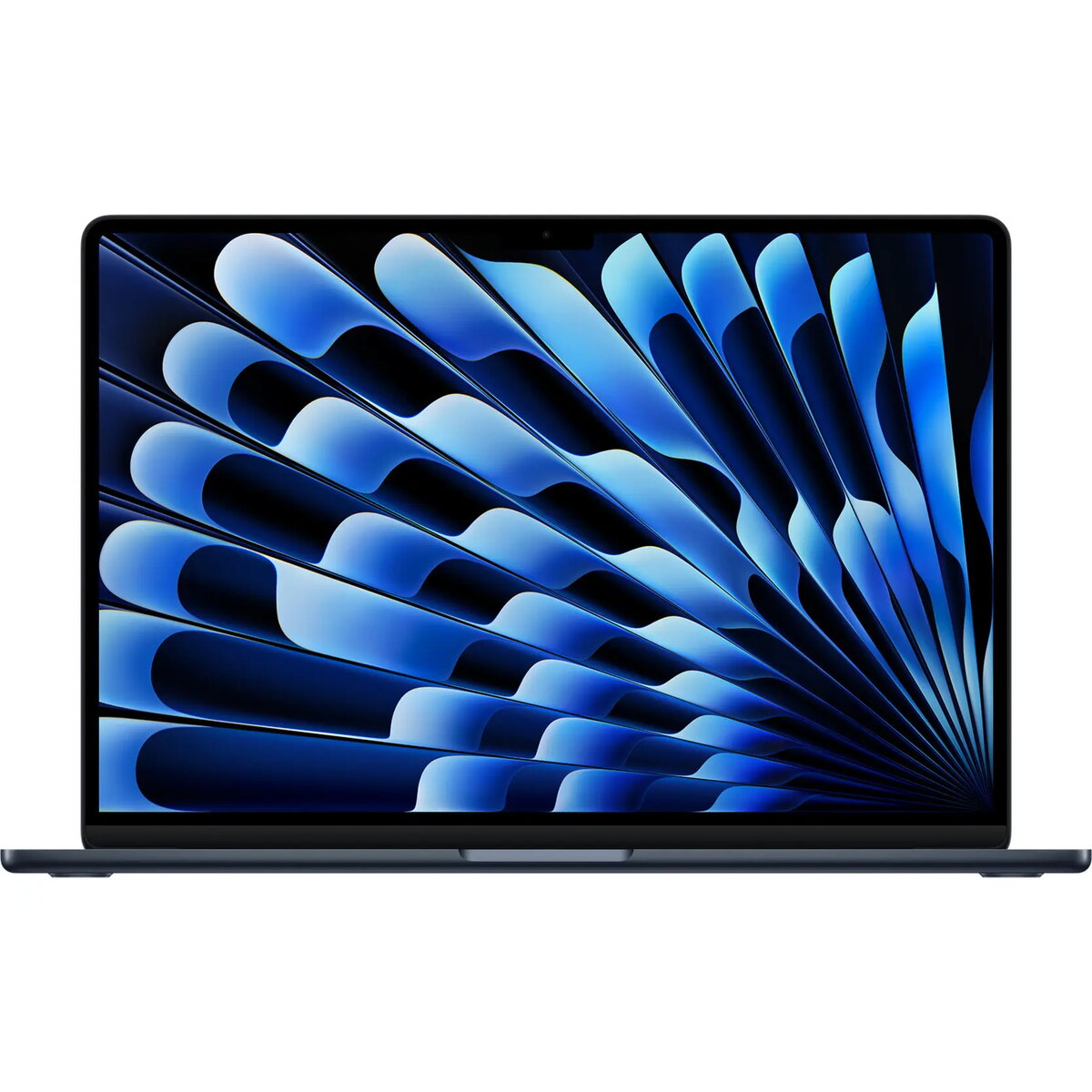
Apple MacBook Air 15-inch 2026, M5 Chip, 32GB RAM, 1TB SSD, Black, English International Keyboard
The Apple MacBook Air 15-inch 2026 represents a significant advancement in portable computing, integrating the powerful M5 chip into a thin and lightweight chassis. This model is engineered for users who require substantial processing power for demanding professional workflows, creative projects, and multitasking without compromising on mobility. The inclusion of 32GB of unified memory and a 1TB solid-state drive ensures rapid data access and smooth performance across complex applications.
The primary benefit of this MacBook Air is the M5 chip, which delivers exceptional efficiency and speed for both single-core and multi-core tasks. The 15-inch display provides a spacious workspace that enhances productivity, while the black finish offers a sophisticated and modern aesthetic. With 32GB of RAM, users can handle intensive software environments, large datasets, and high-resolution media editing with ease. The 1TB SSD provides ample high-speed storage for extensive file libraries, ensuring that system responsiveness remains high even as storage capacity is utilized.
This device may not be suitable for users who require dedicated hardware for high-end 3D rendering or extreme gaming, as those tasks often benefit from active cooling systems found in professional-grade workstations. Additionally, users who prioritize extreme portability in a smaller form factor might find the 15-inch display size less convenient for travel compared to the 13-inch variants.
To begin using your MacBook Air, simply lift the lid to power on the device. Follow the on-screen setup assistant to configure your language, network settings, and user account. The unified memory architecture manages resources automatically, so no manual adjustments are required for optimal performance. Connect your peripherals via the available ports and utilize the trackpad for precise navigation. Keep the software updated through the system settings to ensure the latest security features and performance enhancements are applied.
Usage recommendations: To maintain the longevity of the battery and the integrity of the display, avoid exposing the laptop to extreme temperatures and ensure the device is transported in a protective sleeve. Regularly back up your data to an external drive or cloud service to prevent information loss.
{{highlightedFeature.featureTitle}}:
{{getProductFeatureValueById(product, highlightedFeature.featureId)}}
