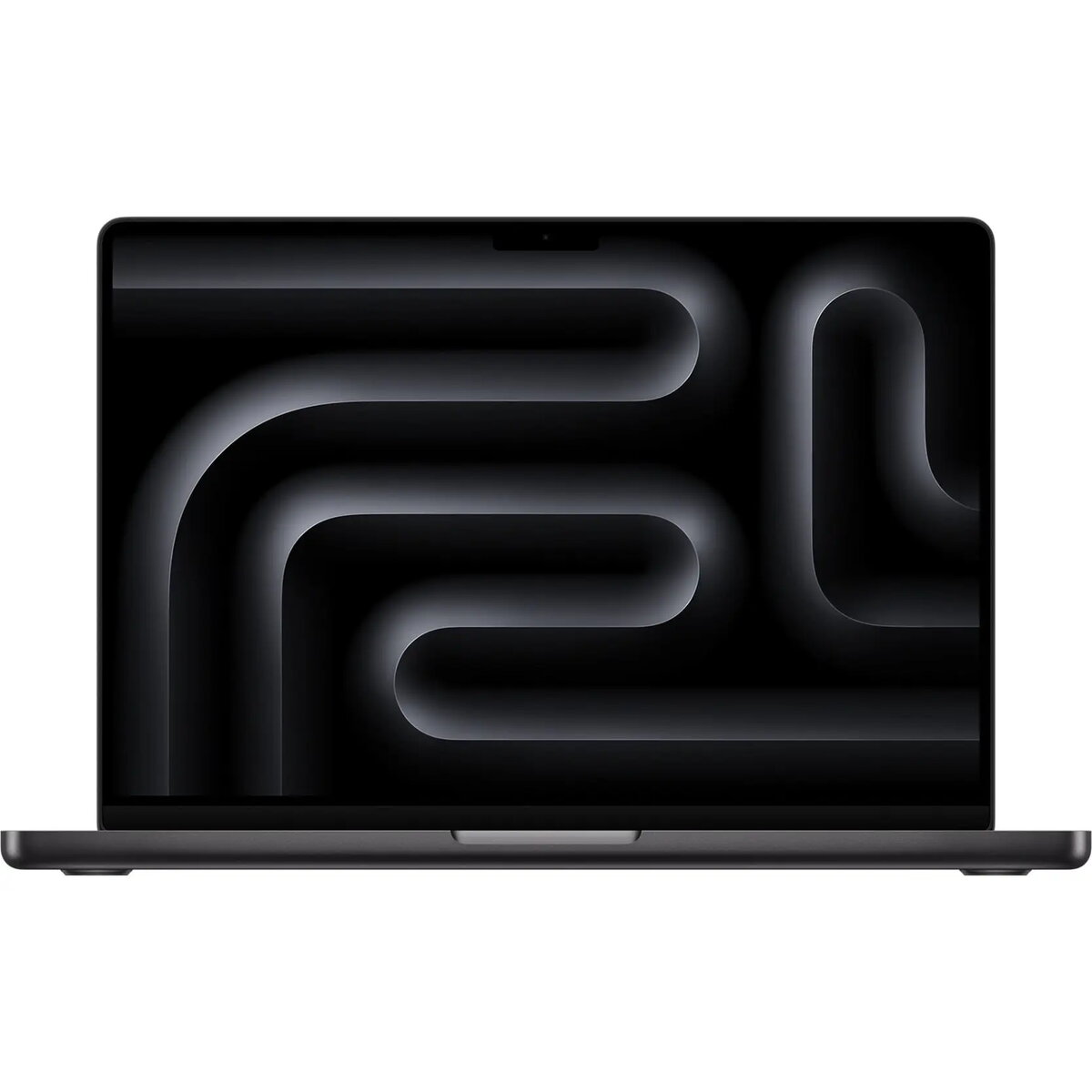
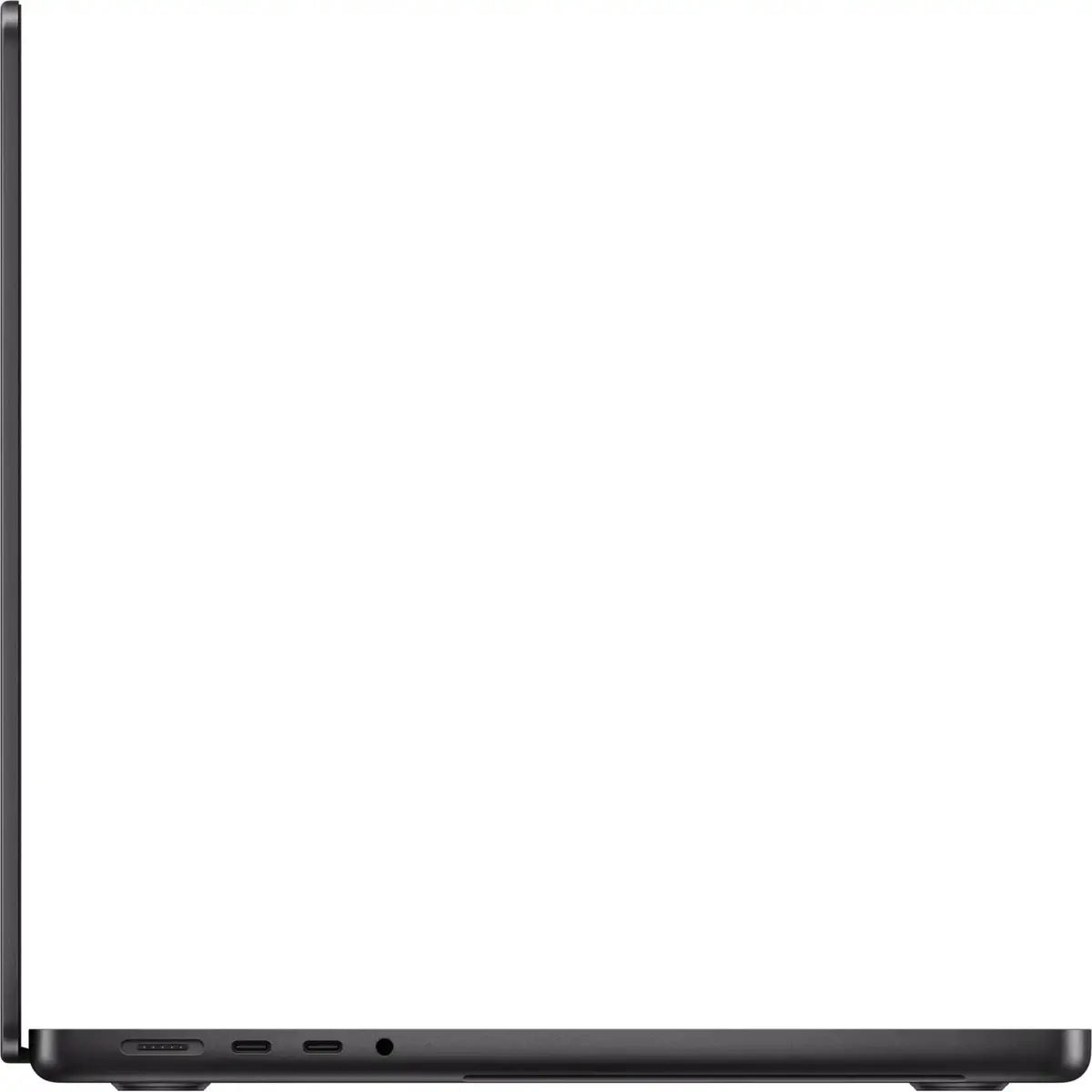
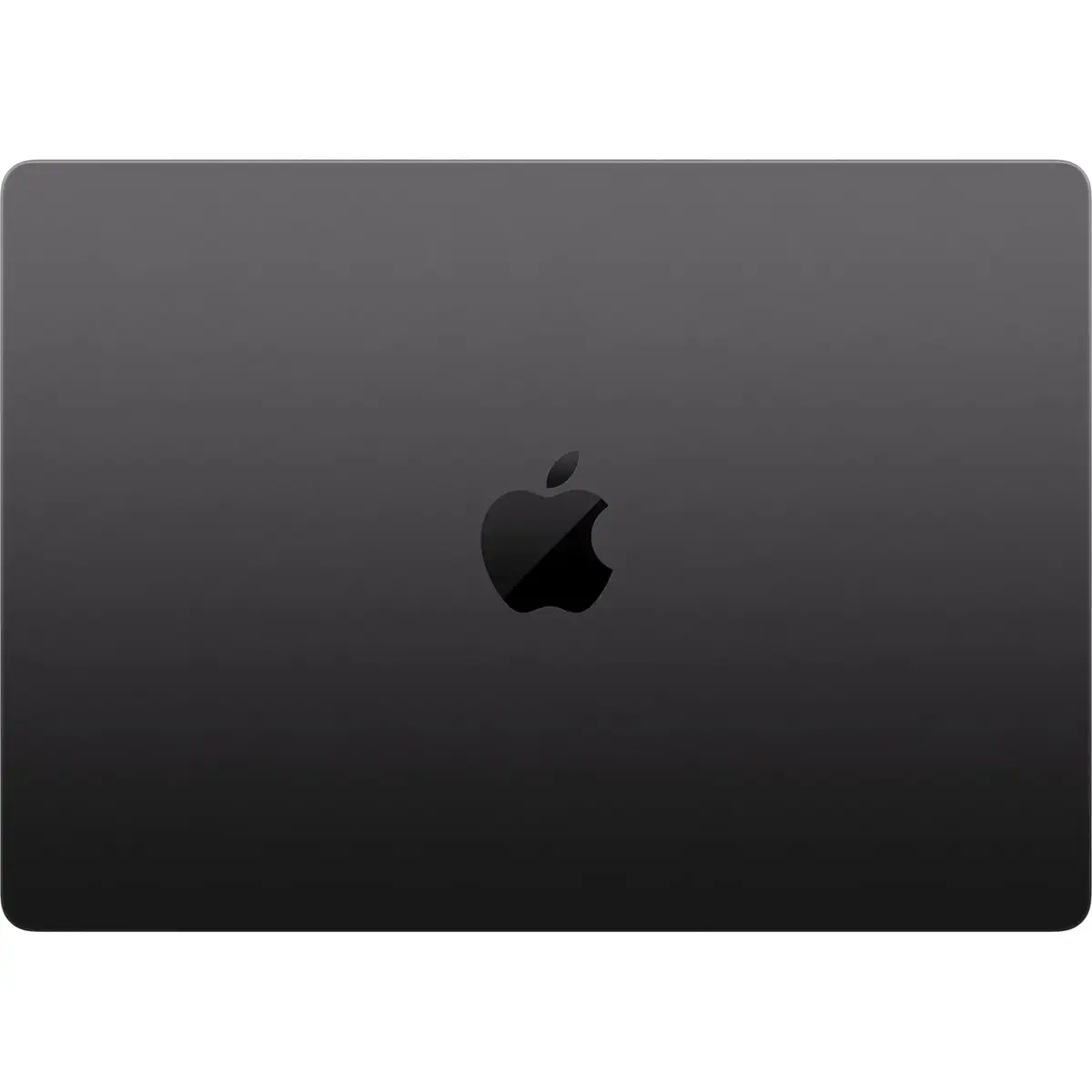
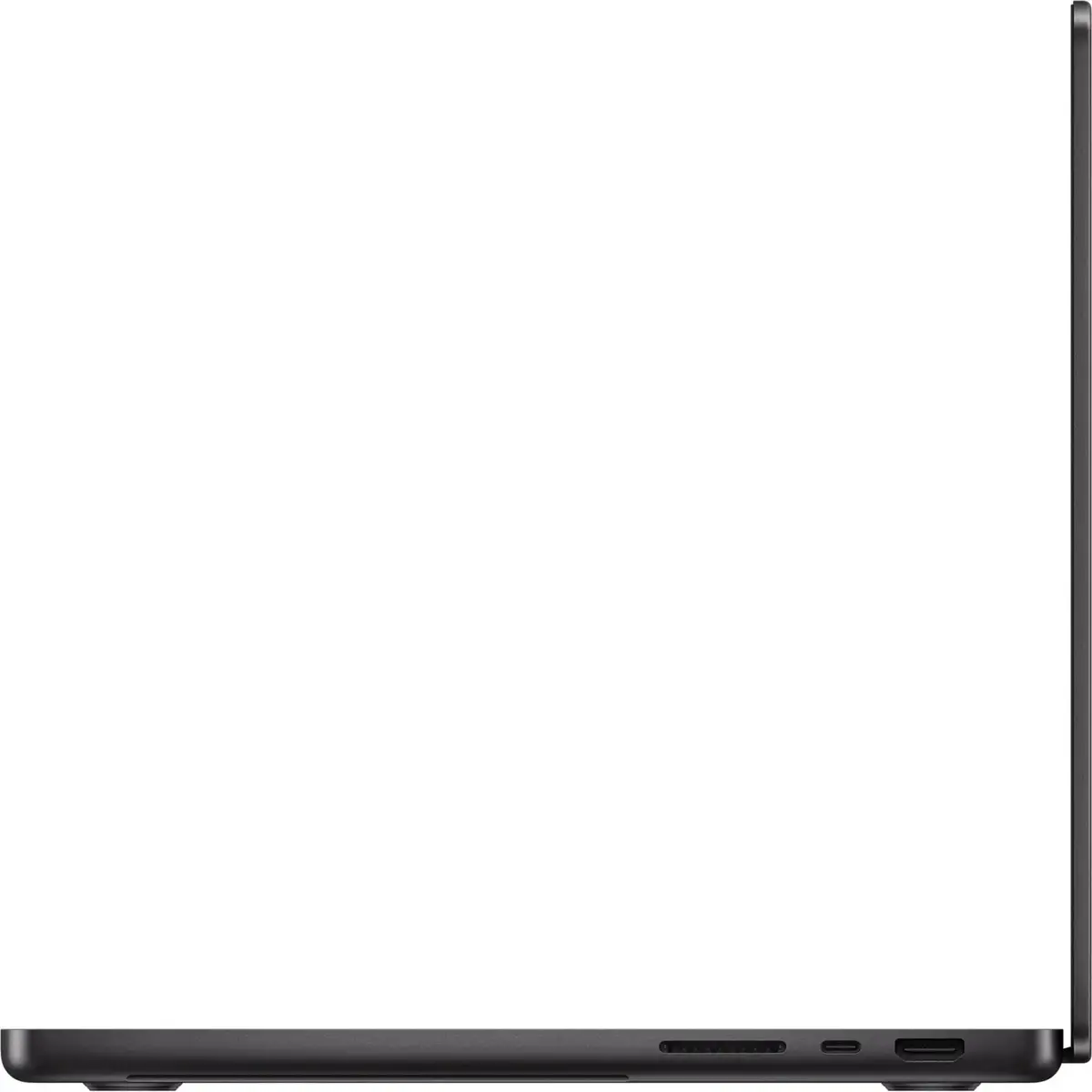
The Apple MacBook Pro 14-inch 2026 is a high-performance workstation engineered for demanding professional environments. Powered by the advanced M5-Pro chip, this laptop delivers exceptional processing speed and efficiency, making it an ideal choice for complex computational tasks. The device features a sophisticated black finish and a high-resolution nano-texture display designed to minimize glare and reflections, ensuring visual clarity in various lighting conditions. With 64GB of unified memory and a 1TB SSD, it provides the necessary resources for intensive multitasking and rapid data access.
Advantages
The integration of the M5-Pro chip allows for seamless execution of resource-heavy applications, providing a significant boost in productivity for creative and technical workflows. The inclusion of 64GB of RAM ensures that large datasets and complex software projects are handled without performance bottlenecks. Furthermore, the nano-texture display technology offers a superior viewing experience by diffusing ambient light, which is particularly beneficial for professionals working in bright or challenging environments. The robust build quality and efficient thermal management system ensure consistent performance during prolonged periods of heavy usage.
Suitable for
- Professional video editing and color grading
- Software development and compiling large codebases
- Graphic design and high-resolution image processing
- Data analysis and complex simulations
- Professional audio production
When it may not be suitable
This laptop may not be the optimal choice for users who primarily perform basic office tasks or web browsing, as the high-performance capabilities of the M5-Pro chip and the large memory capacity exceed the requirements for such activities. Additionally, users who require a larger screen for specific workflows might find the 14-inch form factor restrictive compared to larger display options.
Key specifications
- Processor: M5-Pro chip
- Memory: 64GB unified memory
- Storage: 1TB SSD
- Display: 14-inch nano-texture glass
- Keyboard: English International layout
- Color: Black
How to use
To begin using the MacBook Pro, connect the device to a power source and press the power button to initiate the setup process. Follow the on-screen instructions to configure your macOS environment, including network settings and user account creation. The device utilizes the English International keyboard layout, which supports various character inputs. For optimal performance, ensure that the operating system and applications are kept up to date through the system settings menu.
What to consider before purchase
- Verify that your essential software applications are compatible with the current macOS version.
- Assess whether the 1TB storage capacity is sufficient for your project files or if external storage solutions are required.
- Consider the specific benefits of the nano-texture display for your primary working environment.
- Confirm that the English International keyboard layout meets your typing requirements.
Usage recommendations
To maintain the integrity of the nano-texture display, use only the provided cleaning cloth and follow the manufacturer's specific cleaning guidelines. Avoid using abrasive materials or liquid cleaners directly on the screen surface.