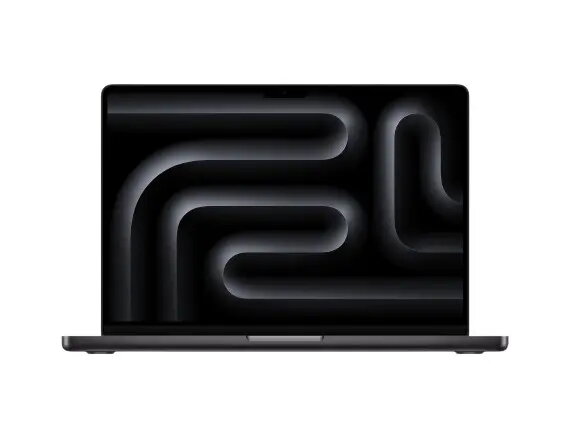
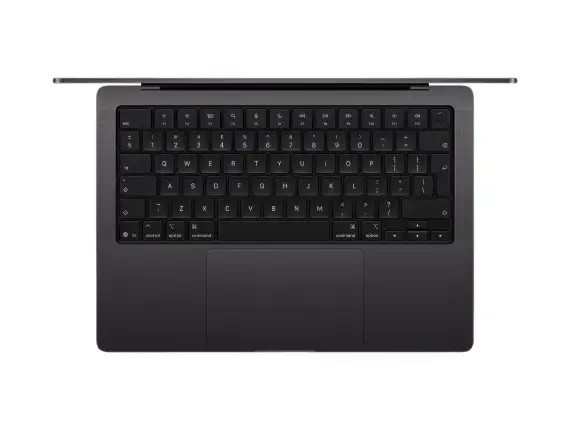
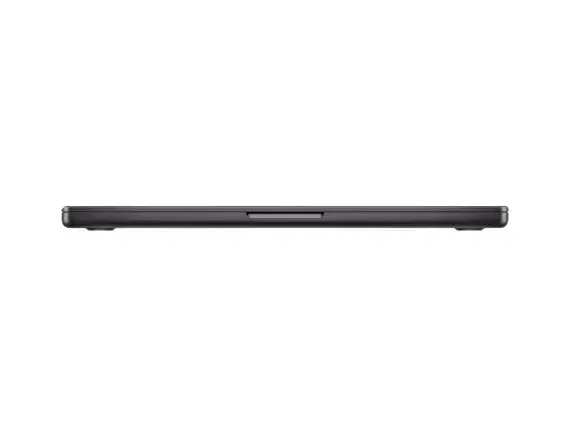
Apple MacBook Pro 14.2" M5 Pro with 24GB RAM and 2TB SSD in Space Black is a portable professional laptop designed for demanding compute, creative and multitasking workflows. The system pairs Apple’s M5 Pro architecture with a large memory pool and high-capacity solid-state storage to provide responsive performance for compilation, video timelines, large image files and simultaneous apps. This specific configuration is supplied without a power adapter and includes a US keyboard layout.
Advantages
The combination of the M5 Pro chip and 24GB of unified memory enables sustained high-performance processing for CPU- and GPU-accelerated tasks while preserving energy efficiency. A 2TB SSD delivers fast system responsiveness and room for large media libraries or project files. The 14.2-inch form factor balances screen area and portability, and the Space Black finish offers a discreet professional appearance. The US keyboard layout suits users accustomed to that arrangement.
Suitable for
- Software development, compilation and local testing of complex projects
- Video editing, color grading and exporting large timelines
- 3D modeling, rendering and GPU-accelerated creative workflows
- Multitasking with multiple virtual machines, containers or heavy applications open
- Photographers and designers working with large RAW files and layered documents
When it may not be suitable
This MacBook Pro is not supplied with a power adapter, so a compatible USB-C/USB4 power adapter is required separately for charging and maximum performance under sustained loads. Users who require a different keyboard layout than US should note the built-in layout on this model. If absolute lowest price or very light general-purpose use is the priority, this high-performance configuration may be beyond what is necessary.
Key specifications
- Display: 14.2-inch (diagonal) screen — high-resolution panel suitable for professional color work
- Processor: Apple M5 Pro architecture with multi-core CPU and integrated GPU for accelerated tasks
- Memory: 24GB unified RAM for large working sets and smooth multitasking
- Storage: 2TB solid-state drive for fast read/write speeds and large file storage
- Finish: Space Black metal chassis
- Keyboard layout: US layout built into the unit
- Power: Sold without a power adapter — requires separate USB-C/USB4 charger
How to use
Power the MacBook Pro with a compatible USB-C/USB4 power adapter and connect peripherals via its Thunderbolt/USB-C ports, external displays or wireless interfaces as needed. Use macOS system settings to configure display profiles, memory and storage management, and developer tools for your workflows. For demanding tasks such as video export or rendering, ensure the laptop has adequate ventilation and operate on mains power to maintain peak performance. Back up important data using Time Machine or another backup service to protect large project files stored on the internal SSD.
What to consider before purchase
- Includes US keyboard layout — check if this matches your preferred input arrangement
- Power adapter not included — plan to acquire a compatible USB-C/USB4 charger
- High-performance configuration aimed at professional workflows; evaluate whether 24GB/2TB meets your future needs
- Consider compatibility of your software and peripherals with Apple silicon (M5) and macOS
Usage recommendations
For sustained heavy workloads, use the MacBook Pro connected to mains power and keep vents unobstructed. Maintain regular backups of large projects and use external high-speed storage for archiving older files. Verify software compatibility with Apple silicon and use native or optimized versions when available to maximize performance.