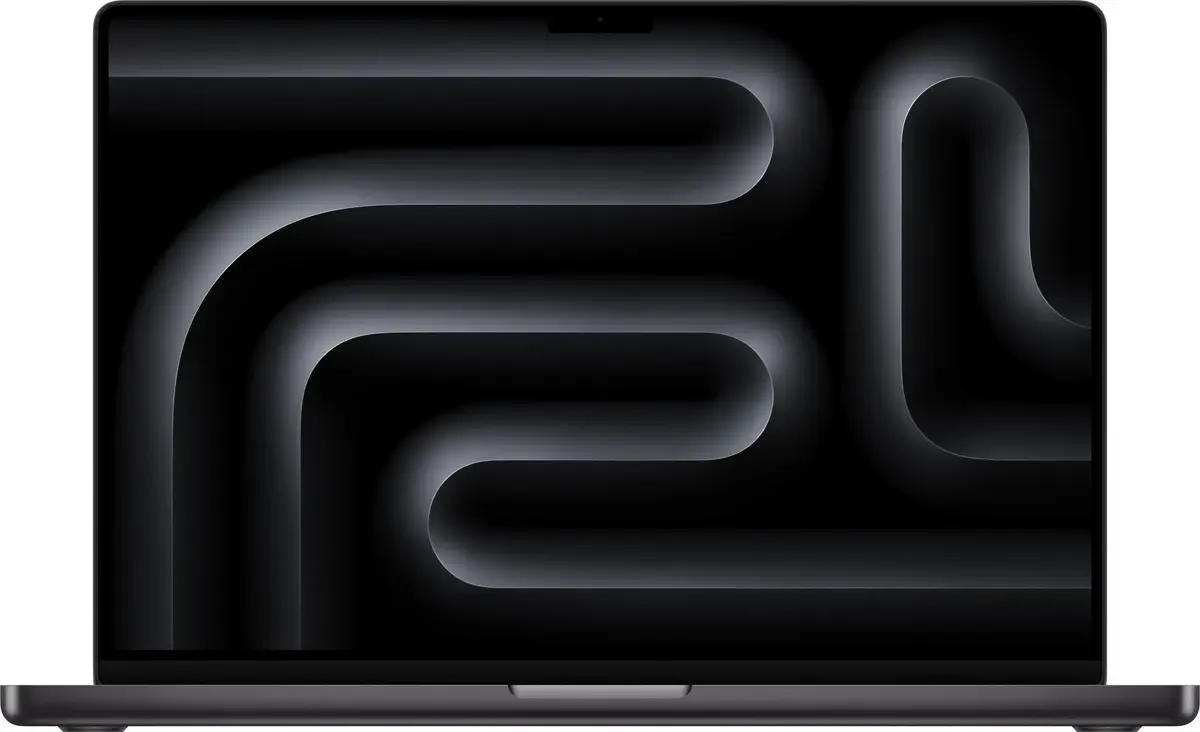
The Apple MacBook Pro 16 is a high-performance laptop engineered for professionals who require significant computing power and reliability. Equipped with the advanced Apple M5 Pro chip, this device delivers exceptional speed and efficiency for complex workflows. The 16-inch display provides a high-resolution visual experience, while the 24 GB of unified memory and 1 TB SSD ensure smooth multitasking and rapid access to large files. Housed in a durable Space Gray aluminum chassis, this laptop combines a sophisticated aesthetic with the robust performance of the macOS operating system.
Advantages
The primary strength of this MacBook Pro lies in its Apple M5 Pro architecture, which is specifically optimized for demanding computational tasks such as video editing, 3D rendering, and software development. The integration of high-speed unified memory allows for seamless transitions between resource-intensive applications without performance degradation. Furthermore, the 1 TB solid-state drive provides ample space for large projects while maintaining fast read and write speeds. The device is designed for longevity and consistent performance, supported by the energy-efficient nature of Apple silicon and the intuitive, secure environment of macOS.
Suitable for
- Professional video editing and color grading
- Software development and compiling complex code
- Graphic design and 3D modeling
- Intensive multitasking and data analysis
When it may not be suitable
This laptop may not be the ideal choice for users who primarily require a lightweight, ultra-portable device for basic web browsing or light office tasks, as its size and power are optimized for professional workloads. Additionally, it is not intended for users who require a touchscreen interface or a device that supports non-macOS operating systems.
Key specifications
- Processor: Apple M5 Pro chip
- Memory: 24 GB unified memory
- Storage: 1 TB SSD
- Display: 16-inch high-resolution screen
- Operating System: macOS
- Color: Space Gray
How to use
To begin using the MacBook Pro, simply lift the lid to power on the device. Follow the on-screen setup assistant to configure your language, network settings, and Apple ID. Once the initial setup is complete, you can install your preferred professional software via the App Store or direct downloads. The device is designed to be used on flat, stable surfaces to ensure proper airflow through the cooling system. You can manage your files and applications through the Finder and Launchpad interfaces, and utilize the trackpad for precise navigation and gesture-based controls.
What to consider before purchase
- Ensure your professional software is compatible with the macOS environment.
- Consider whether the 16-inch form factor meets your portability requirements.
- Verify that the 1 TB storage capacity is sufficient for your long-term project needs.
Usage recommendations
For optimal performance and battery longevity, keep your macOS updated to the latest version and avoid blocking the air vents located on the sides and bottom of the chassis. Use the included Apple charger to ensure stable power delivery during intensive tasks.