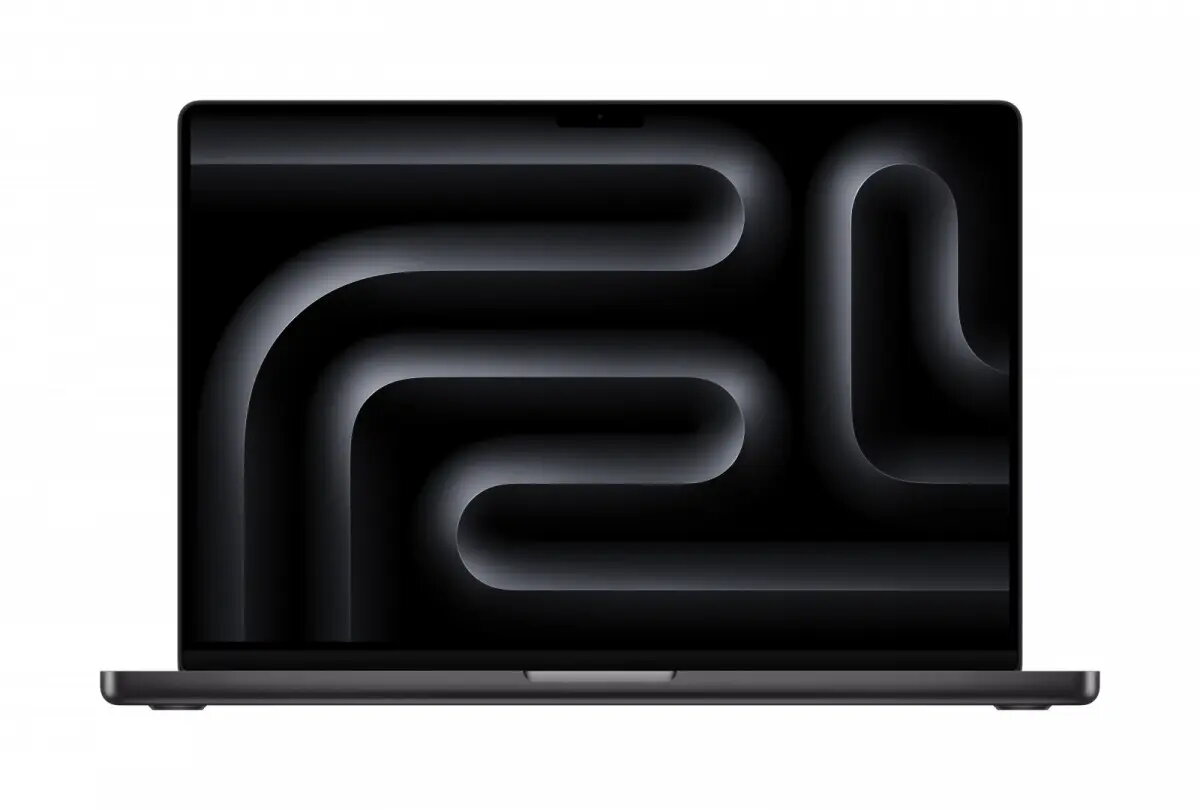
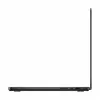
The Apple MacBook Pro 16.2-inch is a high-performance laptop engineered for professionals who require significant computing power for demanding creative and technical workflows. Powered by the M5 Max chip, which includes an 18-core CPU and a 40-core GPU, this device handles complex tasks with exceptional efficiency. The inclusion of 64GB of unified memory and a 2TB SSD ensures rapid data access and substantial storage capacity for large project files. The integrated Nano-texture display is specifically designed to minimize glare and reflections, providing a clear and accurate visual experience for color-critical work in various lighting conditions.
Advantages
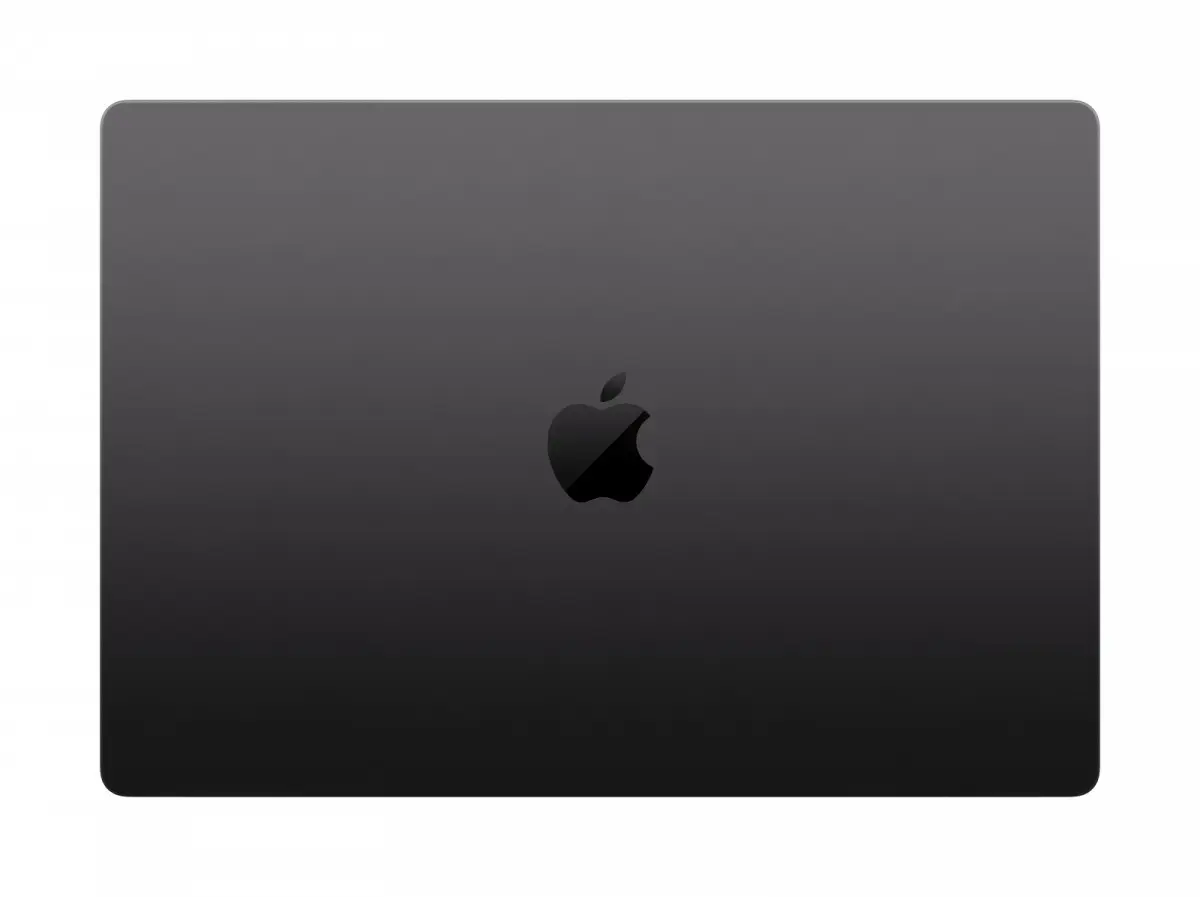
This laptop offers industry-leading performance through its advanced M5 Max architecture, allowing for seamless multitasking and rapid rendering of complex media. The large 16.2-inch display provides an expansive workspace, while the Nano-texture finish significantly improves visibility in bright environments by diffusing ambient light. With 64GB of unified memory, the system maintains stability during intensive software operations, and the 2TB SSD provides high-speed storage that reduces load times for large applications and media libraries. The Space Black finish offers a professional aesthetic, and the overall build quality ensures durability for mobile professionals.
Suitable for
- Professional video editing and post-production
- 3D modeling and complex rendering
- Software development and compiling large codebases
- Graphic design and high-resolution photo editing
- Data analysis and scientific computing
When it may not be suitable
This device may not be the optimal choice for users who primarily perform basic office tasks, web browsing, or light media consumption, as the high-performance capabilities of the M5 Max chip would remain underutilized. Additionally, the premium cost and specialized display technology may not be necessary for casual users or students who do not require professional-grade rendering or processing power.
Key specifications
- 16.2-inch Nano-texture display
- M5 Max chip with 18-core CPU and 40-core GPU
- 64GB unified memory
- 2TB SSD storage
- Space Black aluminum chassis
How to use
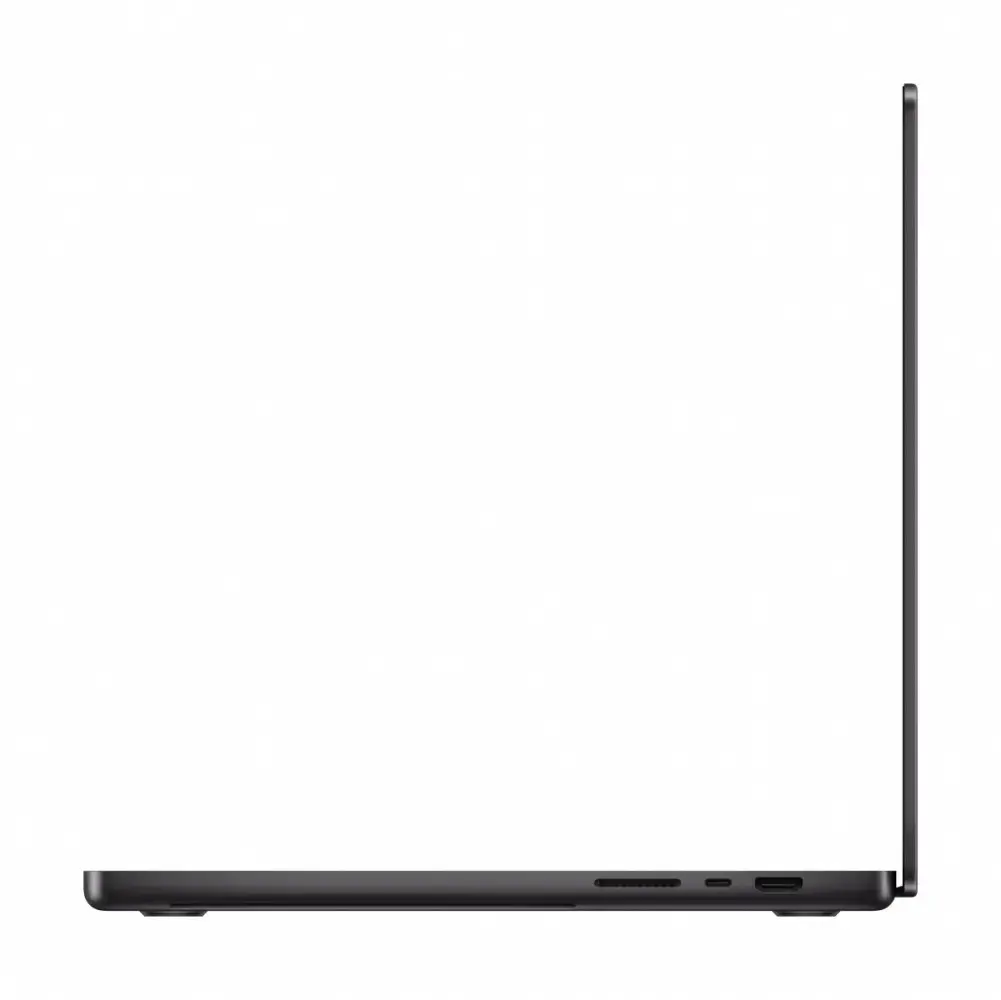
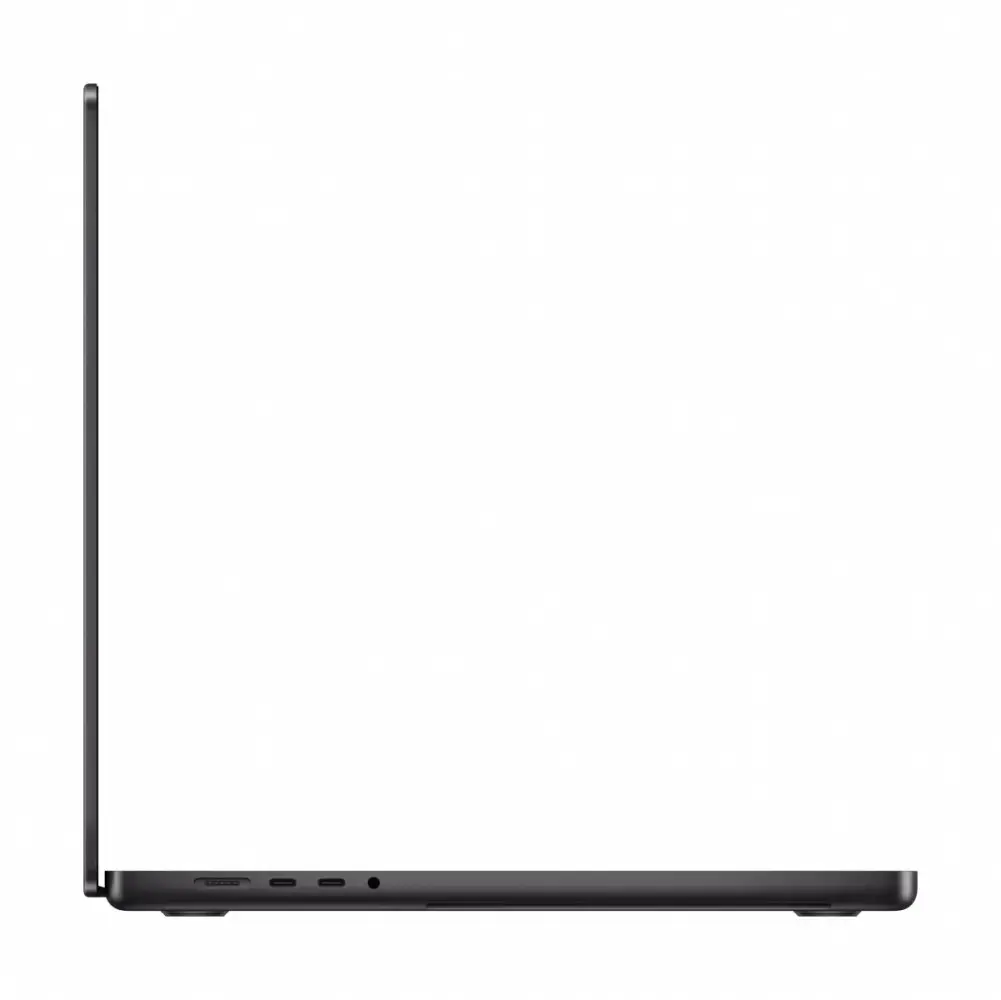
To begin using the MacBook Pro, connect the device to a compatible power source and follow the on-screen setup instructions to configure your user account and system preferences. The Nano-texture display requires specific care; use only the provided polishing cloth to clean the screen to avoid damaging the specialized coating. Connect your peripherals via the available ports to integrate the laptop into your existing workstation. Regularly update the operating system to ensure optimal performance and security.
What to consider before purchase
- Verify that your professional software is compatible with the latest Apple silicon architecture.
- Ensure your workspace lighting is appropriate for the Nano-texture display.
- Confirm that the storage capacity meets your long-term project requirements.
- Note that this specific configuration does not include a power supply.
Usage recommendations
To maintain the integrity of the Nano-texture display, avoid using liquid cleaners or abrasive materials. Always use the dedicated cleaning cloth provided by the manufacturer to remove smudges or dust from the screen surface.