
Leave your address - as soon as the price of the product goes down, you'll know about it right away
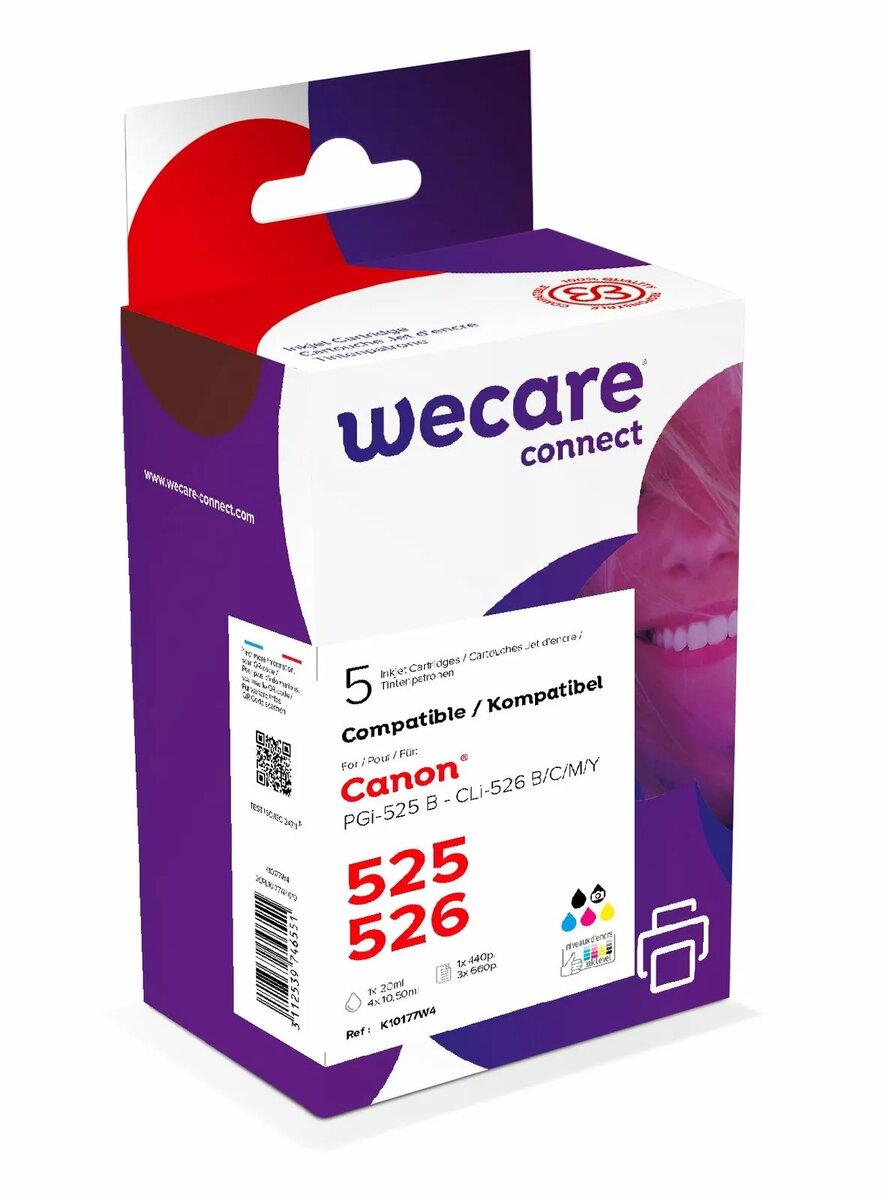
Inkjet Cartridge Multipack ARMOR for Canon PGi525/CLi526 — CMYK set
In cart {{totalProductsCount}} item(s)
Your cart is empty
Inkjet Cartridge Multipack ARMOR for Canon PGi525/CLi526 — CMYK set
Leave your address - as soon as the price of the product goes down, you'll know about it right away
Inkjet Cartridge Multipack ARMOR for Canon PGi525/CLi526 — CMYK set
ARMOR inkjet multipack for Canon PGi525/CLi526 contains four cartridges in CMYK configuration intended as compatible replacements for Canon pigment black and dye color cartridges. The set provides black, cyan, magenta and yellow inks formulated to work with printers that accept PGi525 and CLi526 series cartridges, delivering balanced color reproduction for standard documents and photographic prints. The pack is sized for everyday office and home printing and supports a mix of text and color graphics.
The multipack offers a complete CMYK set in one purchase, simplifying replacement and reducing downtime. Cartridges are manufactured to maintain consistent ink flow and improve page yield compared with single-cartridge purchases. These compatible cartridges are designed to be a cost-effective alternative to original cartridges while preserving reliable print quality for routine use. Packaging and labeling make identification and installation straightforward.
Remove each cartridge from the multipack and handle by the plastic body without touching the contact points or nozzle area. Before installation, follow the printer manufacturer’s instructions to prepare the carriage and remove any protective seals. Insert cartridges into the corresponding color-coded slots until they click into place, then run the printer’s ink initialization or alignment routine if available. Perform a nozzle check and printhead clean cycle if the first prints show streaks or color imbalances.
Store cartridges in a cool, dry place and install them within the manufacturer’s recommended time after opening. Use genuine maintenance utilities of the printer for alignment and cleaning to extend printhead life. For best color accuracy on photos, use appropriate photo paper and select the correct media type in printer settings.
{{highlightedFeature.featureTitle}}:
{{getProductFeatureValueById(product, highlightedFeature.featureId)}}