
JBL speakers and headphones for pure and deep sound!
In cart {{totalProductsCount}} item(s)
Your cart is empty
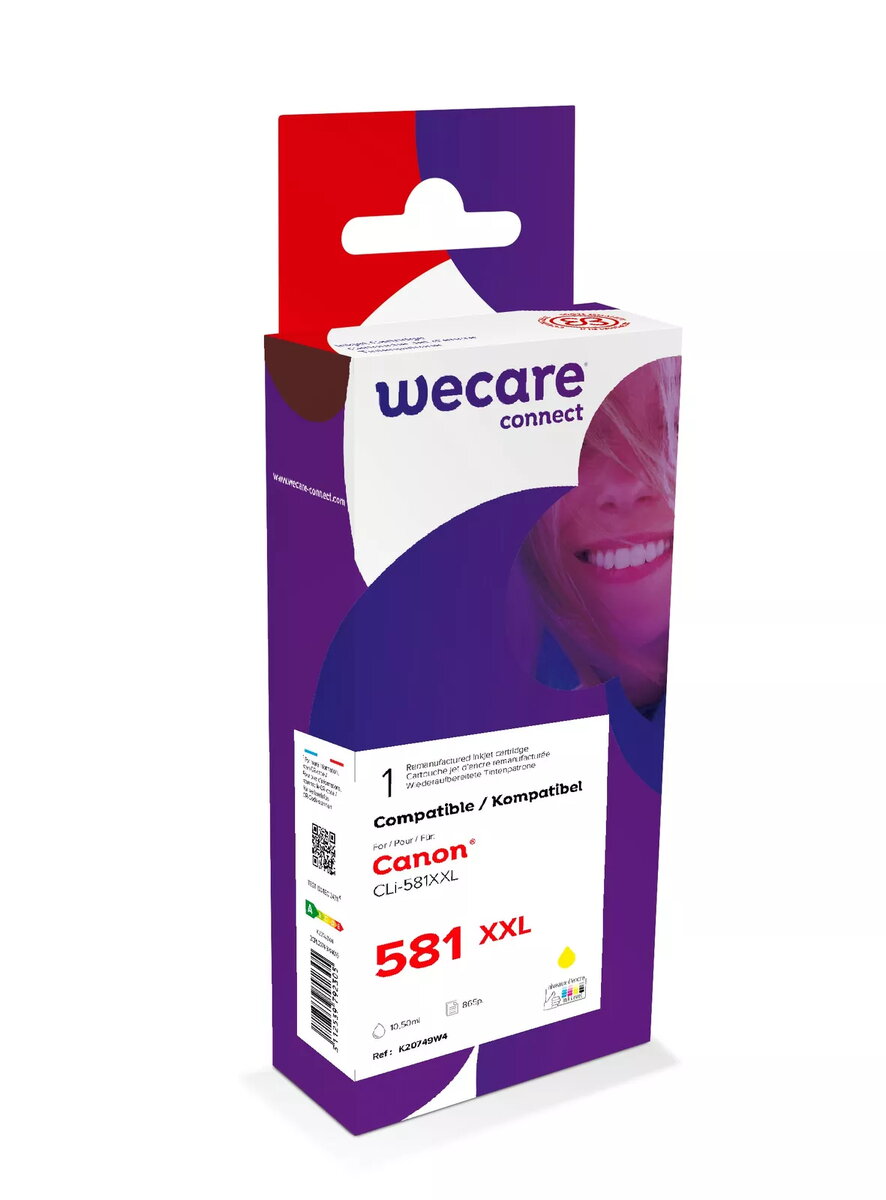
Ink Cartridge WECARE ARMOR CLI-581XXLY Yellow
The WECARE ARMOR ink cartridge compatible with CANON CLI-581XXLY in yellow is a high-quality printing solution designed to deliver vibrant and consistent color output. Engineered for seamless compatibility with specific Canon inkjet printers, this cartridge ensures that your documents, graphics, and photographs are reproduced with professional clarity and precision. By utilizing advanced ink formulations, it provides reliable performance throughout its lifespan, making it an ideal choice for users who demand both quality and efficiency in their daily printing tasks.
This ink cartridge offers significant benefits for both home and office environments by combining cost-effectiveness with high-yield performance. The ink is formulated to resist fading and smudging, ensuring that your printed materials maintain their visual integrity over time. Its design allows for quick and straightforward installation, minimizing downtime and allowing you to resume your printing projects immediately. Furthermore, the cartridge is manufactured to meet or exceed original equipment manufacturer standards, providing a dependable alternative that does not compromise on print quality or printer health.
This cartridge may not be suitable for users who require specialized archival-grade inks for long-term museum-quality preservation or for those using printer models that are not explicitly compatible with the CLI-581 series. It is also not intended for use in laser printers or non-inkjet printing technologies.
To use this cartridge, first ensure your printer is powered on and the access cover is open. Remove the empty cartridge from the printer carriage by gently pressing the release tab. Take the new WECARE ARMOR cartridge out of its packaging, remove the protective orange clip or tape as indicated by the instructions on the cartridge, and insert it firmly into the corresponding color slot until it clicks into place. Close the printer cover and allow the device to perform its automatic initialization process before starting your print job.
For the best results, it is recommended to perform a print head cleaning cycle if you notice any streaks or color inconsistencies after installation. Always keep the cartridge sealed in its original packaging until you are ready to use it to prevent the ink from drying out.
{{highlightedFeature.featureTitle}}:
{{getProductFeatureValueById(product, highlightedFeature.featureId)}}