
Leave your address - as soon as the price of the product goes down, you'll know about it right away
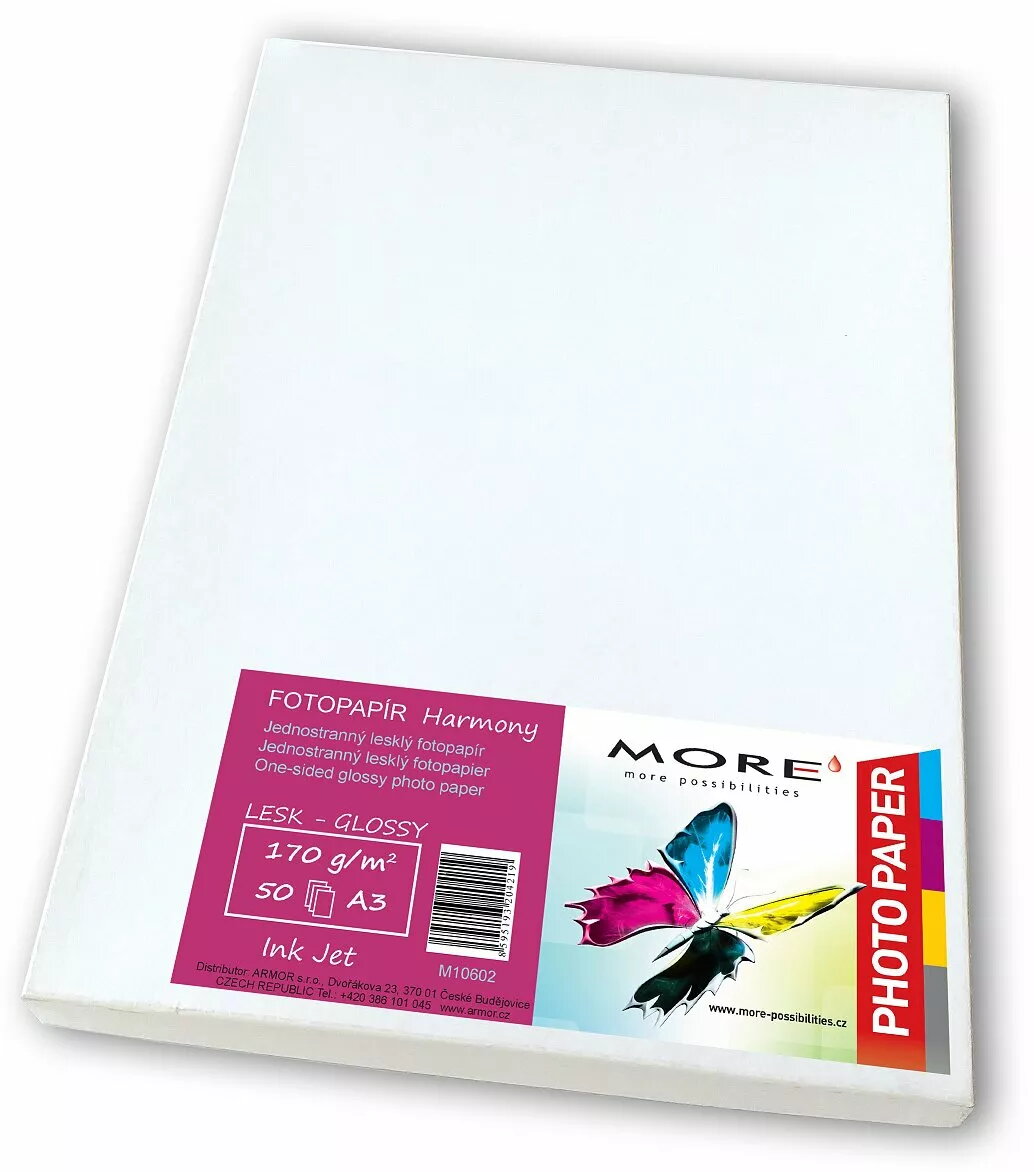
Photo paper ARMOR M10602 A3 170 g/m² – 50 sheets glossy
In cart {{totalProductsCount}} item(s)
Your cart is empty
Photo paper ARMOR M10602 A3 170 g/m² – 50 sheets glossy
Leave your address - as soon as the price of the product goes down, you'll know about it right away
Photo paper ARMOR M10602 A3 170 g/m² – 50 sheets glossy
ARMOR M10602 A3 glossy photo paper in 170 g/m² weight delivers high-gloss prints in A3 format for inkjet printers. This pack of 50 sheets is intended for photographic prints, proofs and presentation materials where vibrant color reproduction and surface gloss are required. The paper is formulated to accept pigment and dye inks, producing sharp detail and a reflective finish suitable for portfolios, proofs and display copies.
The glossy surface provides strong light reflection and enhances color saturation and perceived sharpness without additional coatings. At 170 g/m² the paper is lightweight enough for easy handling while offering sufficient stiffness to feed reliably through most A3-capable inkjet printers. A consistent surface treatment ensures uniform ink absorption for repeatable color output across the pack of 50 sheets.
Load the glossy side of the sheet into the printer feed according to your printer manufacturer’s instructions for photo media. Select the A3 paper size and a media/paper setting that matches glossy photo paper or high-quality inkjet photo in the printer driver. Allow printed sheets to dry flat in a dust-free area before stacking or handling to avoid smudging or surface marking. For best color accuracy, consider using printer ICC profiles and appropriate color management settings.
Store unused sheets flat in their original packaging in a cool, dry place to prevent curling or moisture absorption. When printing important proofs or client work, run a test print and check printer settings for optimal ink density and color balance.
{{highlightedFeature.featureTitle}}:
{{getProductFeatureValueById(product, highlightedFeature.featureId)}}