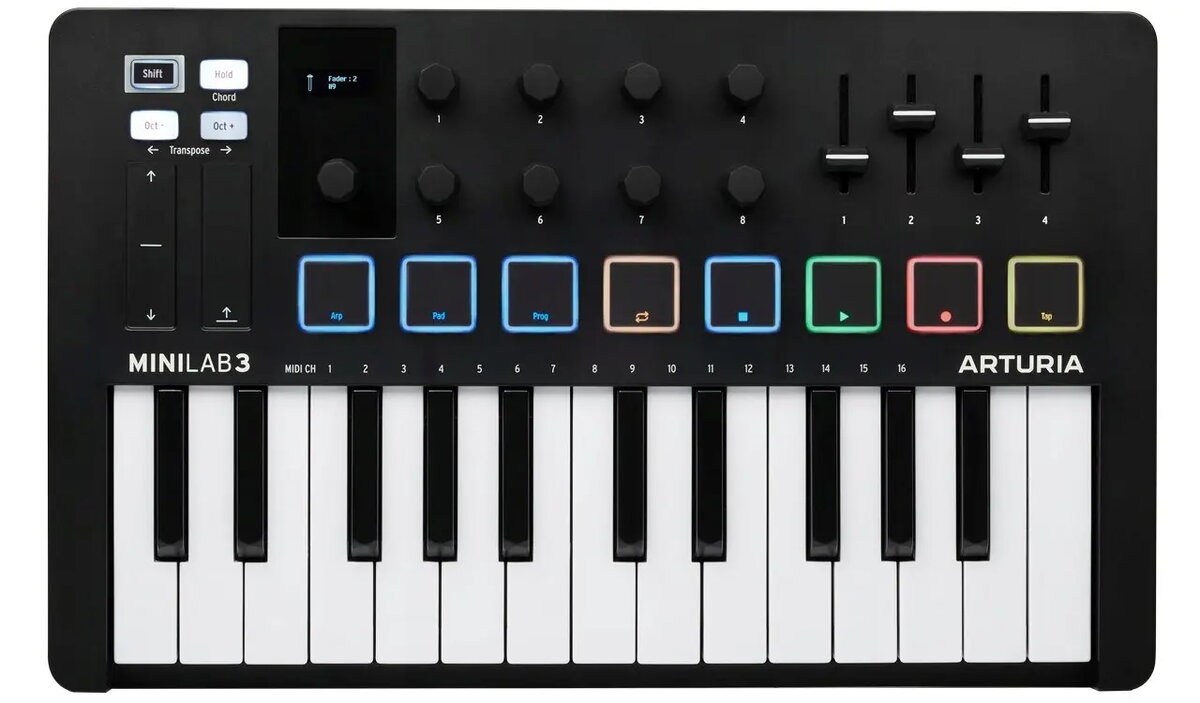
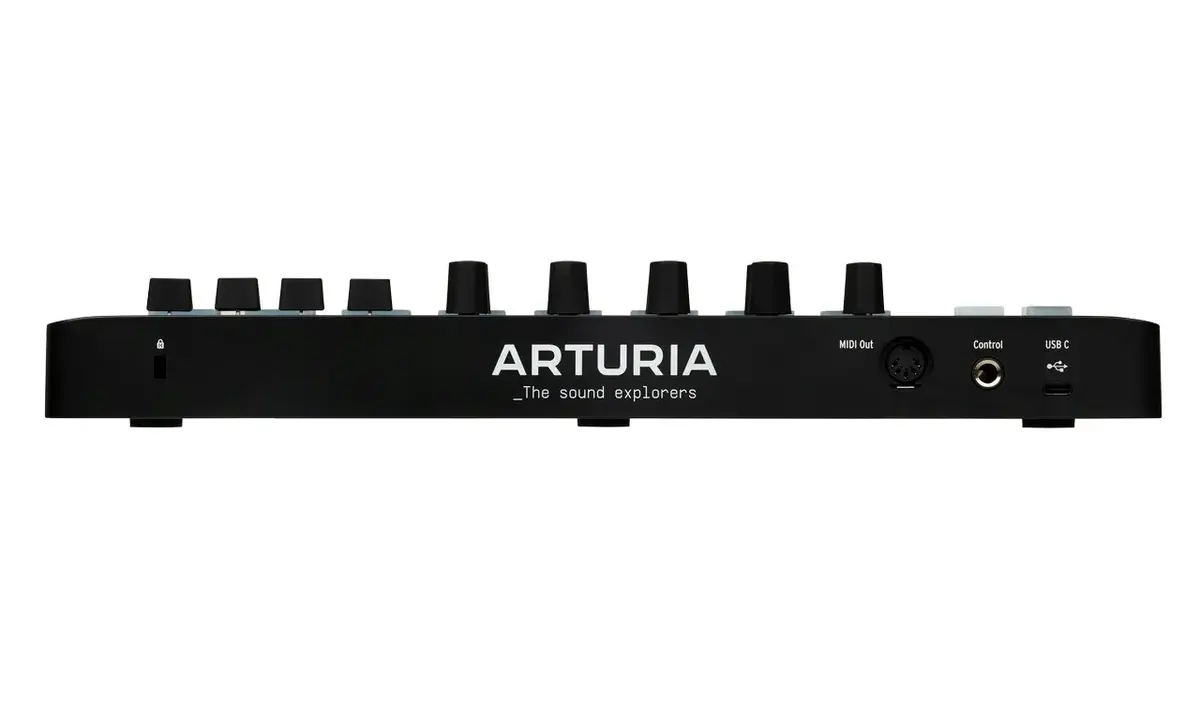
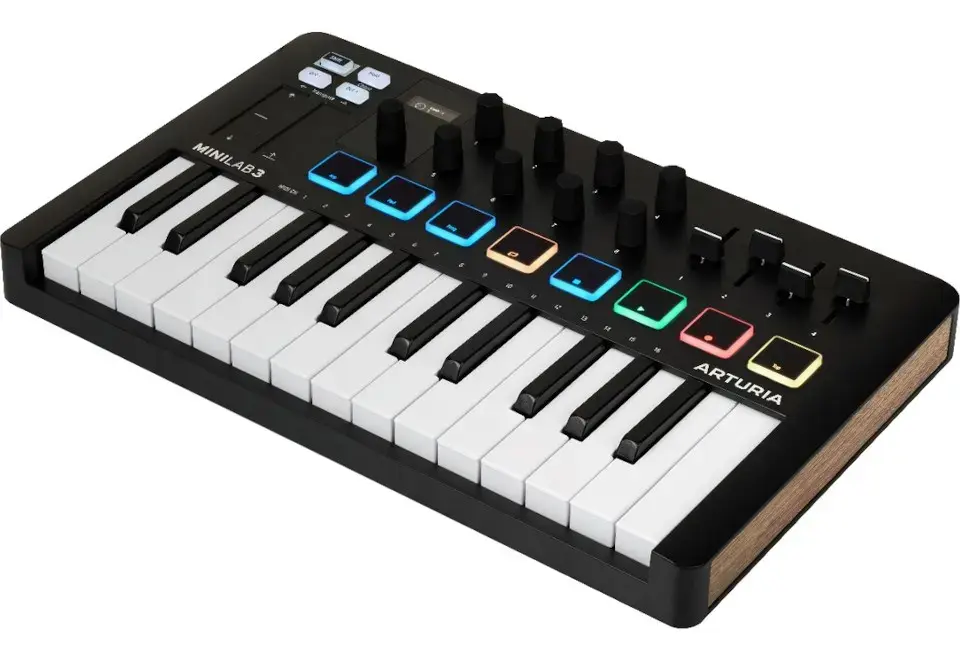
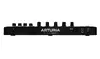
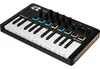
ARTURIA MiniLab 3 is a compact 25-key USB-powered MIDI controller designed for music production and live performance. The unit integrates a built-in display, touch-sensitive controls, multicolour backlit pads and buttons, and a dedicated MIDI Out for connection to external hardware. Supplied with Analog Lab Intro software, the controller offers a portable interface for sketching ideas, controlling virtual instruments and routing MIDI to synth modules or sound modules. The controller measures 355 × 220 × 50 mm and weighs 1.5 kg, making it suitable for desktop setups and mobile rigs. USB power simplifies setup with Mac OS X 10.13 and Windows 10 compatibility.
Advantages
The MiniLab 3 combines a small footprint with a clear built-in display and responsive touch controls, allowing fast parameter editing without constantly switching to a computer screen. Multicolour backlit pads and buttons provide visual feedback for modes, presets and velocity-sensitive triggering. A dedicated MIDI Out port expands connectivity to external synthesizers and sound modules, while USB power removes the need for a separate power supply. Included Analog Lab Intro software gives immediate access to a library of presets and sounds for instant creative use.
Suitable for (tasks / use cases)
- Composing and producing electronic music in a home studio
- Performing live with laptop-based and hardware synth setups
- Hands‑on control of virtual instruments and DAW parameters
- Portable sketching of melodies and chord progressions on the go
Key specifications
- Keyboard: 25 keys, compact size
- Controls: touch-sensitive encoders and pads with multicolour backlight
- Display: integrated built-in display for parameter feedback
- Connectivity: USB interface for power and data, dedicated MIDI Out socket
- Power: USB-powered (no external adapter required)
- Software: includes Analog Lab Intro
- Dimensions: 355 × 220 × 50 mm
- Weight: 1.5 kg
- Compatibility: supports Mac OS X 10.13 and Windows 10
- Sound/Effects: onboard control for parameters including chorus effect mapping
How to use
Connect the MiniLab 3 to a computer via USB to power the unit and enable MIDI communication. Install or launch your DAW and the included Analog Lab Intro software, then select the ARTURIA MiniLab 3 as the MIDI input device in your audio/MIDI settings. Use the built-in display and touch controls to navigate presets, adjust synth parameters and map encoders to DAW controls. Route MIDI to external hardware by connecting a standard MIDI cable to the MIDI Out port. Multicolour backlit pads and buttons can be used for mode selection, pad triggering or CC assignments depending on your configuration.
Usage recommendations
For reliable operation, use a high‑quality USB cable and ensure your computer’s USB port supplies sufficient power. Calibrate touch controls and map encoders to frequently used parameters in your DAW for faster workflow. When integrating external synths, check MIDI channel settings on both the MiniLab 3 and the target device. Keep firmware and included software up to date to benefit from stability and feature updates.