
JBL speakers and headphones for pure and deep sound!
In cart {{totalProductsCount}} item(s)
Your cart is empty
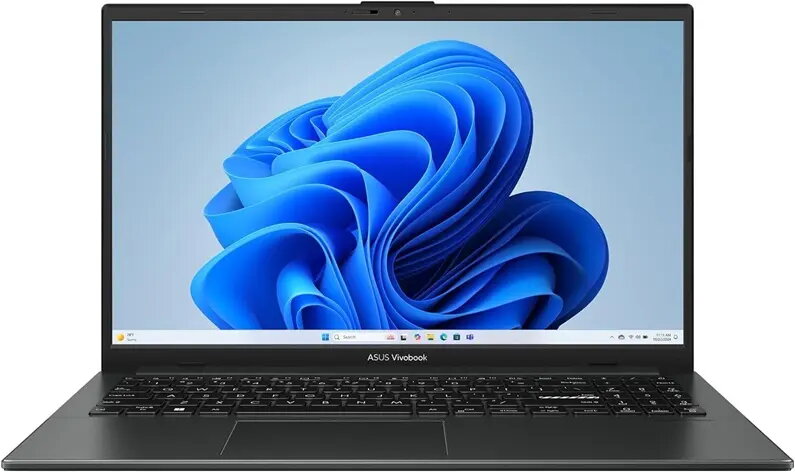
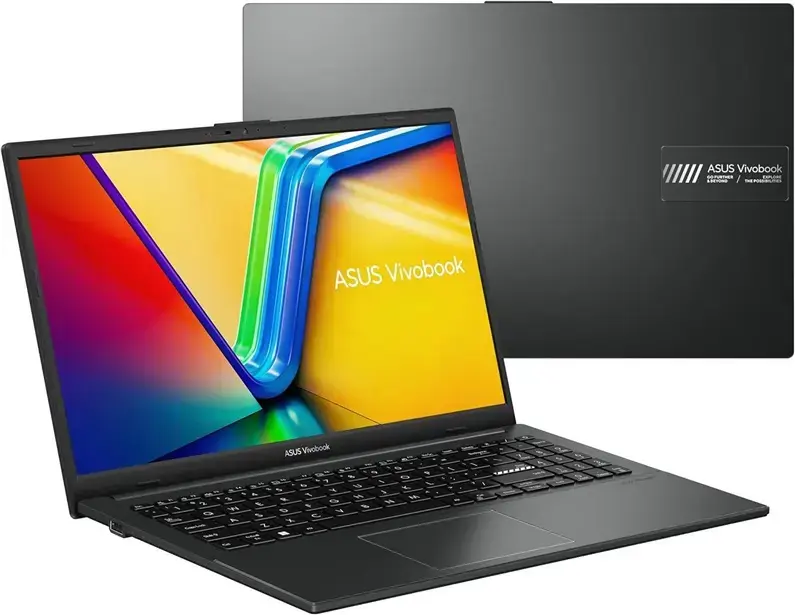
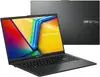
Asus Vivobook Go 15 Laptop, AMD Ryzen 3, 8GB RAM, 256GB SSD, 15.6-inch Display
The Asus Vivobook Go 15 is a versatile 15.6-inch laptop engineered to handle daily computing tasks with efficiency and reliability. Featuring an AMD Ryzen 3 processor and 8GB of LPDDR5 RAM, this device provides a smooth experience for office applications, academic research, and media consumption. Its lightweight construction and slim profile ensure that it remains a portable companion for users who need to stay productive while on the move.
This laptop stands out due to its balanced performance and user-friendly design. The inclusion of a matte display reduces glare, making it comfortable to use in various lighting conditions. The integrated keyboard includes a dedicated numeric keypad and backlighting, which enhances typing accuracy and convenience during late-night work sessions. Furthermore, the modern connectivity options, including USB Type-C and HDMI, allow for easy integration with external displays and peripherals, while the efficient SSD storage ensures quick system boot times and responsive file access.
This laptop may not be suitable for users who require high-performance hardware for professional video editing, 3D rendering, or playing modern, graphics-intensive video games. The 256GB storage capacity may also be limited for individuals who need to store large libraries of high-resolution media files or extensive software suites.
To begin using the Asus Vivobook Go 15, simply connect the power adapter to charge the battery fully before the first startup. Follow the on-screen prompts provided by the pre-installed Windows operating system to configure your user account, network settings, and security preferences. Once the initial setup is complete, you can install your preferred applications and connect external devices via the available ports to customize your workspace.
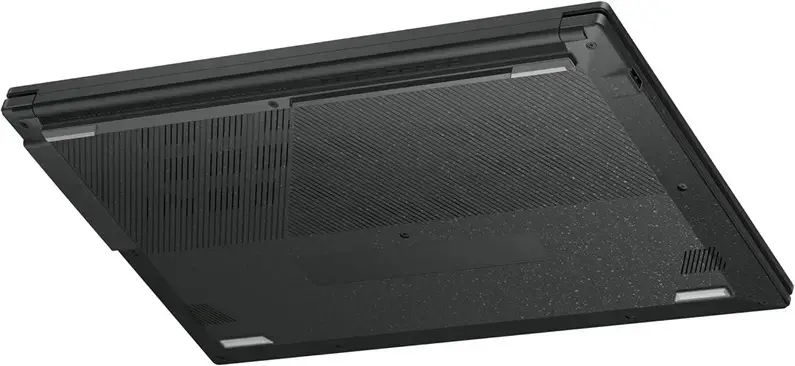
For optimal performance and longevity, keep the laptop on a flat, hard surface to ensure proper ventilation. Regularly update the operating system and drivers to maintain security and system stability.
{{highlightedFeature.featureTitle}}:
{{getProductFeatureValueById(product, highlightedFeature.featureId)}}
{{ productComparisonGenerationError }}
