
Powerful EcoFlow stations for energy anywhere!
In cart {{totalProductsCount}} item(s)
Your cart is empty
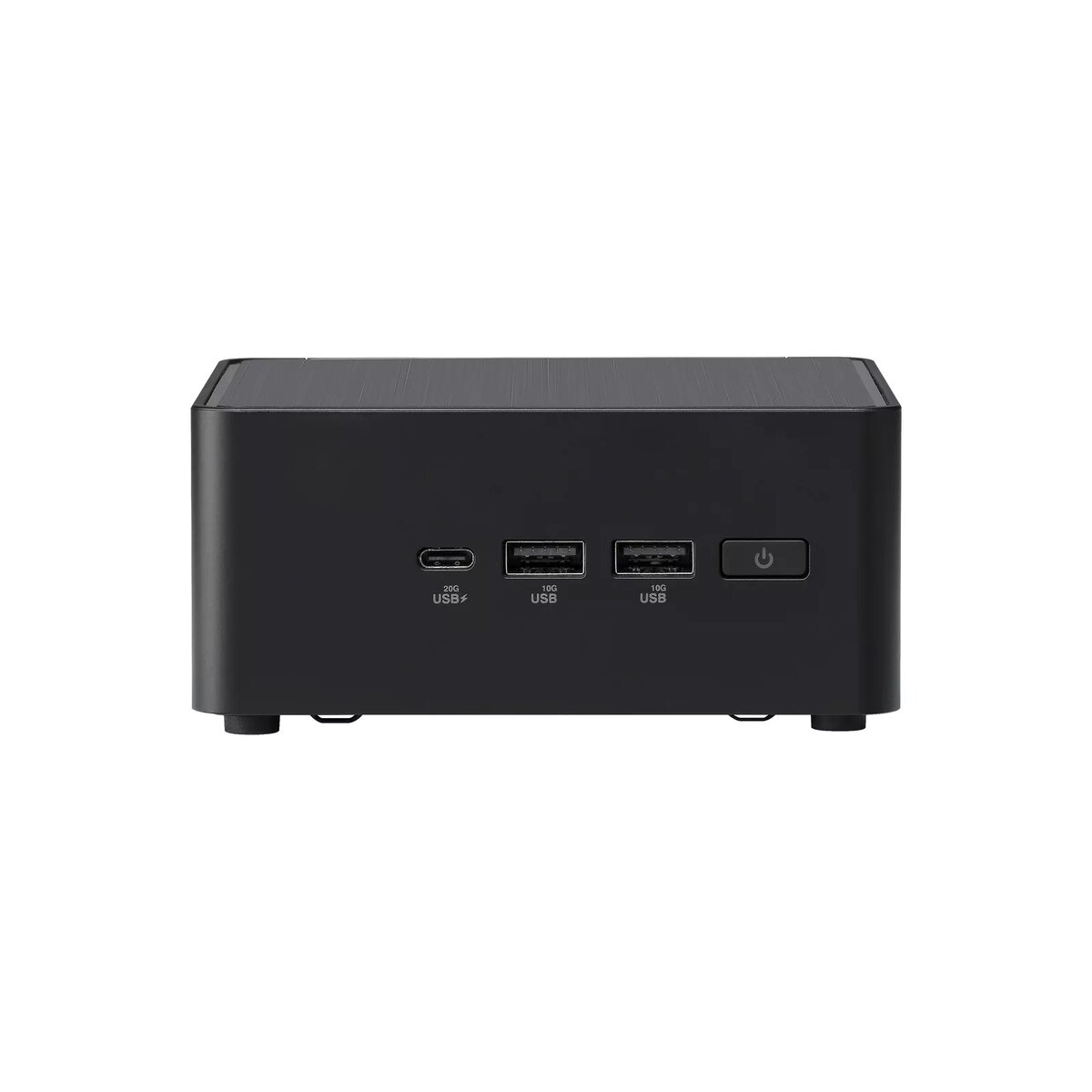
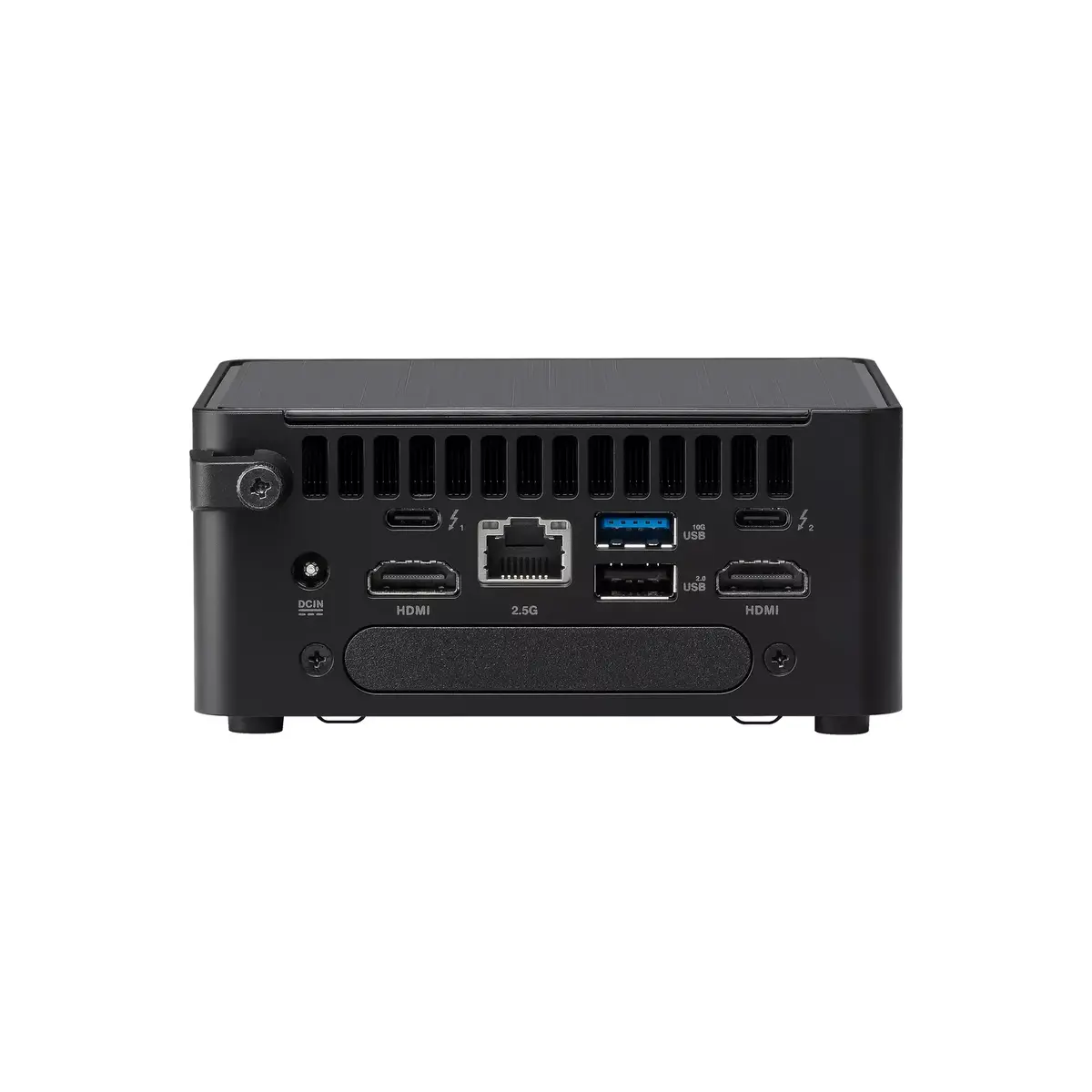
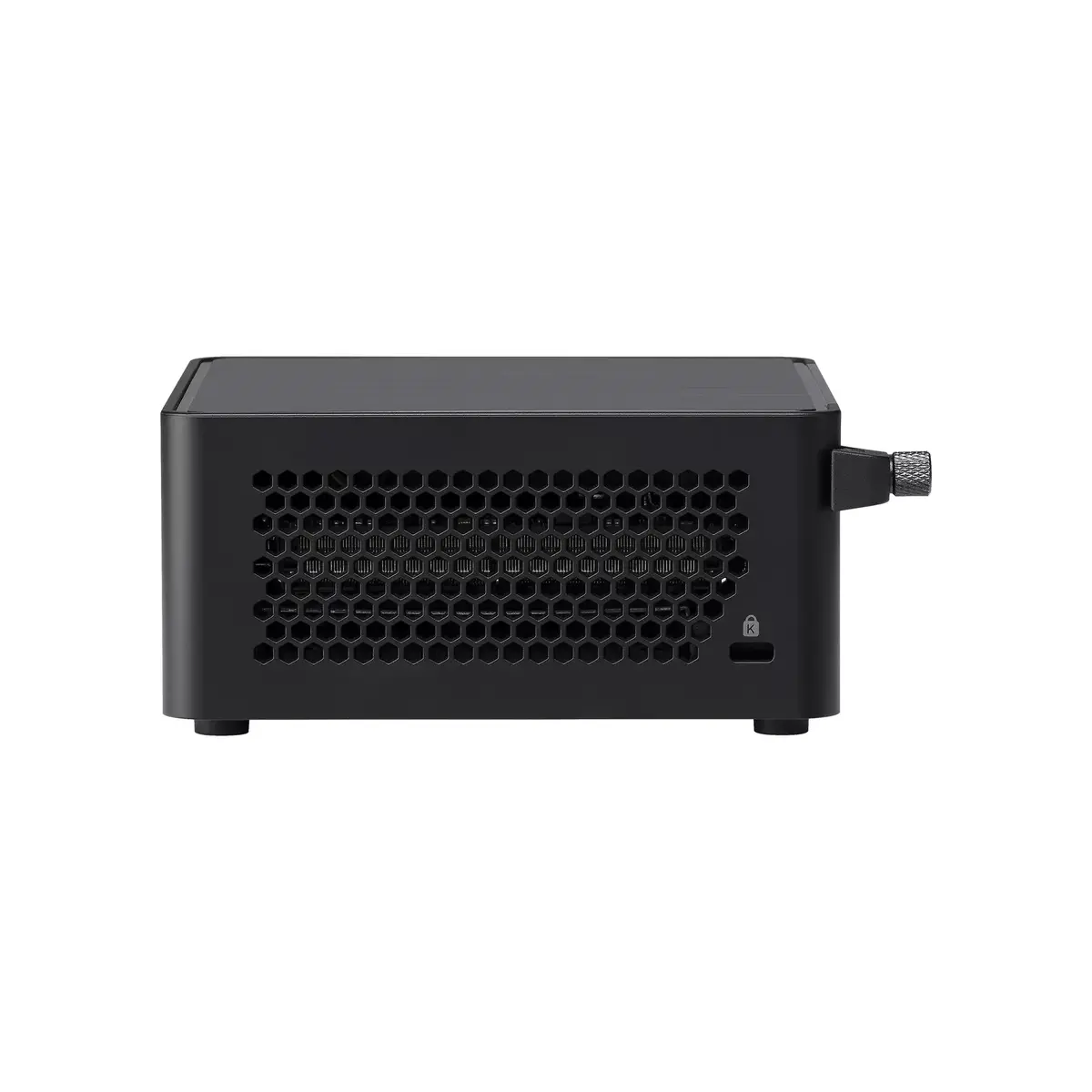
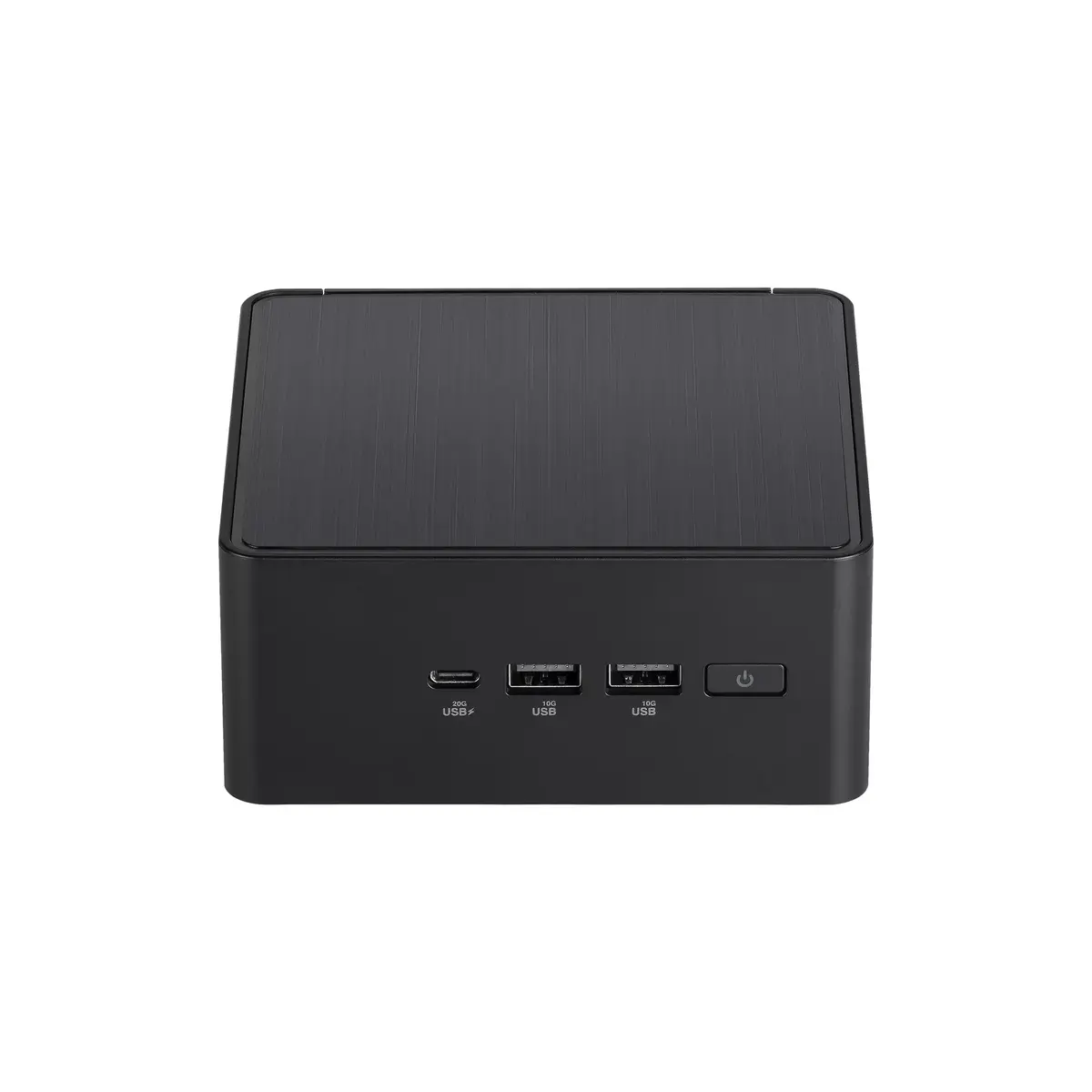
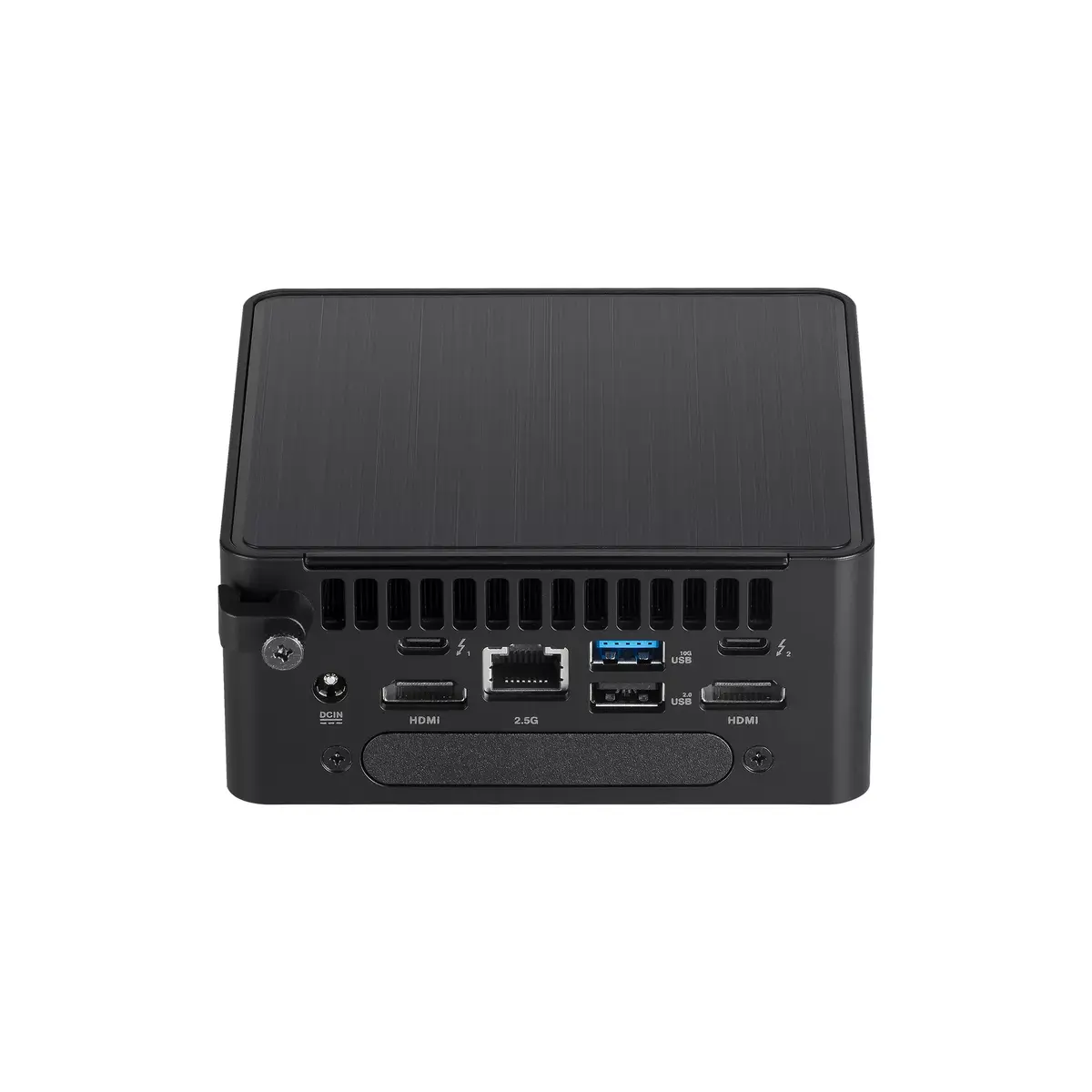
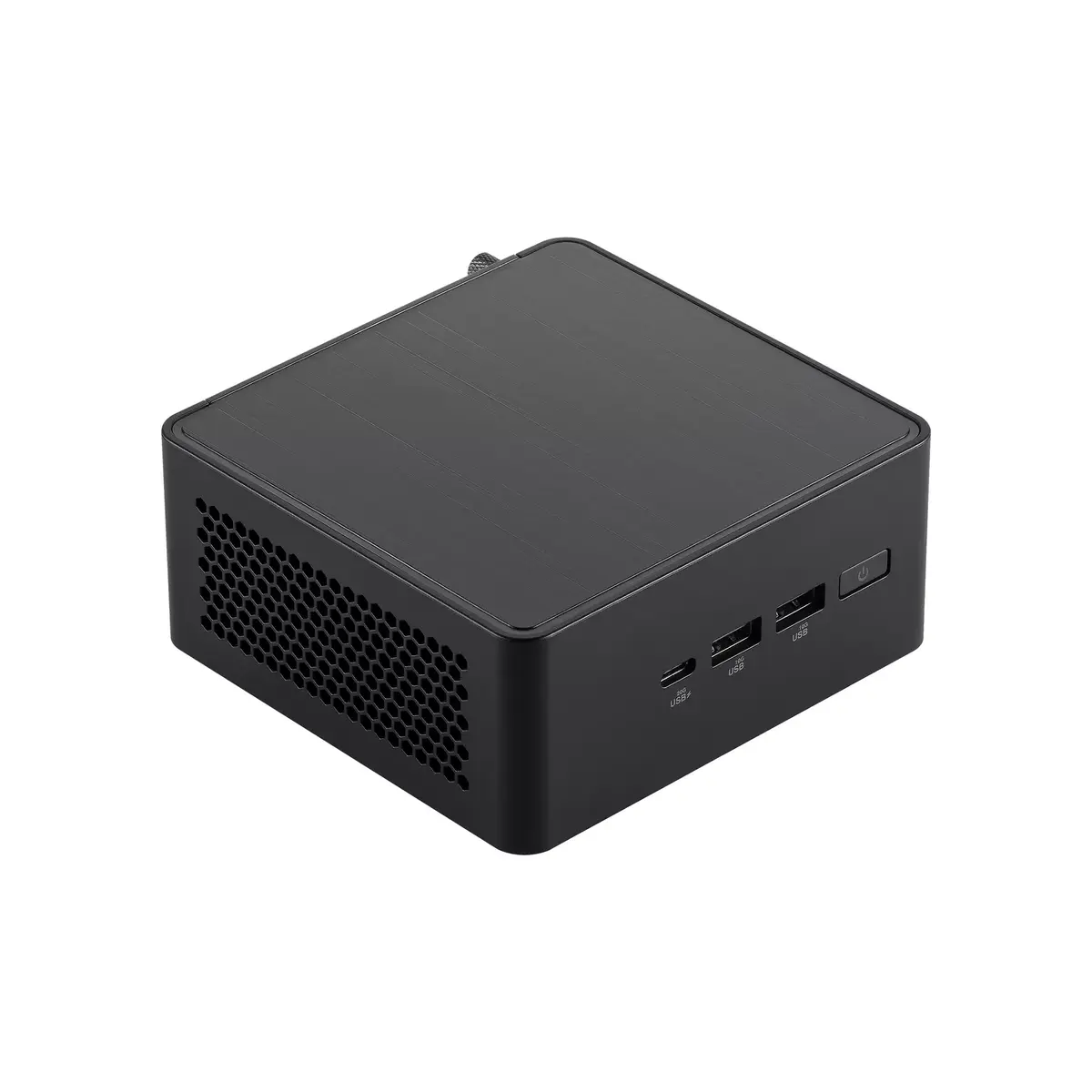
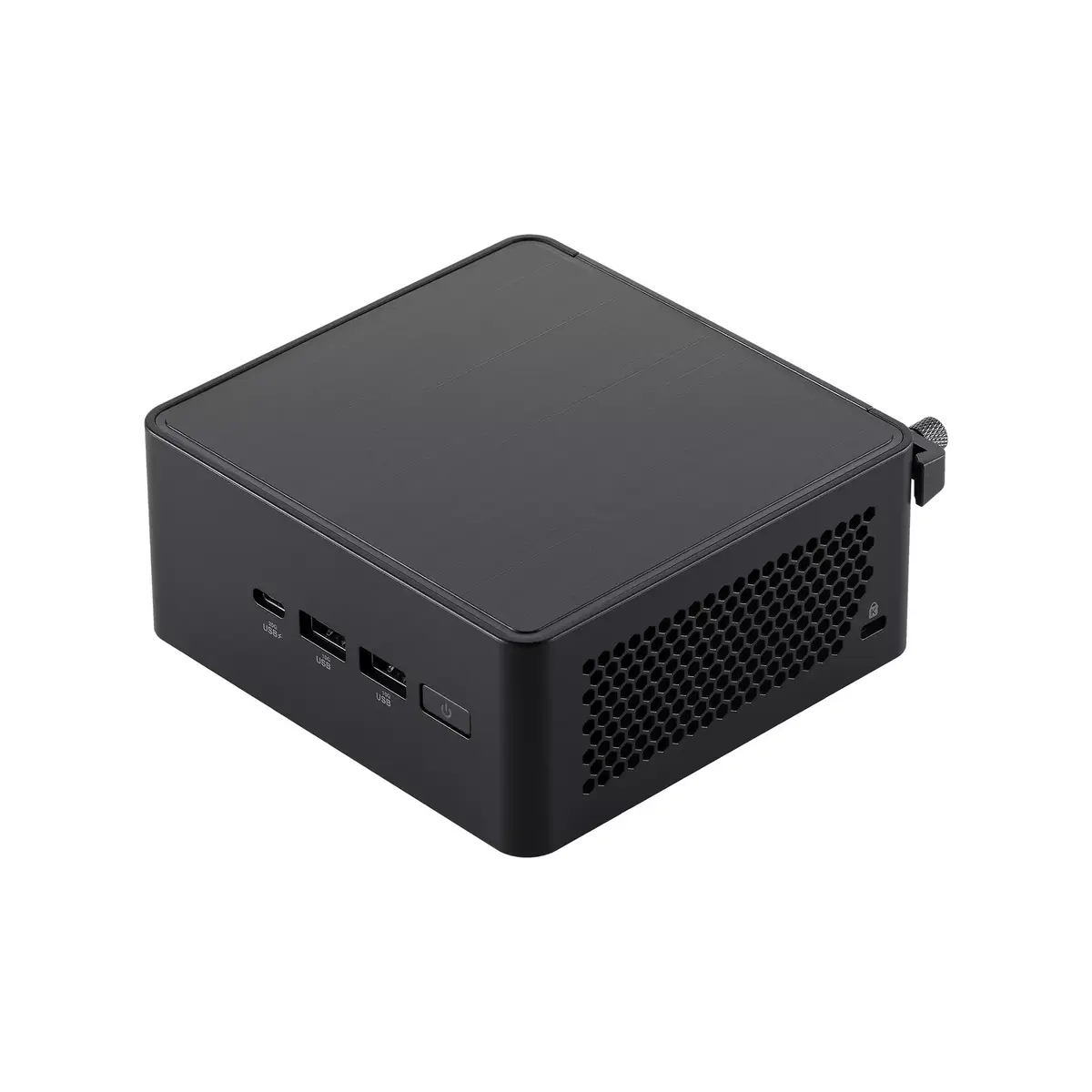
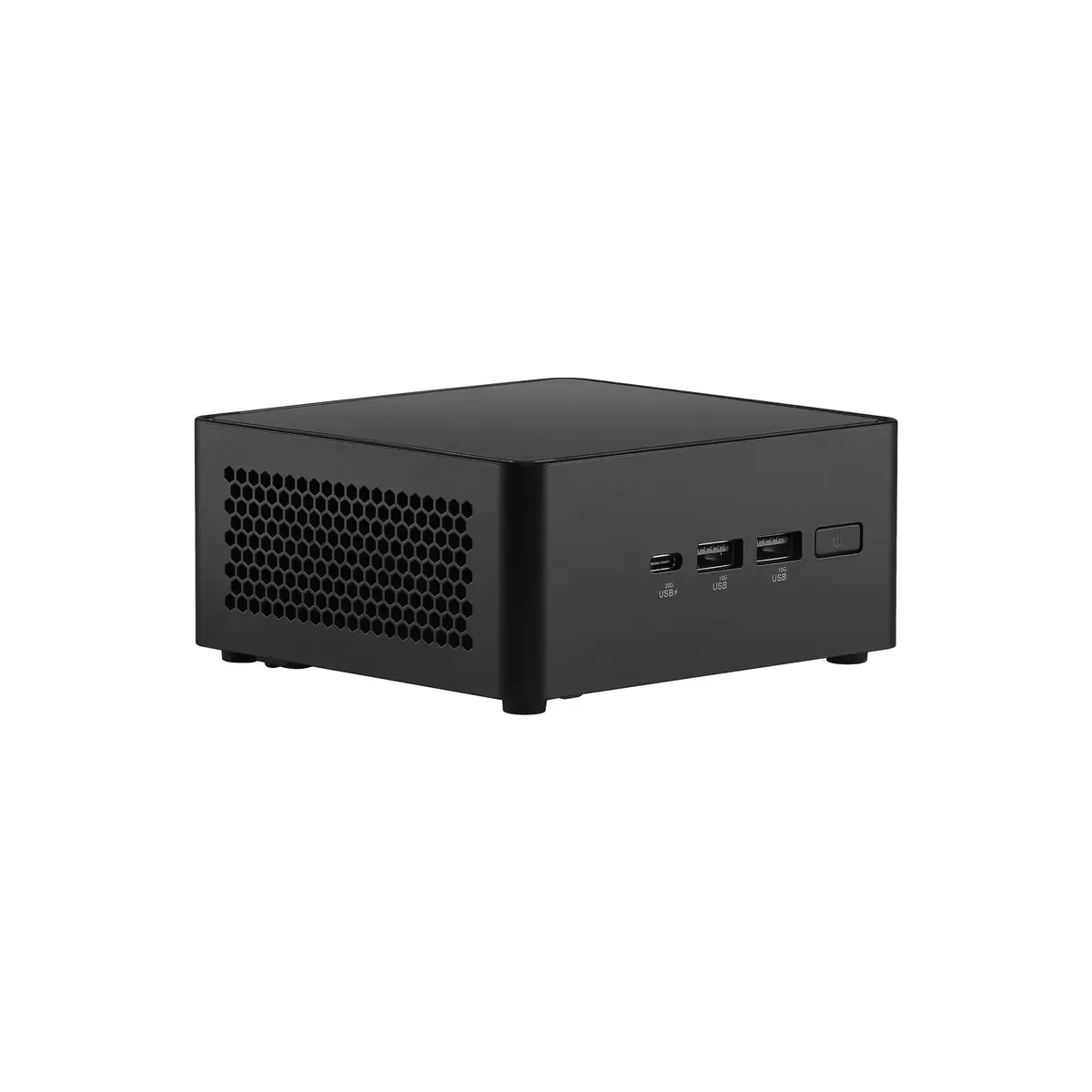
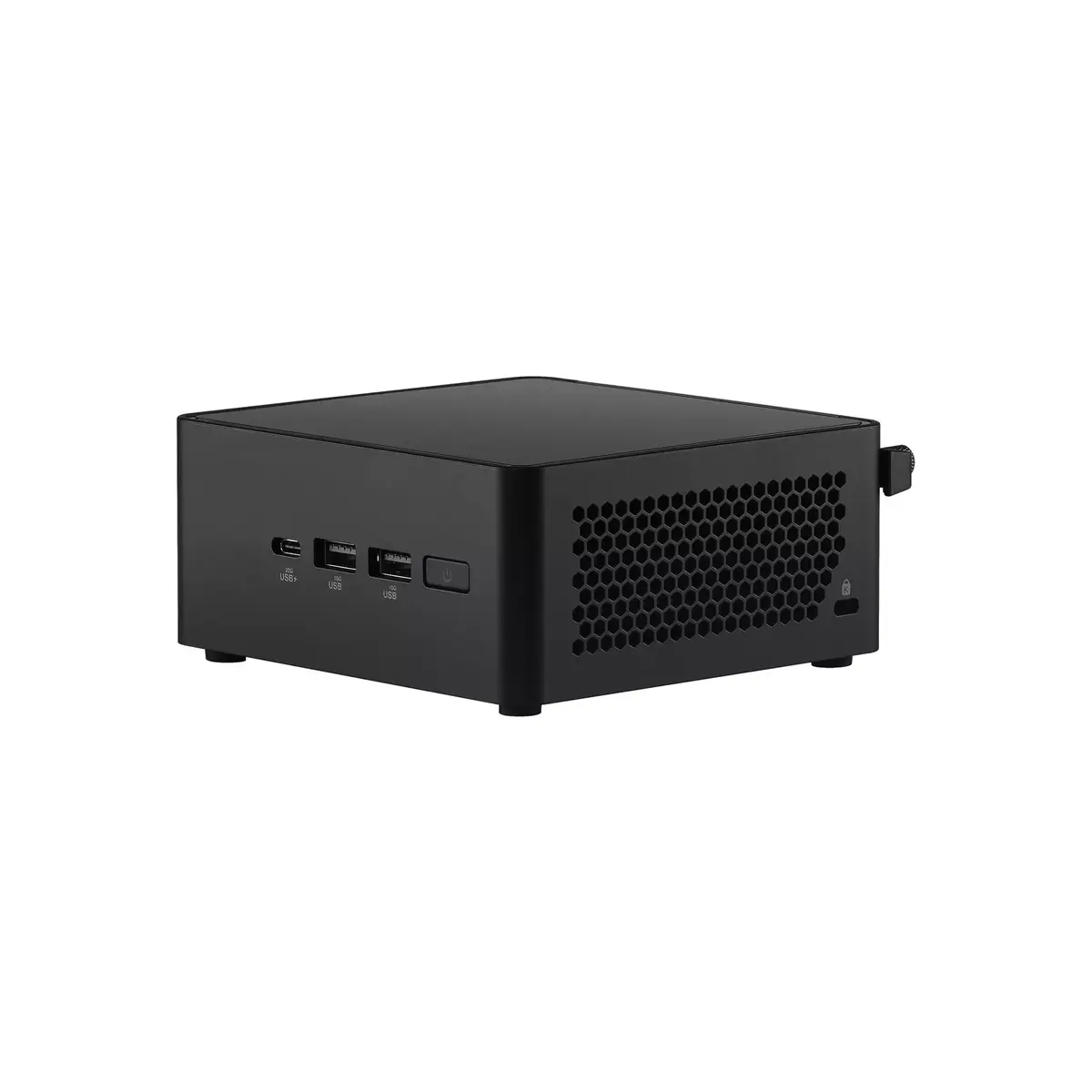
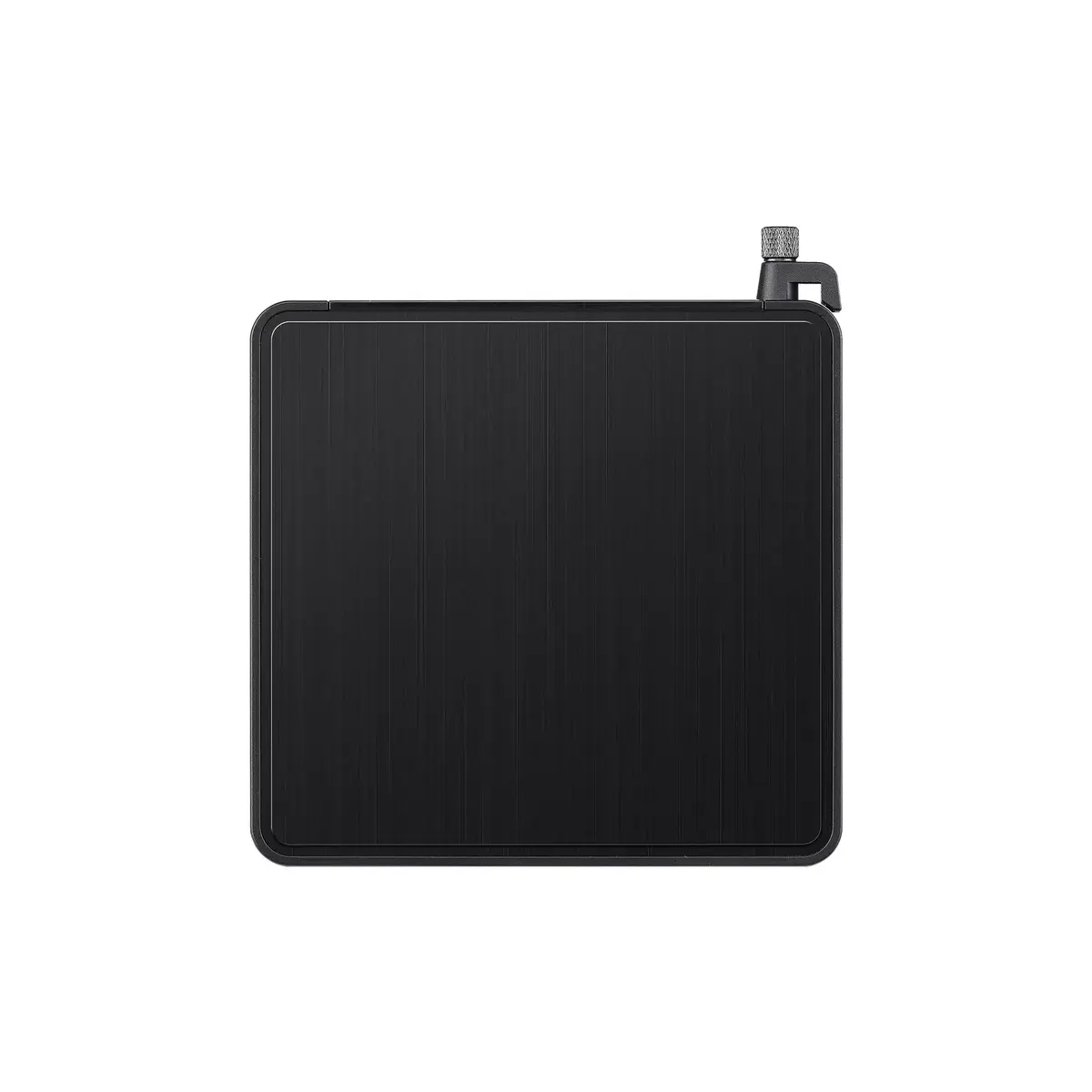
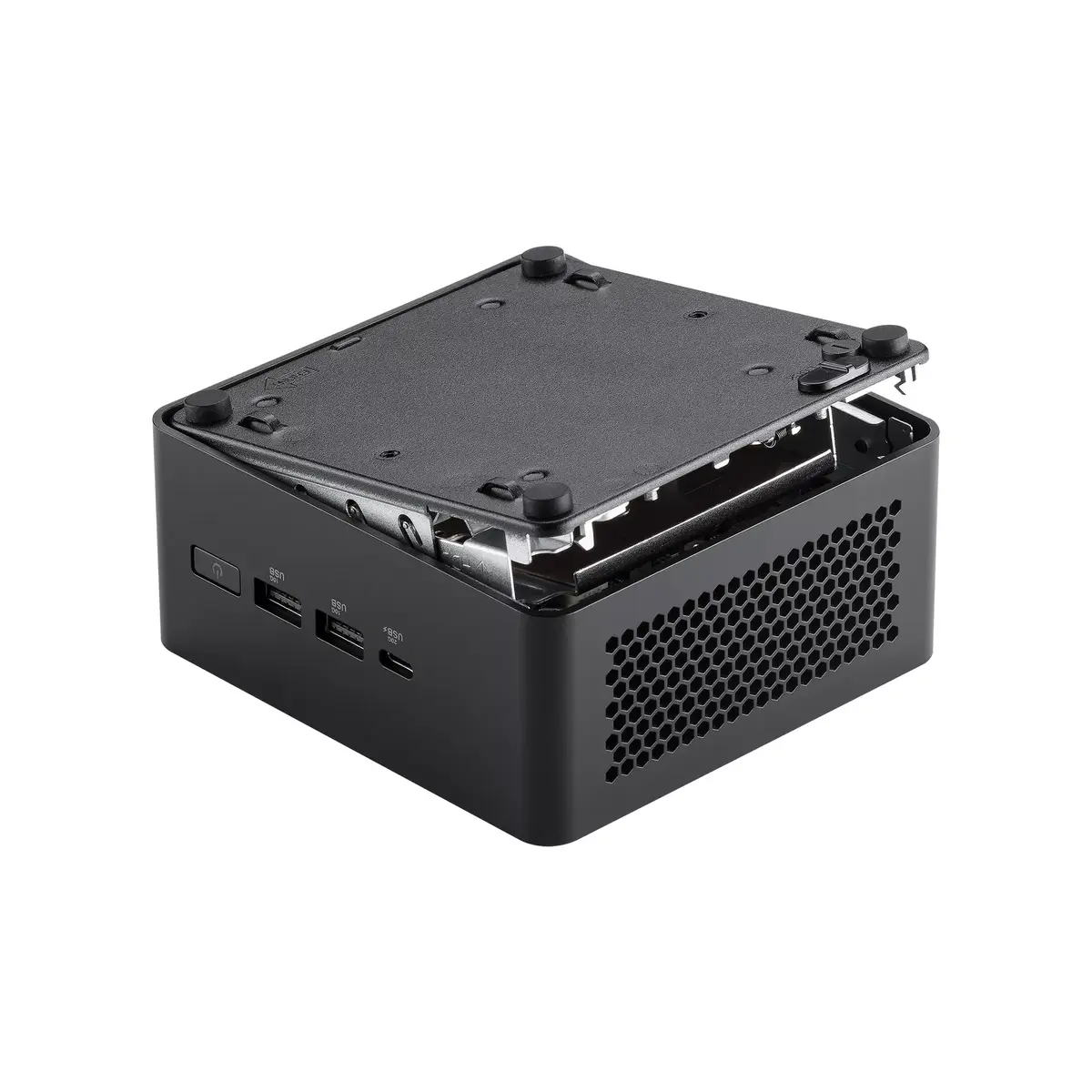
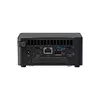
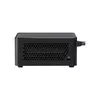
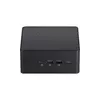
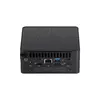
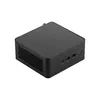
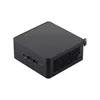
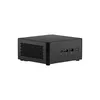
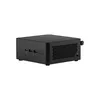
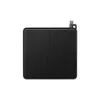
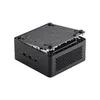
Mini PC barebone ASUS NUC 14 Pro RNUC14RVHU500000I DDR5 96GB HDD SSD
The ASUS NUC 14 Pro RNUC14RVHU500000I is a mini PC barebone engineered for compact performance and flexible configurations. It supports DDR5-SDRAM up to 96 GB across two memory slots, accepts both HDD and SSD storage, and uses an active cooling system to maintain performance under load. Connectivity includes one Ethernet LAN port, Wi‑Fi 6E (802.11ax) and Bluetooth 5.3. Powered by an Intel Core Ultra 5 processor (model 125H) with boost frequencies up to 4.5 GHz, this ASUS NUC barebone offers a small-footprint platform for building workstation, office or home systems.
The compact form factor combines high-performance internals with low physical footprint, enabling installation in space-constrained environments. Support for DDR5 memory up to 96 GB and dual storage options (HDD and SSD) provides flexibility for memory- and storage-intensive applications. Modern connectivity including Wi‑Fi 6E and Bluetooth 5.3 plus a wired Ethernet port ensures versatile networking options. The active cooling system helps sustain processor performance during demanding tasks.
Install memory modules into the two DDR5 slots according to the motherboard manual, and fit HDD or SSD drives into the available bays or M.2 sockets as required. Connect the unit to power and network via the Ethernet port or configure Wi‑Fi 6E and Bluetooth 5.3 through the operating system. Use the BIOS/UEFI settings to verify memory and storage configuration and to manage thermal profiles for optimal performance. Install your preferred OS and drivers provided by Asus to complete system setup.
For stable long-term operation, use quality DDR5 modules matched to the motherboard specifications, ensure good airflow around the chassis to assist the active cooling system, and keep firmware and drivers updated. For storage-intensive or multi-user scenarios, prefer SSDs for the OS and key applications and add HDDs for bulk data if needed.
{{highlightedFeature.featureTitle}}:
{{getProductFeatureValueById(product, highlightedFeature.featureId)}}
{{ productComparisonGenerationError }}
