

JBL speakers and headphones for pure and deep sound!
In cart {{totalProductsCount}} item(s)
Your cart is empty
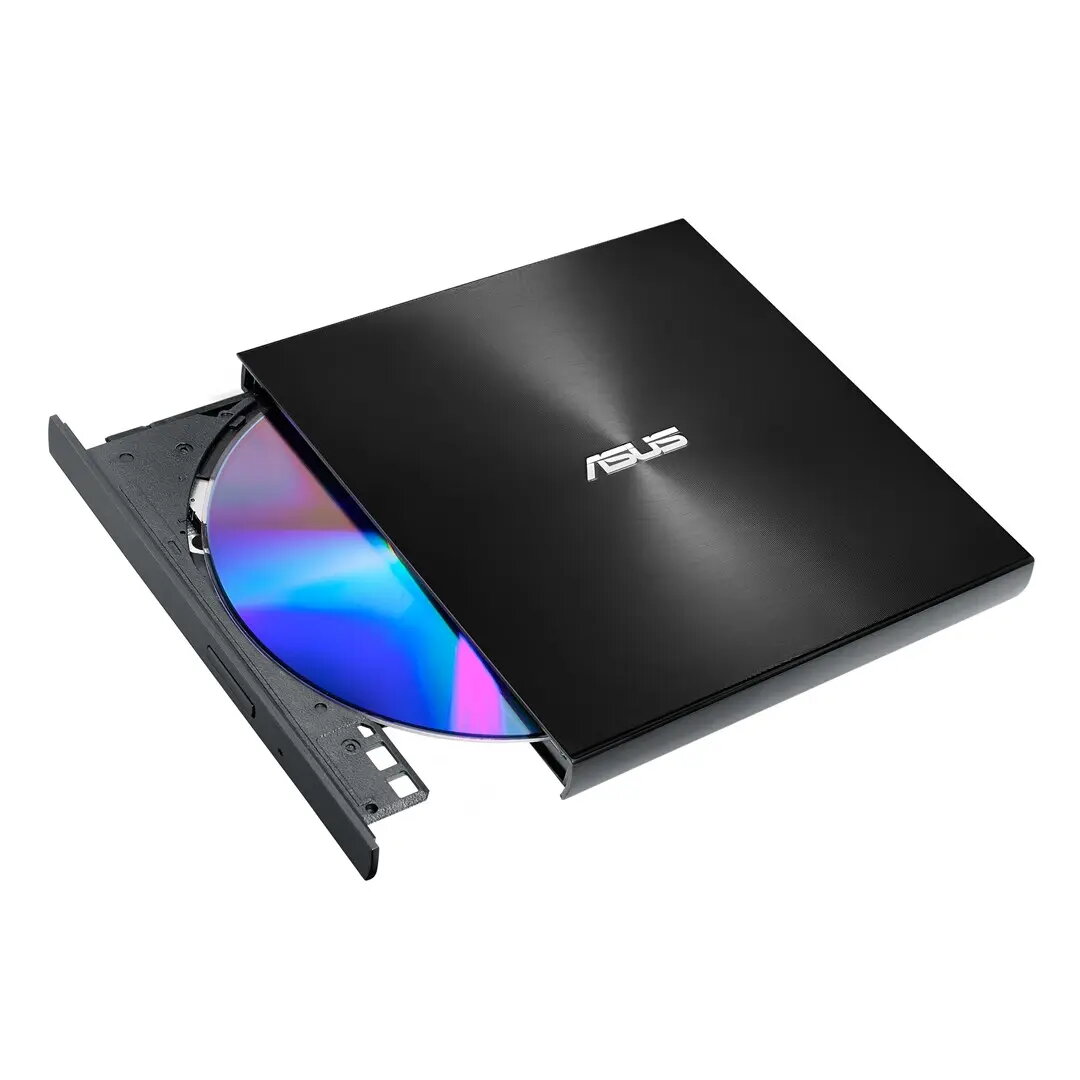
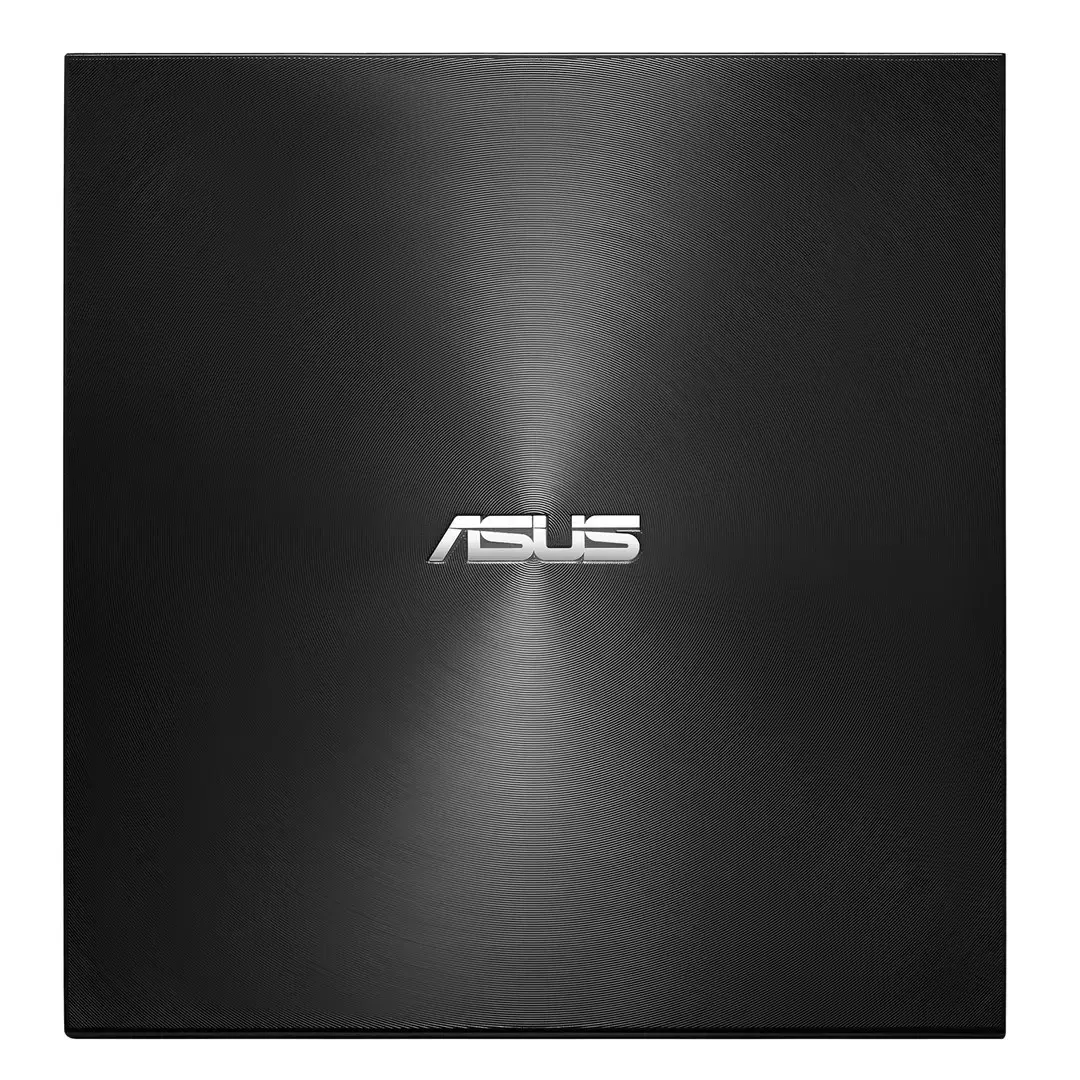
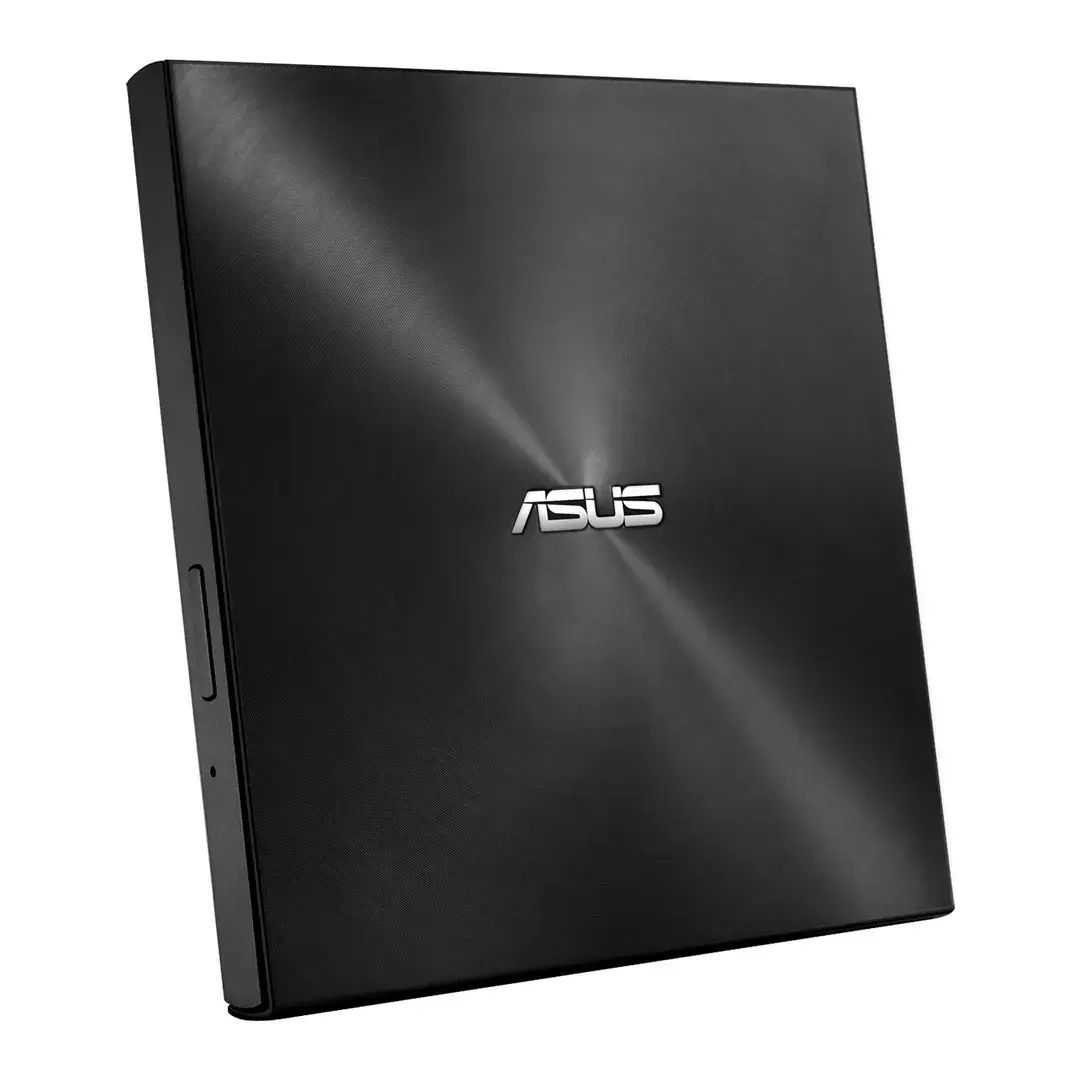
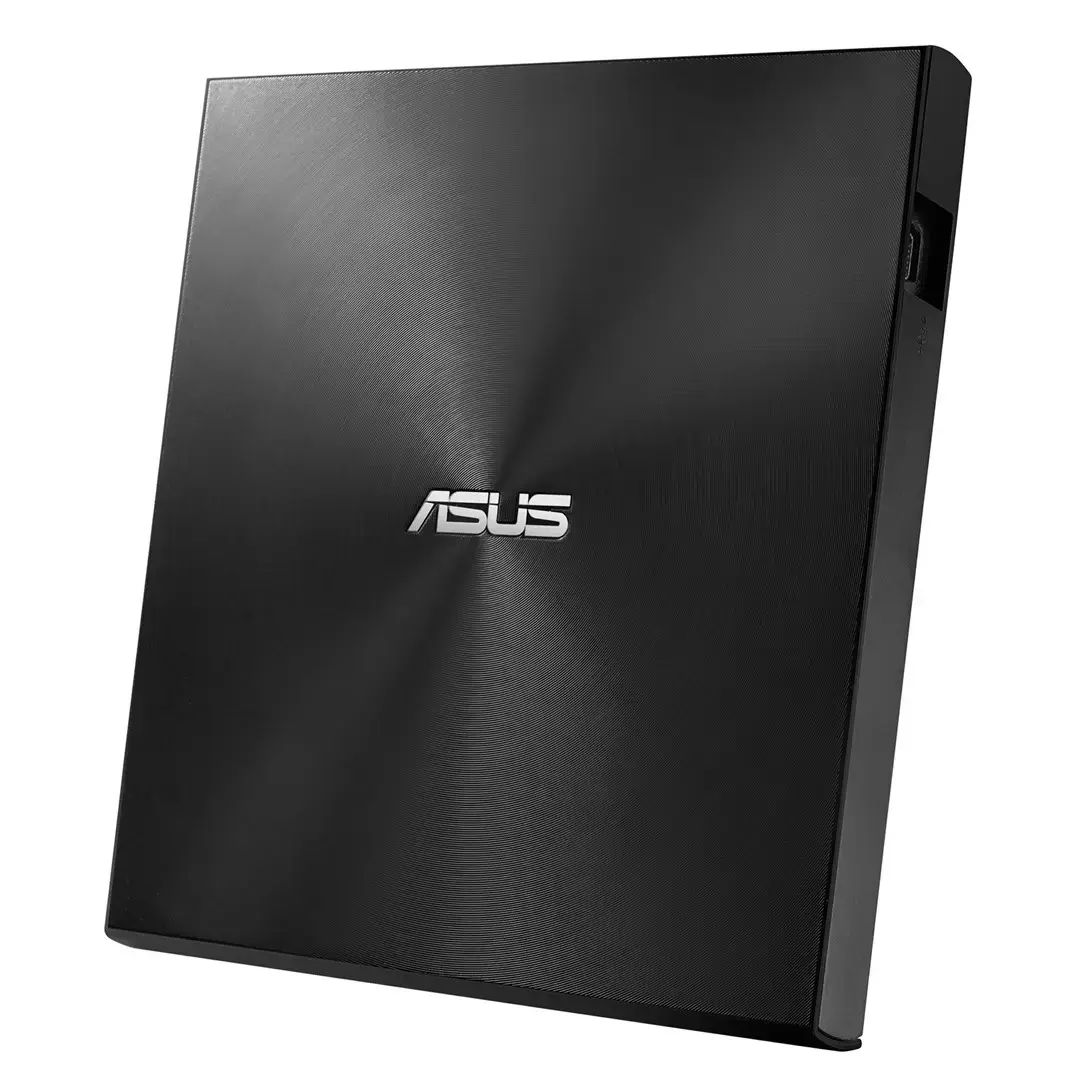
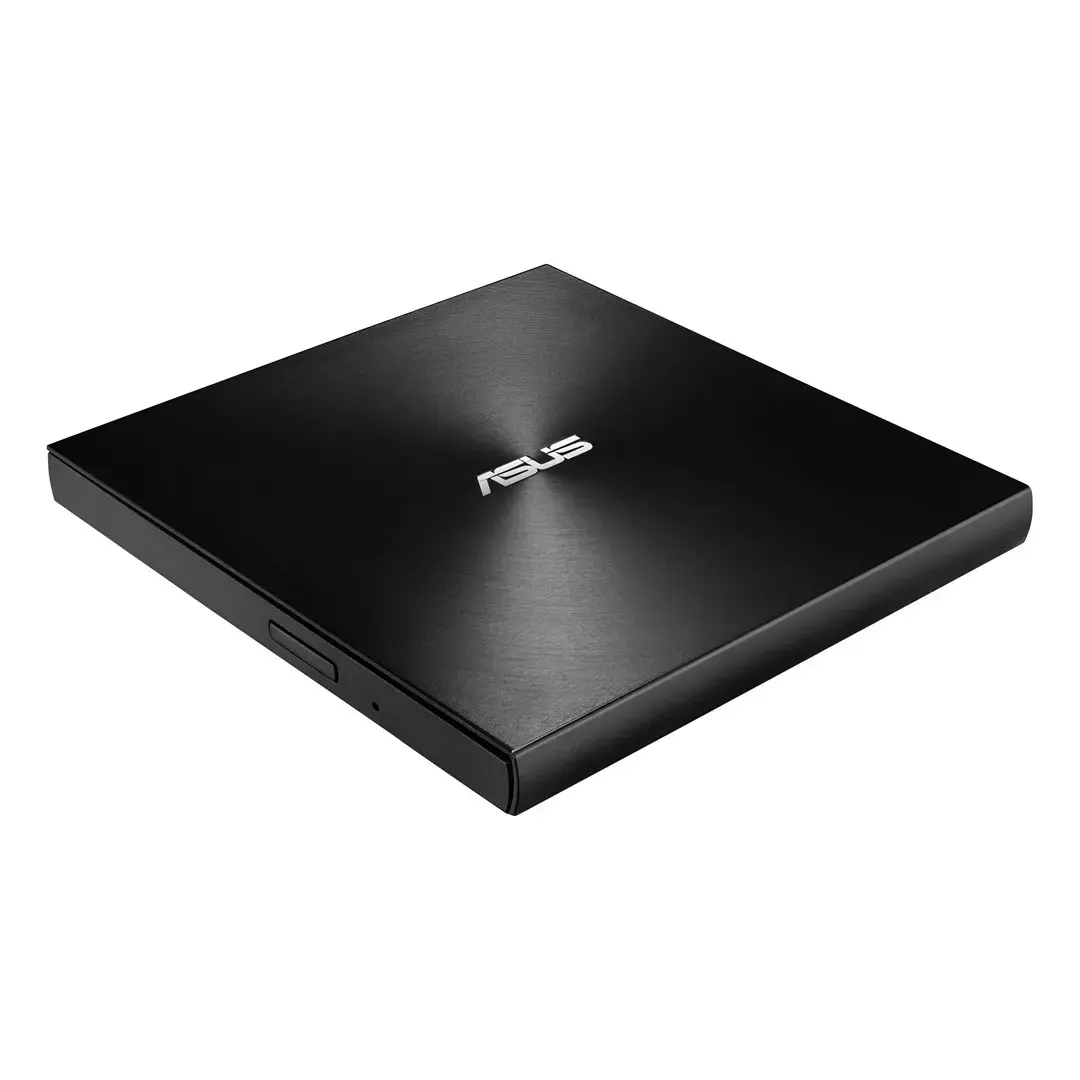
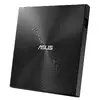
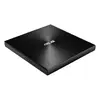
DVD±RW Drive ASUS ZenDrive U8M Black USB Type-C
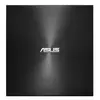
The ASUS ZenDrive U8M is an ultraslim external DVD±RW drive and writer with a USB Type-C interface, designed to add optical media playback and disc-writing capabilities to modern laptops and desktops. Its 13.9 mm slender enclosure features a concentric-circle, Zen-inspired finish and a tray-loading mechanism. The drive supports M-DISC archival media and is compatible with Windows and macOS for multimedia playback, data backup and disc authoring.
The ZenDrive U8M combines a compact, robust 13.9 mm design with a reversible USB-C connector for easy one-way-up plugging. It supports M-DISC for long-term archival of photos, videos and important files, and includes software tools for drag-and-burn disc creation, disc encryption and backup on Windows systems. The unit’s tray-loading mechanism and USB Type-C connectivity make it suitable for use with current-generation laptops, including ZenBook models.
Connect the ZenDrive U8M to a Windows or Mac computer using the included USB Type-C cable. Insert a compatible disc into the tray and close it to begin reading or writing. On Windows systems, use the bundled backup and disc-authoring software to create data discs, M-DISC archives or encrypted discs; on macOS, use the system’s disc utilities or compatible third-party software for burning and playback. Follow the on-screen instructions in the chosen application to select files, set write options and complete the burn process.
For long-term archival storage, use certified M-DISC media and follow the software prompts for finalising discs. When transporting the drive, keep it in a padded sleeve and avoid heavy impacts. Use the drive on a stable surface and ensure proper ejection of discs via software controls before disconnecting the USB-C cable.
{{highlightedFeature.featureTitle}}:
{{getProductFeatureValueById(product, highlightedFeature.featureId)}}
{{ productComparisonGenerationError }}
