


Save time and money with our discounts!
In cart {{totalProductsCount}} item(s)
Your cart is empty
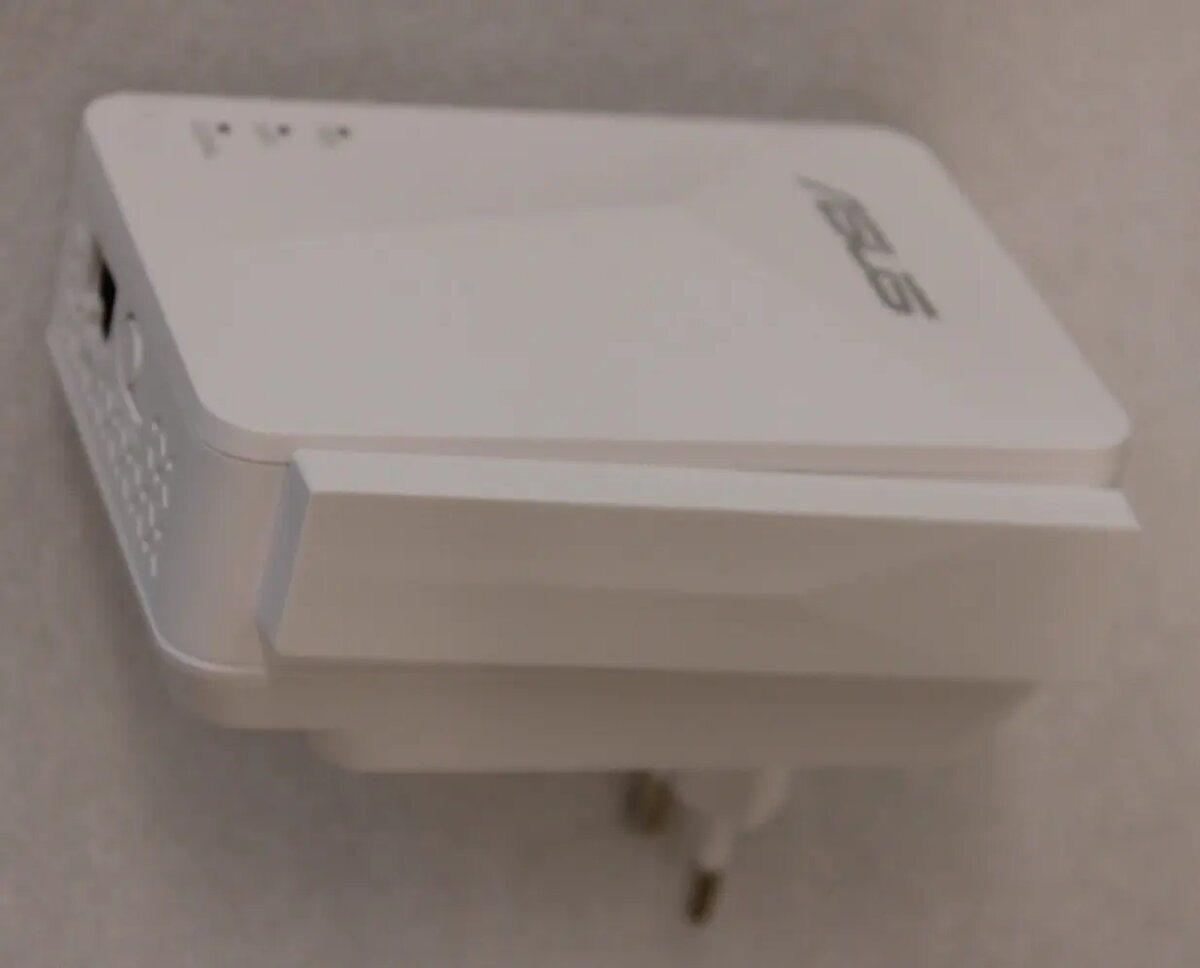
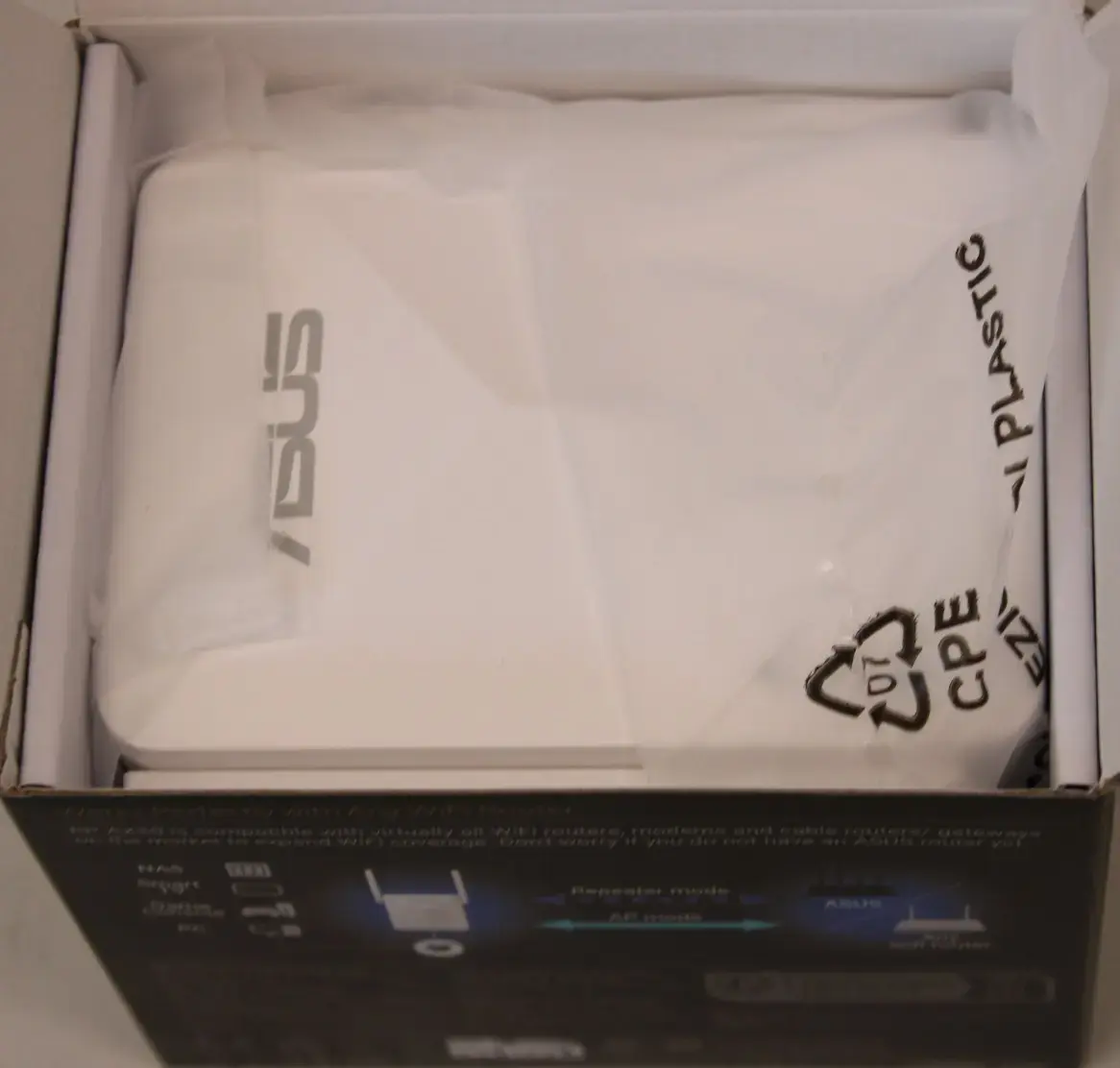
Asus RP-AX50 AX1500 Dual-Band WiFi 6 Range Extender with 2 External Antennas and 1 Ethernet Port
The Asus RP-AX50 AX1500 Dual-Band WiFi 6 Range Extender is a high-performance networking device engineered to eliminate wireless dead zones and extend the reach of your existing home or office network. By utilizing the advanced 802.11ax standard, this extender provides reliable and high-speed connectivity across both 2.4 GHz and 5 GHz frequency bands, ensuring that your devices stay connected even in hard-to-reach areas. Equipped with two external antennas, the device maintains signal stability and broad coverage, while the integrated Ethernet port allows for a stable wired connection to devices that lack wireless capabilities.
This range extender offers significant improvements to your wireless environment by leveraging WiFi 6 technology to handle multiple data streams more efficiently. The dual-band operation allows for flexible traffic management, directing high-bandwidth activities to the 5 GHz band while maintaining compatibility with legacy devices on the 2.4 GHz band. Its compact design and external antennas ensure that it can be placed optimally to capture and rebroadcast signals effectively, while the inclusion of an Ethernet port provides versatile connectivity options for desktop computers, gaming consoles, or smart TVs.
This device may not be the optimal choice for environments requiring advanced features like MU-MIMO for handling a very high density of simultaneous wireless clients. Additionally, as it does not support Power over Ethernet (PoE), it must be placed near a standard electrical outlet for power.
To set up the Asus RP-AX50, plug the device into a power outlet within range of your existing router. Use the manufacturer's setup interface or the WPS button to pair the extender with your current wireless network. Once the connection is established, the status indicators will confirm that the device is ready to extend your signal. You can then connect wired devices directly to the Ethernet port on the unit for a stable, high-speed connection.
For the best performance, place the extender halfway between your router and the area where you need better coverage, ensuring it is not obstructed by large metal objects or thick walls.
{{highlightedFeature.featureTitle}}:
{{getProductFeatureValueById(product, highlightedFeature.featureId)}}
{{ productComparisonGenerationError }}
