
Dreame vacuums for fast and efficient cleaning!
In cart {{totalProductsCount}} item(s)
Your cart is empty
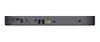
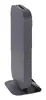
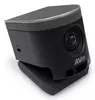
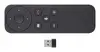
Group video conferencing system ASUS GQE20A-G5002UN Google Room Kit Starter 4K Ultra HD ChromeOS Ethernet Wi‑Fi Bluetooth 9-person
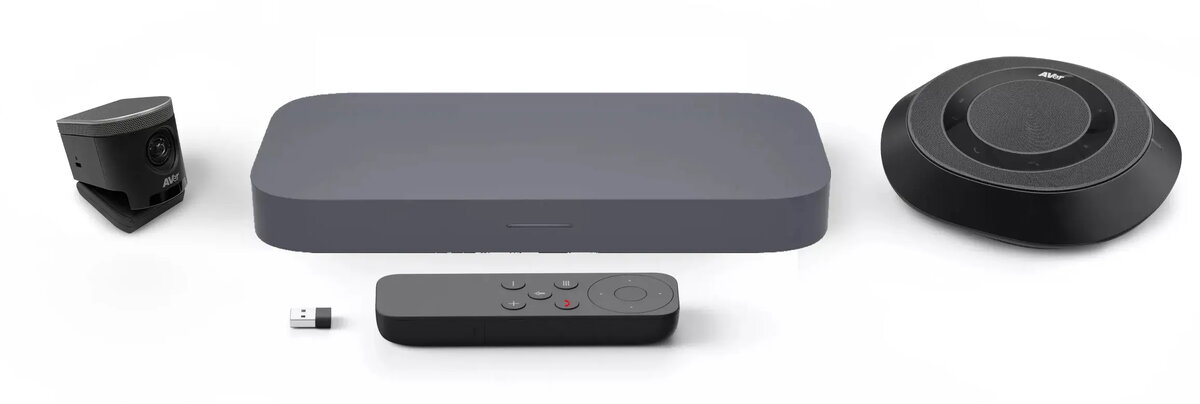
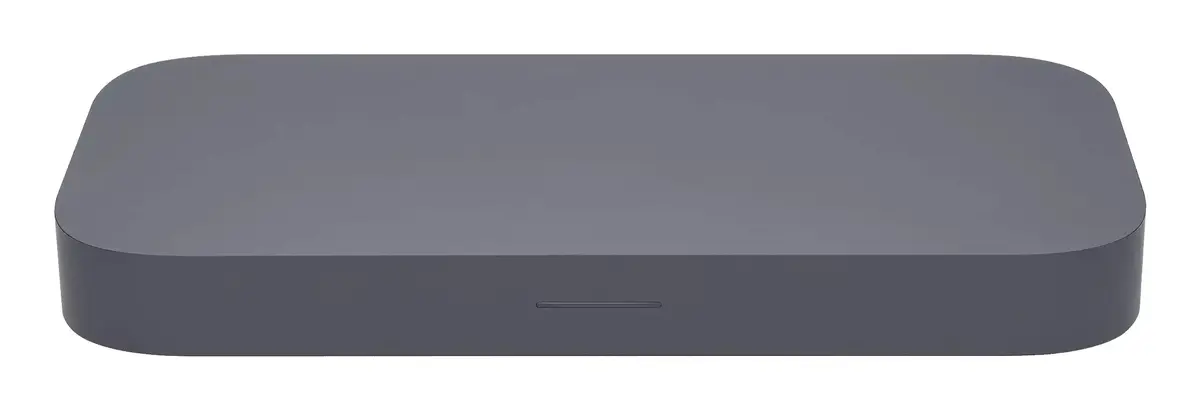
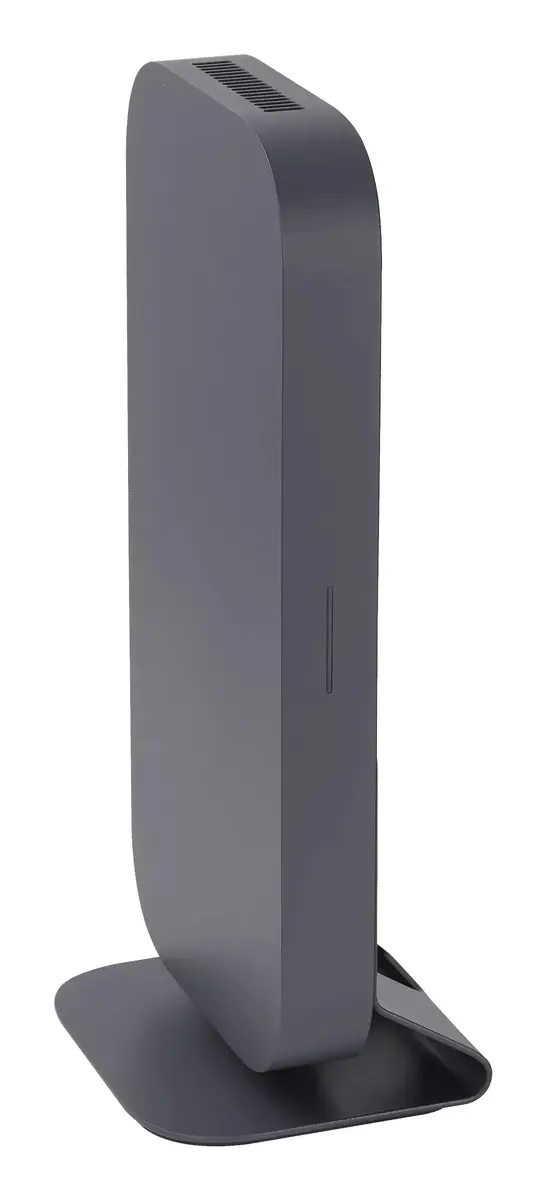
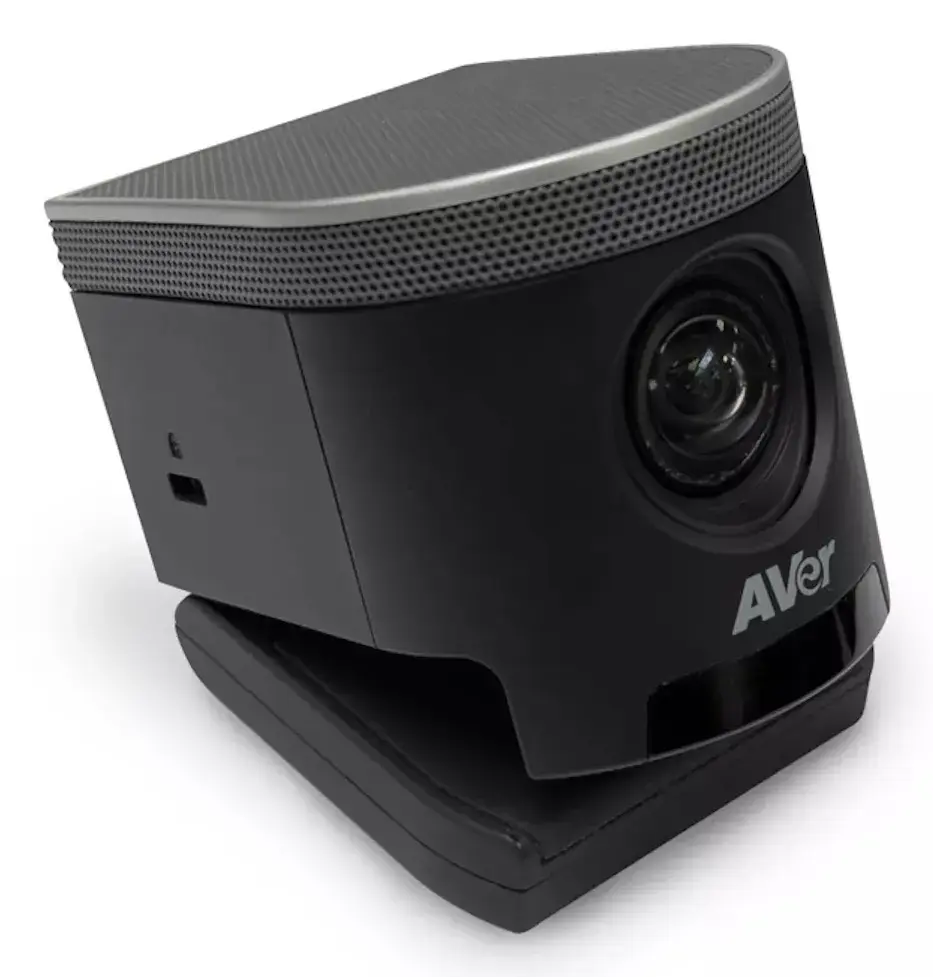
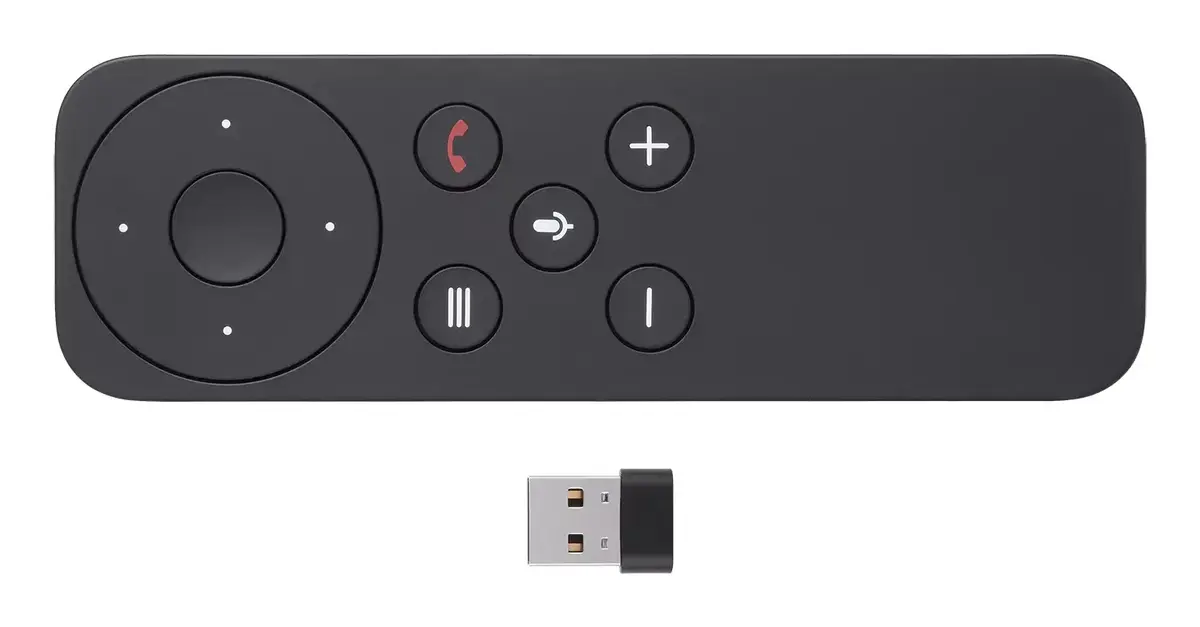
The ASUS GQE20A-G5002UN Google Room Kit Starter is a compact group video conferencing system designed for meeting rooms and huddle spaces. It supports up to 9 participants and combines a 4K Ultra HD AI-enabled camera, expandable speakerphone, touchscreen control panel and remote control with a compact compute unit running ChromeOS. The system provides 4K video, reliable wired and wireless connectivity, and clear audio to facilitate Google Meet sessions in small to medium conference rooms.
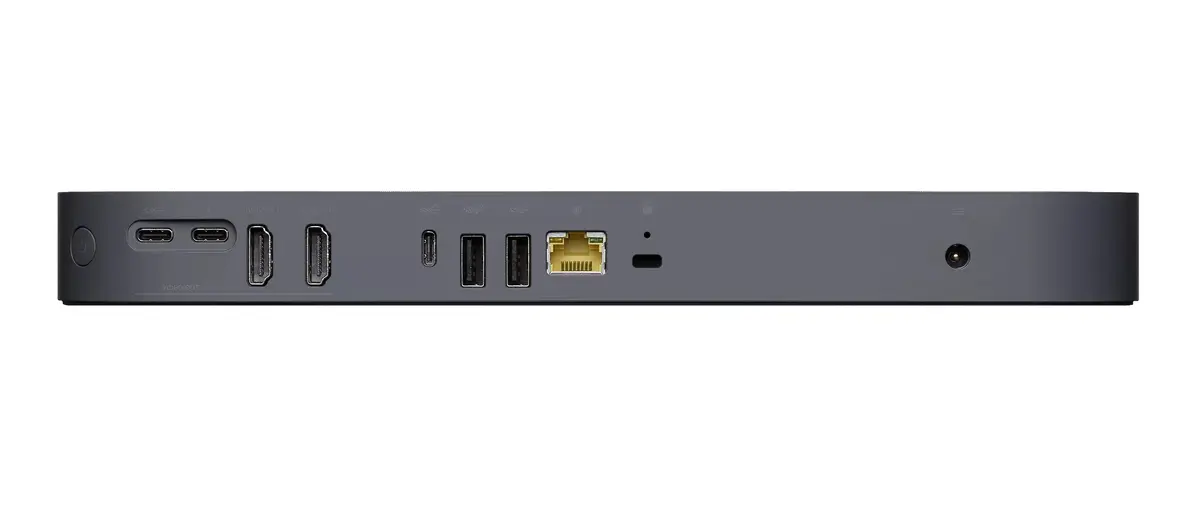
The kit delivers smooth 4K video and intelligent auto-framing to keep speakers in view, while the included speakerphone reduces echoes and background noise for clearer conversations. ChromeOS-based compute ensures straightforward setup and maintenance, and multiple connectivity options (Ethernet, Wi‑Fi and Bluetooth) allow flexible deployment in varied meeting spaces. The package is compact and suitable for quick installation without extensive AV infrastructure.
The starter kit is intended for small to medium-sized rooms and supports up to nine participants; it may not be sufficient for large auditoriums or meeting spaces that require multi-camera setups or coverage for significantly larger groups. It also does not include extensive third-party AV infrastructure such as ceiling microphones or large external amplifiers, which may be required in complex installations.
Place the compute unit and camera in the recommended positions for your room size, connect power and an Ethernet cable or configure Wi‑Fi, then sign in to Google Meet using the provided ChromeOS interface. Use the touchscreen control panel or the remote control to start, join and moderate meetings. Position the speakerphone centrally for optimal voice pickup and use the camera’s auto-framing to keep speakers centred during discussions. Expand speakerphone placement as needed for larger rooms to improve audio coverage.
For reliable performance, connect the compute unit to a wired Ethernet network where possible, place the speakerphone centrally in the room for best voice pickup, and position the camera at eye level for natural framing. Use the touchscreen or remote for quick meeting control and regularly update the ChromeOS software to ensure compatibility with Google Meet updates.
{{highlightedFeature.featureTitle}}:
{{getProductFeatureValueById(product, highlightedFeature.featureId)}}
{{ productComparisonGenerationError }}
