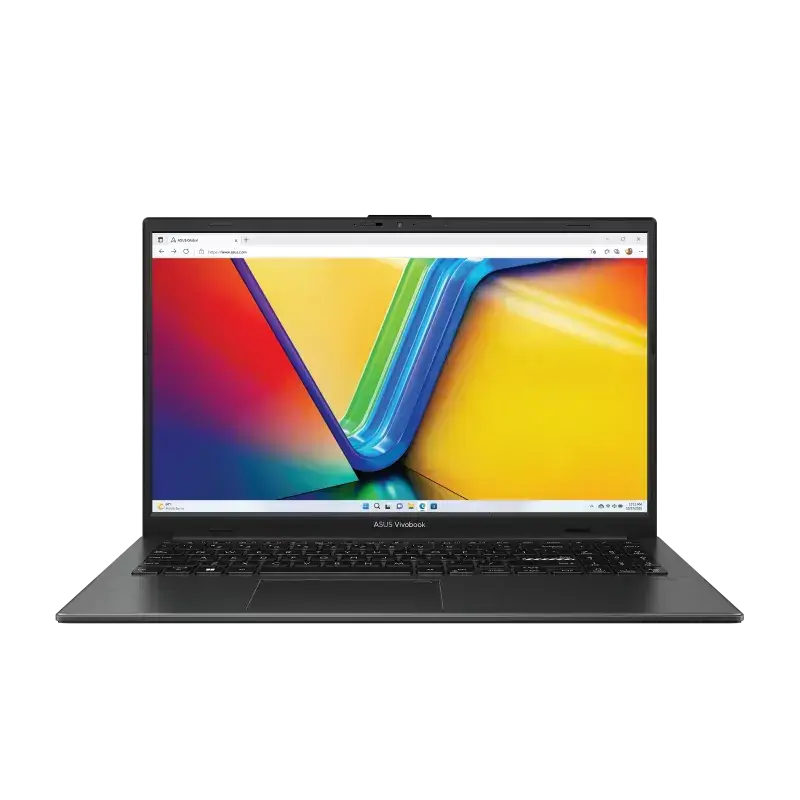
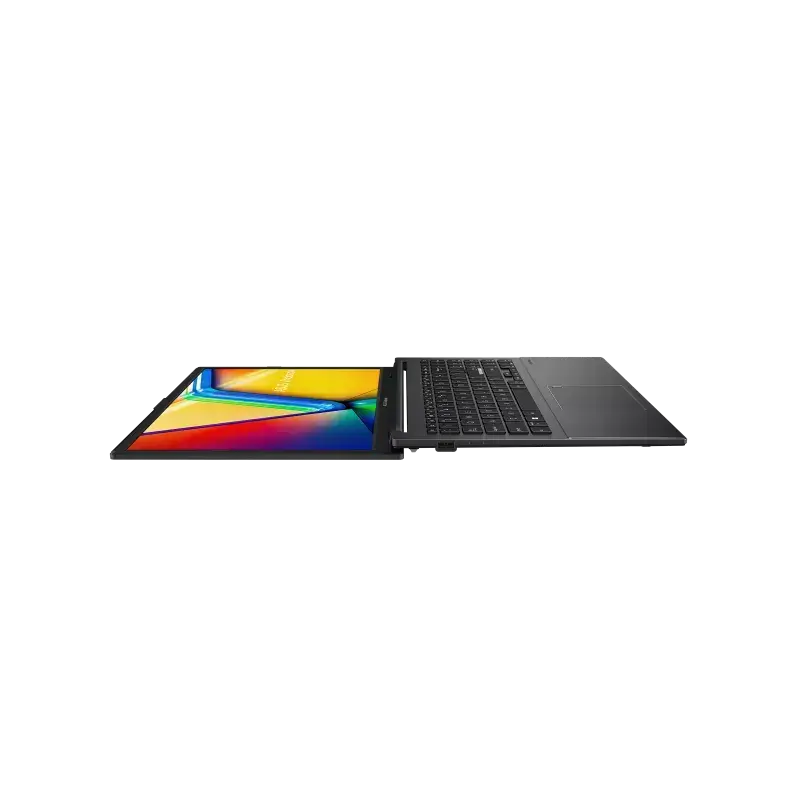
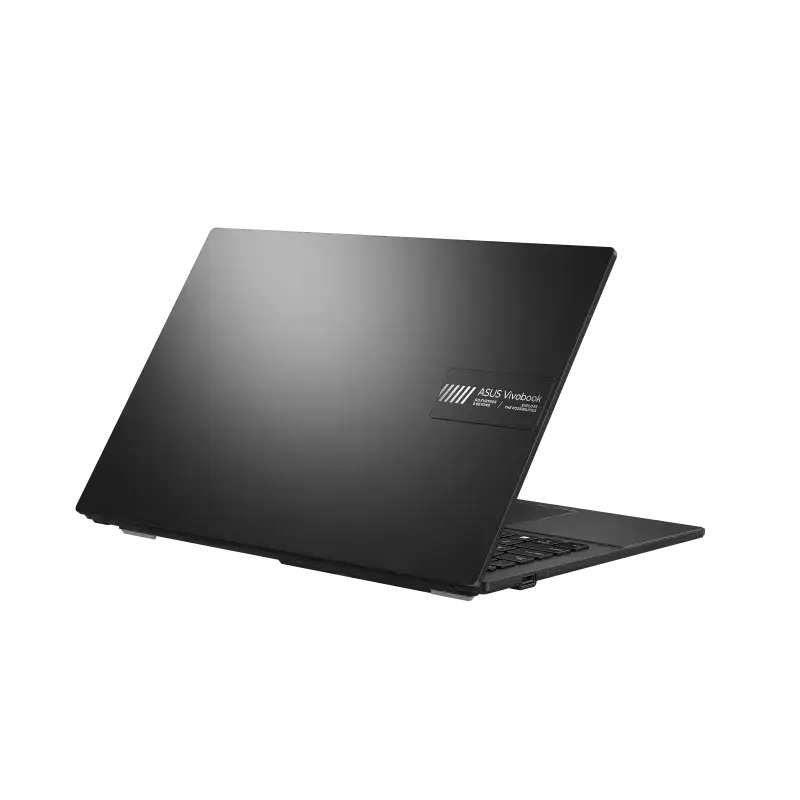
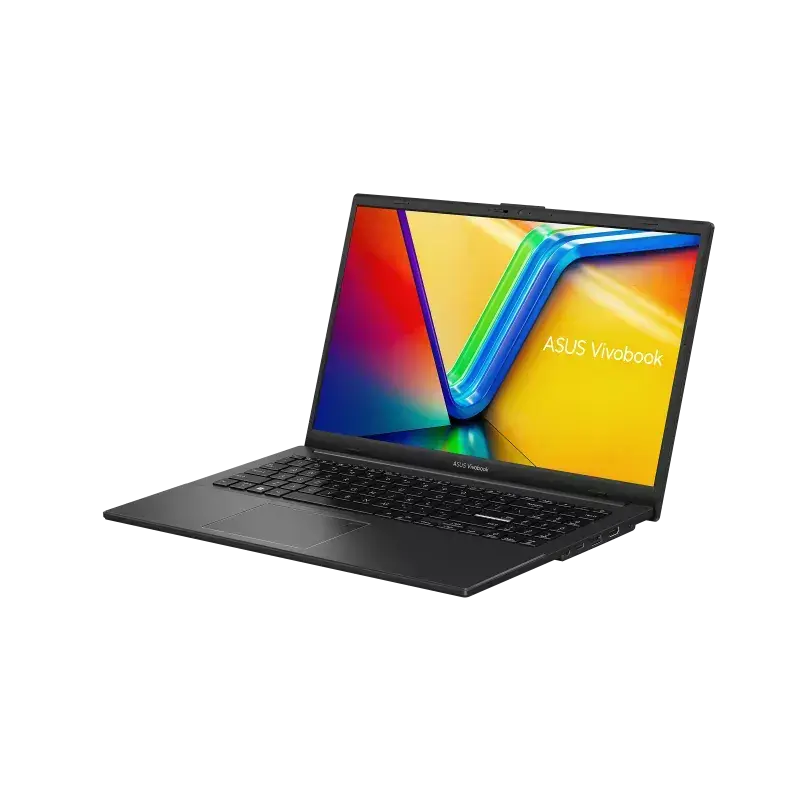
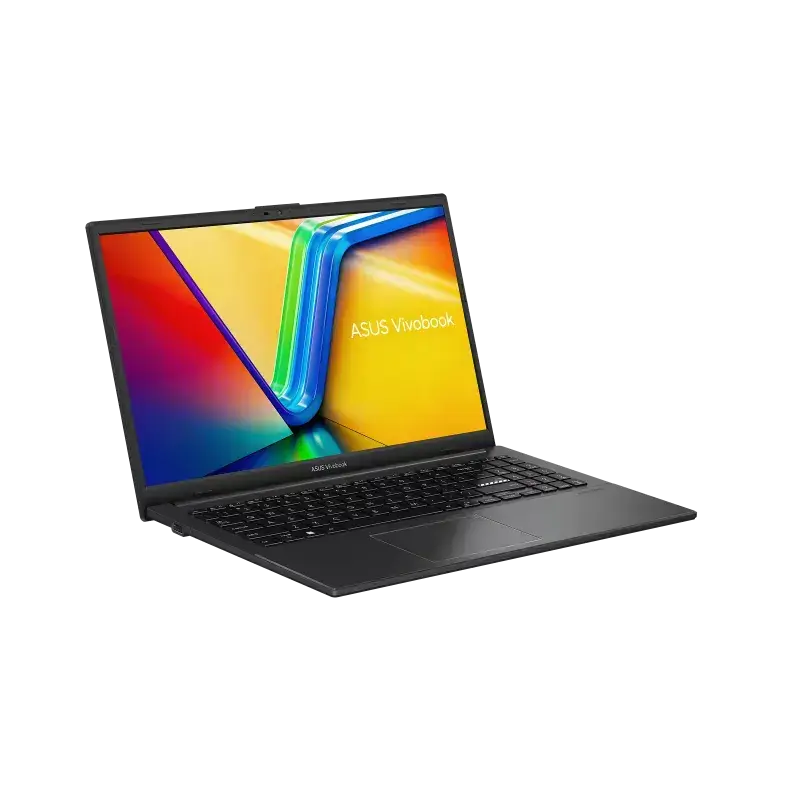
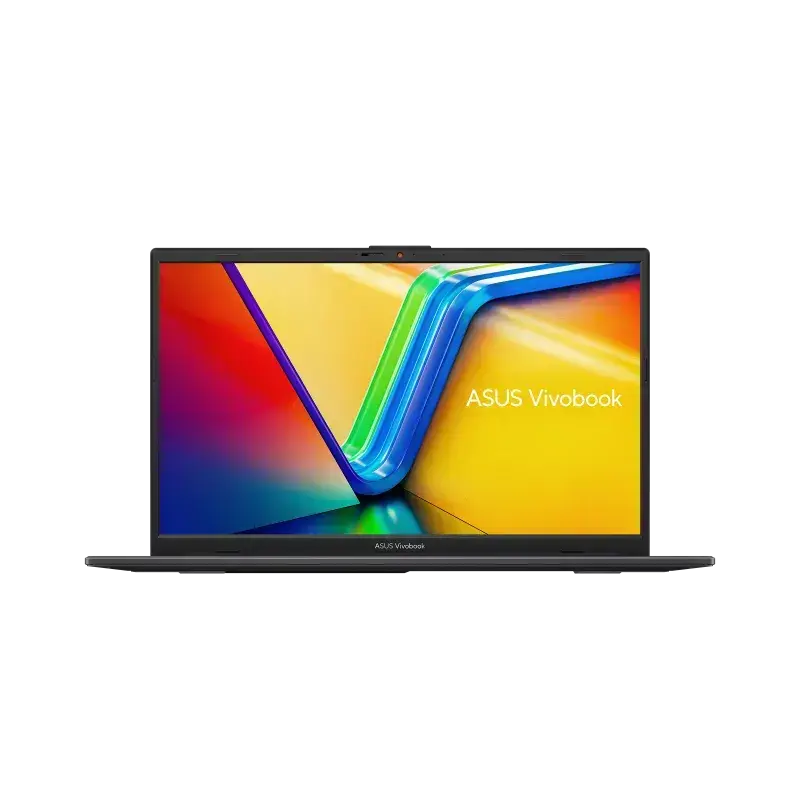
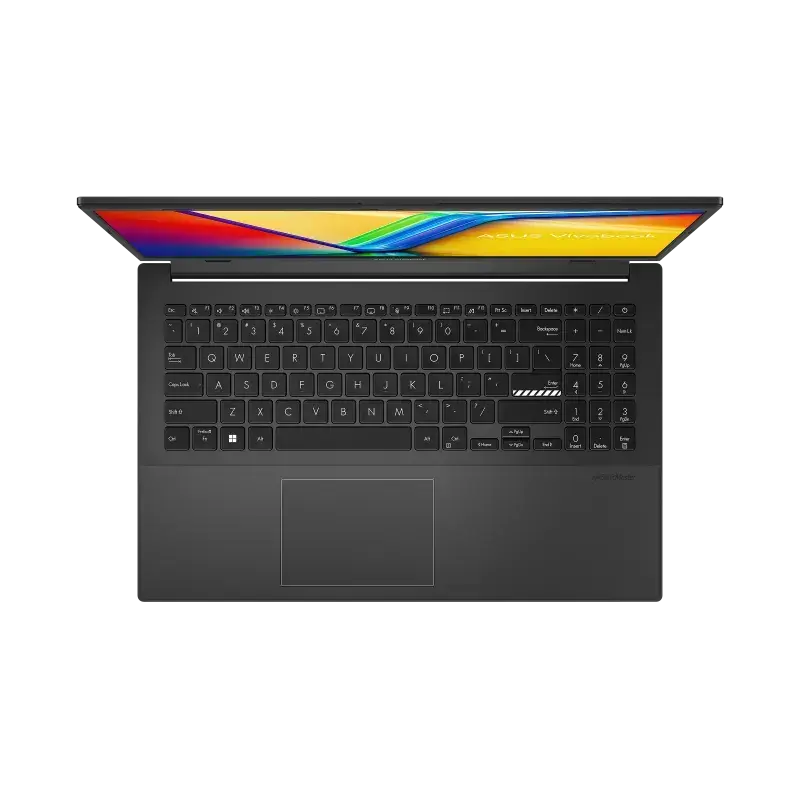
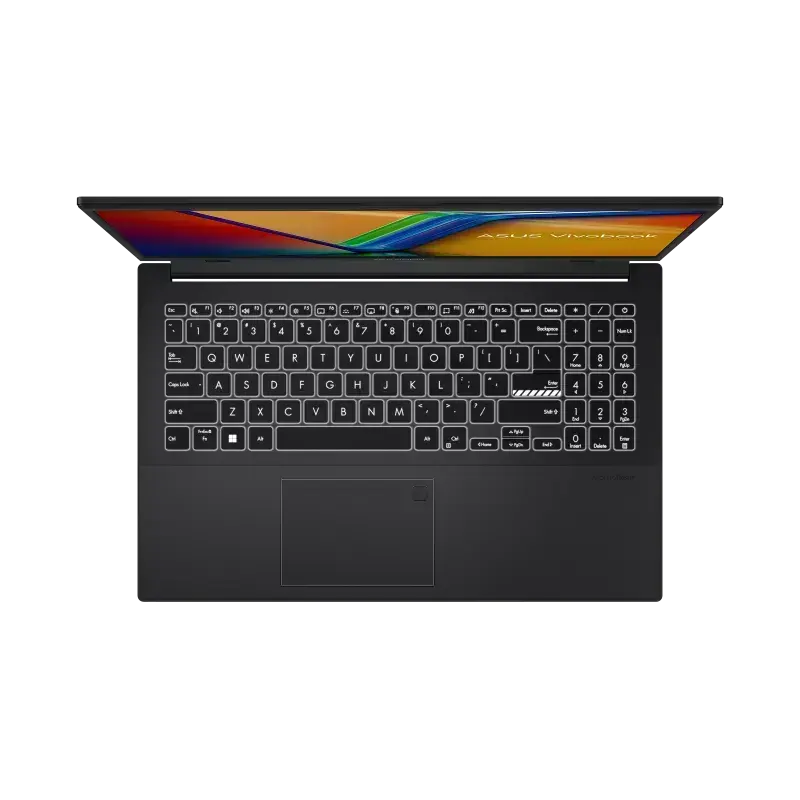
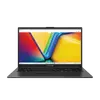
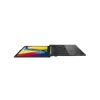
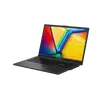
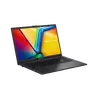
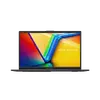
The Asus Vivobook Go 15 E1504FA-KM5411W Laptop is designed for daily productivity, study, and multimedia tasks, offering a balanced combination of performance and portability. Featuring a 15.6-inch anti-glare IPS display with Full HD resolution, it provides clear visuals for working with documents, browsing the web, or watching videos. Driven by an AMD Ryzen 3 processor and integrated AMD Radeon Graphics, along with 16GB of LPDDR5 memory and a fast 512GB solid-state drive, this portable computer ensures responsive multitasking and ample storage space for files and applications. Preinstalled with Windows 11 Home, it delivers a modern user experience out of the box, complemented by Wi-Fi 6E, Bluetooth 5.3, a Russian backlit keyboard, and a privacy shutter camera for secure and convenient everyday use.
Advantages
This laptop delivers reliable daily performance thanks to its efficient AMD Ryzen 3 processor and generous 16GB LPDDR5 RAM, which allow smooth multitasking across multiple browser tabs and office applications. The 15.6-inch IPS screen with anti-glare coating reduces eye strain during extended work or study sessions in varying lighting conditions. The inclusion of a 512GB solid-state drive ensures quick boot times and fast file transfers. For connectivity and convenience, the device features modern standards such as Wi-Fi 6E and Bluetooth 5.3, multiple USB ports including Type-C with power delivery support, an HDMI output, a Russian backlit keyboard for comfortable typing in low-light environments, and a built-in webcam equipped with a physical privacy shutter.
Suitable for
- Daily office work, documentation, and spreadsheets
- Remote learning, online lectures, and student assignments
- Web browsing, email management, and streaming media
- Home productivity and everyday computing tasks
When it may not be suitable
This computer is not designed for demanding professional workloads such as high-end 3D rendering, video editing with complex effects, or modern AAA gaming, as its graphics and processor configuration are optimized for everyday tasks rather than heavy computational loads. Users requiring advanced gaming performance or specialized engineering software should look for models with dedicated graphics cards and higher-tier processors.
Key specifications
- 15.6-inch Full HD anti-glare IPS display with 1920 x 1080 resolution and 250 nits brightness
- AMD Ryzen 3 processor with 4 cores and up to 4.1GHz boost frequency
- AMD Radeon Graphics integrated graphics adapter
- 16GB LPDDR5 internal memory
- 512GB solid-state drive storage
- Windows 11 Home operating system
- Wi-Fi 6E (802.11ax) and Bluetooth 5.3 connectivity
- Russian layout backlit keyboard
- 720p HD camera with privacy shutter
- Ports: USB 3.2 Gen 1 Type-A, USB 3.2 Gen 1 Type-C with power delivery, HDMI, and 3.5mm audio jack
- 42Wh 3-cell battery
How to use
To begin using the laptop, connect the power adapter to the USB-C port with power delivery or use the charged internal battery, then press the power button to start the system. Follow the on-screen prompts to complete the initial Windows 11 Home setup, connect to your wireless network, and sign in with your Microsoft account. You can utilize the Russian backlit keyboard for typing in dimly lit rooms, adjust display settings as needed, and connect external devices such as mice, monitors, or storage drives using the available USB and HDMI ports. When finished, shut down or put the device to sleep through the operating system menu and close the lid.
What to consider before purchase
- Verify that the keyboard layout matches your typing requirements, as this model features a Russian language keyboard.
- Confirm that the storage capacity and RAM specifications meet your intended usage needs for programs and files.
- Check the available port selection to ensure compatibility with your existing peripherals and monitors.
- Keep in mind that the system comes with Windows 11 Home preinstalled and lacks a fingerprint reader.
Usage recommendations: To ensure optimal longevity and performance of the Asus Vivobook Go 15, keep the ventilation areas unobstructed during use, regularly update the operating system and drivers, and use a soft, dry cloth to clean the screen and keyboard. When transporting the laptop, store it in a protective sleeve or bag to prevent accidental impacts and surface scratches.