

Powerful EcoFlow stations for energy anywhere!
In cart {{totalProductsCount}} item(s)
Your cart is empty
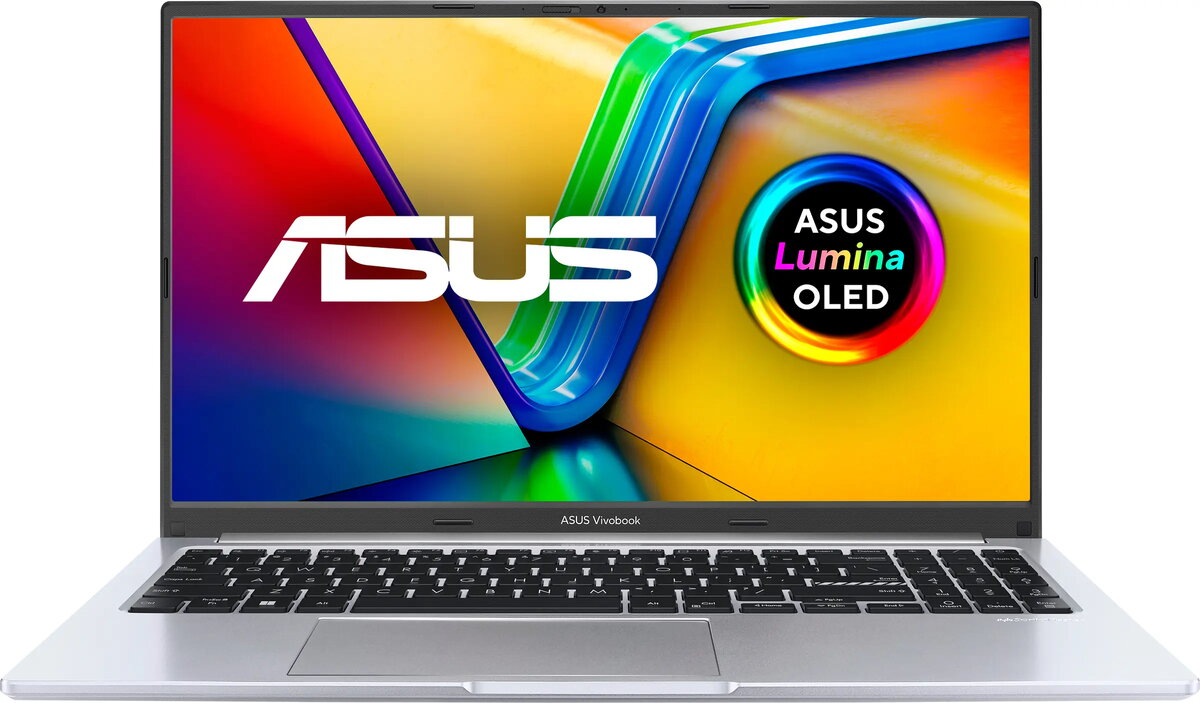
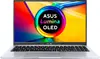
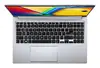
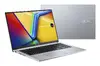
Asus Vivobook 15 OLED X1505VA-MA921 Laptop, 15.6-inch 2.8K Display, Intel Core i9-13900H, 8GB RAM, 512GB SSD, Silver
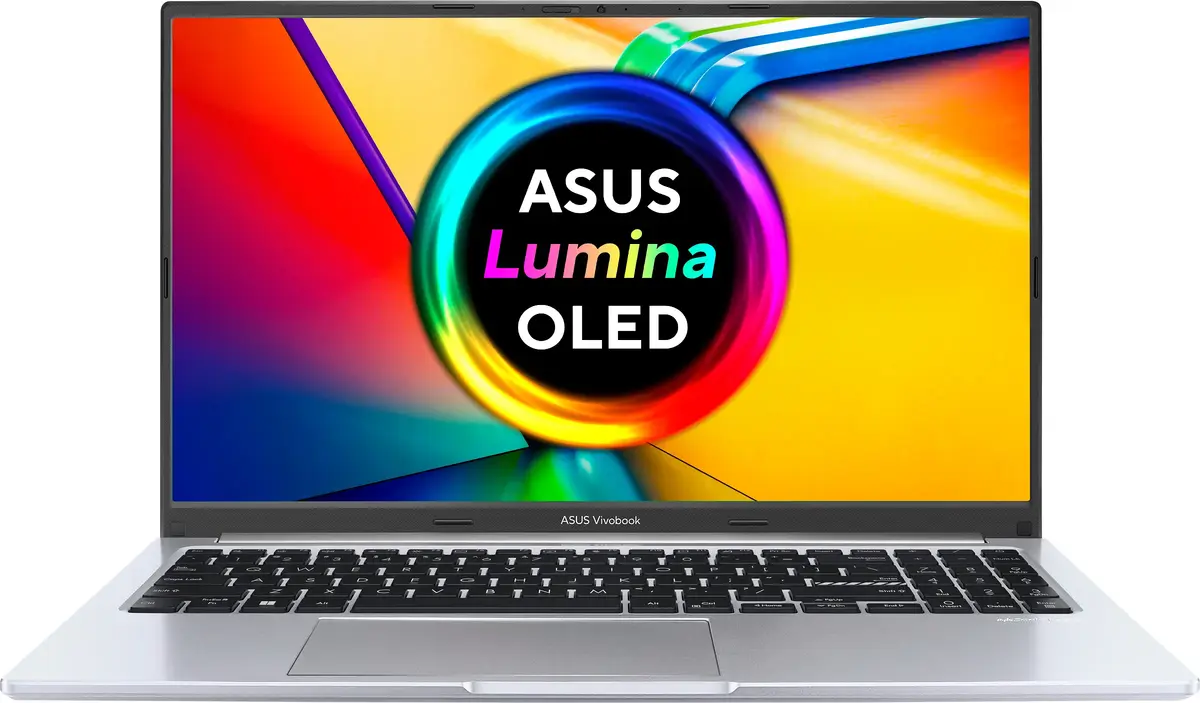
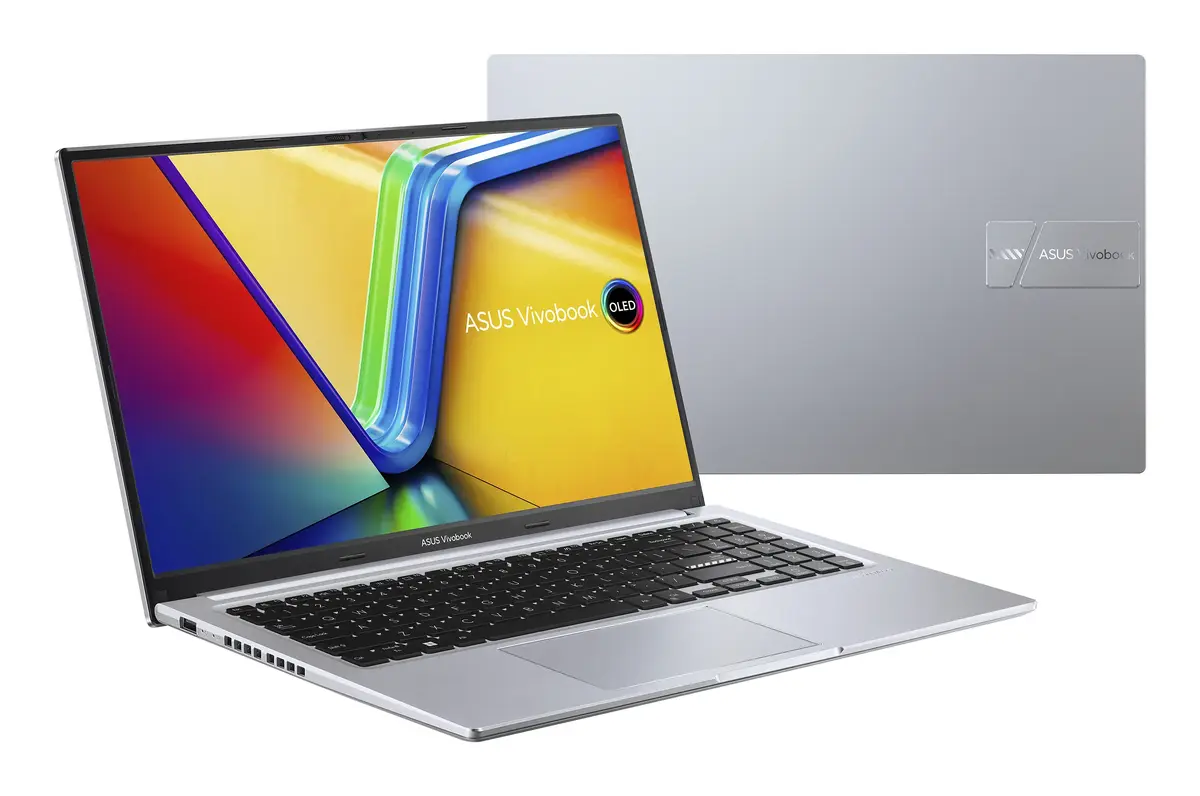
The Asus Vivobook 15 OLED X1505VA-MA921 is a high-performance laptop designed to deliver exceptional visual clarity and processing power. Featuring a 15.6-inch 2.8K OLED display, this device offers vibrant colors and deep contrasts, making it an excellent choice for users who prioritize screen quality. At its core, the laptop is equipped with an Intel Core i9-13900H processor, providing robust performance for demanding applications. With its sleek silver finish and lightweight clamshell design, it combines portability with a professional aesthetic.
The primary advantage of this laptop is its stunning OLED display, which provides a cinema-grade visual experience with high resolution and fluid motion. The inclusion of a high-end Intel Core i9 processor ensures that the system can handle intensive multitasking and complex workflows with ease. Furthermore, the laptop incorporates practical design elements such as a 180-degree lay-flat hinge and a physical webcam shield for enhanced privacy. The integration of Wi-Fi 6E technology ensures fast and stable wireless connectivity, while the lightweight construction makes it easy to transport for work or study.
This laptop may not be the ideal choice for users who require dedicated graphics processing for high-end gaming or heavy 3D rendering, as it relies on integrated graphics. Additionally, since it is supplied without an operating system, it requires the user to have the technical knowledge to install and configure their preferred OS before use.
To begin using the Asus Vivobook 15 OLED, you must first install a compatible operating system via a bootable USB drive, as the device is delivered without pre-installed software. Once the OS is set up, ensure you download and install the latest drivers from the official manufacturer website to optimize performance. Connect the device to a power source during the initial setup to ensure stability. You can then customize your workspace and install your preferred applications to tailor the laptop to your specific needs.
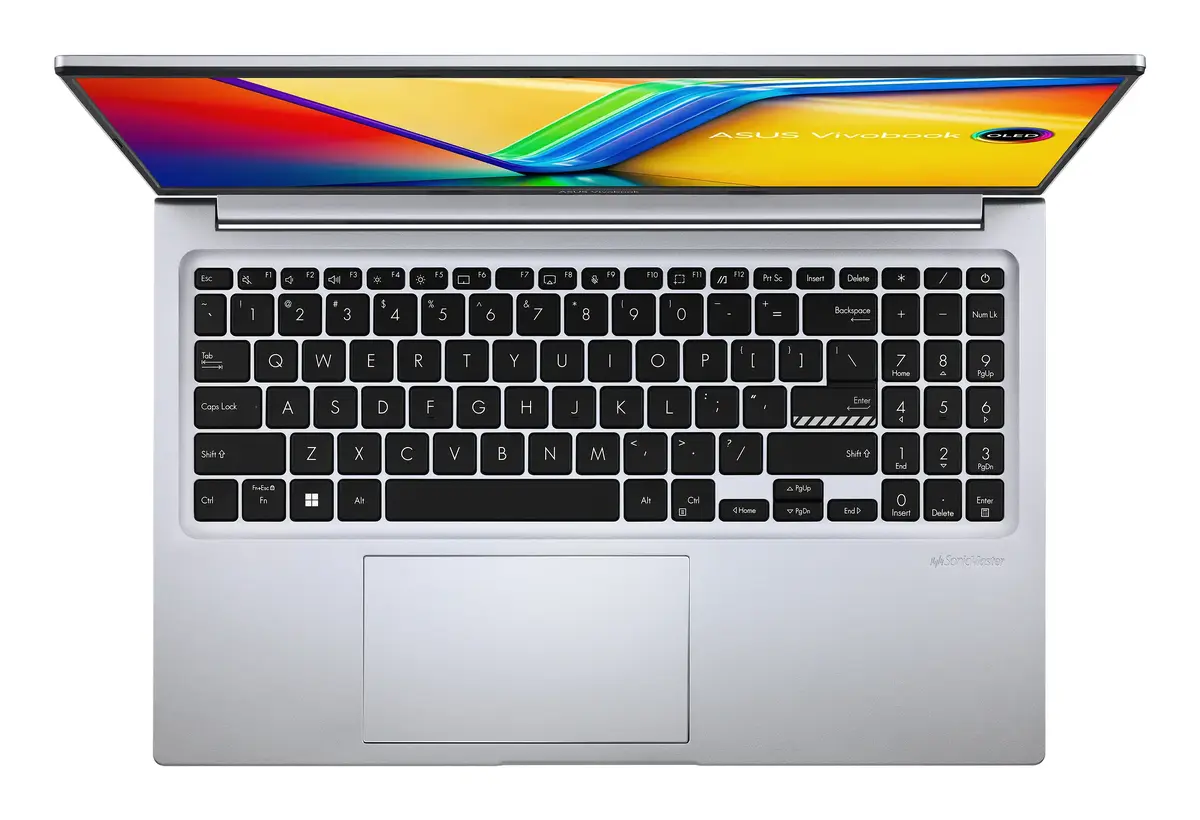
Usage recommendations: To maintain the longevity of the OLED display, avoid leaving static images on the screen for extended periods at high brightness levels. Regularly clean the keyboard and touchpad surfaces to keep the antimicrobial coating effective and ensure a hygienic user experience.
{{highlightedFeature.featureTitle}}:
{{getProductFeatureValueById(product, highlightedFeature.featureId)}}
{{ productComparisonGenerationError }}
