

JBL speakers and headphones for pure and deep sound!
In cart {{totalProductsCount}} item(s)
Your cart is empty
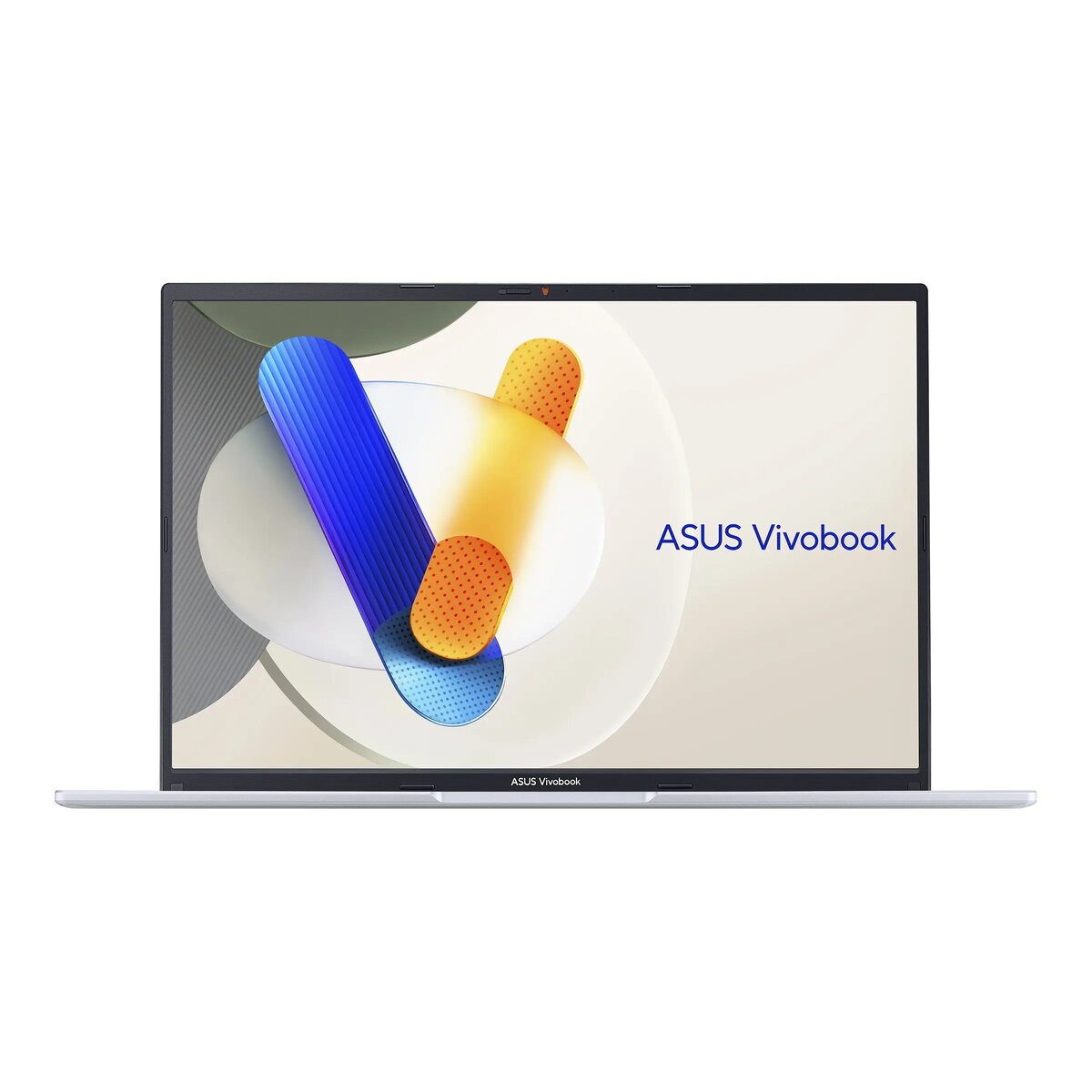
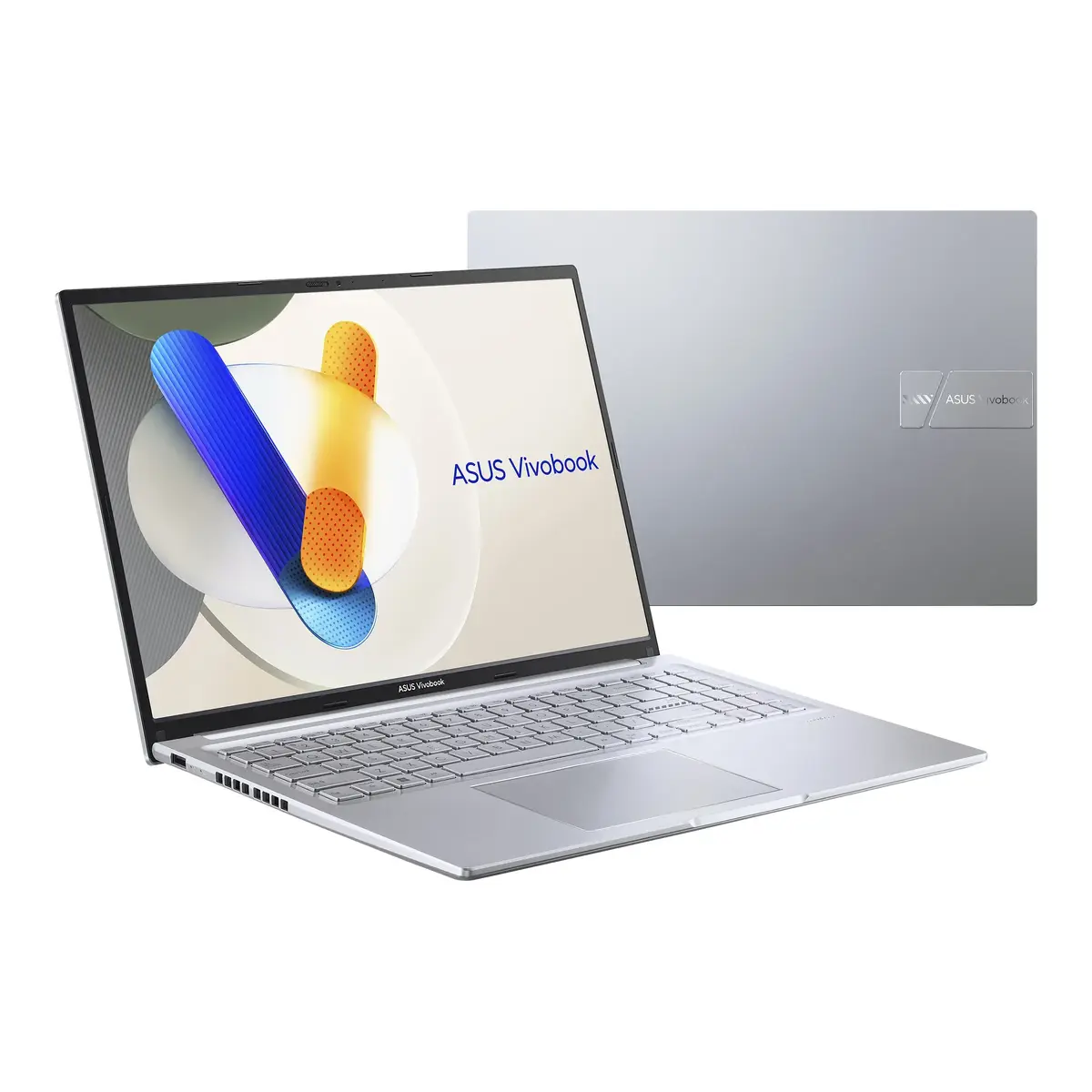
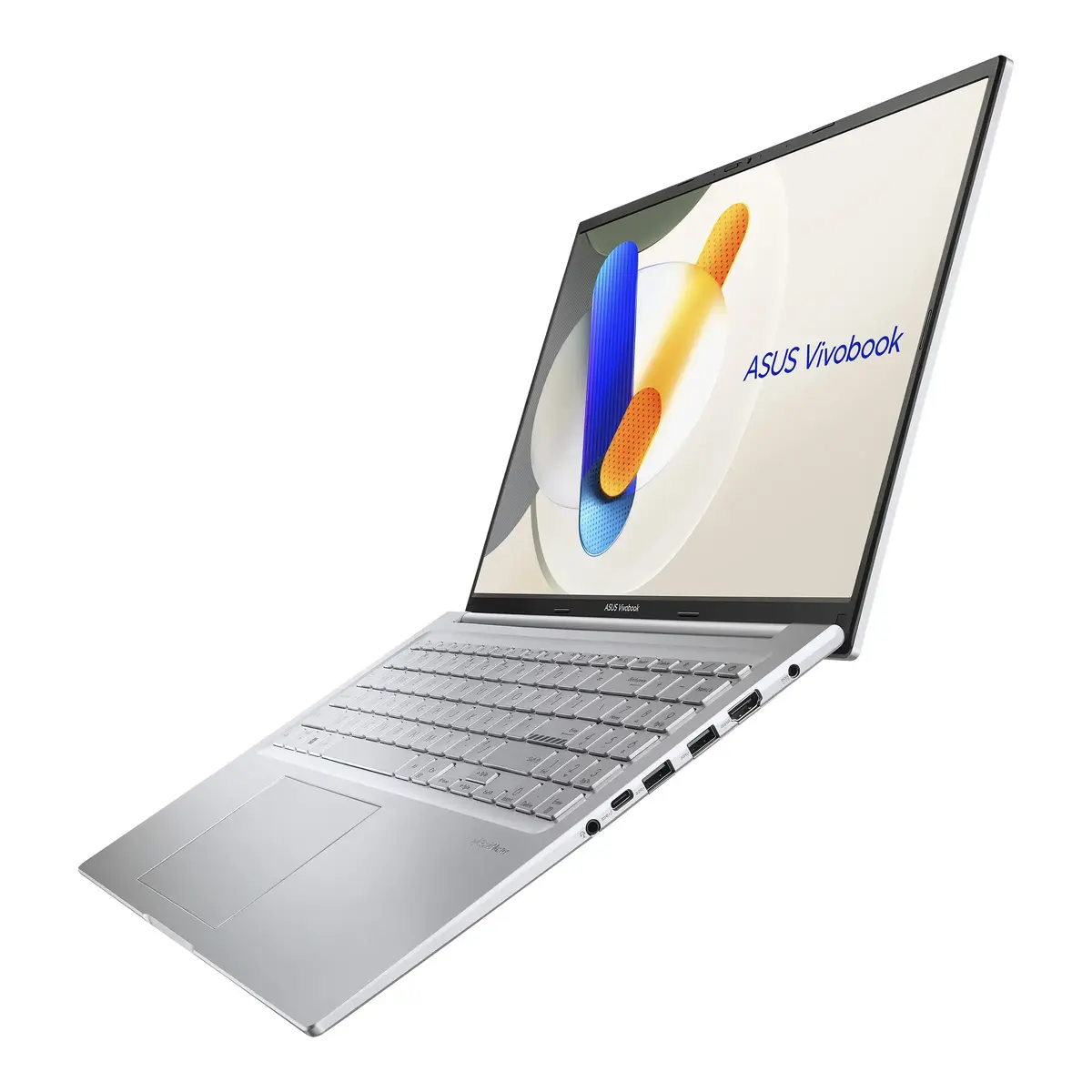
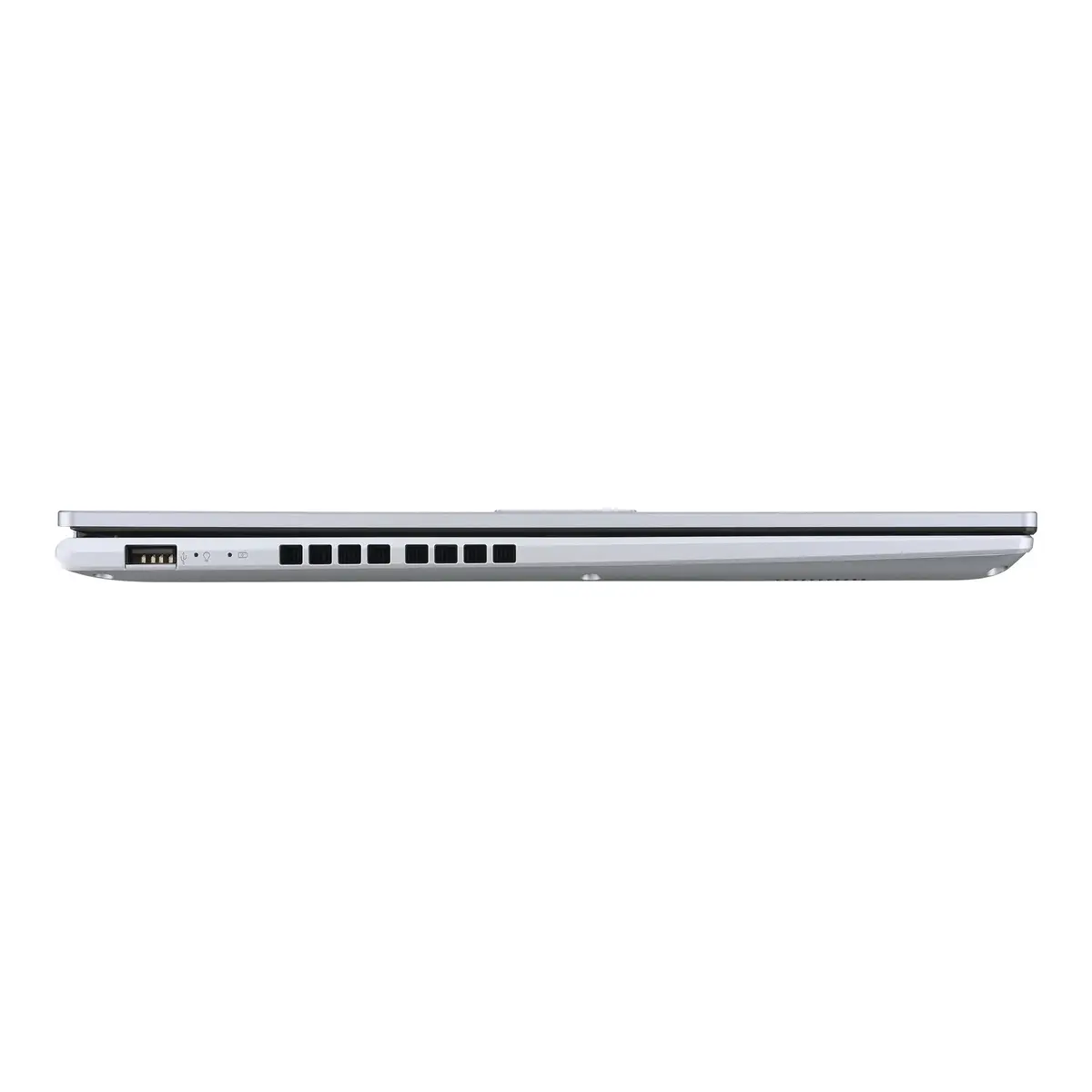
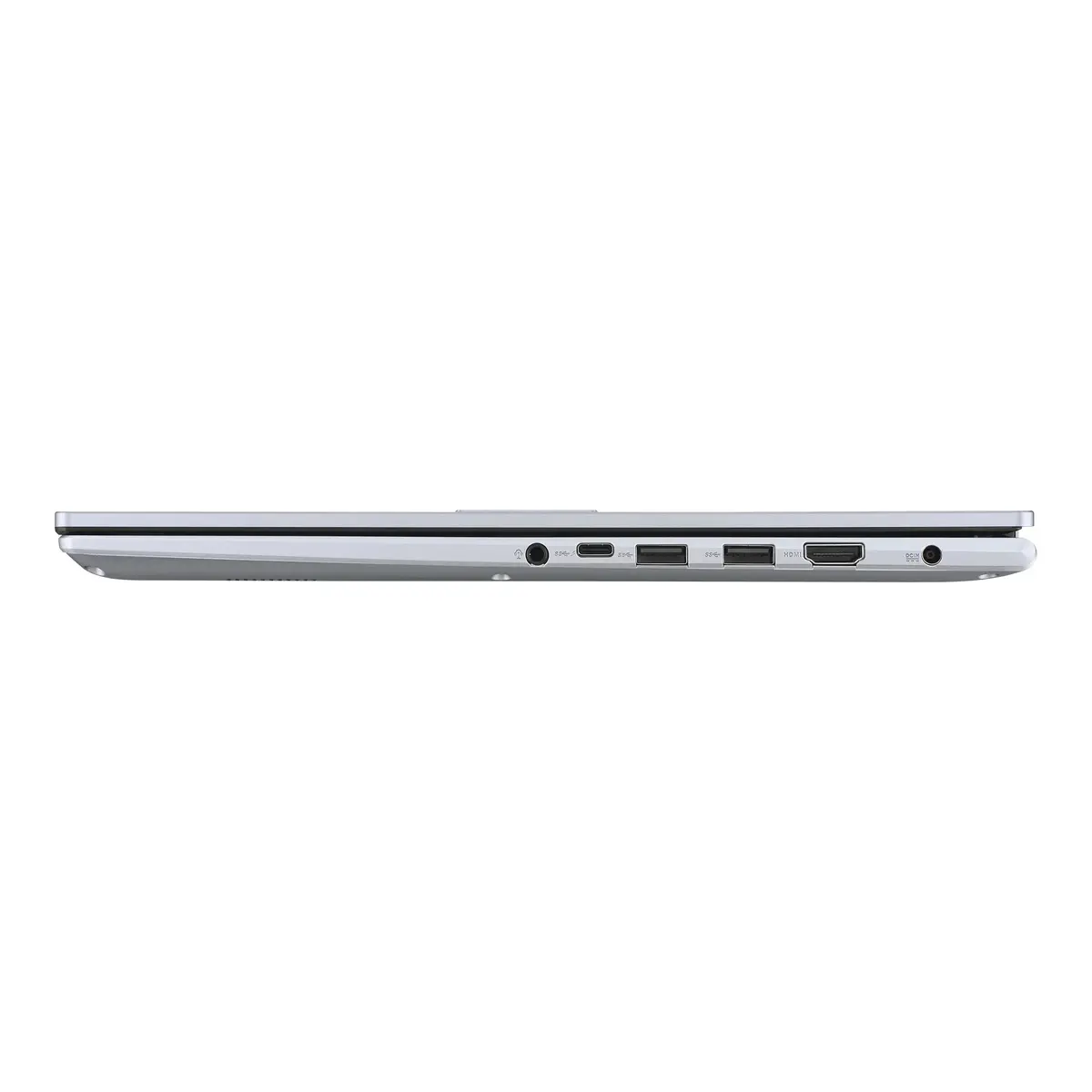
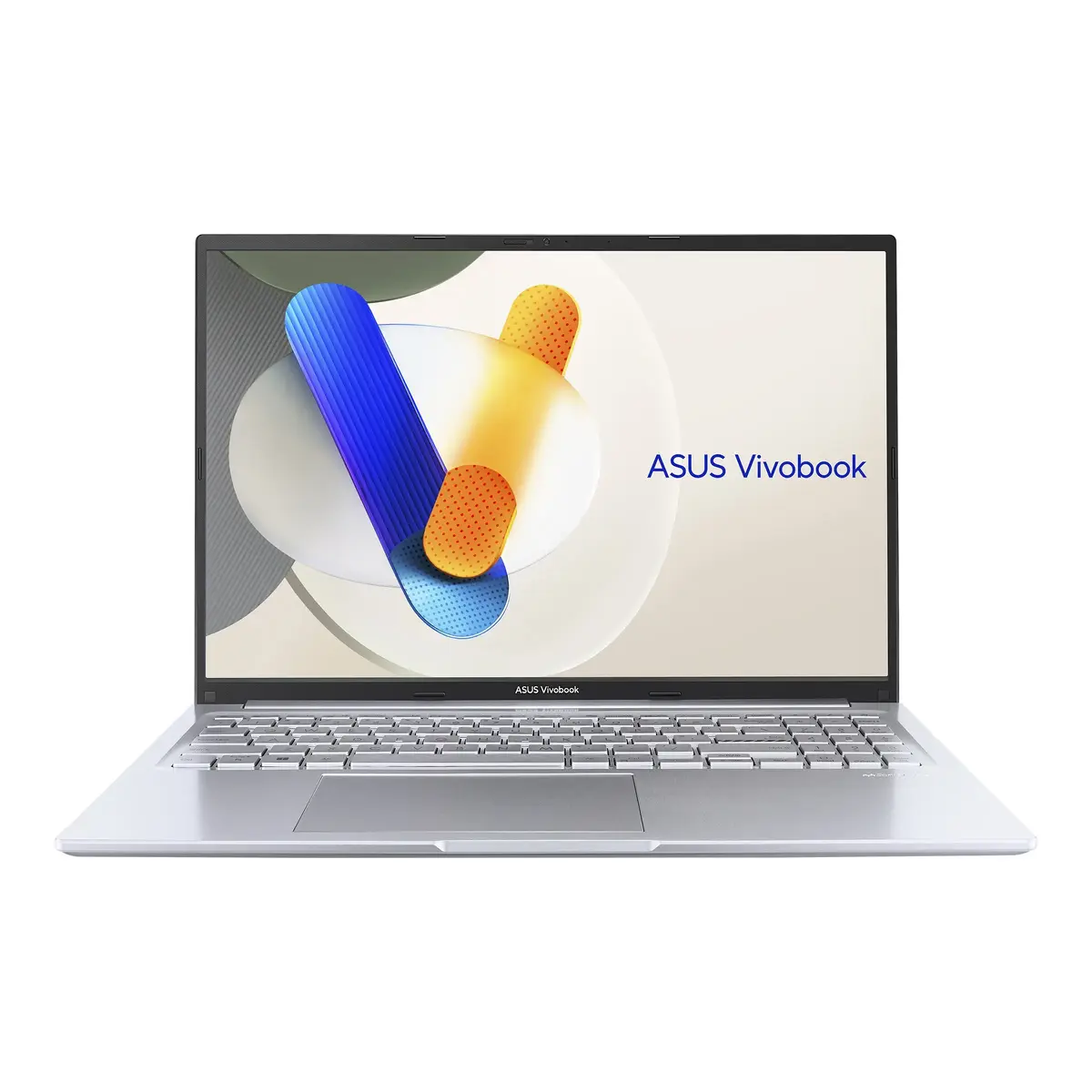
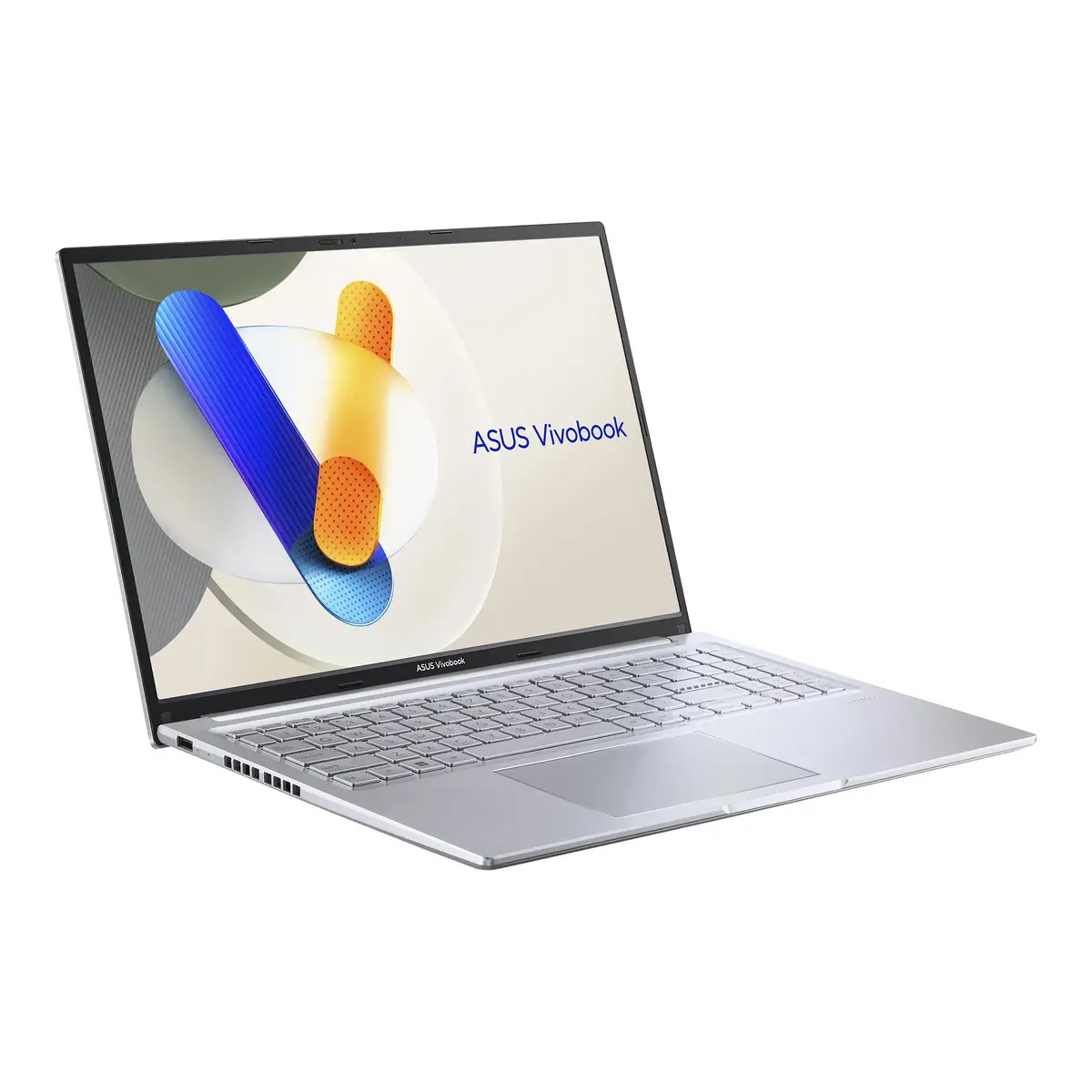
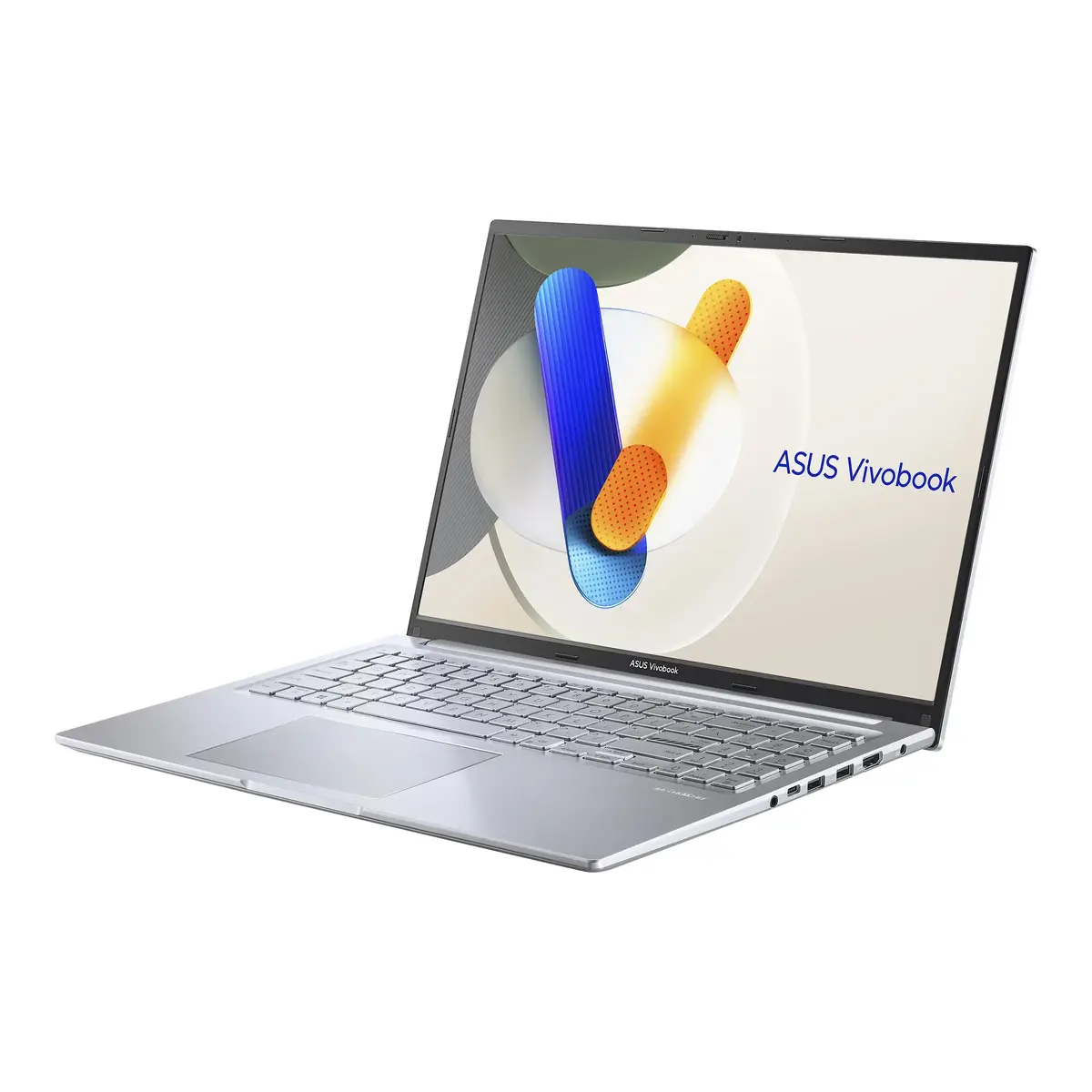
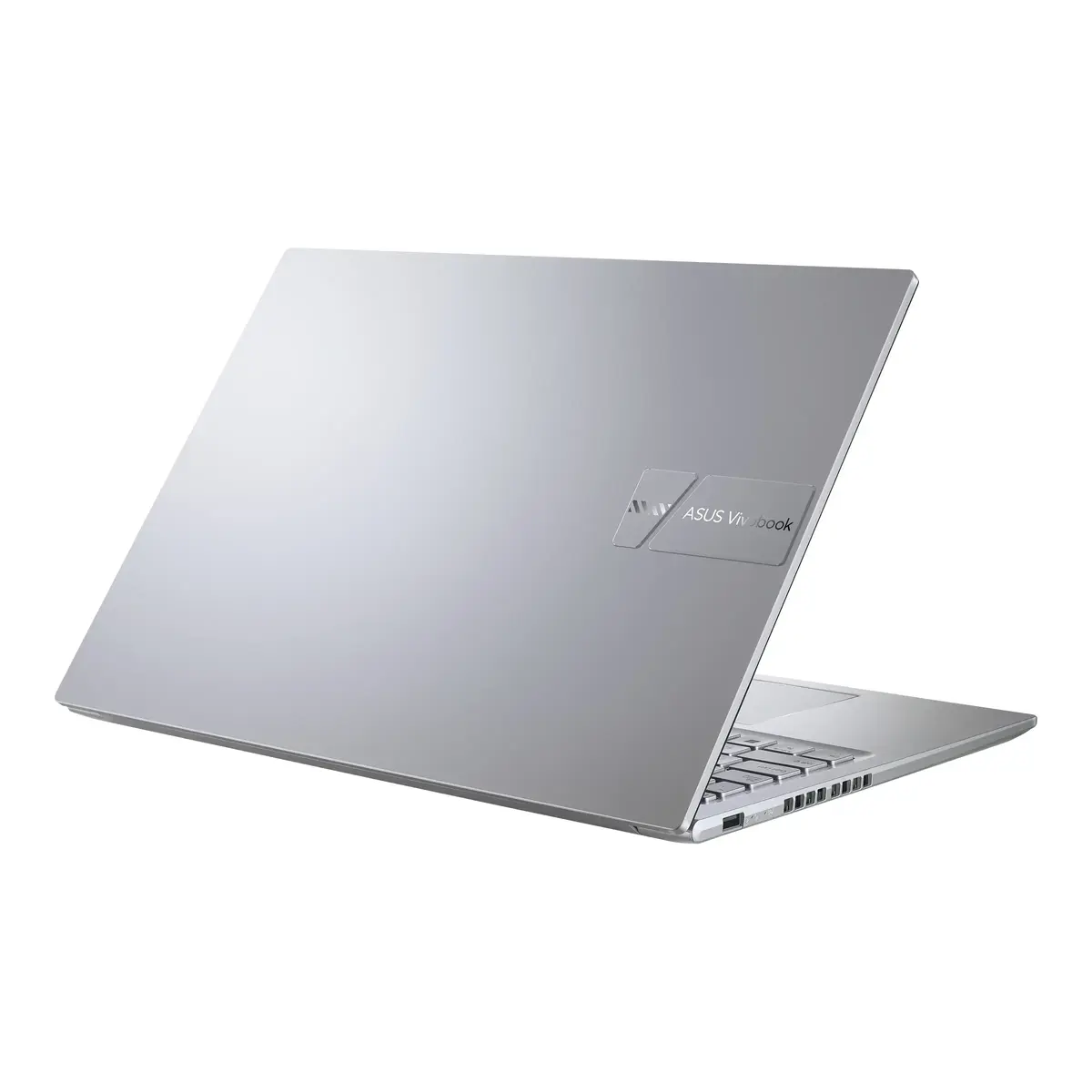
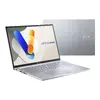
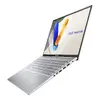
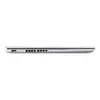
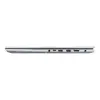
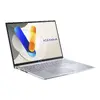
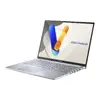
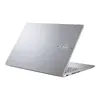
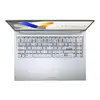
ASUS Vivobook 16 X1605VA-MB2095W Laptop, 16-inch WUXGA, Intel Core 5 120U, 16GB RAM, 512GB SSD, Windows 11 Home, Silver
The ASUS Vivobook 16 X1605VA-MB2095W is a versatile and efficient laptop designed to handle daily computing tasks with ease. Featuring a spacious 16-inch WUXGA display with a 1920 x 1200 resolution, it provides a clear and expansive workspace for both professional projects and personal entertainment. Powered by the Intel Core 5 120U processor and equipped with 16GB of RAM, this device ensures smooth multitasking and responsive performance. Its sleek silver chassis houses a 512GB SSD, offering ample storage for your files while maintaining a portable weight of 1.88 kg.
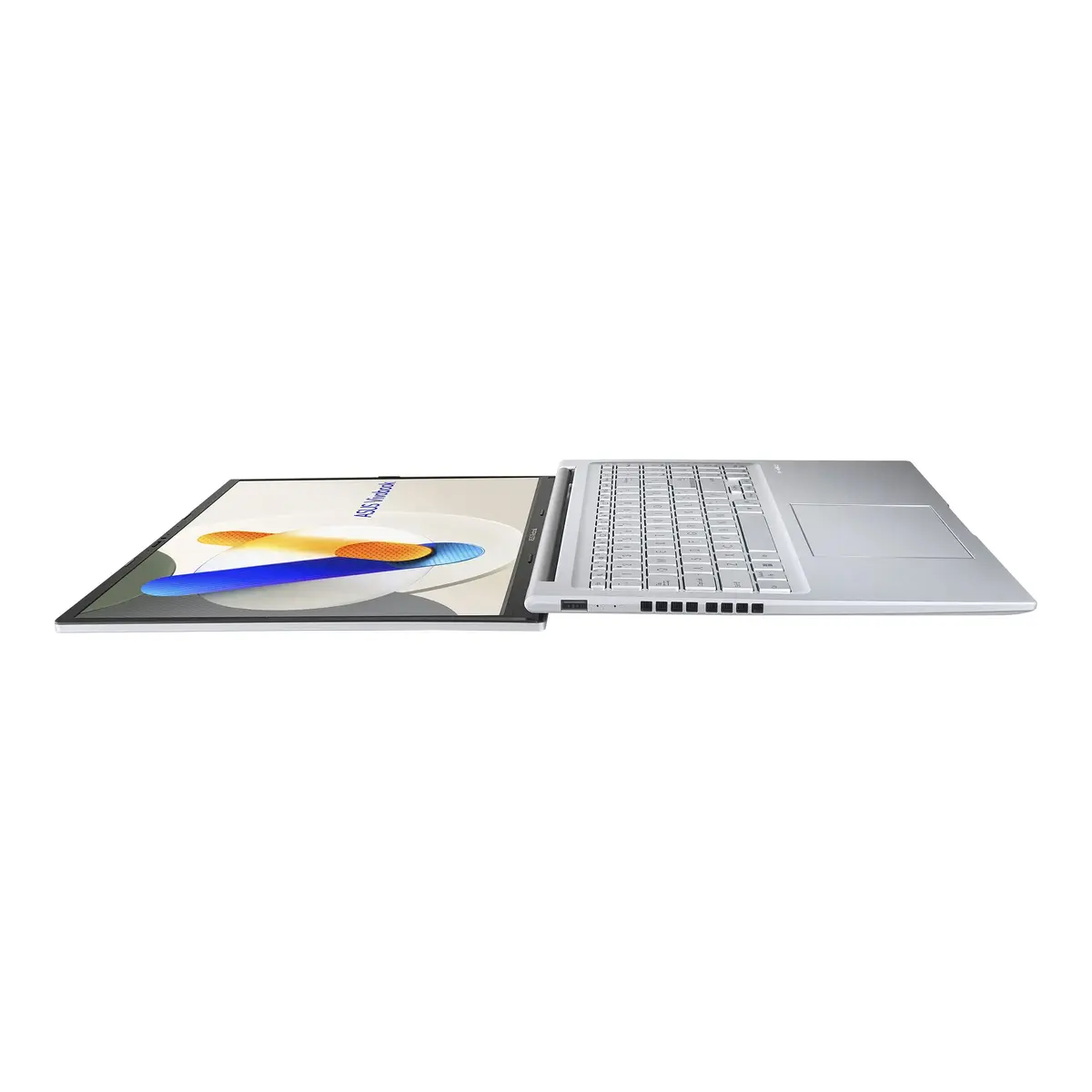
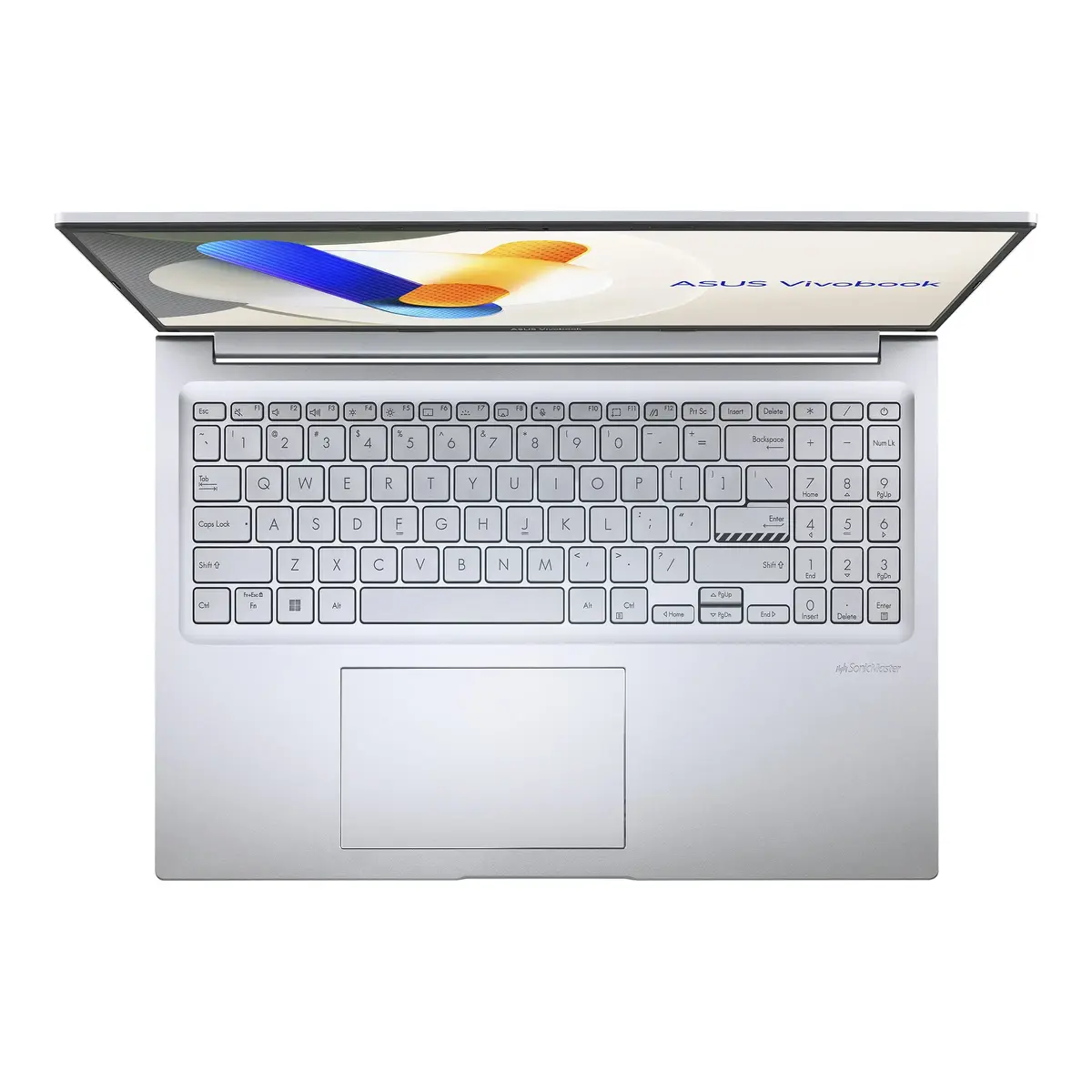
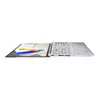
This laptop stands out due to its user-centric design, which includes a 180-degree lay-flat hinge for flexible viewing angles and a physical webcam shield for enhanced privacy. The inclusion of dedicated function keys allows for quick control over microphone settings, while the integrated ASUS Antimicrobial Guard Plus helps maintain hygiene on frequently touched surfaces. With a larger, more responsive touchpad and a high-quality IPS-level display, the device offers a comfortable and productive user experience for long working sessions.
This laptop may not be suitable for professional-grade video editing, high-end 3D rendering, or demanding gaming, as it relies on integrated graphics rather than a dedicated GPU. Users looking for a compact ultra-portable device for frequent travel might find the 16-inch form factor slightly larger than standard 13 or 14-inch alternatives.
To begin using your ASUS Vivobook 16, simply open the lid and press the power button. Follow the on-screen instructions provided by the Windows 11 Home setup wizard to configure your user account, network settings, and preferences. Once initialized, you can utilize the physical webcam shield by sliding it over the camera lens when not in use. The 180-degree hinge allows you to lay the screen flat on a desk for collaborative viewing, and you can manage your microphone status using the dedicated function keys on the keyboard.
For optimal performance and longevity, keep the laptop on a flat, stable surface to ensure proper ventilation. Regularly update your Windows 11 system and drivers through the official ASUS support portal to maintain security and compatibility. Use the provided 45W charger to maintain battery health and avoid deep discharges whenever possible.
{{highlightedFeature.featureTitle}}:
{{getProductFeatureValueById(product, highlightedFeature.featureId)}}
{{ productComparisonGenerationError }}
