
Save time and money with our discounts!
In cart {{totalProductsCount}} item(s)
Your cart is empty
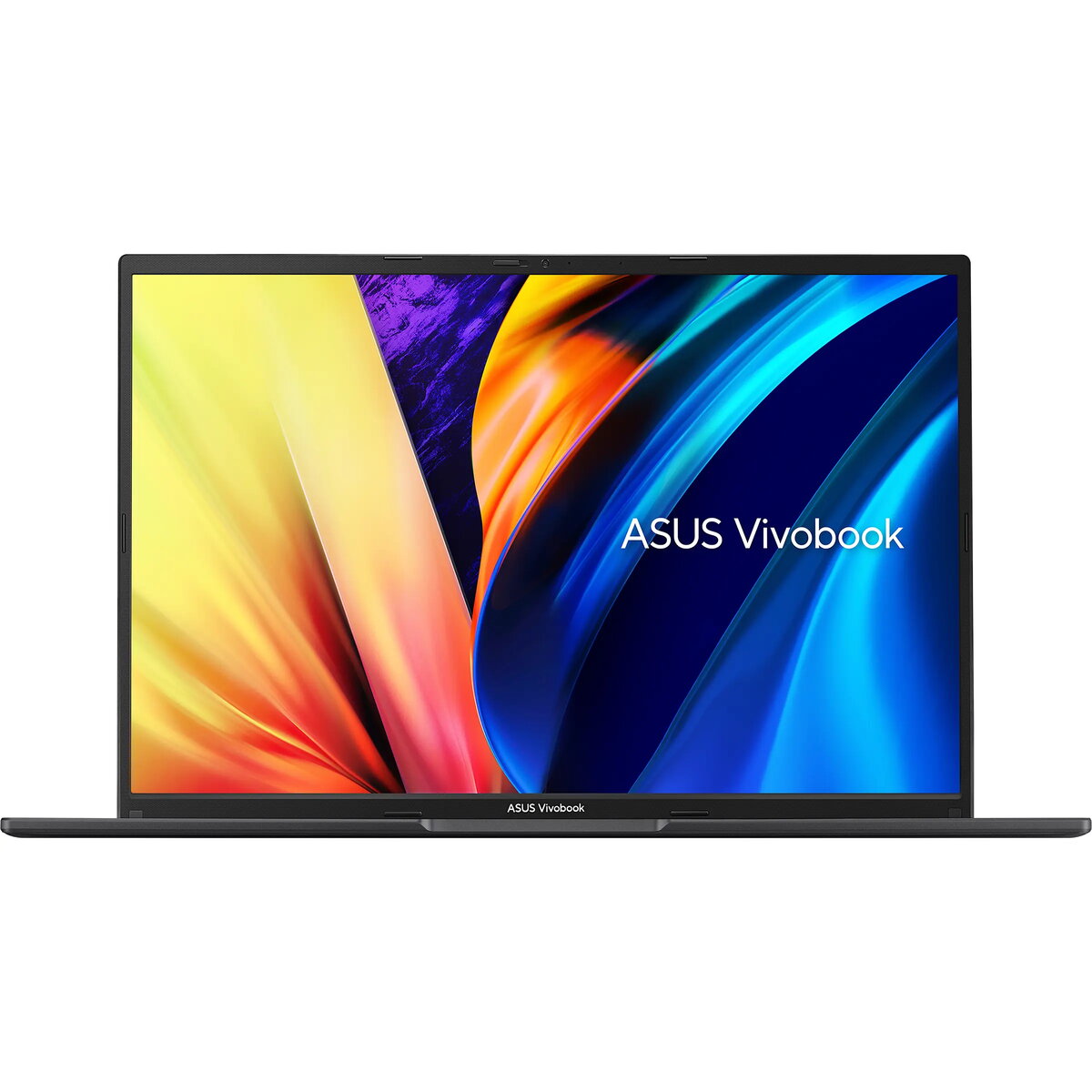
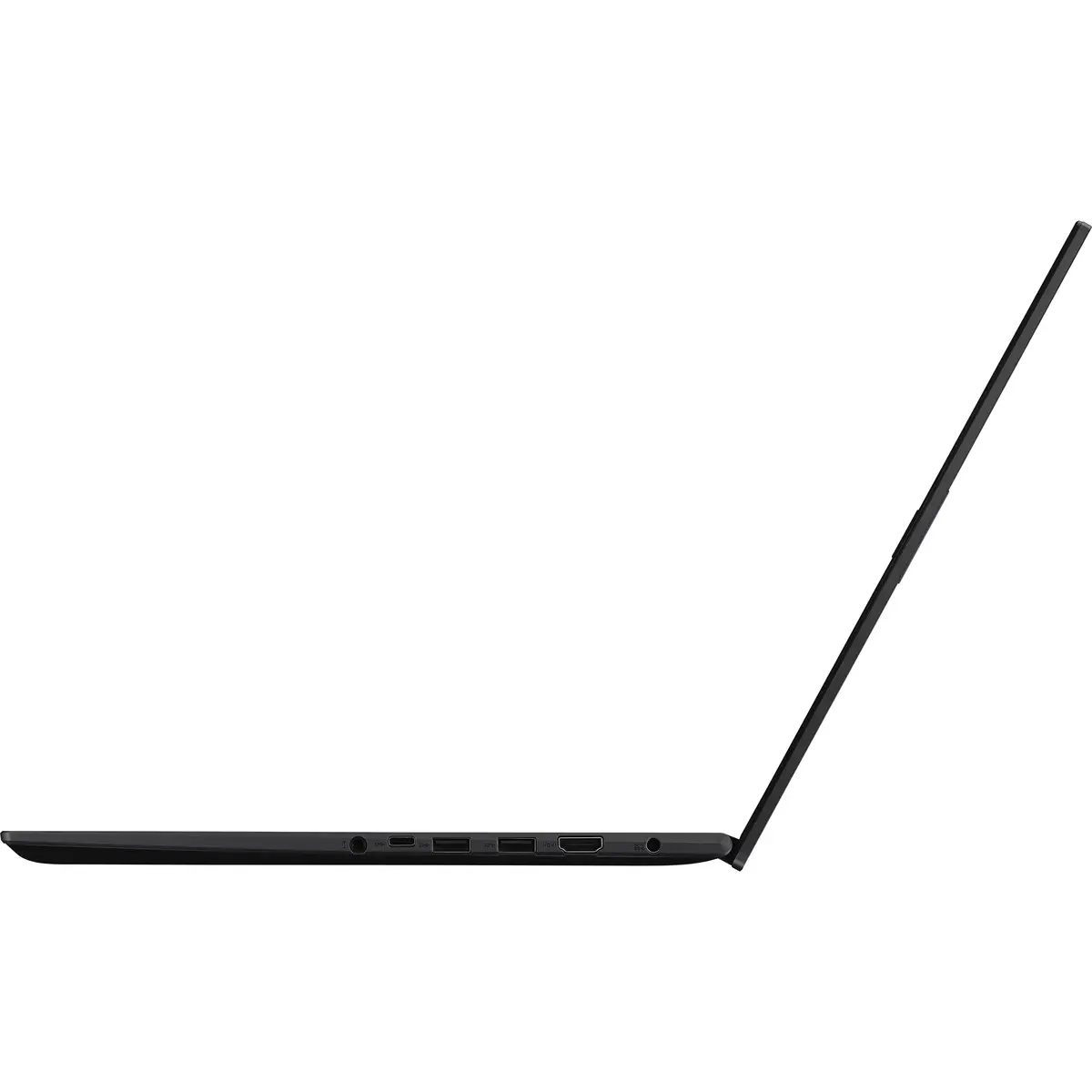
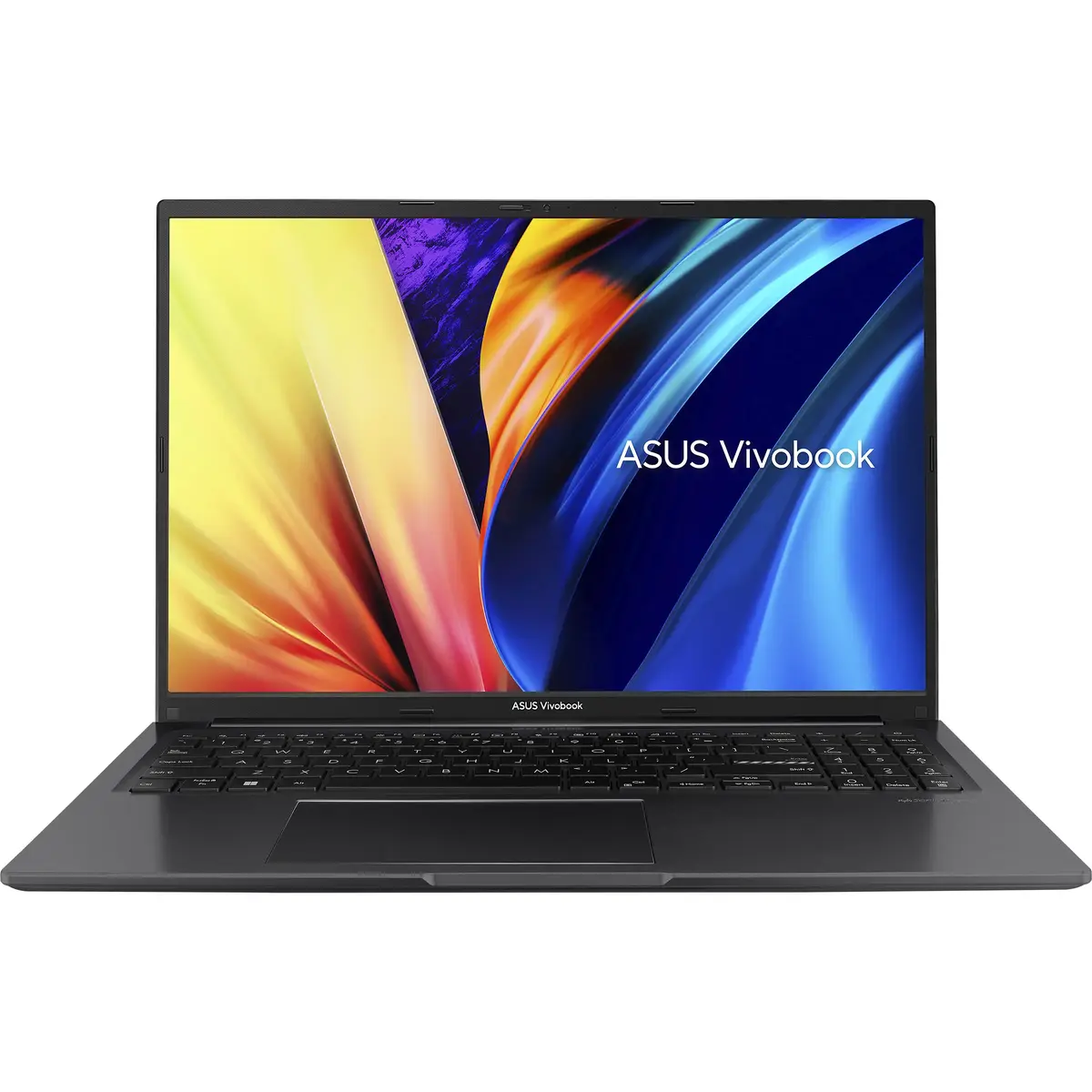
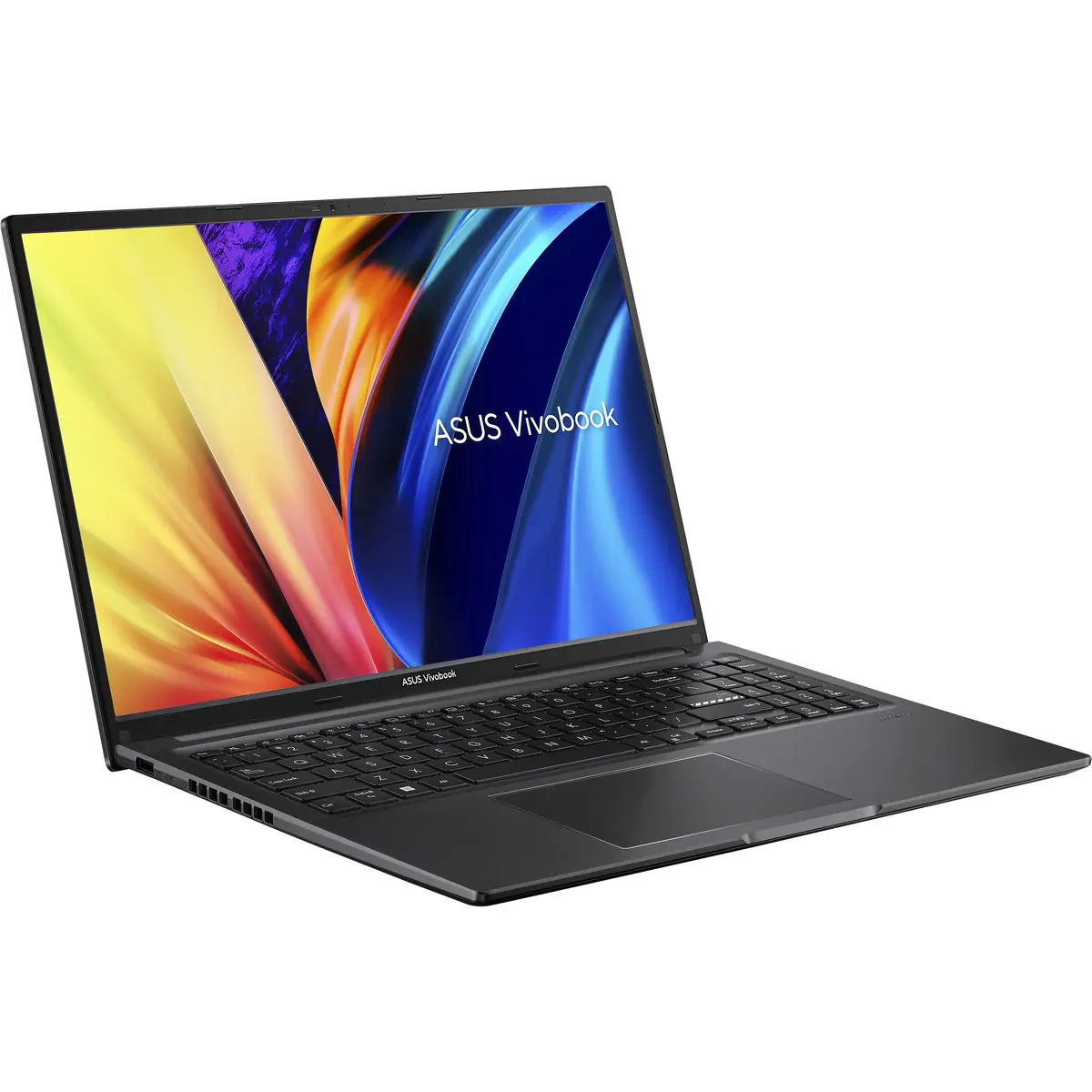
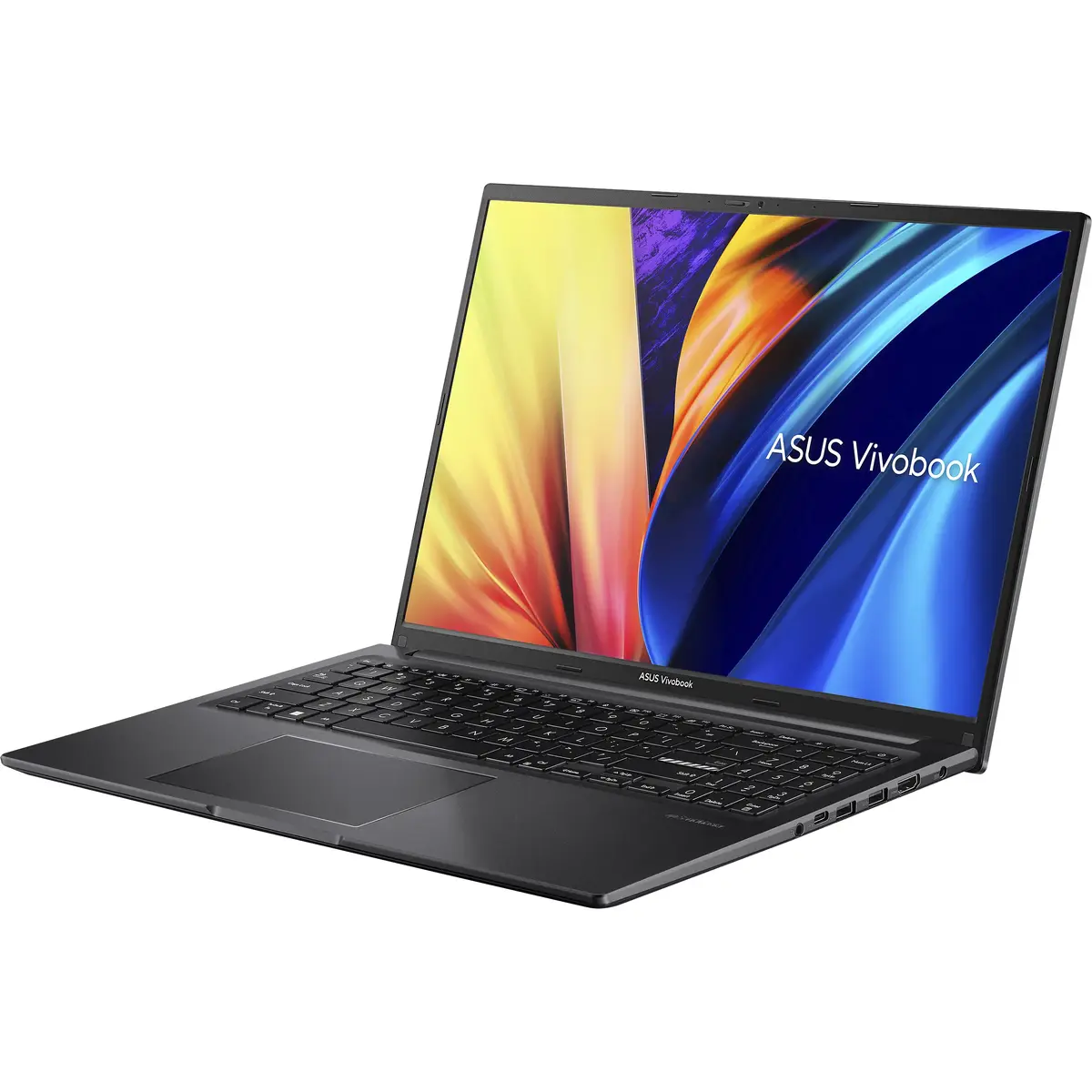
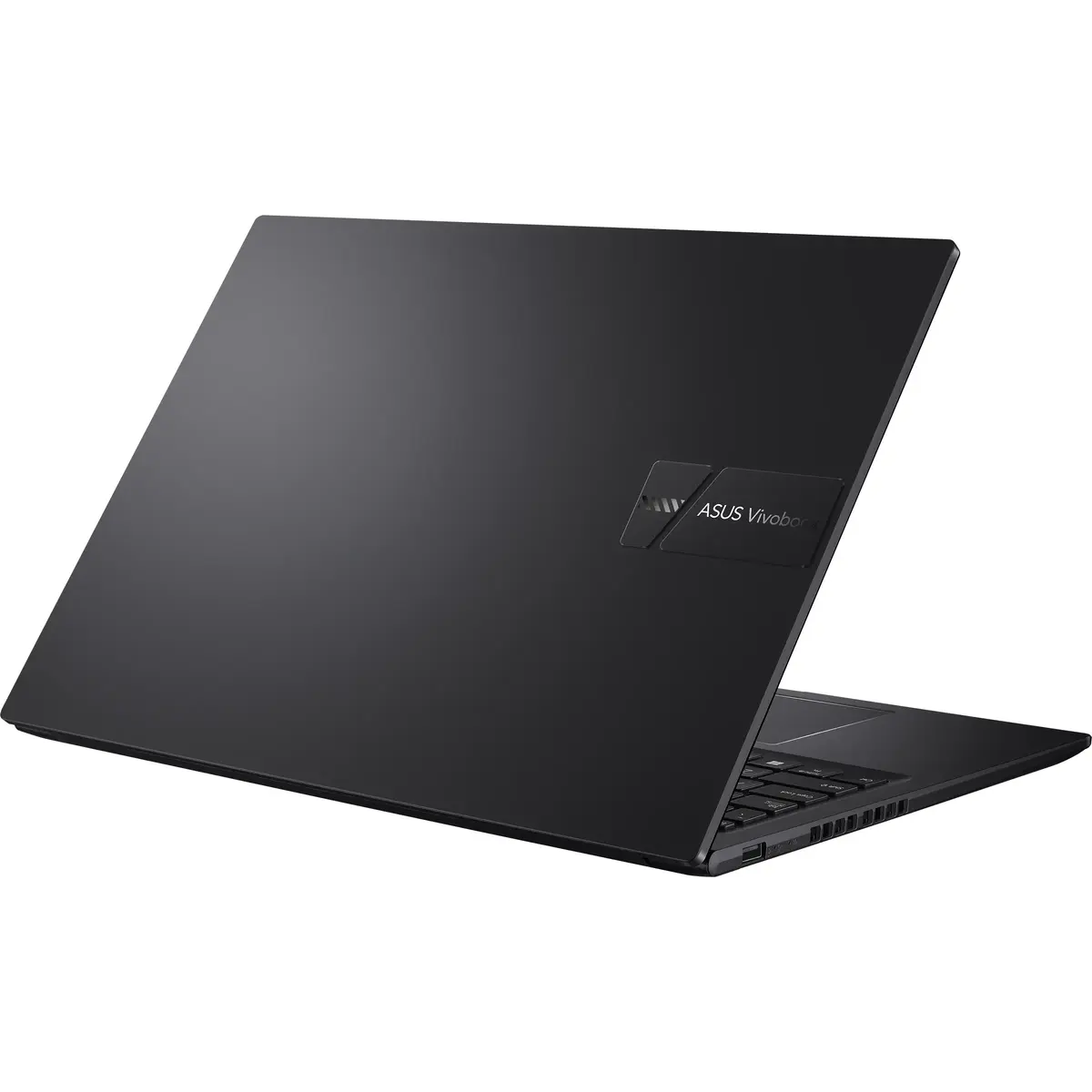
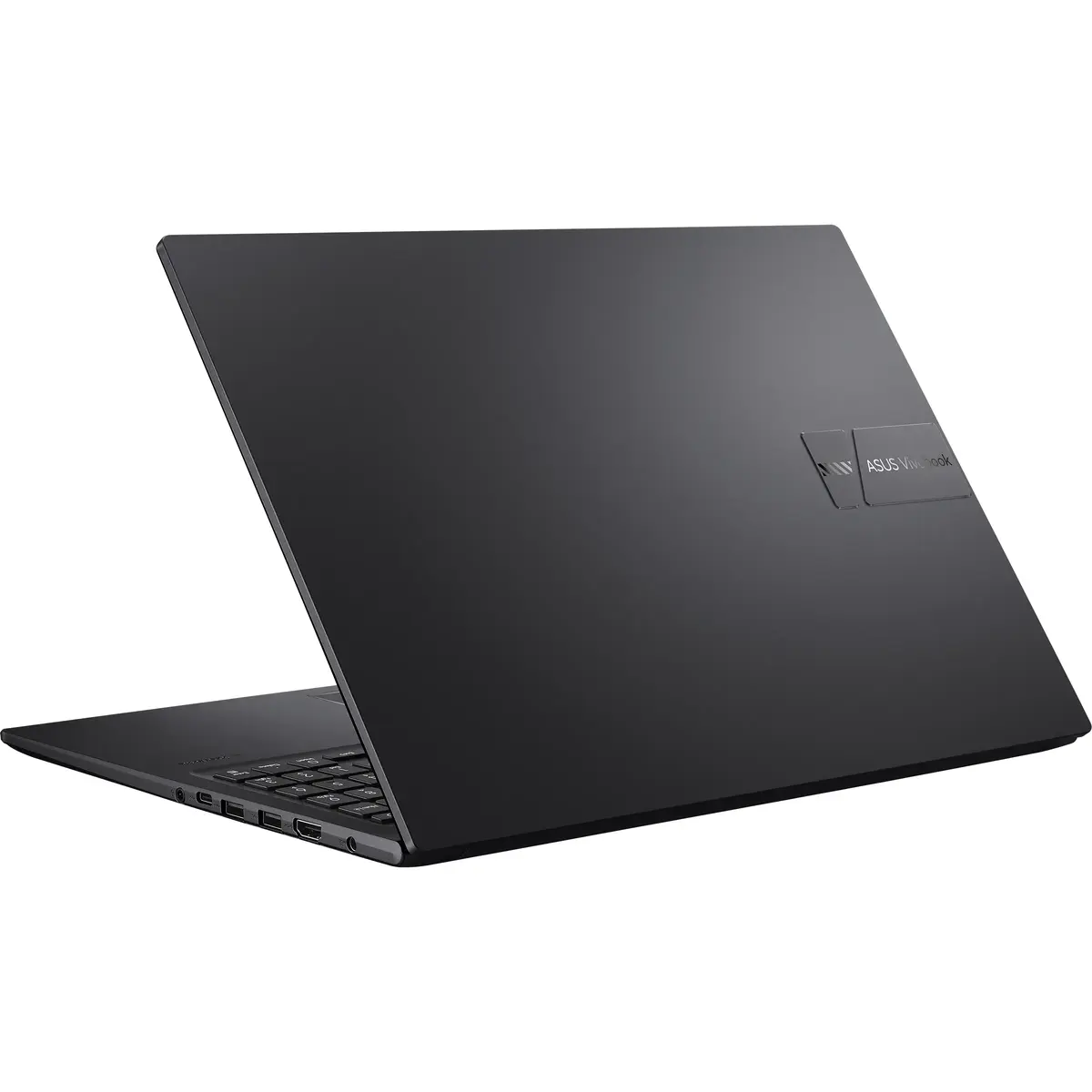
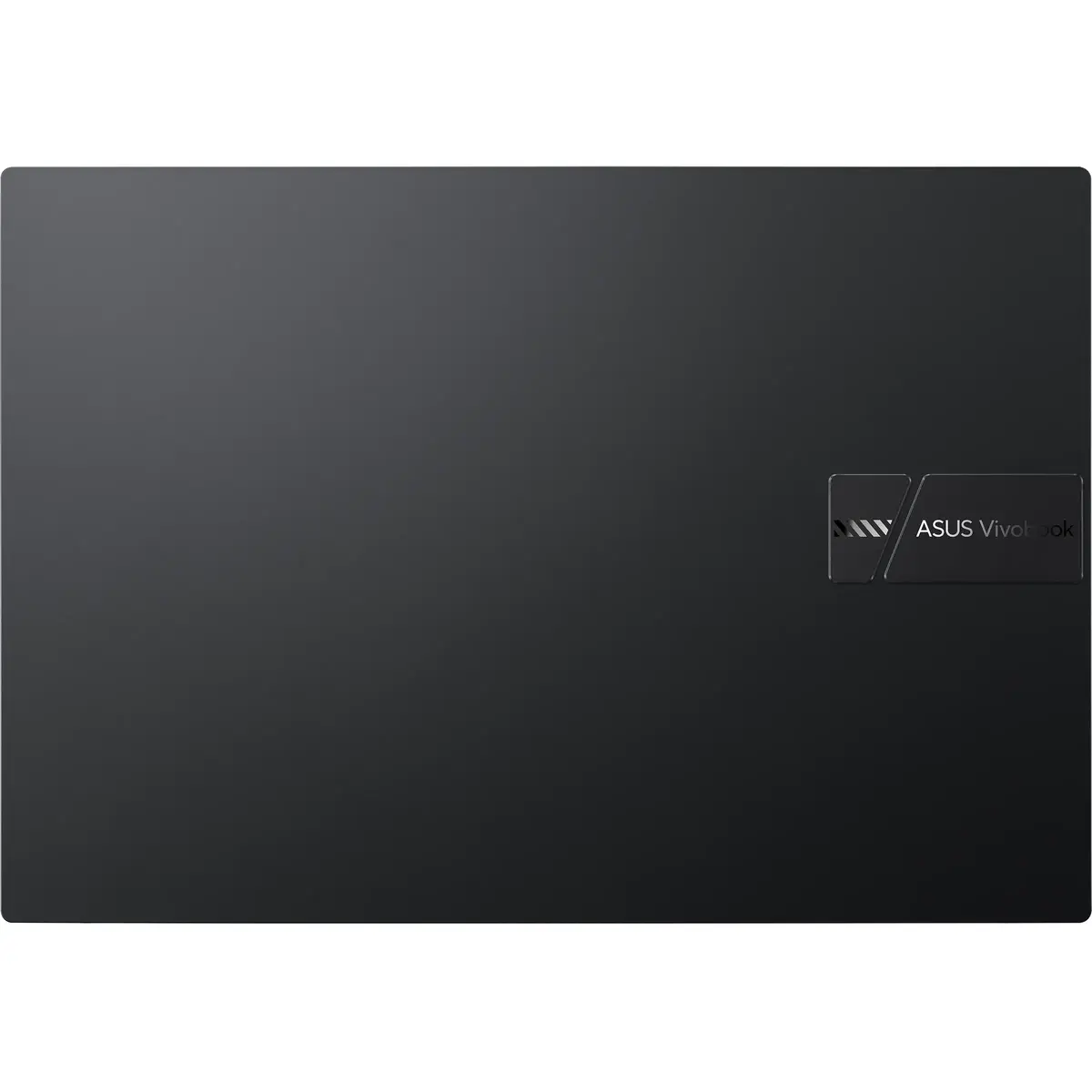
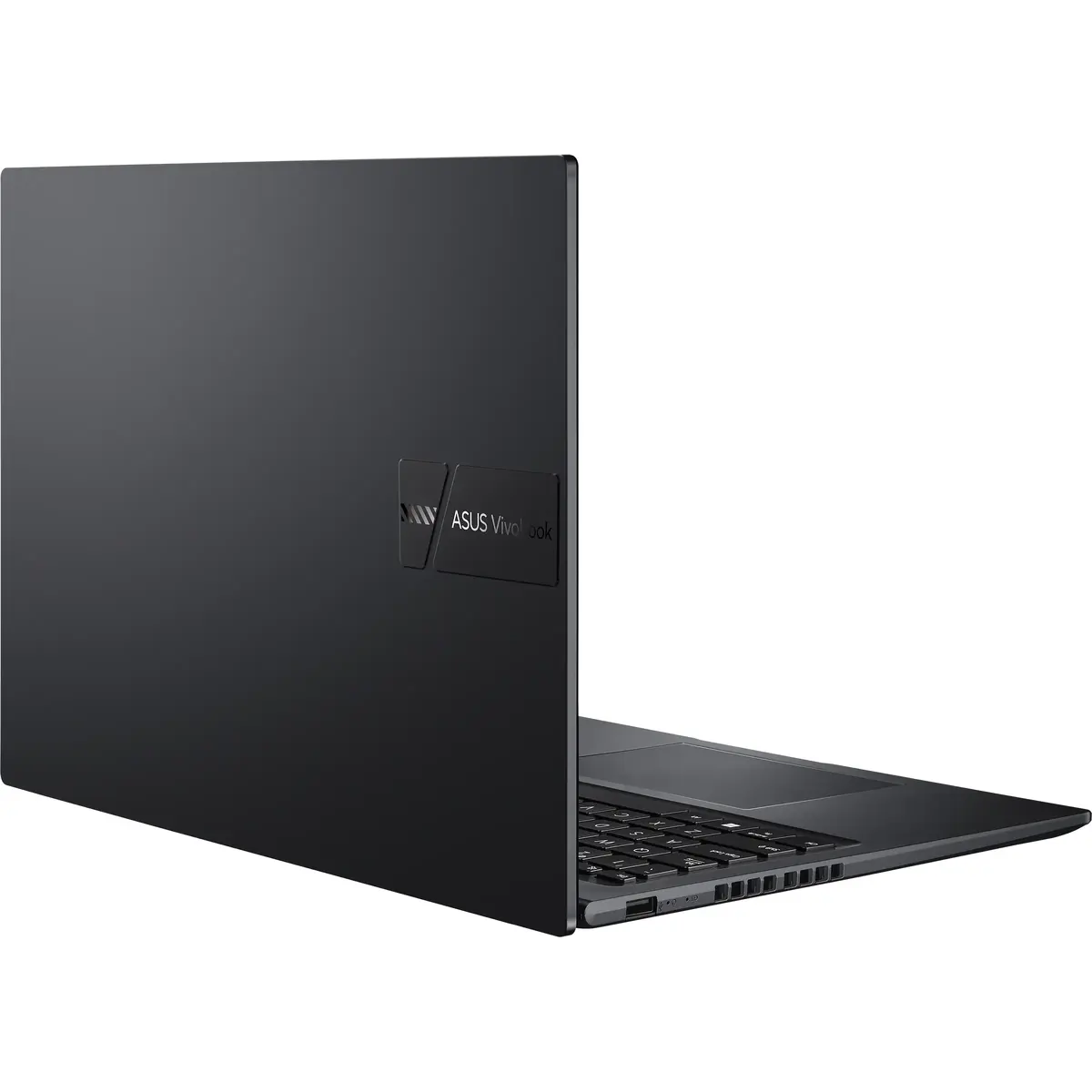
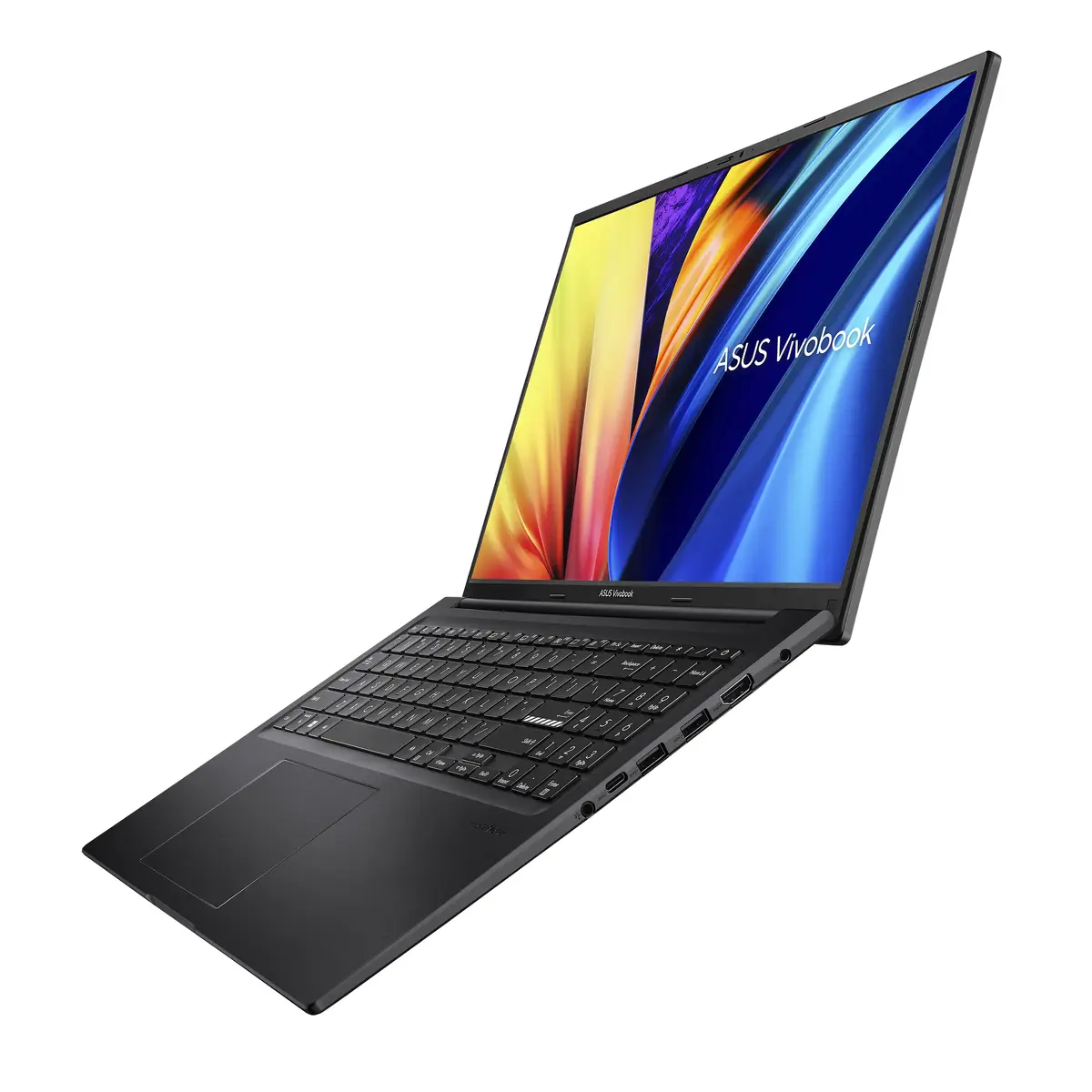
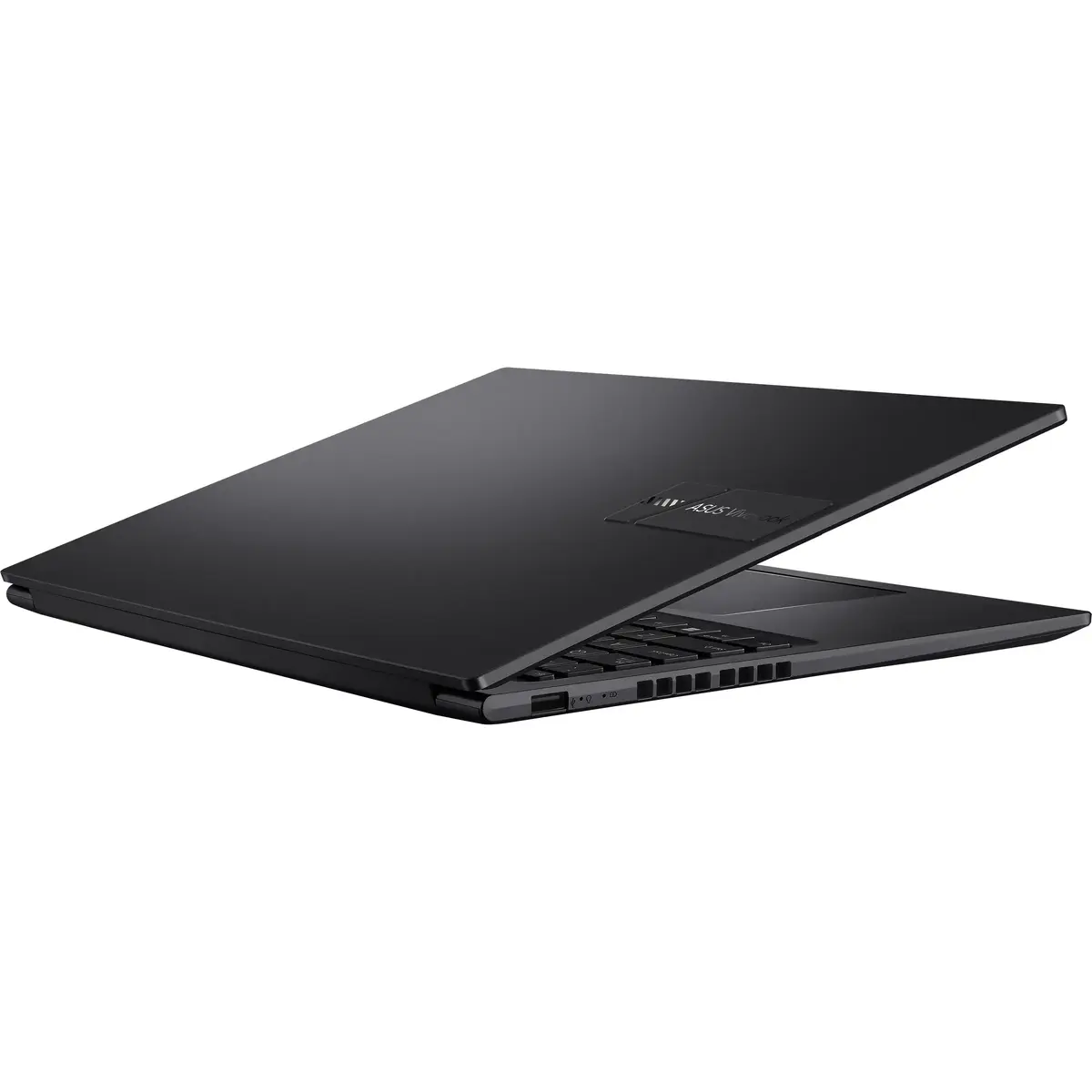
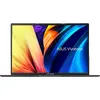
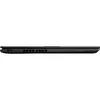
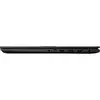
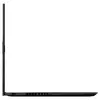
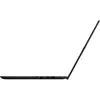
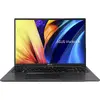
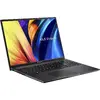
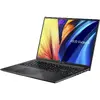
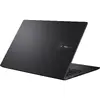
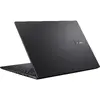
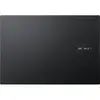
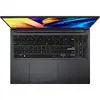
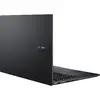
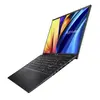
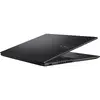
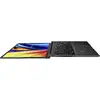
ASUS Vivobook 16 X1605VA-MB655W Laptop, Intel Core 7 150U, 16GB RAM, 1TB SSD, 16" WUXGA, Windows 11 Home, Black
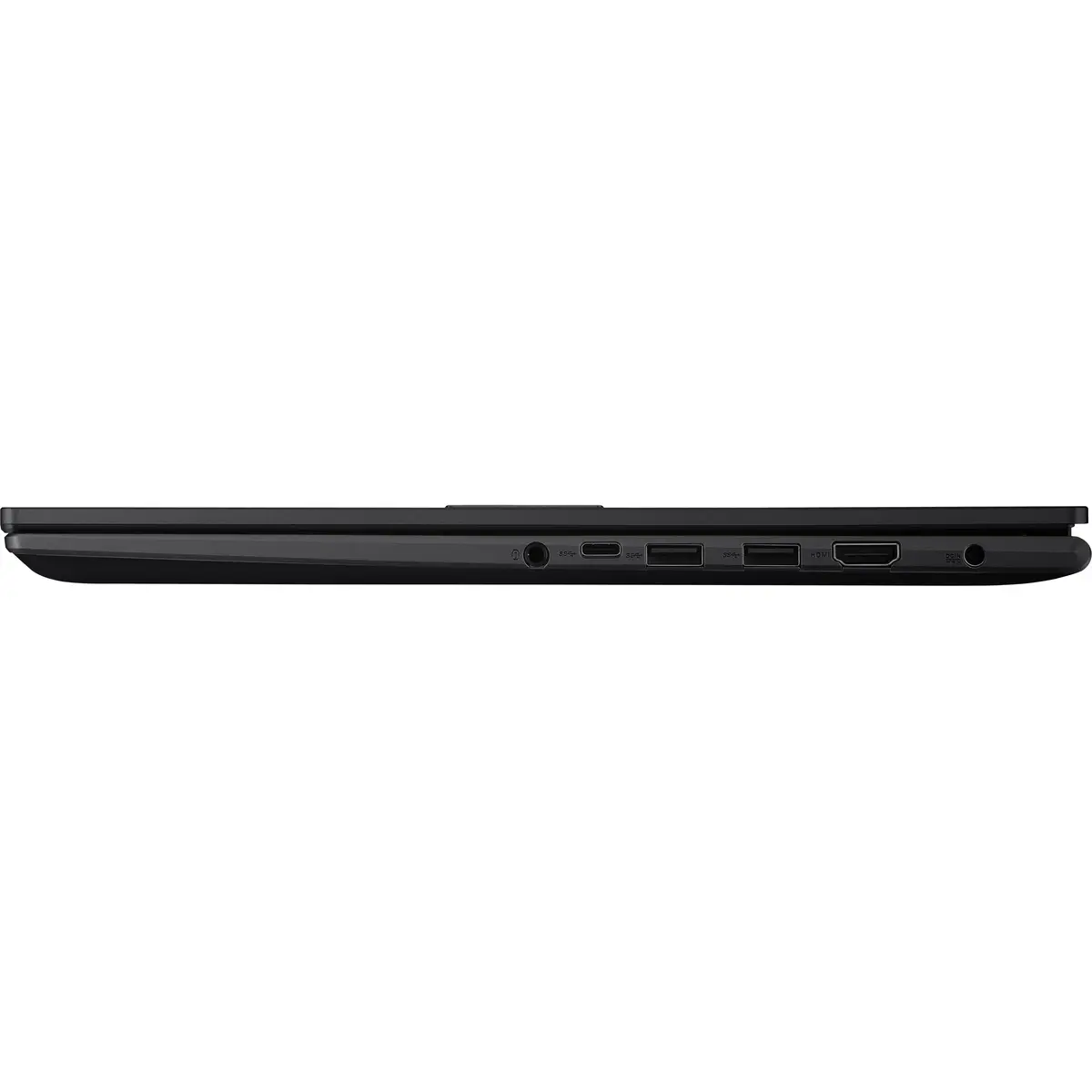
The ASUS Vivobook 16 X1605VA-MB655W is a versatile and high-performance laptop designed to handle daily computing tasks with ease. Featuring an Intel Core 7 150U processor and 16GB of RAM, this device offers reliable speed for multitasking, office applications, and media consumption. Its 16-inch WUXGA display provides a sharp and expansive viewing area, making it an excellent choice for both professional work and home entertainment. The sleek black chassis houses a spacious 1TB SSD, ensuring quick boot times and ample storage for all your files and software.
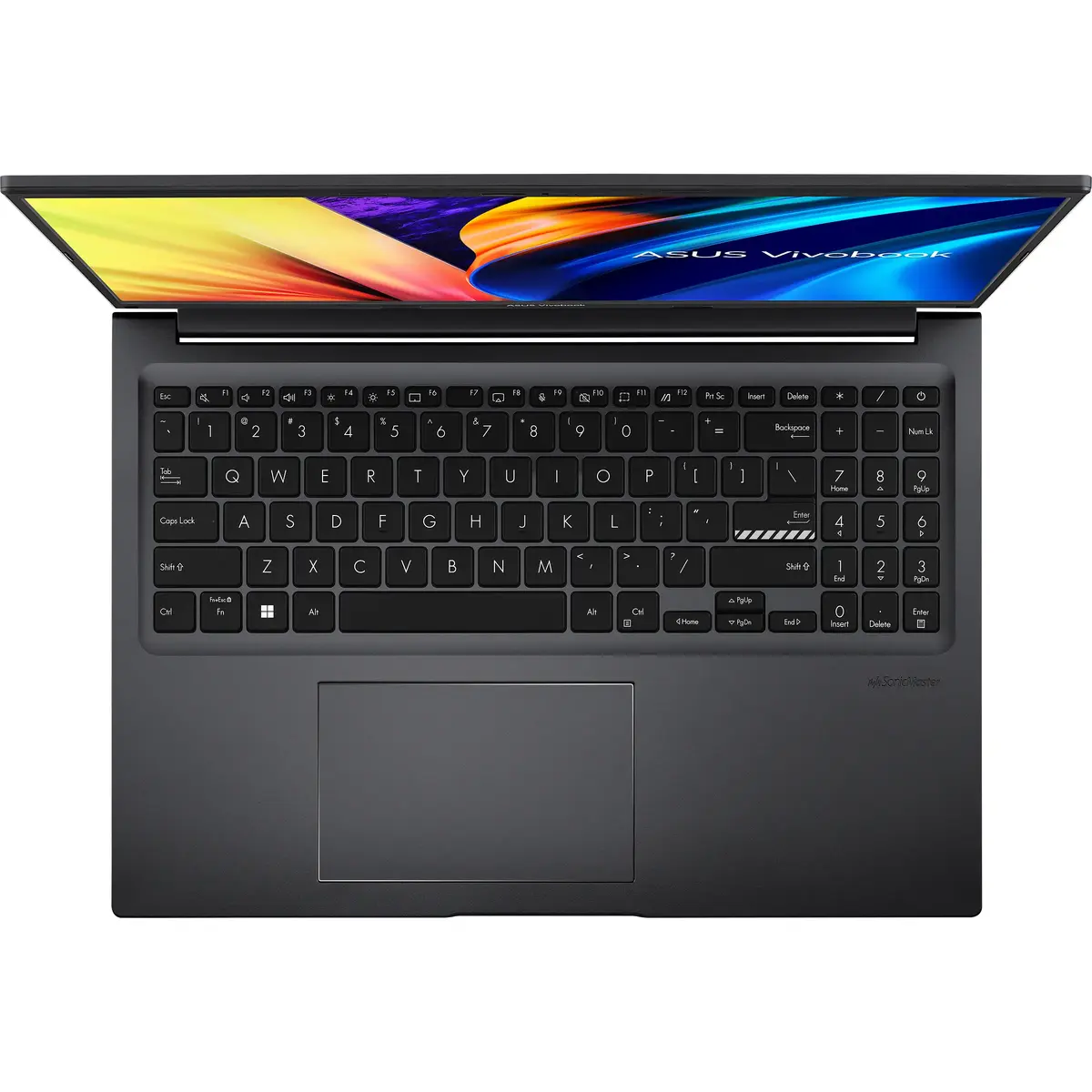
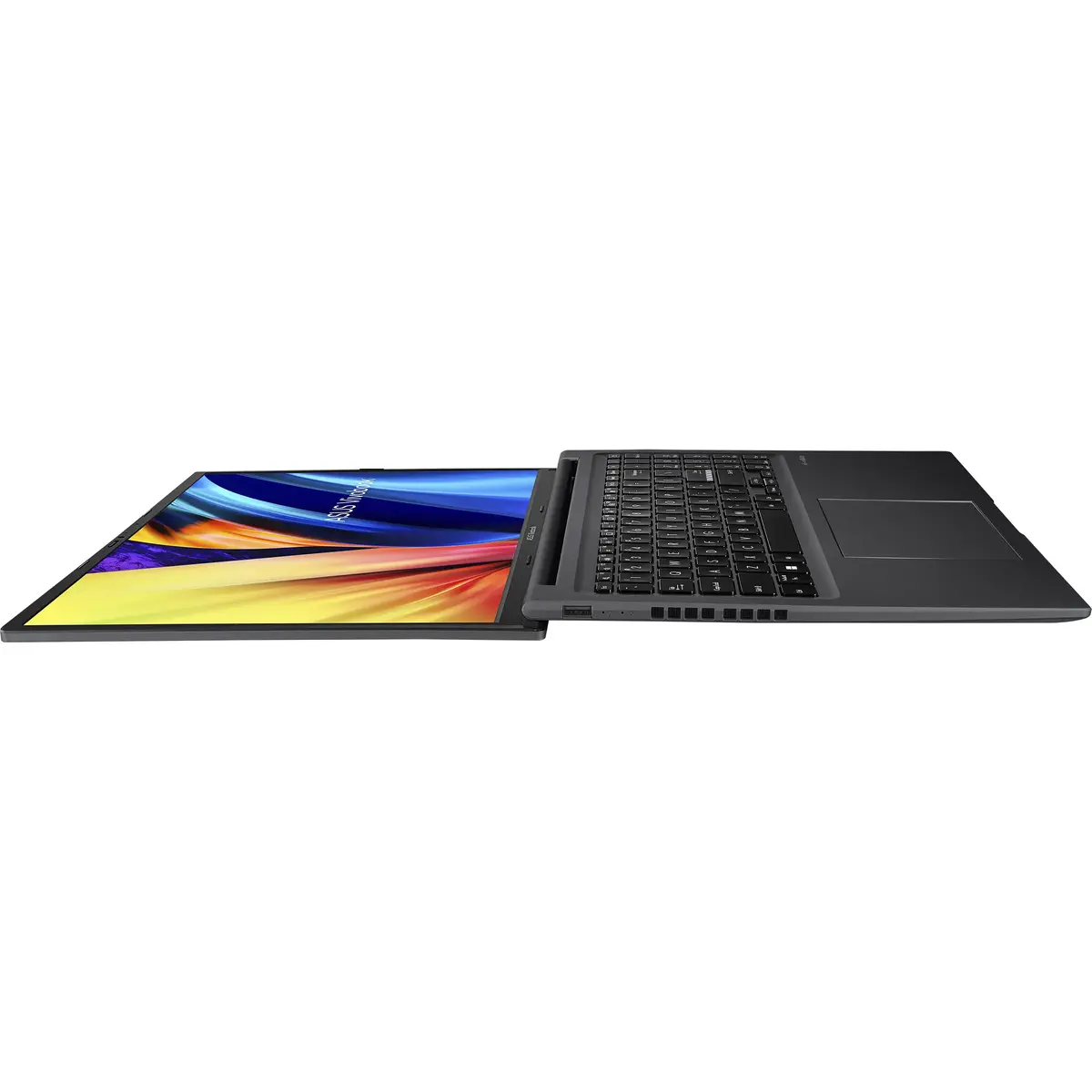
This laptop stands out due to its balanced combination of performance and user-centric design. The 16-inch display with a 16:10 aspect ratio offers more vertical screen space, which is ideal for document editing and web browsing. The inclusion of a 1TB SSD provides significant storage capacity, reducing the need for external drives. Furthermore, the device is built with practical features such as a 180-degree lay-flat hinge for flexible viewing angles and a physical webcam shield for enhanced privacy. The integration of Windows 11 Home ensures a modern, secure, and intuitive user experience right out of the box.
This laptop is not designed for high-end gaming or professional-grade video editing that requires a dedicated graphics card. Users looking for a lightweight device for frequent travel may find the 16-inch form factor less portable compared to smaller 13 or 14-inch ultrabooks.
To begin using your ASUS Vivobook 16, simply open the lid and press the power button. Follow the on-screen instructions provided by the Windows 11 setup wizard to configure your language, network settings, and user account. Once set up, you can utilize the dedicated function keys to manage your microphone and camera settings. The large touchpad supports multi-touch gestures, allowing for efficient navigation through your applications. Keep the device connected to a power source during initial updates to ensure a smooth setup process.
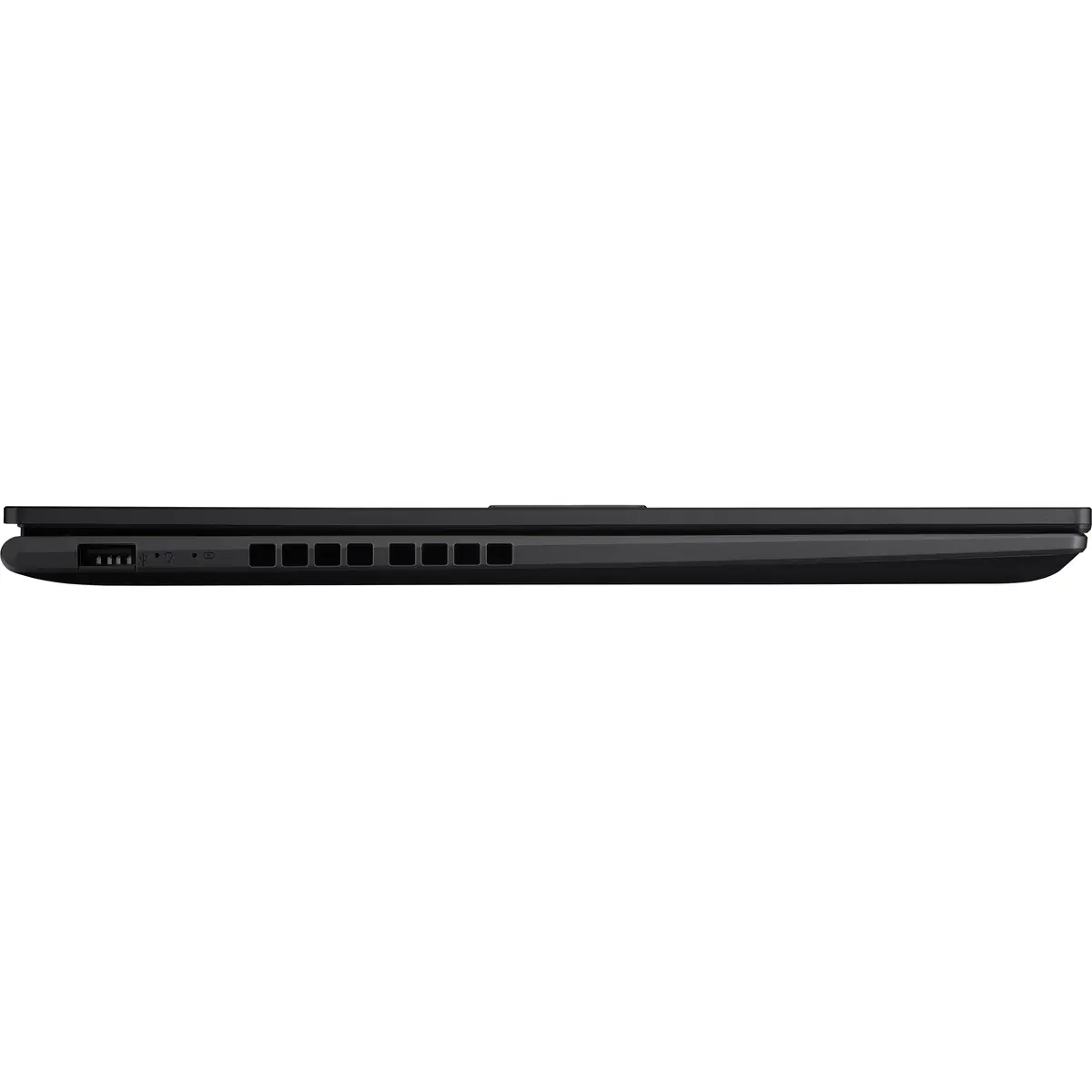
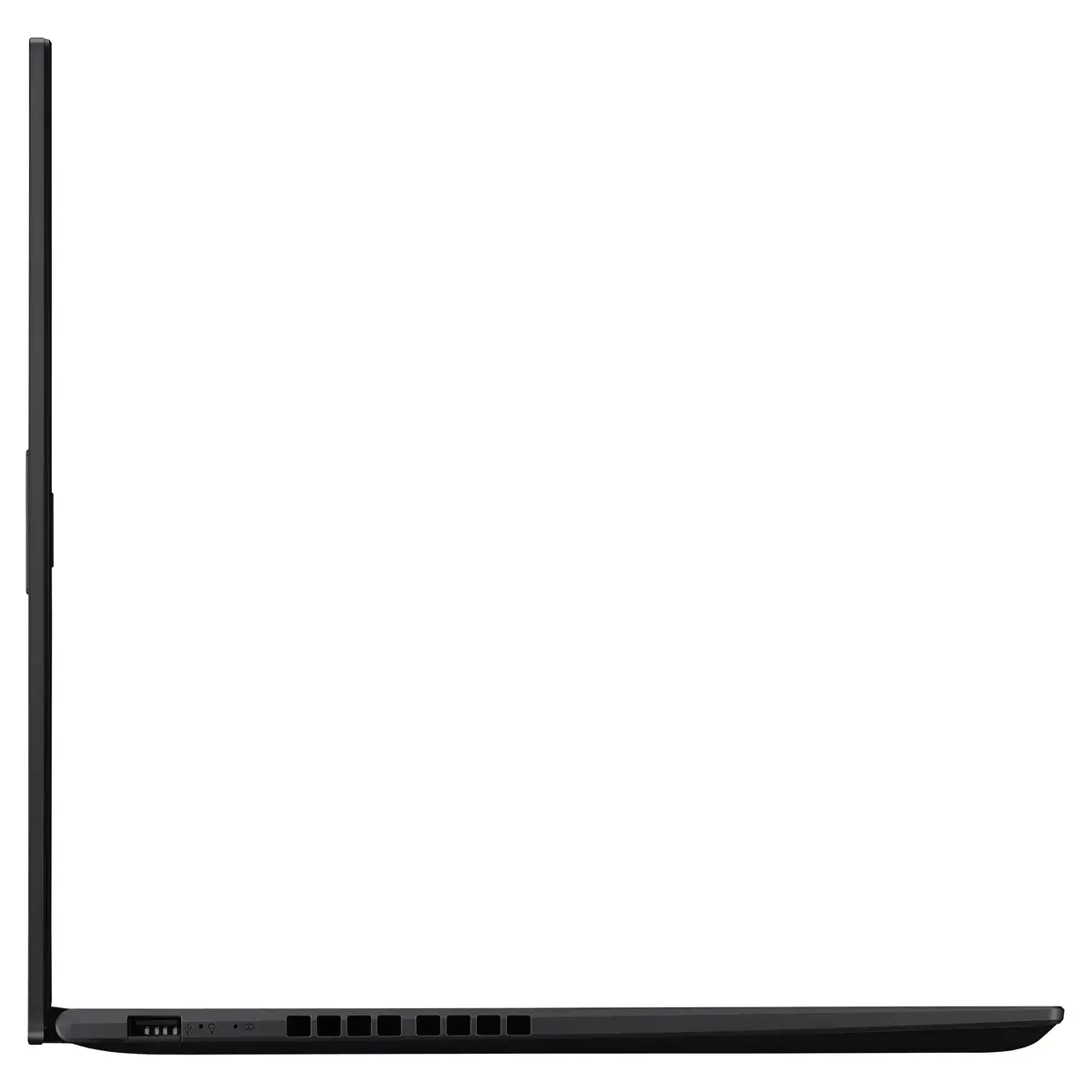
To maintain optimal performance, keep the laptop's air vents clear of obstructions during use. Regularly update your operating system and drivers through the official support channels to ensure security and stability. Using the physical webcam shield when the camera is not in use is recommended for added privacy.
{{highlightedFeature.featureTitle}}:
{{getProductFeatureValueById(product, highlightedFeature.featureId)}}
{{ productComparisonGenerationError }}
